web2app-spa
Version:
This template is primarily designed to easily convert HTML pages and URLs into a Capacitor/Cordova based iOS/Android app that can be used as Single-page application (SPA).
110 lines (70 loc) • 3.74 kB
Markdown
# WEB2APP SPA -
This template is primarily designed to easily convert HTML pages and URLs into a Capacitor/Cordova based iOS/Android app that can be used as Single-page application (SPA).
You can hire me to develop your mobile app with this template.
### LIVE PREVIEW:
https://bug7a.github.io/web2app/
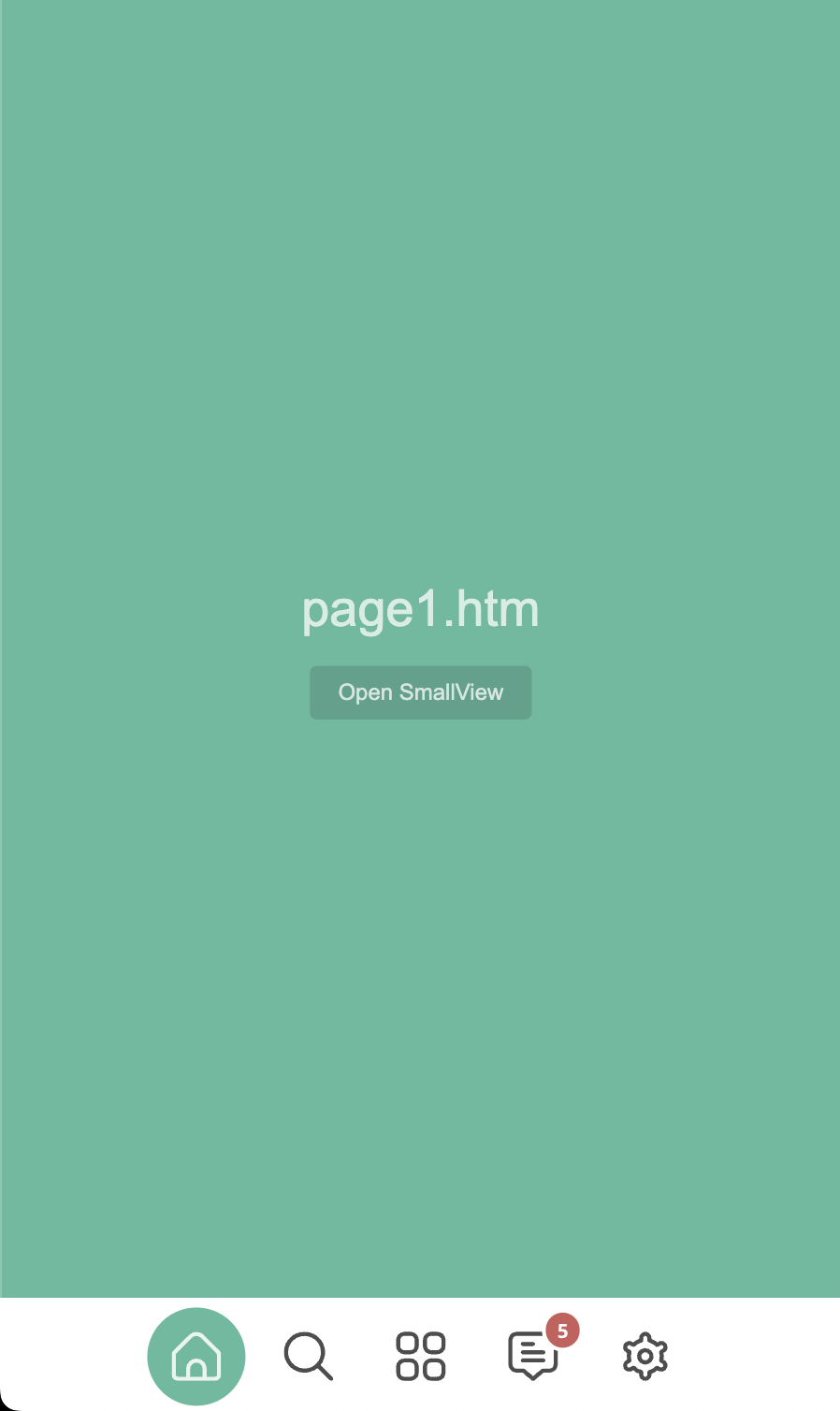
### SCREENSHOTS:
### HOW TO EDIT THIS TEMPLATE:
- Replace the html files and edit settings.js file with an IDE or text editor.
### HOW TO EDIT BOTTOM AND SIDE BARS:
- To edit bottom bar, use settings.getBottomBarItemDataList JSON in settings.js file.
- To edit top bar, use settings.getTopBarItemDataList JSON in settings.js file.
NOTE: If you dont want to use advanced pages, switch them to page2 -> page9, page4 -> page10 in settings.getBottomBarItemDataList JSON;
- To find more settings, check settings.js file.
### HOW TO EDIT PAGES:
- To edit page1, check page1.htm and js/page/page1.js files.
- To open page1, use settings.openPageById function in settings.js.
- Use pageX.js files to edit page-related settings. (page1.js, page3.js, page5.js vb.)
- To work with direct URL addresses, see page6 (js/page/page6.js) example.
NOTE: Use 600px (settings.USED_WIDTH) width or 100% for your pages.
- If you want to open a page from other page, use window.runAction in settings.js (Check examples: page1, page3, page5)
### ADVANCED EDITING:
- Expert programmers can do more customization (Check examples: page2, page4).
- For more documentation, check the following link:
https://bug7a.github.io/basic.js-handbook/
### HOW TO MAKE MOBILE APP (PLATFORMS; ANDROID, iOS)
This template, can be used to develop mobile applications with:
- Ionic/Capacitor Native Runtime (recommended) or
- Apache Cordova Framework.
### USAGE WITH IONIC / CAPACITOR NATIVE RUNTIME:
CREATE APP DOCUMENTS:
https://capacitorjs.com/docs/getting-started
TUTORIAL VIDEOS (on YouTube):
- How to make an Android and iOS application?
https://youtu.be/rx-z6-_FwU8
SETTINGS FOR CAPACITOR PROJECT:
- Set "bundledwebRuntime": true in "capacitor.config.json" file.
Then Capacitor will create a "capacitor.js" file.
- Set "launchAutoHide": true in "capacitor.config.json" file.
Then Capacitor will hide the splash screen automatically.
PLUGIN LIST:
https://capacitorjs.com/docs/apis
PLUGIN USAGE:
- Just add "Capacitor.Plugins." before plugin name.
NOTE: Because it doesn't work as a module.
EXAMPLE CODE:
const showConfirm = async () => {
const { value } = await Capacitor.Plugins.Dialog.confirm({
title: 'Confirm',
message: `Are you sure you'd like to press the red button?`,
});
console.log('Confirmed:', value);
};
showConfirm();
NOTE: Dont forget to install the Dialog plugin to test example code: npm install @capacitor/dialog
NOTE: Errors in javascript code; It can be followed via xcode or android studio.
### USAGE WITH CORDOVA FRAMEWORK:
CREATE APP DOCUMENTS:
https://cordova.apache.org/docs/en/latest/guide/cli/index.html
TUTORIAL VIDEOS:
- How to make an Android application? (Language: Turkish)
https://www.youtube.com/watch?v=B6x7yKhKZbY
- How to make an iOS application? (Language: Turkish)
https://www.youtube.com/watch?v=WZZwiI_5WQA
SETTINGS FOR YOUR CORDOVA PROJECT:
- Add these settings to your cordova project config.xml file:
<preference name="DisallowOverscroll" value="true" />
<preference name="Orientation" value="portrait" />
PLUGIN LIST:
https://cordova.apache.org/plugins/