vue3-object-inspector
Version:
Vue component used as an js/json object inspector/viewer
201 lines (146 loc) • 5.45 kB
Markdown
# vue3-object-inspector
Vue component used as an js/json object inspector/viewer, inspired by [vue-object-inspector](https://github.com/vikyd/vue-object-inspector) and [react-inspector](https://github.com/storybookjs/react-inspector) .
> Nodes will not be rendered if parent is collapsed.
## Online Playground
Online Playground:
https://codesandbox.io/s/vue-object-inspector-demo-gjs9h?file=/src/components/InspectorDemo.vue
https://codesandbox.io/s/vue-object-inspector-demo-dark-bouxd?file=/src/components/InspectorDemo.vue
## Examples
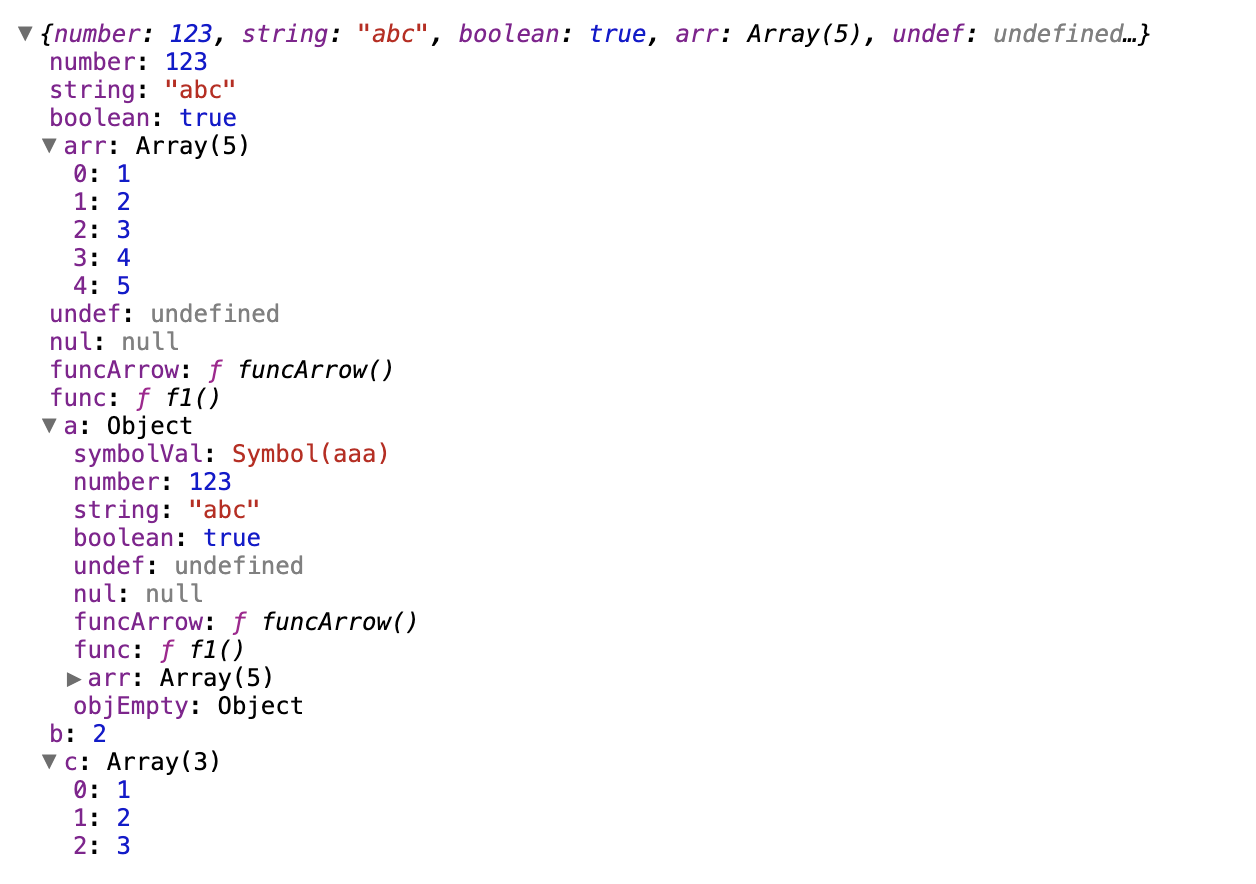
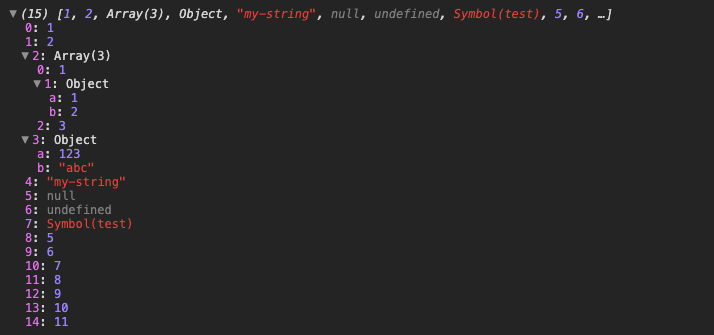
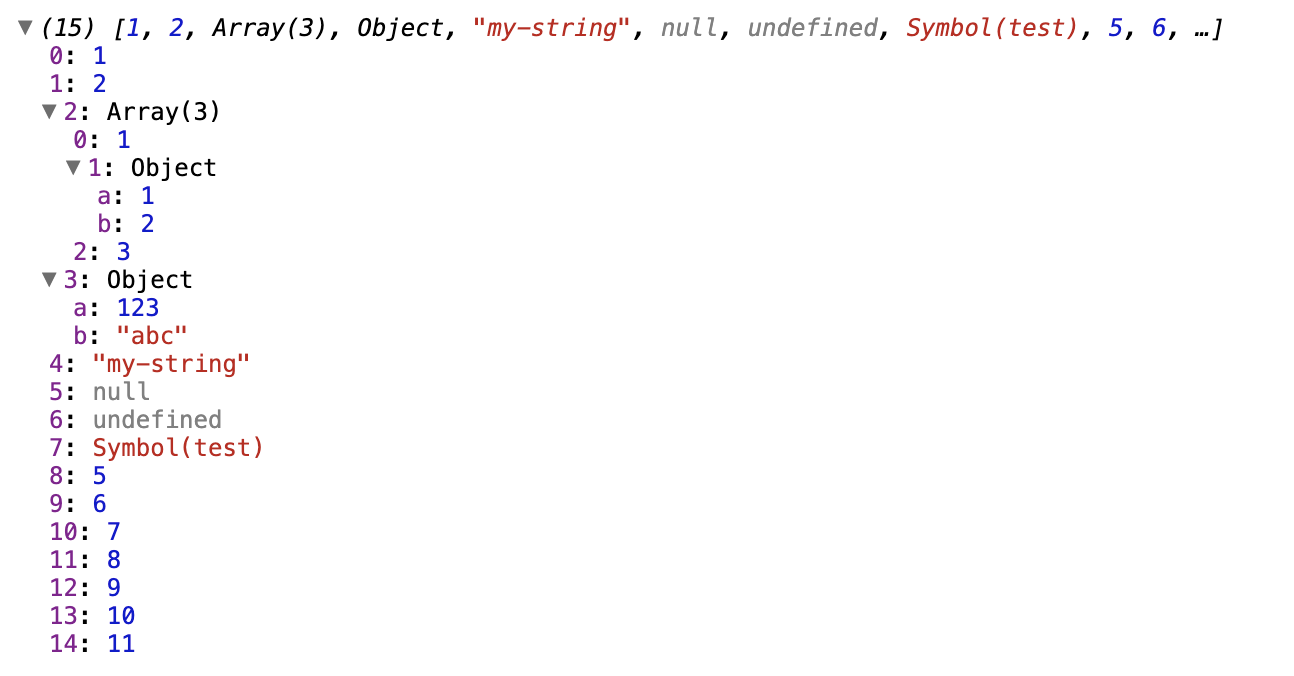
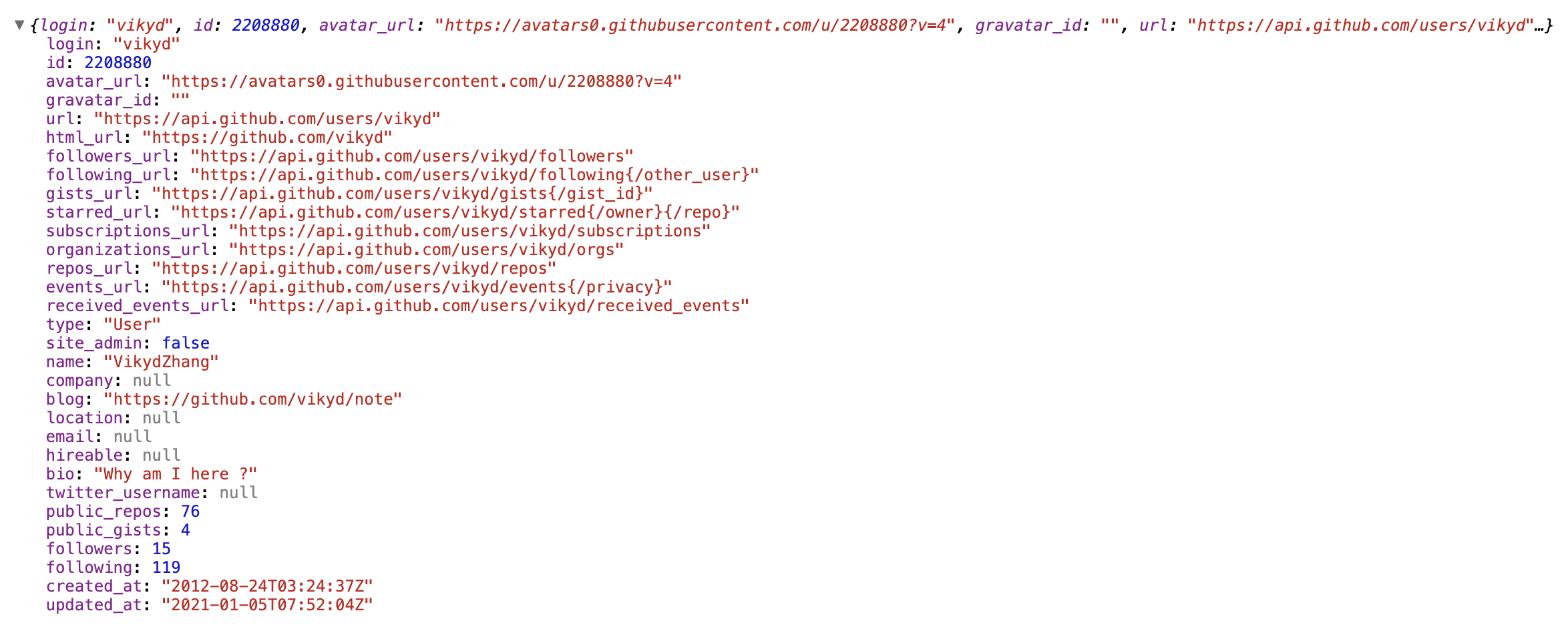
## Usage
```sh
npm install vue3-object-inspector
```
In Vue component:
```vue
<template>
<div>
<object-inspector :data="data" />
</div>
</template>
<script>
import ObjectInspector from 'vue3-object-inspector'
export default {
name: 'your-component',
components: {
ObjectInspector,
},
data() {
return {
data: {
a: 1,
b: 'abc',
c: [1, 2, 3],
d: { x1: 1, x2: 2 },
},
}
},
}
</script>
```
## Vue `props`
This component supports some Vue props, similar to [react-inspector](https://github.com/storybookjs/react-inspector/blob/v5.1.0/README.md#api) , just a bit different.
### `data`
- what: JavaScript Object or any var you would like to inspect
- type: any
- mandatory: true
### `name`
- what: root node prefix name
- type: String
- mandatory: false
### `expandLevel`
- what: an integer specifying to which level the tree should be initially expanded
- type: Integer
- mandatory: false
- default: `0`
### `expandPaths`
- what: an array containing all the paths that should be expanded when the component is initialized, or a string of just one path
- type: Array of String
- mandatory: false
- details: syntax like [JSONPath](https://goessner.net/articles/JsonPath/)
- default: `[]`
- examples:
- `['$']`: expand root node, `$` always refers to the root node
- `['$.myKey']`: expand to `myKey` node (will also expand all parent nodes)
- this is different from [react-inspector](https://github.com/storybookjs/react-inspector)
- `['$.myKey.myArr']`: expand to `myArr` node (will also expand all parent nodes)
- `['$.a', '$.b']`: expand first level nodes `a` and `b`
- `['$.1']`: expand by array index
- `['$.*']`: wildcard, expand all level 2 nodes, equivalent to `:expandLevel="2"`
- `['$.*.*']`: wildcard, expand all level 3 nodes, equivalent to `:expandLevel="3"`
### `expandPaths` vs `expandPaths`
Both are reactive.
In most case, don't use both at the same time.
One of them changes, only the changed one will take effect and ignore the other one.
If want to expand all level, change `expandLevel` to a very big number.
If want to collapse all level, change `expandLevel` to 0.
If already change expand by hand, change the `expandLevel` to a nagative number, then change it back in `$nextTick`.
### `showNonenumerable`
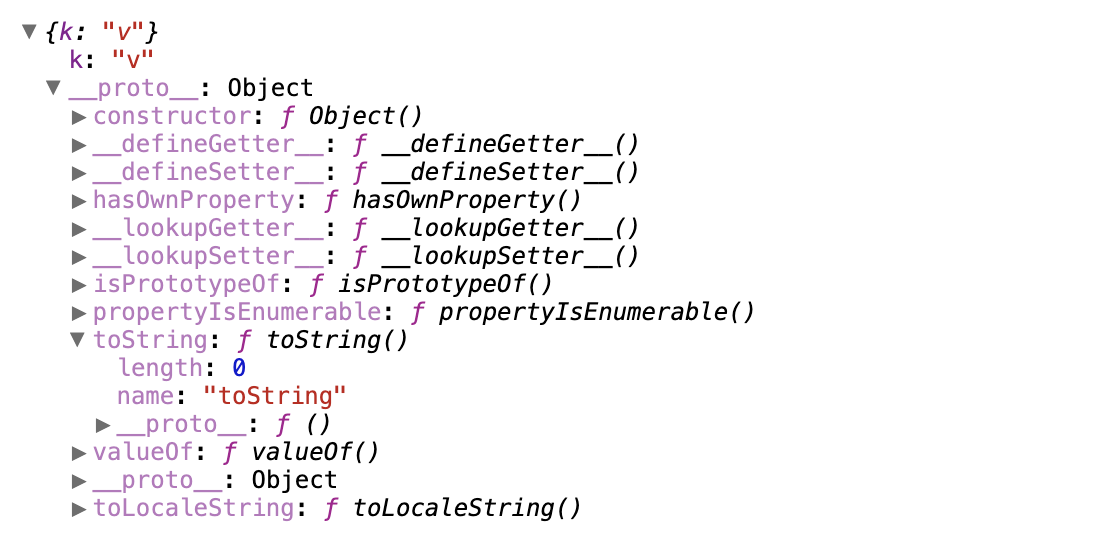
- what: show non-enumerable properties, like `__proto__`, `length`, `constructor` ...
- type: Boolean
- mandatory: false
- default: `false`
### `sortObjectKeys`
- what: sort object keys like [Array.sort()](https://developer.mozilla.org/en-US/docs/Web/JavaScript/Reference/Global_Objects/Array/sort)
- type: Boolean or Function
- mandatory: false
- default: no sort
- examples:
- `true`: keys of objects are sorted in alphabetical order except for arrays
- function in Vue component methods:
```js
reverseSortFunc(a, b) {
return b > a ? 1 : -1
}
```
### `nodeRenderer`
- what: use a custom `nodeRenderer` to render the object properties
- type: Function, should return [JSX](https://cn.vuejs.org/v2/guide/render-function.html#ad) elements
- function parameters: `depth`, `name`, `data`, `isNonenumerable`
- `isNonenumerable` refers to default hidden properties like `__proto__`, `length` ...
- mandatory: false
- default: a default `nodeRenderer`
- examples:
- function in Vue component methods:
```js
myNodeRenderer(depth, name, data, isNonenumerable) {
return (
<button>
{name}: {data}
</button>
)
}
```
### `objectMaxProperties`
- what: max count object properties should be list in preview label
- type: Interger
- mandatory: false
- default: `5`
### `arrayMaxProperties`
- what: max count array properties should be list in preview label
- type: Interger
- mandatory: false
- default: `10`
### `theme`
- what: use light or dark theme
- type: String
- mandatory: false
- default: light theme, keep this prop empty
- dark theme value: `chromeDark`
## Development
Local preview page is [example/App.vue](example/App.vue) .
```sh
# Install dependencies
npm install
# Compiles and hot-reloads for development
npm run serve
# Compiles and minifies for production
npm run build
```
## Thanks
- [vue-object-inspector](https://github.com/vikyd/vue-object-inspector)
- [react-inspector](https://github.com/storybookjs/react-inspector)