vue-roller
Version:
Fluid and smooth rolling animation for Vue.js
97 lines (64 loc) • 1.95 kB
Markdown

[](https://www.npmjs.com/package/vue-roller)
[](https://www.npmjs.com/package/vue-roller)
# vue-roller
Fluid and smooth rolling animation for Vue.js
# Demo
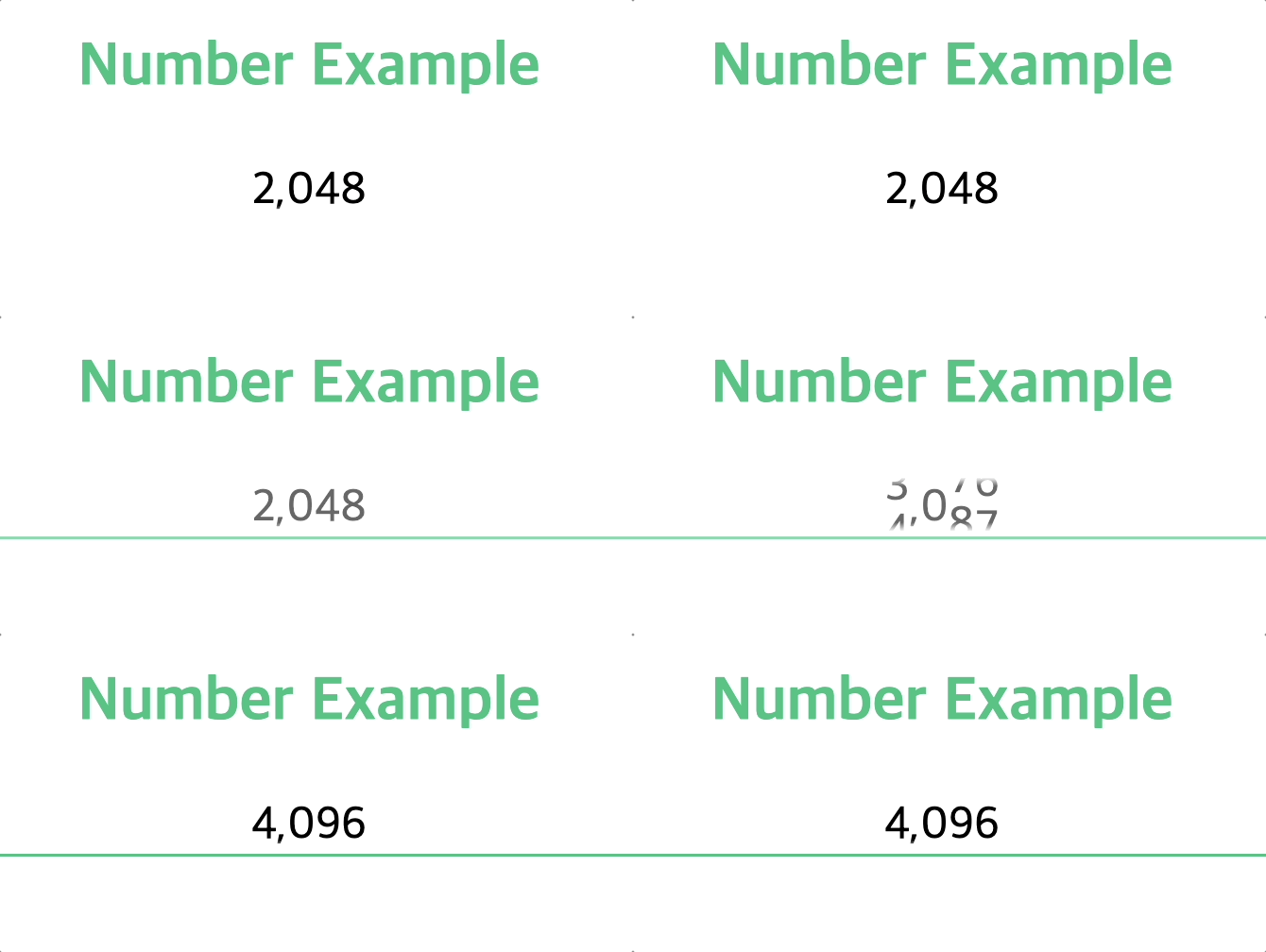
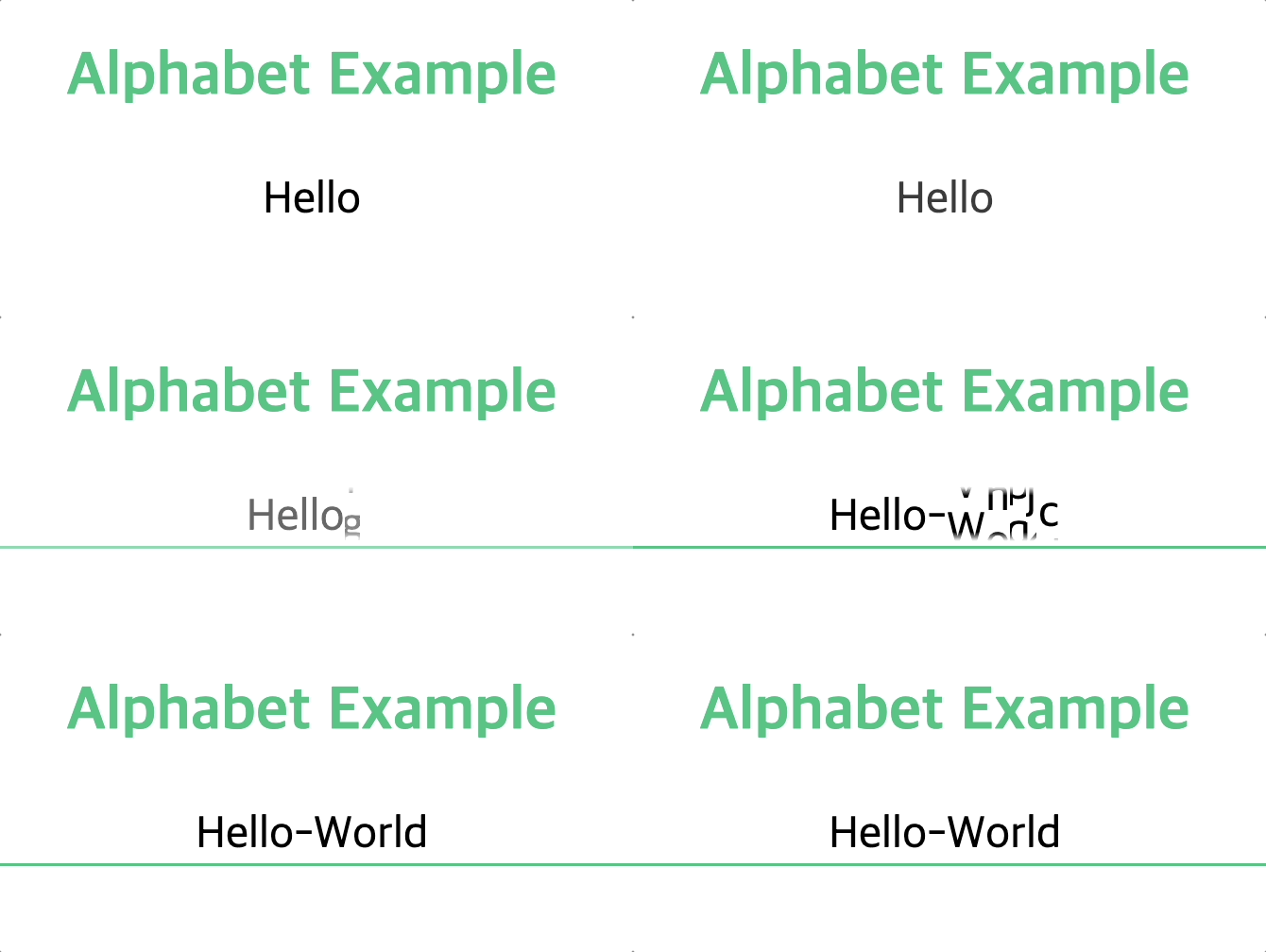
Try out [here](http://andy-0414.github.io/vue-roller) with your own text!
# Getting Started
[Vue2 (legacy)](https://github.com/Andy-0414/vue-roller/blob/master/README.vue2.md)
```
npm i vue-roller@1.12.7
```
Vue3 (recommended)
```
npm i vue-roller
```
setup script
```ts
<script setup lang="ts">
import { Roller } from "vue-roller";
import "vue-roller/dist/style.css";
</script>
```
OR
src/main.ts (plugin)
```ts
import VueRoller from "vue-roller";
import "vue-roller/dist/style.css";
createApp(App).use(VueRoller)
```
# Options
## value (Required)
```html
<Roller value="1234"></Roller>
```
Displays text.
## default-value
```html
<Roller default-value="1111"></Roller>
```
Sets the text to display when the page is first loaded (before the animation actually starts).
Must be included in char-set.
`""` by default.
## duration
```html
<Roller :duration="1000"></Roller>
```
Sets the time for the animation to complete in millisecond(ms). `500` by default.
## char-set
```html
<Roller :char-set="number"></Roller>
<Roller :char-set="alphabet"></Roller>
<Roller :char-set="['😀', '😃', '😄']"></Roller>
```
Sets the list of characters used for the animation.
Preset: `number`, `alphabet`
Default: `number`
## Event: animation-end
```html
<Roller @animation-end="event"></Roller>
```
Call the event at the end of the animation.