vue-glitched-writer
Version:
Vue.js Single File Component. Wrapper for Glitched Writer: text-writing js module.
231 lines (171 loc) • 5.64 kB
Markdown
# Glitched Writer Vue Component
[](https://www.npmjs.com/package/vue-glitched-writer) [](https://www.npmjs.com/package/vue-glitched-writer) [](https://www.npmjs.com/package/vue-glitched-writer)
[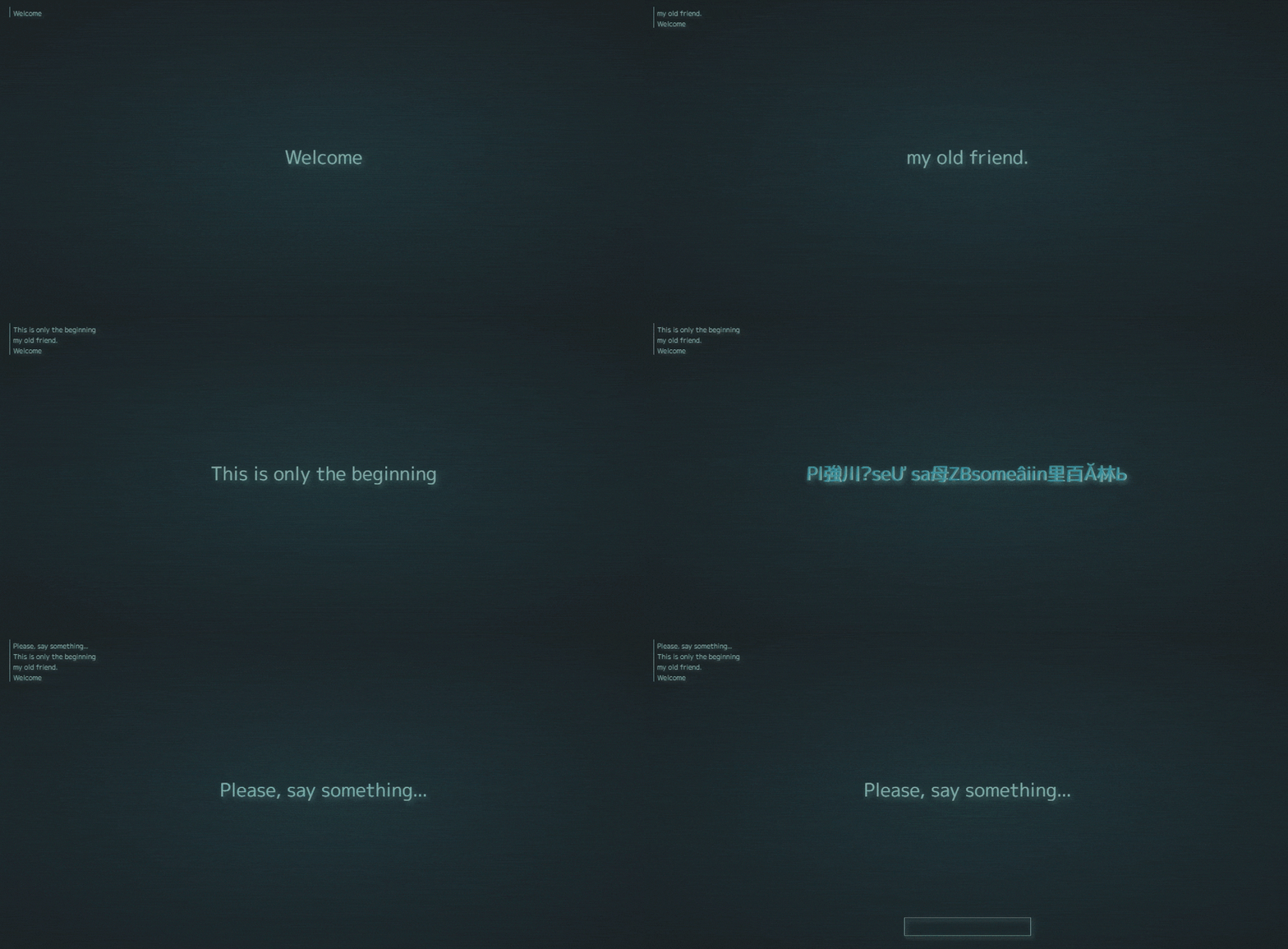](https://glitched-writer.site)
### What is [Glitched Writer](https://glitched-writer.site):
> **A lightweight npm module for writing text to HTML elements. Highly customizable settings. Decoding, decrypting, scrambling, and simply spelling out text.**
### Vue component
> This is a **Vue.js Single File Component**, serving as a wrapper for [**Glitched Writer**](https://www.npmjs.com/package/glitched-writer) to simplify it's usage in Vue.
---
### >>> [PLAYGROUND](https://glitched-writer.site) <<< | >>> [EXAMPLES](https://codepen.io/collection/XWVEEa) <<< | >>> [VUE DEMO](https://codepen.io/thetarnav/pen/ExWgYer) <<< | >>> [JS Module](https://www.npmjs.com/package/glitched-writer) <<<
---
## Installation
Download and install with npm.
Works for both **Vue 2** and **Vue 3**!
```bash
npm i vue-glitched-writer
```
Import inside the script tag.
```js
import GlitchedWriter from 'vue-glitched-writer'
```
Or use [Skypack](https://www.skypack.dev/view/vue-glitched-writer) to import without installing the package.
```js
import GlitchedWriter from 'https://cdn.skypack.dev/vue-glitched-writer'
```
## Usage:
### Declare component
```html
<script>
export default {
components: {
GlitchedWriter,
},
}
</script>
```
### Animate text instantly after load
Will animate blank -> passed text property
```html
<glitched-writer text="Your Content" appear />
```
### Write text dynamically
Animate each time the txt prop changes.
_Previous text -> new text_
```html
<glitched-writer :text="text" />
```
### Queue Writing
If you want to write texts for prepared array, then you can pass that array to as `text` and glitched writer will turn it into a working queue.
```js
data() {
return {
phrases: [
'Hello and Welcome',
'What is this?!',
'It appears i\'m in some queue...',
]
}
}
```
```html
<glitched-writer :text="phrases" />
<!-- add prop "queue" to controll the queue -->
<glitched-writer
:text="phrases"
:queue="{
interval: 1200, // [ms]
loop: true
// false -> stop (default)
// true -> continue looping
// Function -> stop and fire the function.
// Number -> wait number ms and continue looping
}"
/>
```
### Using Presets
[List of available presets](https://github.com/thetarnav/glitched-writer#presets).
```html
<glitched-writer text="Your Text" preset="zalgo" />
<!-- Passing options prop will extend the preset -->
<glitched-writer text="Your Text" preset="zalgo" :options="{ html: true }" />
```
### Custom Options
See [Glitched Writer's Option List](https://github.com/thetarnav/glitched-writer#customizing-behavior).
#### **Passing options object to component.**
```js
{
data() {
return {
text: 'Your Text',
options: {
html: true,
letterize: true,
steps: [0, 10],
delay: [500, 2000],
glyphs: 'QWERTYUIOPASDFGHJKLZXCVBNM!@#$%^&*()1234567890'
},
}
},
}
```
```html
<glitched-writer :text="text" :options="options" />
```
#### **Changing options later**
When changing options object (passed to the component), you need to remember to reassign the object property, instead of modifying it.
```js
{
methods: {
changeOptions(){
// RIGHT
this.options = {
steps: [2, 15],
html: false,
...this.options
}
// WRONG: this.options.steps = [2, 15]
}
}
}
```
### Pausing the animation
The "pause" boolean property is responsible for programatic pausing.
Simply set "pause" property to true if you want the animation to stop.
```js
data() {
return {
pause: true
}
}
```
```html
<glitched-writer :text="text" :pause="pause" />
```
### Component Events
Glitched Writer emits 3 events:
- **start** - when writer starts writing
- **step** - on every step of writing process
- **finish** - when writer finishes writing
```html
<glitched-writer @start="method" @step="callback" @finish="callback" />
```
```ts
{
methods: {
callback(text, data){
console.log(text, data.options)
}
}
}
// WriterDataResponse: {
// string: string
// writer: GlitchedWriter
// options: Options
// state: State
// status?: 'ERROR' | 'SUCCESS'
// message?: string
// error?: any
// }
```
### Accessing GlitchedWriter Instance
If you want to do something custom with the component, you can use GlitchedWriter class instance attached to the html element.
```html
<glitched-writer :text="text" ref="el" />
```
```js
mounted(){
console.log(this.$refs.el.$writer)
}
```
## More Information
> If you are curious about further customization of animation effect and behavior, then please visit the original [Glitched Writer Readme](https://github.com/thetarnav/glitched-writer#table-of-contents). There you'll find description of every option and some use cases.