vue-element-utils
Version:
custom directive utils for element-ui
223 lines (187 loc) • 5.44 kB
Markdown
# vue-element-utils
> vue 使用 element-ui 项目的一些工具方法、拓展自定义指令等
Custom Directives
对 element-ui 的一些组件做的拓展自定义指令工具
使用`yarn`包管理
提供指令:
- `v-select-scroll`: Select 组件监听滚动,以便做懒加载
- `v-dialog-drag`: Dialog 组件拖拽任意位置
- `v-dialog-drag-width`: Dialog 组件拖拽宽度
- `v-clipboard`: 剪切板指令,类似 `复制`、`Ctrl + C`等复制文本至剪切板
提供原型方法:
- `$clipboard()`: 剪切板方法,类似 `复制`、`Ctrl + C`等复制文本至剪切板
## How to use
```sh
yarn add vue-element-utils
npm install vue-element-utils
```
入口文件引入:
```js
import elementUtils from 'vue-element-utils'
Vue.use(elementUtils);
```
### v-select-scroll
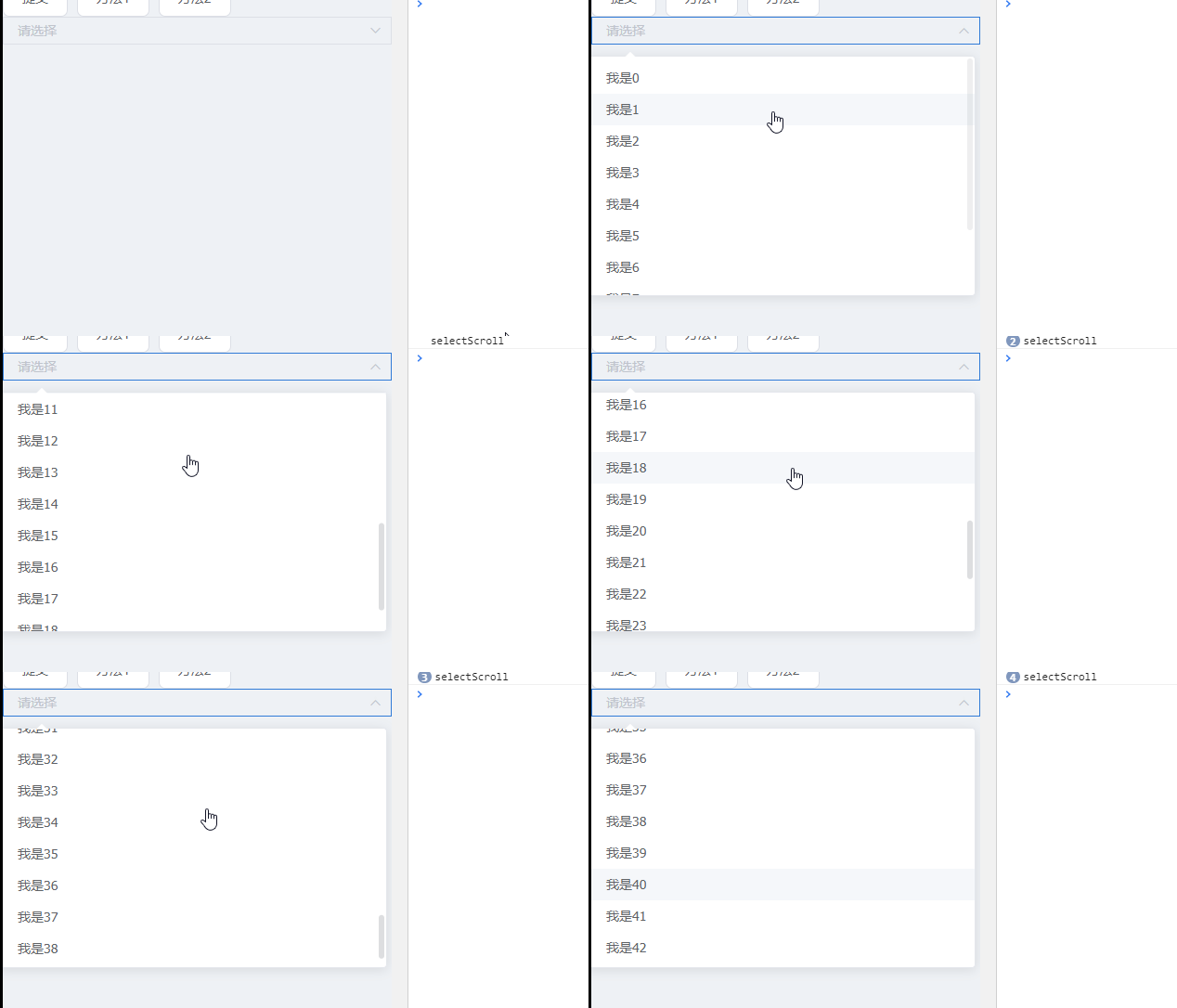
```vue
<template>
<el-select v-model="value" placeholder="请选择" v-el-select-scroll="selectScroll">
<el-option
v-for="item in options"
:key="item.value"
:label="item.label"
:value="item.value"
>
</el-option>
</el-select>
</template>
<script>
function createOptions(len, start = 0) {
return Array(len)
.fill(0)
.map((_, index) => ({
value: `选项${start + index}`,
label: `我是${start + index}`
}));
}
export default {
data() {
return {
options: createOptions(10),
value: '',
pageIndex: 0,
};
},
mounted() {
this.options = createOptions(10);
},
methods: {
selectScroll() {
console.log('selectScroll');
// Select 滚动到底部 执行该方法
// 这里可以做一些懒加载之类的事情,eg:
this.pageIndex++;
this.options.push(...createOptions(10, 10 * this.pageIndex));
},
}
};
</script>
```
## v-dialog-drag
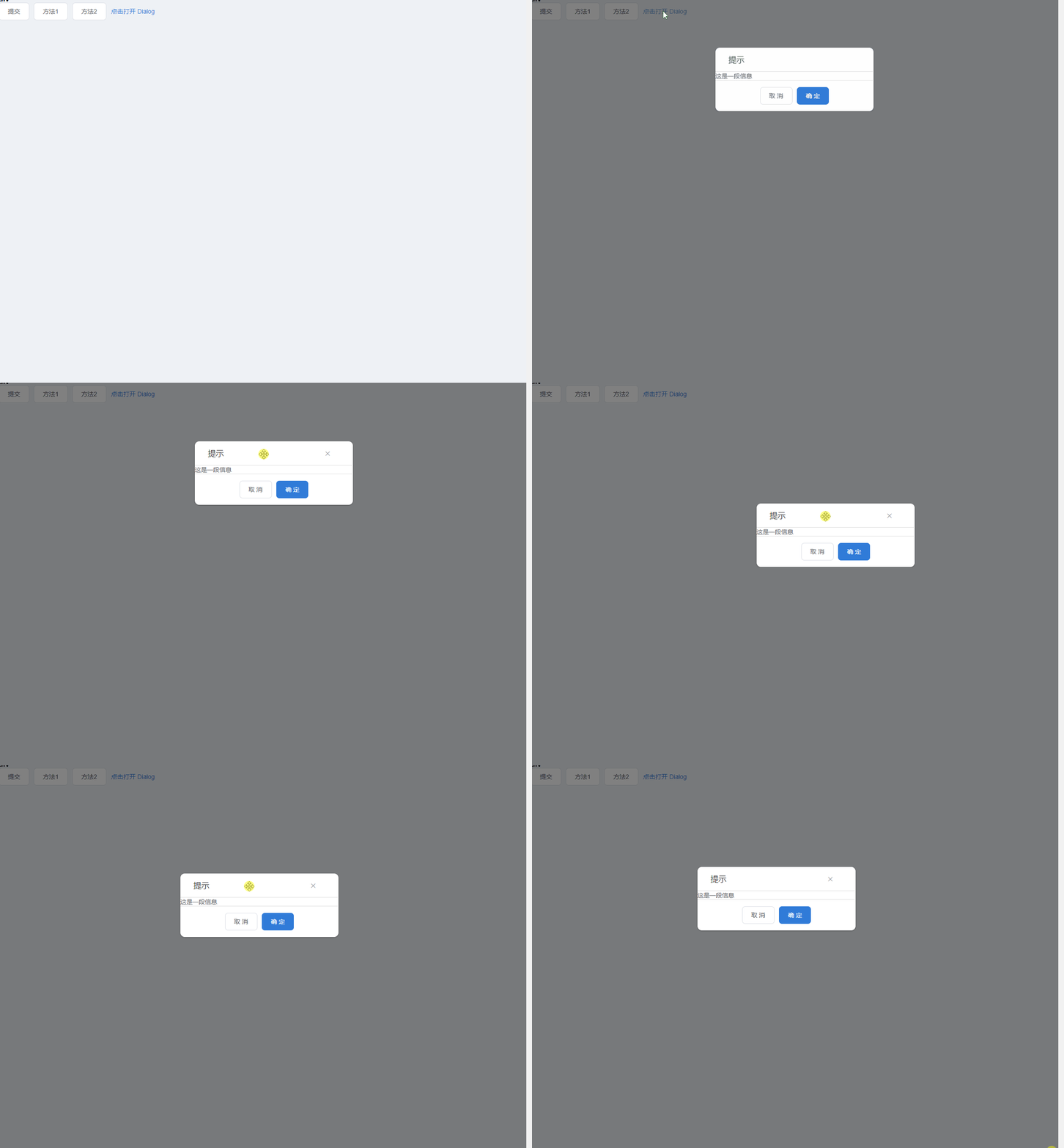
```vue
<template>
<section>
<el-button type="text" @click="dialogVisible = true">点击打开 Dialog</el-button>
<el-dialog
title="提示"
:visible.sync="dialogVisible"
width="30%"
:close-on-click-modal="false"
v-el-dialog-drag
>
<span>这是一段信息</span>
<span slot="footer" class="dialog-footer">
<el-button @click="dialogVisible = false">取 消</el-button>
<el-button type="primary" @click="dialogVisible = false">确 定</el-button>
</span>
</el-dialog>
</section>
</template>
<script>
export default {
data() {
return {
dialogVisible: false
};
}
};
</script>
```
## v-dialog-drag-width
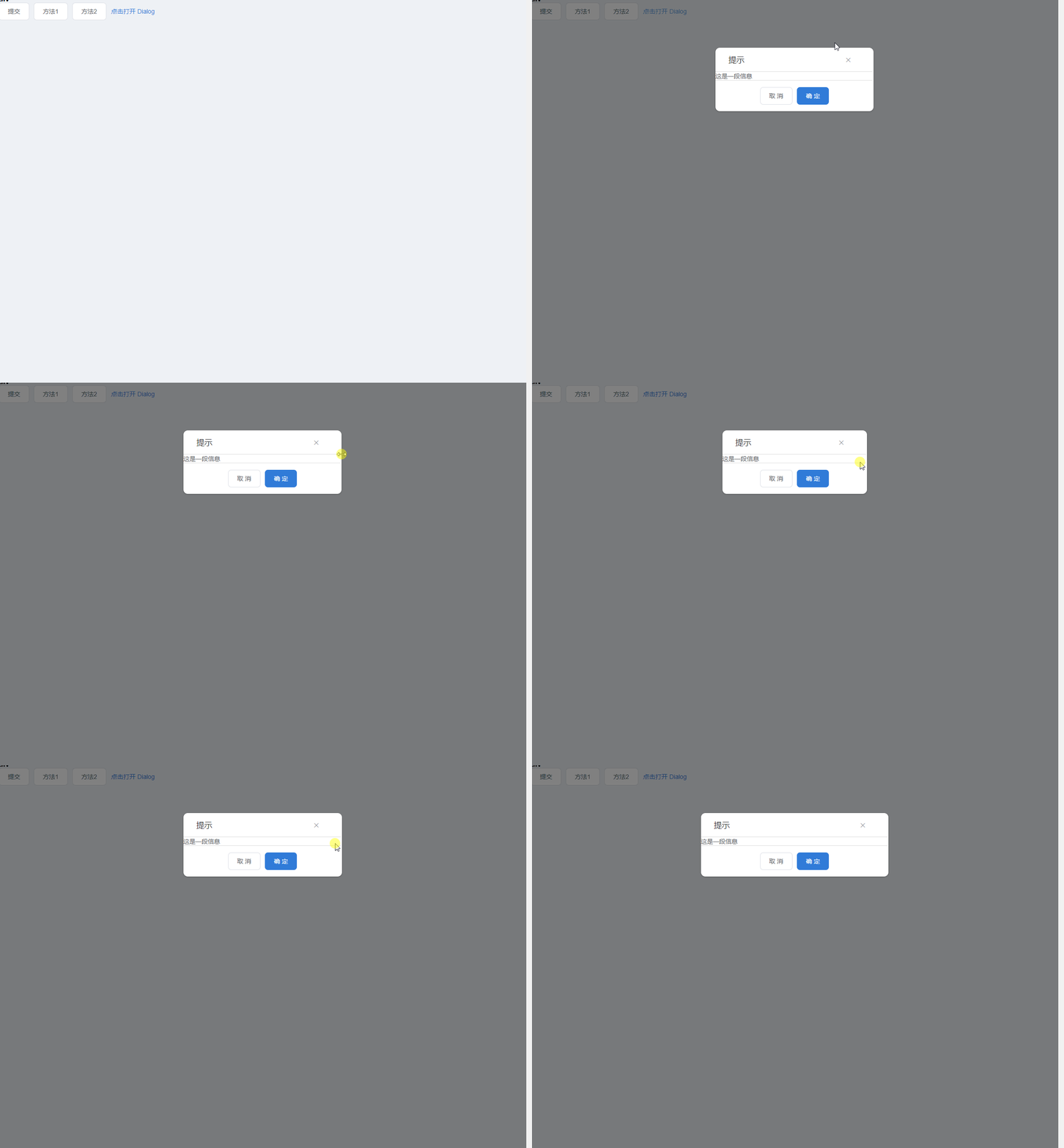
```vue
<template>
<section>
<el-button type="text" @click="dialogVisible = true">点击打开 Dialog</el-button>
<el-dialog
title="提示"
:visible.sync="dialogVisible"
width="30%"
:close-on-click-modal="false"
v-el-dialog-drag-width
>
<span>这是一段信息</span>
<span slot="footer" class="dialog-footer">
<el-button @click="dialogVisible = false">取 消</el-button>
<el-button type="primary" @click="dialogVisible = false">确 定</el-button>
</span>
</el-dialog>
</section>
</template>
<script>
export default {
data() {
return {
dialogVisible: false
};
}
};
</script>
```
## v-dialog-corner
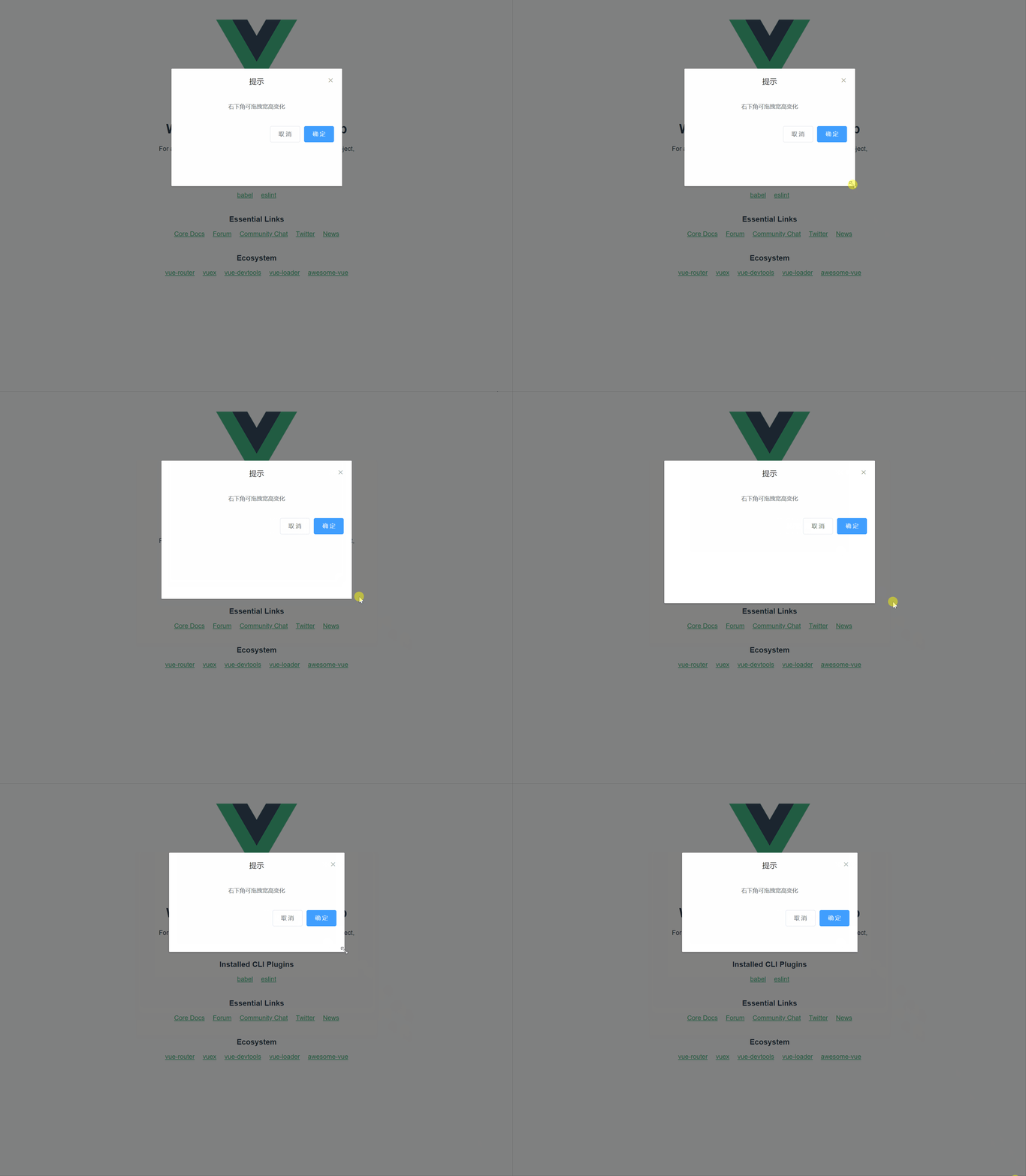
```vue
<template>
<div>
<el-button type="text" @click="dialogVisible = true">点击打开 Dialog</el-button>
<el-dialog
title="提示"
:visible.sync="dialogVisible"
width="30%"
:close-on-click-modal="false"
v-el-dialog-corner
>
<span>右下角可拖拽宽高变化</span>
<span slot="footer" class="dialog-footer">
<el-button>取 消</el-button>
<el-button type="primary">确 定</el-button>
</span>
</el-dialog>
</div>
</template>
```
## 剪切板clipboard
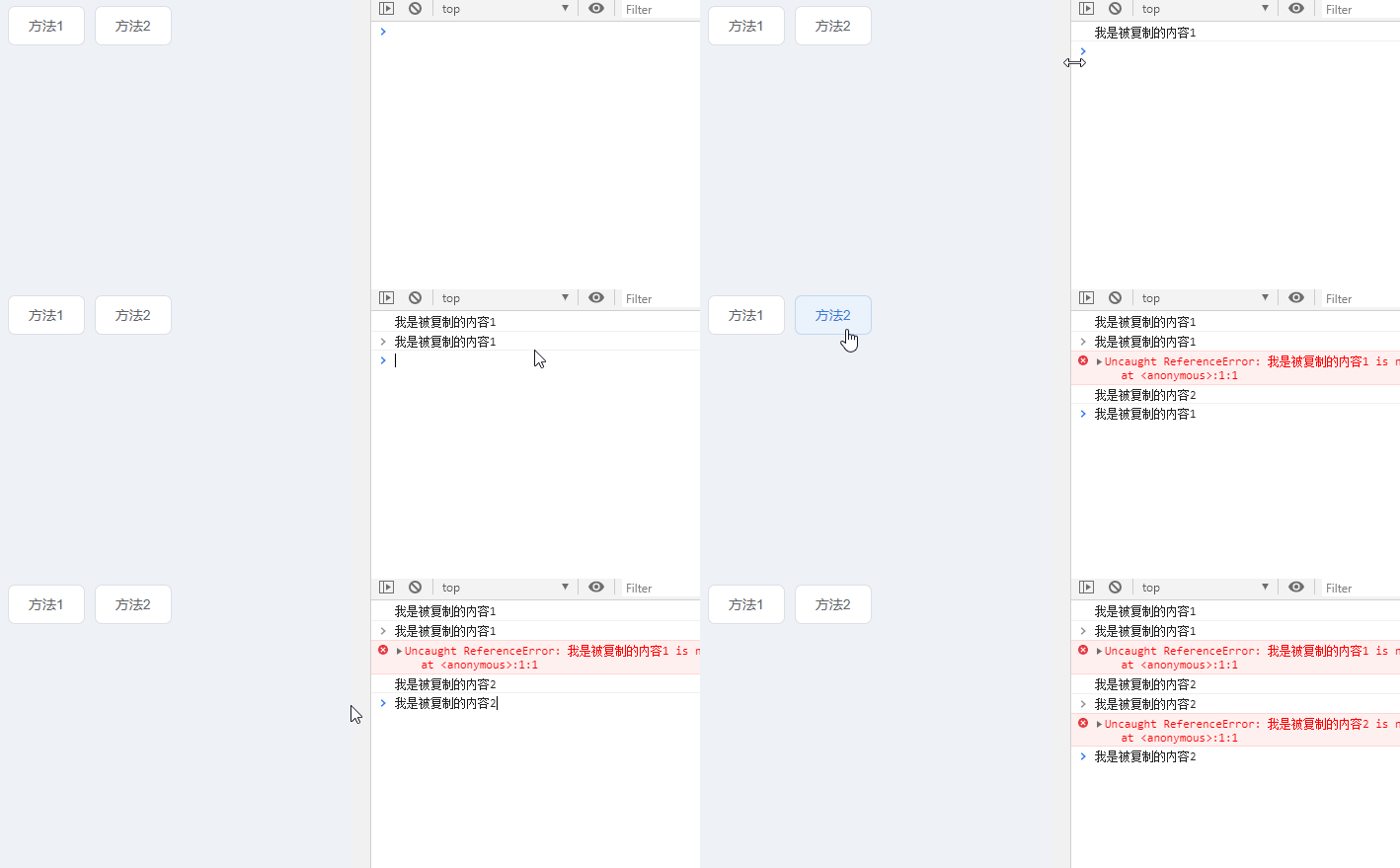
- 方法1:`v-clipboard`指令
- 方法2:`$clipboard(string)`方法
```vue
<template>
<div>
<el-button
v-clipboard:success="clipboardSuccess"
v-clipboard:error="clipboardError"
v-clipboard="'我是被复制的内容1'"
>
方法1
</el-button>
<el-button @click="handleCopy">方法2</el-button>
</div>
</template>
<script>
export default {
methods: {
handleCopy() {
this.$clipboard('我是被复制的内容2').then(res => {
console.log(res);
});
},
clipboardSuccess(msg) {
console.log(msg);
},
clipboardError(err) {
console.log(err);
},
}
};
</script>
```