verge3d
Version:
Toolkit for creating 3D web interactives
44 lines (28 loc) • 2.02 kB
Markdown
# Verge3D
Welcome to Verge3D, a full-stack framework for creating 3D web interactive experiences!
Verge3D can be used to develop 3D configurators, e-commerce and e-learning systems, as well as browser and mobile games.
## Features
* WebGL 1.0/2.0. Support for WebGPU is WIP.
* glTF 2.0 with multiple extensions and optional compression.
* Visual coding environment called Puzzles.
* PBR materials customizable with native Blender, 3ds Max, or Maya node system.
* Image-based environment lighting.
* Point, directional, spot, and area lights.
* PCF, Poisson, and ESM shadows.
* Ground-truth ambient occlusion.
* AR/VR support out of the box (with WebXR and Apple USDZ).
* Order-independent transparency (weighted blended).
* Desktop/mobile/VR/AR controls.
* Bullet-based physics.
* OSL shaders.
* And many [more](https://www.soft8soft.com/docs/manual/en/introduction/Features.html).
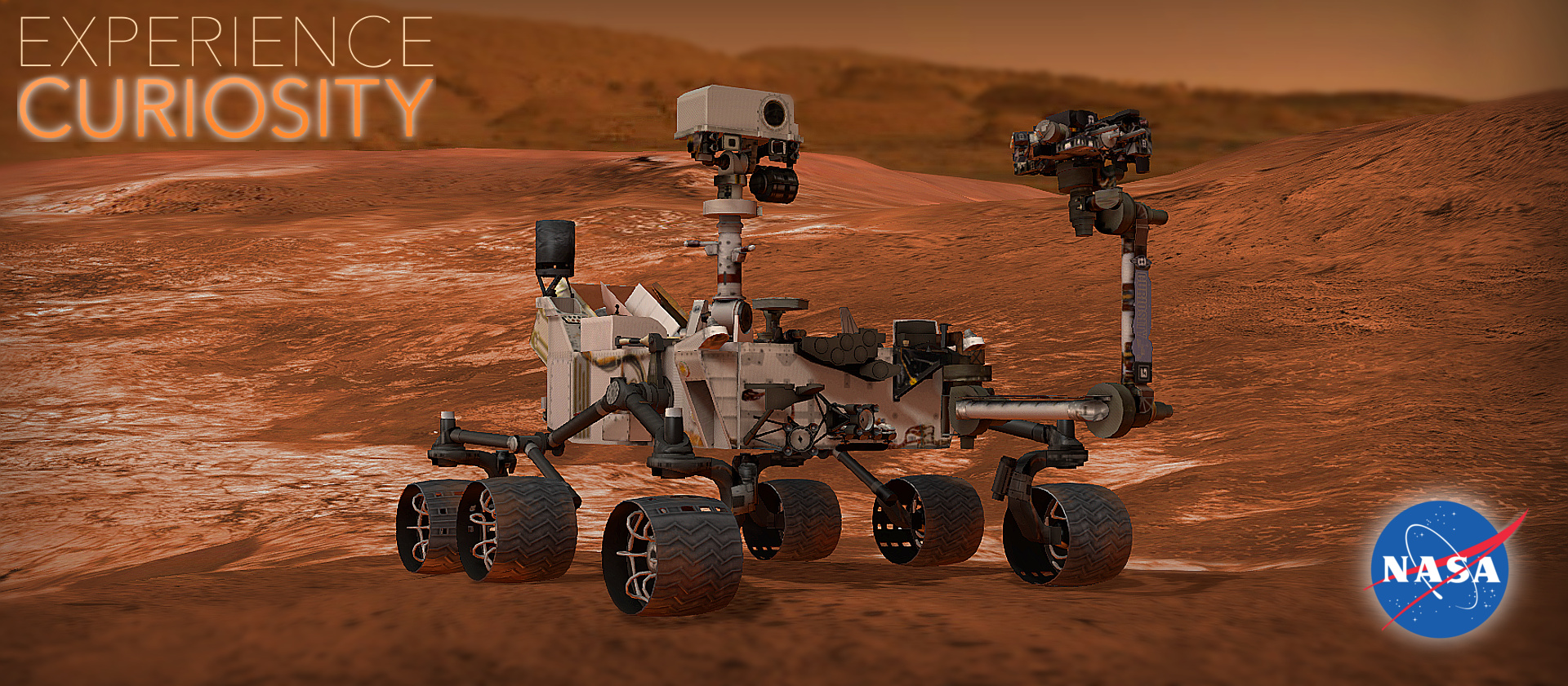
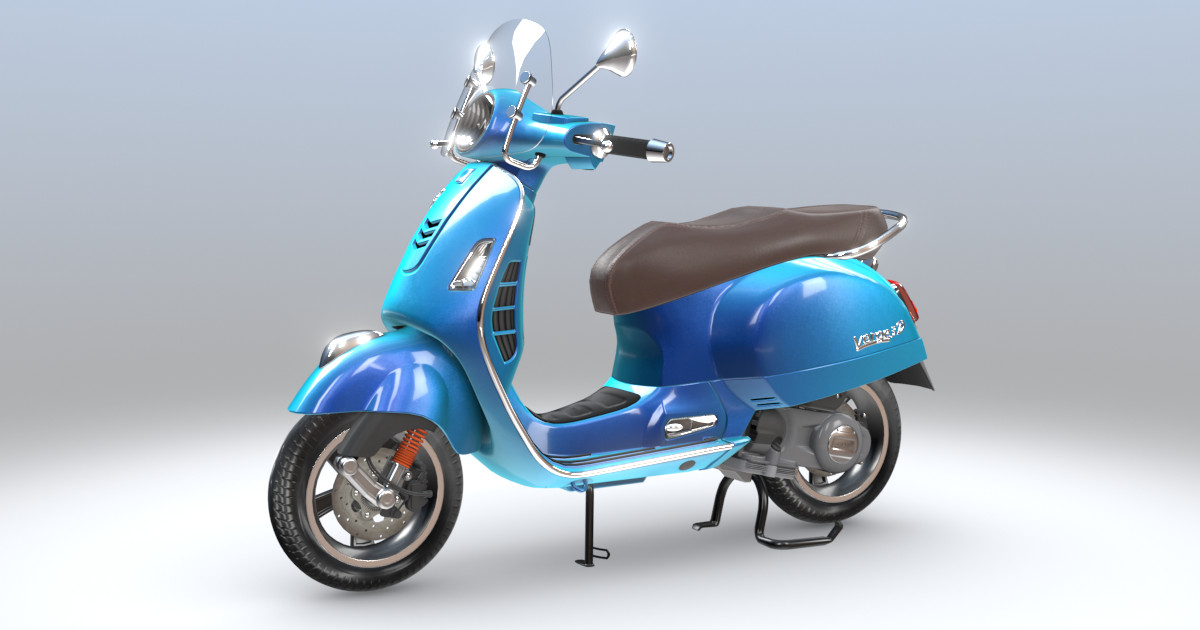
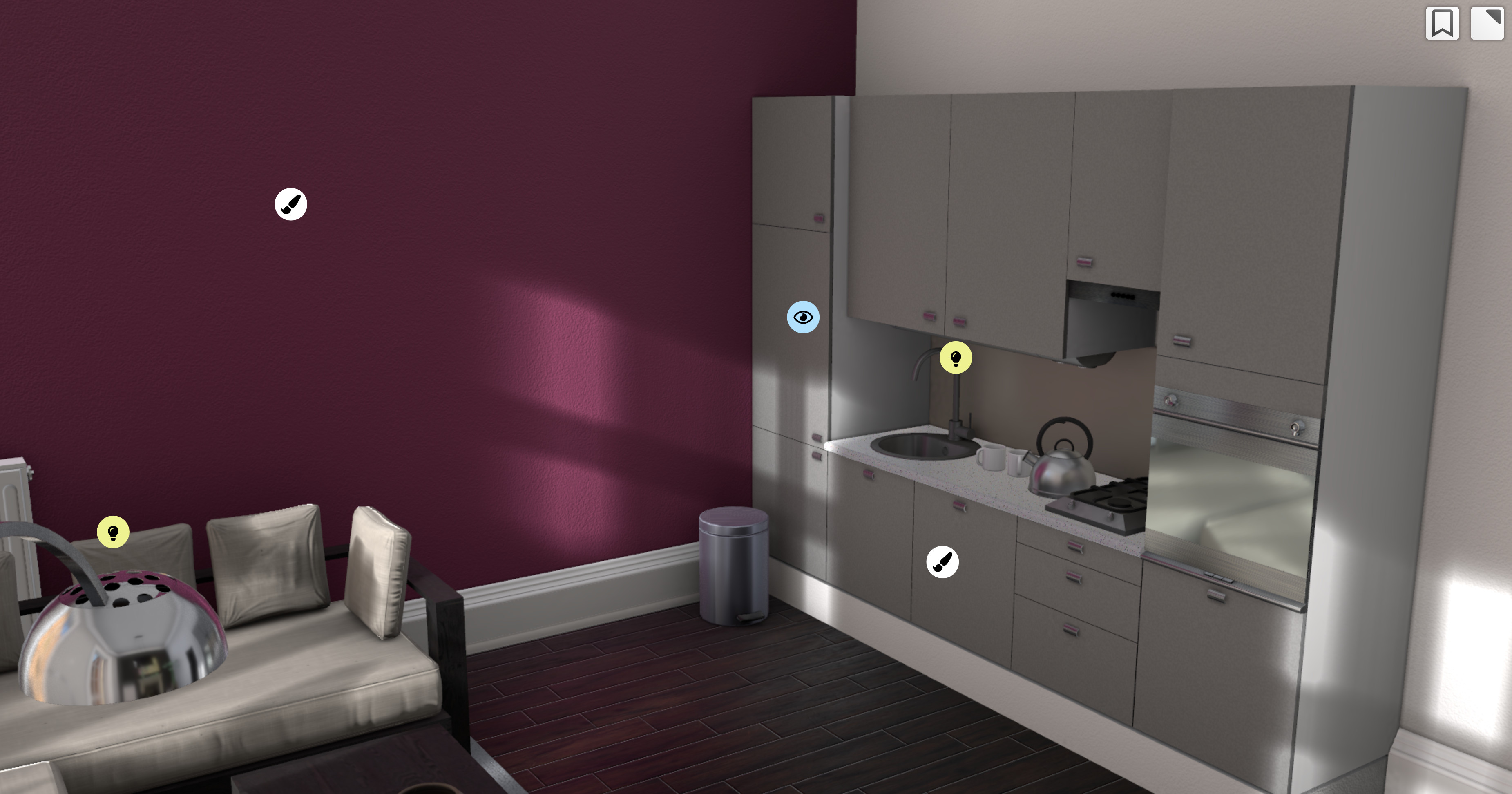
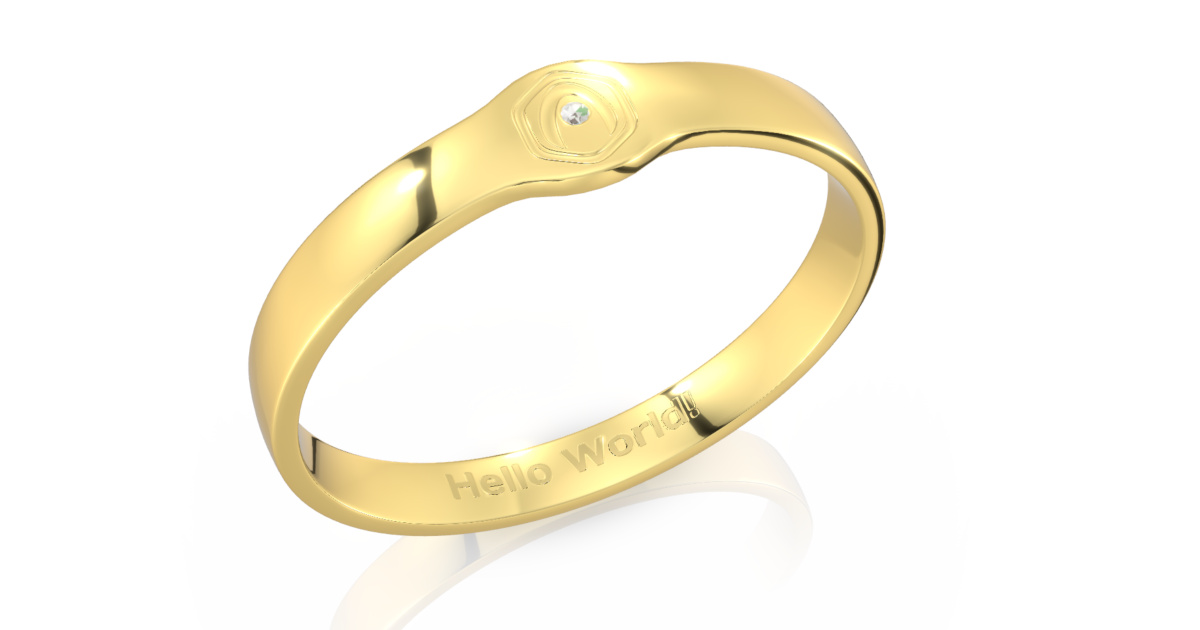
## Notable Apps and Demos
## Getting Started
Please find instructions on using Verge3D with NPM [here](https://www.soft8soft.com/docs/manual/en/programmers_guide/Using-NodeJS-NPM.html).
You can integrate it with your [React/Vue.js projects](https://www.soft8soft.com/docs/manual/en/programmers_guide/Integration-with-Reactjs-Vuejs.html), [WordPress/WooCommerce](https://www.soft8soft.com/docs/manual/en/introduction/Wordpress-Plugin.html), or [SCORM-compatible](https://www.soft8soft.com/docs/manual/en/introduction/Creating-SCORM-Courses.html) learning management systems.
## Having Issues?
If you got any questions, feel free to ask on the [forums](https://www.soft8soft.com/forums/).