urlbox
Version:
Generate website screenshots, PDFs and other renders from URLs or HTML using the urlbox website screenshot API
68 lines (54 loc) • 11.5 kB
Markdown
# urlbox-node
Quickly generate screenshots, PDFs and other renders using the urlbox screenshot as a service API.
Signup at [Urlbox](https://urlbox.com) to get an API key and secret.
## Installation
```
npm install urlbox --save
```
## Example
```js
import Urlbox from "urlbox";
// Get your API key and secret from urlbox.com
const urlbox = Urlbox(YOUR_API_KEY, YOUR_API_SECRET);
// See all urlbox screenshot options at urlbox.com/docs
const options = {
url: "github.com",
thumb_width: 600,
format: "jpg",
quality: 80,
};
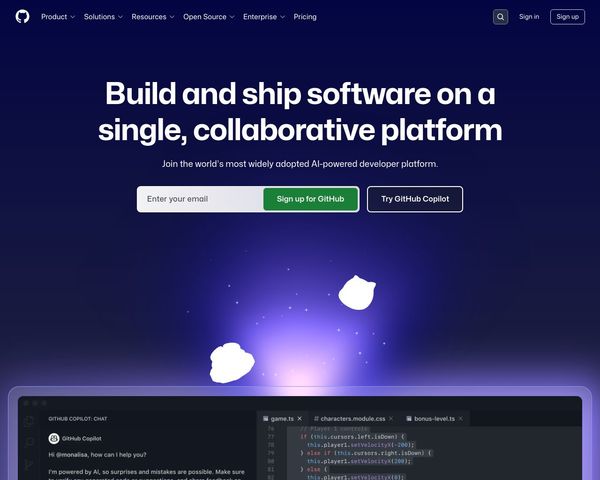
const imgUrl = urlbox.generateRenderLink(options);
// https://api.urlbox.io/v1/YOUR_API_KEY/TOKEN/jpg?url=github.com&thumb_width=600&quality=80
```
Now stick that url in an img tag to render the screenshot!
Available options:
| Option | Default | Description |
| --------------- | ----------------- | --------------------------------------------------------------------------------------------------------------------------------------------------------------------------------------------------------------------------------------------------------------------------------------------------------------------------------- |
| `url` | - | The URL of the website you want to screenshot |
| `width` | 1280 | Viewport width of the browser in pixels |
| `height` | 1024 | Viewport height of the browser in pixels |
| `selector` | - | Take a screenshot of the element that matches this selector |
| `thumb_width` | - | Width in pixels of the generated thumbnail, leave off for full-size screenshot |
| `format` | png | Format of the resulting screenshot image (`png` or `jpg`) |
| `user_agent` | - | User-Agent string used to emulate a particular client. |
| `cookie` | - | Set a cookie value before taking a screenshot. E.g. OptIn=true. Can be set multiple times to set more than one cookie. |
| `delay` | - | Amount of time to wait in milliseconds before urlbox takes the screenshot |
| `wait_for` | - | Waits for the element specified by this selector to be visible on the page before taking a screenshot |
| `timeout` | 30000 | Amount of time to wait in milliseconds for the website at url to respond |
| `full_page` | false | Specify whether to capture the full-length of the website |
| `flash` | false | Enable the flash plugin for flash using websites |
| `force` | false | Take a fresh screenshot instead of getting a cached version |
| `ttl` | 2592000 (30 days) | Short for 'time to live'. Number of seconds to keep a screenshot in the cache. Note the default is also the maximum value for this option. |
| `quality` | 80 | JPEG only - image quality of resulting screenshot (0-100) |
| `disable_js` | false | Turn off javascript on target url to prevent popups |
| `retina` | false | Take a 'retina' or high definition screenshot equivalent to setting a device pixel ratio of 2.0 or @2x. Please note that retina screenshots will be double the normal dimensions and will normally take slightly longer to process due to the much bigger image size. |
| `click` | - | Element selector that is clicked before taking a screenshot e.g. #clickme would click the element with id="clickme" |
| `hover` | - | Element selector that is hovered before taking a screenshot e.g. #hoverme would hover over the element with id="clickme" |
| `bg_color` | - | Hex code or css color string. Some websites don't set a body background colour, and will show up as transparent backgrounds with PNG or black when using JPG. Use this setting to set a background colour. If the website explicitly sets a transparent background on the html or body elements, this setting will be overridden. |
| `crop_width` | - | Crop the width of the screenshot to this size in pixels |
| `hide_selector` | - | Hides all elements that match the element selector by setting their style to `display:none !important;`. Useful for hiding popups. |
| `highlight` | - | Word to highlight on the page before capturing a screenshot |
| `highlightfg` | white | Text color of the highlighted word |
| `highlightbg` | red | Background color of the highlighted word |
| `use_s3` | false | Save the screenshot directly to the S3 bucket configured on your account |