turbo-frames-debug
Version:
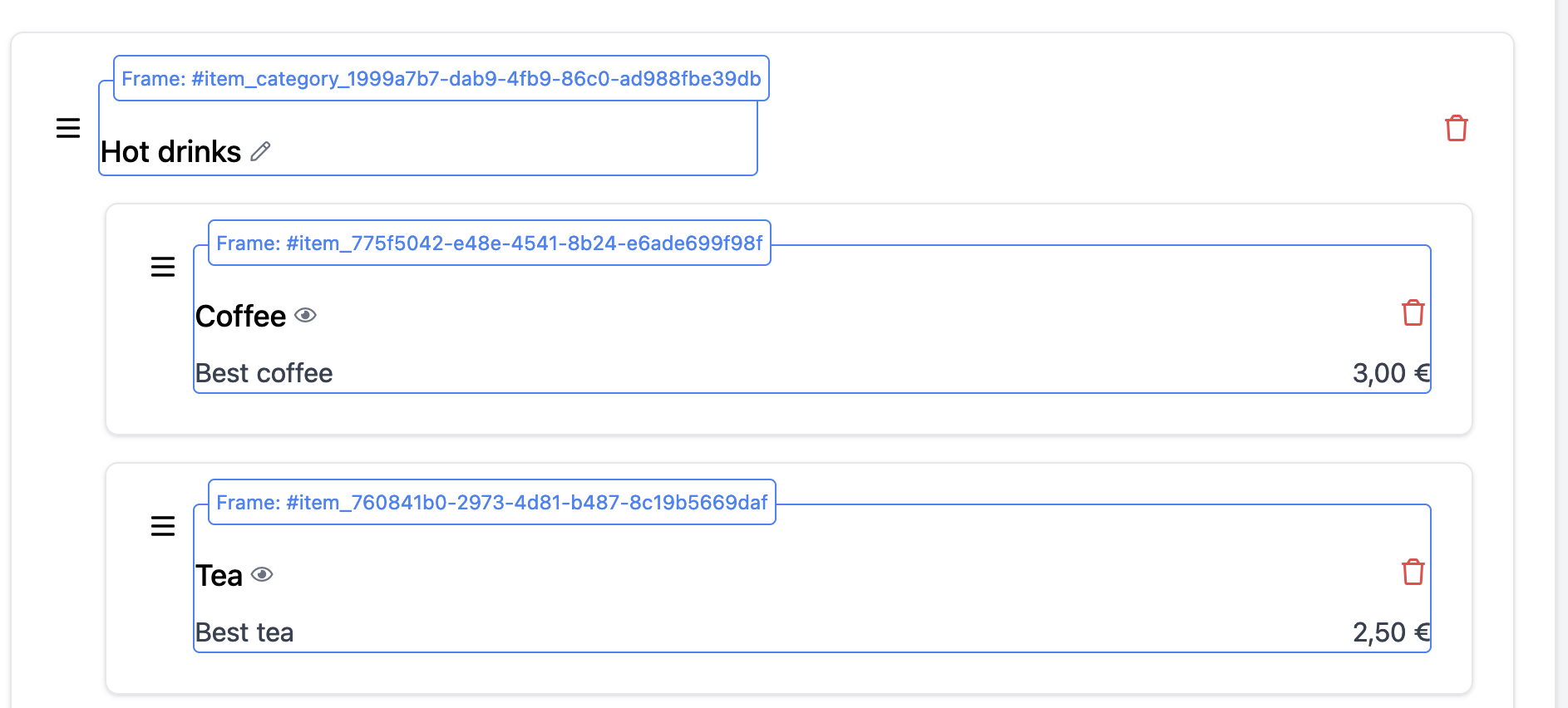
Small package to help you debug your turbo-frames.
57 lines (37 loc) • 2.01 kB
Markdown
# Turbo Frames Debug
[](https://www.npmjs.com/package/turbo-frames-debug)
[](https://www.npmjs.com/package/turbo-frames-debug)
[](https://github.com/guillaumebriday/turbo-frames-debug)
Small package to help you debug your turbo-frames.
## 📚 Installation
### Install the package
```bash
$ yarn add turbo-frames-debug
```
### Import it in your styles
If you're using [Sass](https://sass-lang.com/):
```sass
@import '~turbo-frames-debug/dist/turbo-frames-debug'
```
If you're using a module bundler like [Webpack](https://webpack.js.org/) or [esbuild](https://github.com/evanw/esbuild)
```js
import 'turbo-frames-debug/dist/turbo-frames-debug.css'
```
Add the class `debug-turbo` on your body tag, for instance:
```html
<body class="<%= 'debug-turbo' if Rails.env.development? %>">
```
## 💅 Configuration
You can change the style of debugger by overriding some CSS variables.
| CSS Variables | Default | Description |
|-------------------------------------|-----------|--------------------------------|
| `--turbo-frame-debug-color` | `#3B82F6` | Color of the borders and text |
| `--turbo-frame-debug-z-index` | `9999` | z-index of the debugger. |
| `--turbo-frame-debug-font-size` | `0.75rem` | Font size of the debugger. |
| `--turbo-frame-debug-border-radius` | `0.25rem` | Border radius of the debugger. |
## 👷 Contributing
Do not hesitate to contribute to the controllers by adapting or adding features ! Bug reports or pull requests are welcome.
Don't forget to drop a 🌟 on GitHub to support the project.
## 📝 License
This project is released under the [MIT](https://opensource.org/licenses/MIT) license.