ts-mean
Version:
Boilerplate for a TS-MEAN App
89 lines (58 loc) • 3.29 kB
Markdown
# Disclaimer
**Note that this project is still in furious development (currently it's pre-alpha) and only a glimpse of it’s full potential is publicly visible today. To get notified when the next major public release is ready, [sign up to the mailing list for releases](http://eepurl.com/cXa2aP). To apply for alpha testing, visit [www.tsmean.com/alpha](http://www.tsmean.com/alpha?utm_source=github&utm_medium=banner&utm_campaign=alpha_testing). To read more about the project, visit [www.tsmean.com](http://www.tsmean.com/?utm_source=github&utm_medium=banner&utm_campaign=project_info).**
<hr>

# Pre-Alpha Release
This is a **starter kit** for webapps **completely written in TypeScript**.
The starter kit is using the following technologies:
- **M**ongoDB or alternatively **M**ySQL
- **E**xpressJS
- **A**ngular4
- **N**odeJs
... and that's why it's called tsmean! All of those are modern
technologies (as of mid 2017) and well suited for development
with TypeScript. You get to use TypeScript now
on the client **and** the server! This leads to efficiency
through consistency. Read more about that here: www.tsmean.com.
# Installation
## Prerequisits ##
- node (v6 or v8) & npm (v3 or v5)
- git
- ts-node (`npm install -g ts-node`)
- angular-cli (see https://github.com/angular/angular-cli)
## Install ##
If the prerequisits are met, run:
```
git clone https://github.com/tsmean/tsmean your-project-name
cd your-project-name
npm install
```
# Backend
First `cd backend`, then:
- to spin up a REST-API server `npm start`. Check it out at http://localhost:4242
- To run the tests `npm test`
# Frontend
First `cd frontend`, then:
- to start the app `cd main` and run `ng serve`. Check it out on http://localhost:4200
- you can develop all modules independently. For example, `cd user` and run `ng serve`.
This launches a minimal app only displaying the user module (i.e. without login etc).
You can test all modules using `ng test`.
# Development
The starter kit is highly modular. Every module has its own git repository
and its own npm package. You can develop all modules independently,
for example you could just download the router repository and work on the that one.
This repository here combines all repositories through git submodules.
This has the benefit of an "all in one place experience" and you get a
good overview over the code involved in this project. Note that all submodules are checked out on a **detached head**, so if you change something, commit, and switch branch to master it will be lost!
In case you use an IDE, I recommend opening just one feature module per editor-window
(as opposed to just opening the entire tsmean project).
IDEs typically can handle this much better,
for example IntelliJ can resolve TypeScript imports much faster and is less laggy
in general when only part of the project is opened.
I actually like this workflow a lot. Open a feature module, implement changes on feature
and tests, publish to npm, pull in other parts of the projects.
# Live Demo
http://demo.tsmean.com
[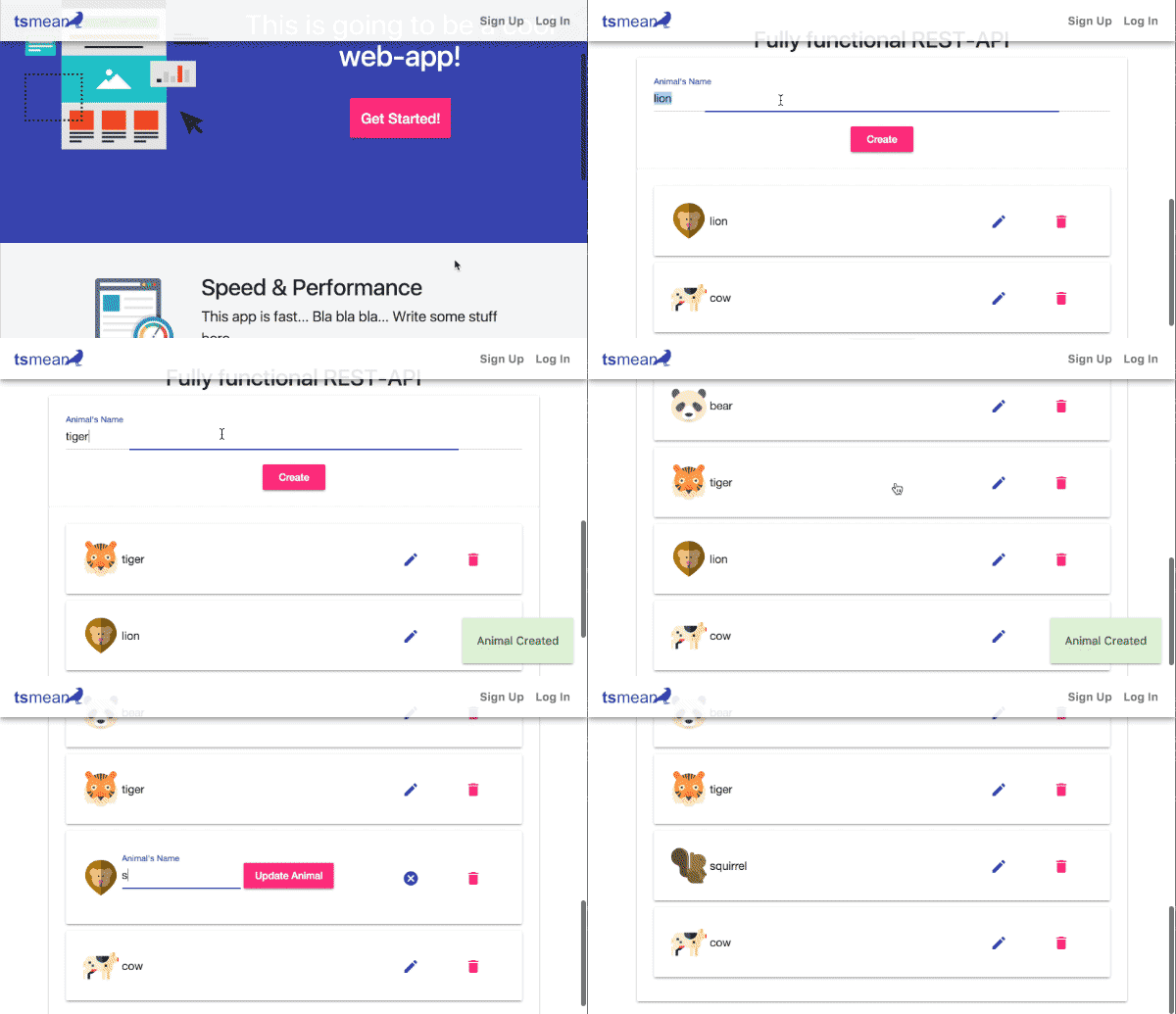](http://demo.tsmean.com)
# Homepage
http://www.tsmean.com