tailwindcss-color-mix
Version:
A plugin for TailwindCSS to build new colors by mixing two existing ones.
84 lines (54 loc) • 6.06 kB
Markdown
# tailwindcss-color-mix
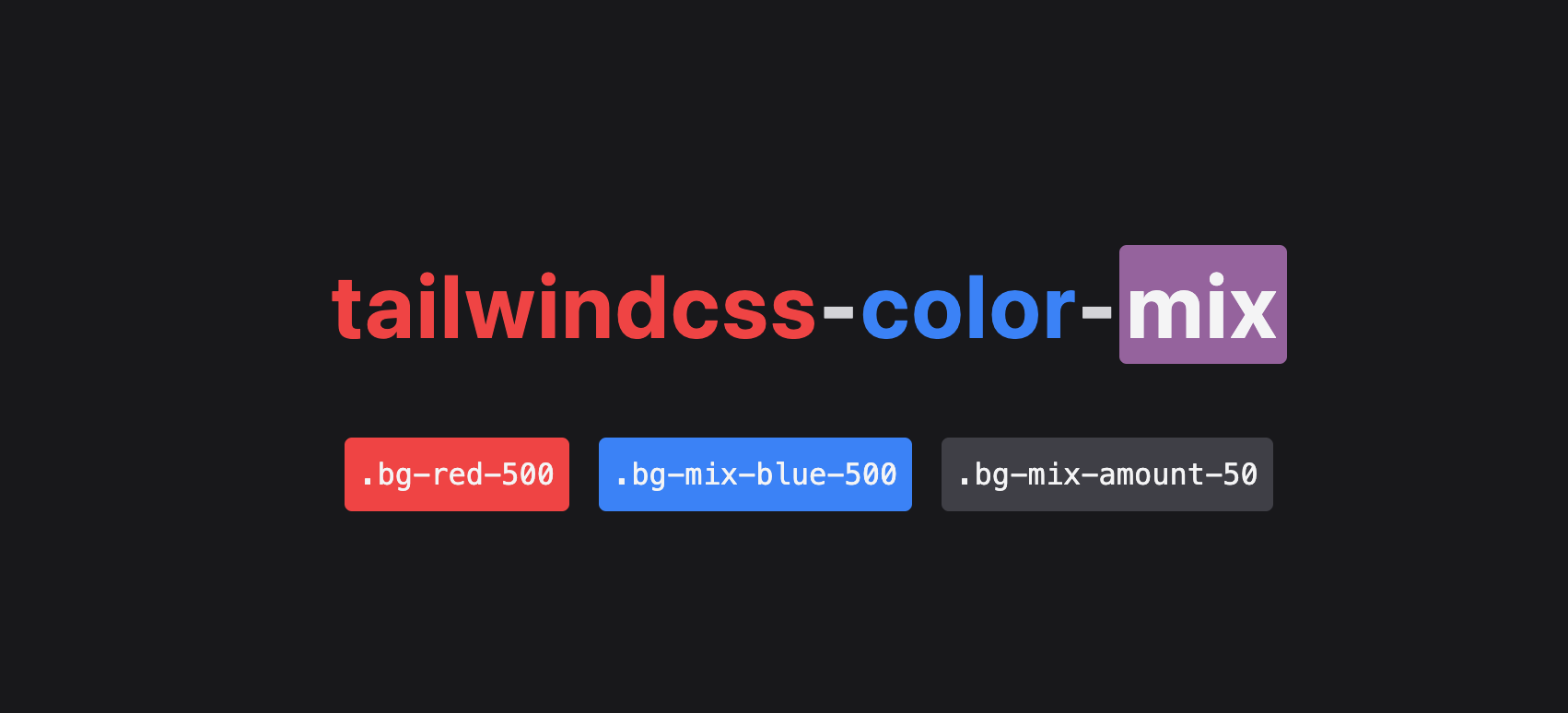
[Live demo](https://codesandbox.io/p/devbox/tailwind-material-surfaces-example-forked-ssypty?layout=%257B%2522sidebarPanel%2522%253A%2522EXPLORER%2522%252C%2522rootPanelGroup%2522%253A%257B%2522direction%2522%253A%2522horizontal%2522%252C%2522contentType%2522%253A%2522UNKNOWN%2522%252C%2522type%2522%253A%2522PANEL_GROUP%2522%252C%2522id%2522%253A%2522ROOT_LAYOUT%2522%252C%2522panels%2522%253A%255B%257B%2522type%2522%253A%2522PANEL_GROUP%2522%252C%2522contentType%2522%253A%2522UNKNOWN%2522%252C%2522direction%2522%253A%2522vertical%2522%252C%2522id%2522%253A%2522cltd98dfp00073b6gjc6j0g6q%2522%252C%2522sizes%2522%253A%255B70%252C30%255D%252C%2522panels%2522%253A%255B%257B%2522type%2522%253A%2522PANEL_GROUP%2522%252C%2522contentType%2522%253A%2522EDITOR%2522%252C%2522direction%2522%253A%2522horizontal%2522%252C%2522id%2522%253A%2522EDITOR%2522%252C%2522panels%2522%253A%255B%257B%2522type%2522%253A%2522PANEL%2522%252C%2522contentType%2522%253A%2522EDITOR%2522%252C%2522id%2522%253A%2522cltd98dfp00023b6gm8imvab6%2522%257D%255D%257D%252C%257B%2522type%2522%253A%2522PANEL_GROUP%2522%252C%2522contentType%2522%253A%2522SHELLS%2522%252C%2522direction%2522%253A%2522horizontal%2522%252C%2522id%2522%253A%2522SHELLS%2522%252C%2522panels%2522%253A%255B%257B%2522type%2522%253A%2522PANEL%2522%252C%2522contentType%2522%253A%2522SHELLS%2522%252C%2522id%2522%253A%2522cltd98dfp00043b6g3vnrxxd0%2522%257D%255D%252C%2522sizes%2522%253A%255B100%255D%257D%255D%257D%252C%257B%2522type%2522%253A%2522PANEL_GROUP%2522%252C%2522contentType%2522%253A%2522DEVTOOLS%2522%252C%2522direction%2522%253A%2522vertical%2522%252C%2522id%2522%253A%2522DEVTOOLS%2522%252C%2522panels%2522%253A%255B%257B%2522type%2522%253A%2522PANEL%2522%252C%2522contentType%2522%253A%2522DEVTOOLS%2522%252C%2522id%2522%253A%2522cltd98dfp00063b6gc9nk7q4g%2522%257D%255D%252C%2522sizes%2522%253A%255B100%255D%257D%255D%252C%2522sizes%2522%253A%255B50%252C50%255D%257D%252C%2522tabbedPanels%2522%253A%257B%2522cltd98dfp00023b6gm8imvab6%2522%253A%257B%2522id%2522%253A%2522cltd98dfp00023b6gm8imvab6%2522%252C%2522tabs%2522%253A%255B%255D%257D%252C%2522cltd98dfp00063b6gc9nk7q4g%2522%253A%257B%2522id%2522%253A%2522cltd98dfp00063b6gc9nk7q4g%2522%252C%2522tabs%2522%253A%255B%257B%2522id%2522%253A%2522cltd98dfp00053b6ge9cbtkbc%2522%252C%2522mode%2522%253A%2522permanent%2522%252C%2522type%2522%253A%2522TASK_PORT%2522%252C%2522taskId%2522%253A%2522start%2522%252C%2522port%2522%253A3000%252C%2522path%2522%253A%2522%252F%2522%257D%255D%252C%2522activeTabId%2522%253A%2522cltd98dfp00053b6ge9cbtkbc%2522%257D%252C%2522cltd98dfp00043b6g3vnrxxd0%2522%253A%257B%2522tabs%2522%253A%255B%257B%2522id%2522%253A%2522cltd98dfp00033b6g4dgpu79z%2522%252C%2522mode%2522%253A%2522permanent%2522%252C%2522type%2522%253A%2522TASK_LOG%2522%252C%2522taskId%2522%253A%2522start%2522%257D%255D%252C%2522id%2522%253A%2522cltd98dfp00043b6g3vnrxxd0%2522%252C%2522activeTabId%2522%253A%2522cltd98dfp00033b6g4dgpu79z%2522%257D%257D%252C%2522showDevtools%2522%253Atrue%252C%2522showShells%2522%253Atrue%252C%2522showSidebar%2522%253Atrue%252C%2522sidebarPanelSize%2522%253A15%257D)
A plugin for TailwindCSS to build new colors by mixing two existing ones.
Use `bg-red-500 bg-mix-black bg-mix-amount-50` to partially overlay `black` over the `red-500` shade.
This is achieved with native CSS [color-mix](https://developer.mozilla.org/en-US/docs/Web/CSS/color_value/color-mix), so all colors in the palette can be mixed with each other.
## Installation
First, install the package:
```
npm install --save tailwindcss-color-mix
```
Then, import it in `tailwind.config.js`:
```js
const colorMix = require('tailwindcss-color-mix');
module.exports = {
...
plugins: [
...,
colorMix()
]
}
```
## Usage
- `bg-red bg-mix-black bg-mix-amount-50` will mix 50% black into red.
- In CSS terms, the result will be `color-mix(in srgb, black 50%, red)`.
You can also use arbitrary values for amount such as `bg-mix-amount-[42]` (for 42%).
The default mix amount is zero.
## Interpolation method
Default interpolation method is `srgb` but you can also use `hsl shorter hue` or `hsl longer-hue` with the `bg-mix-method-shorter-hue` and `bg-mix-method-longer-hue` utilities.
## Example: interaction states
The plugin is usage-agnostic, but the original motivation behind it is the [state layers](https://m3.material.io/foundations/interaction/states/state-layers) concept from the Material Design system.
The system defines interactive surfaces given their background color and their text color. When hovered or pressed, the background on an interacive surface is overlayed with a predetermined opacity of its text color. This helps to create consistent interaction states with no extra effort.
In vanilla Tailwind syntax, that would force us to define extra shades for every combination of background and text colors we need.
With this plugin, an interactive surface can be defined as `bg-red-800 text-white bg-mix-white hover:bg-mix-amount-8 active:bg-mix-amount-12`, if `8` and `12` exist in the background opacity theme config.
## Plugin options
You can customize the generated utility names by passing options to the plugin, like this:
`tailwind.config.js`:
```
const colorMix = require('tailwindcss-color-mix');
module.exports = {
...
plugins: [
...,
colorMix({
bgMix: 'bg-overlay',
bgMixAmount: 'overlay-amount',
bgMixMethod: 'overlay-method'
})
]
}
```
With the above configuration, instead of `bg-mix-black bg-mix-50 bg-mix-method-shorter-hue`, you would use `bg-overlay-black overlay-amount-50 overlay-method-shorter-hue`.
## Other color properties
I haven't found the need to extend this library to other properties such as text color, border, fill, stroke, ring... but it shouldn't be hard to do so. Feel free to open a feature request if you need color mixing on one or more specific properties.