slidev-theme-exam-prep
Version:
watabeggが塾の集団授業で使うためのSlidevテーマ
143 lines (117 loc) • 4.51 kB
Markdown
# slidev-theme-exam-prep
[](https://www.npmjs.com/package/slidev-theme-exam-prep)
English README (Japanese version: see `README.ja.md`).
## Overview
An education-focused Slidev theme for exam preparation & classroom lessons, optimized for Japanese typography, high readability, structured question hierarchies, and keyboard-centric navigation. Originally built for personal teaching use.
## Features
- Minimal classroom-oriented design
- Japanese font (M PLUS 2) + monospace Fira Code
- Automatic footer (date + current/total page) except on `cover` / `image`
- Shortcuts: Enter (next) / Backspace (previous)
- Layouts: `cover`, `two-cols`, `image`
- Frontmatter `color` switch for `red | yellow | green | blue | purple`
- Components: `QuestionList`, `TextBox`, `KaTexReveal`
- Multi-level labels: circled numbers / Katakana / Hiragana / kanji numerals (1–19) / alphabet / custom
- Utility classes: `.text-highlight`, `.card`
- Shiki code themes: `vitesse-light` / `vitesse-dark`
## Install
Add to your slide frontmatter:
```yaml
theme: slidev-theme-exam-prep
```
Local development (cloned repository):
```yaml
theme: ./
```
## Frontmatter Example
```yaml
title: Class Title
subtitle: Subtitle
author: Instructor Name
date: '2025/08/03'
color: green # red | yellow | green | blue | purple
```
If `color` is omitted, the default `green` palette is used.
## Layouts
| Name | Purpose | Notes |
|------|---------|-------|
| cover | Title slide | Gradient wave + title/subtitle/author |
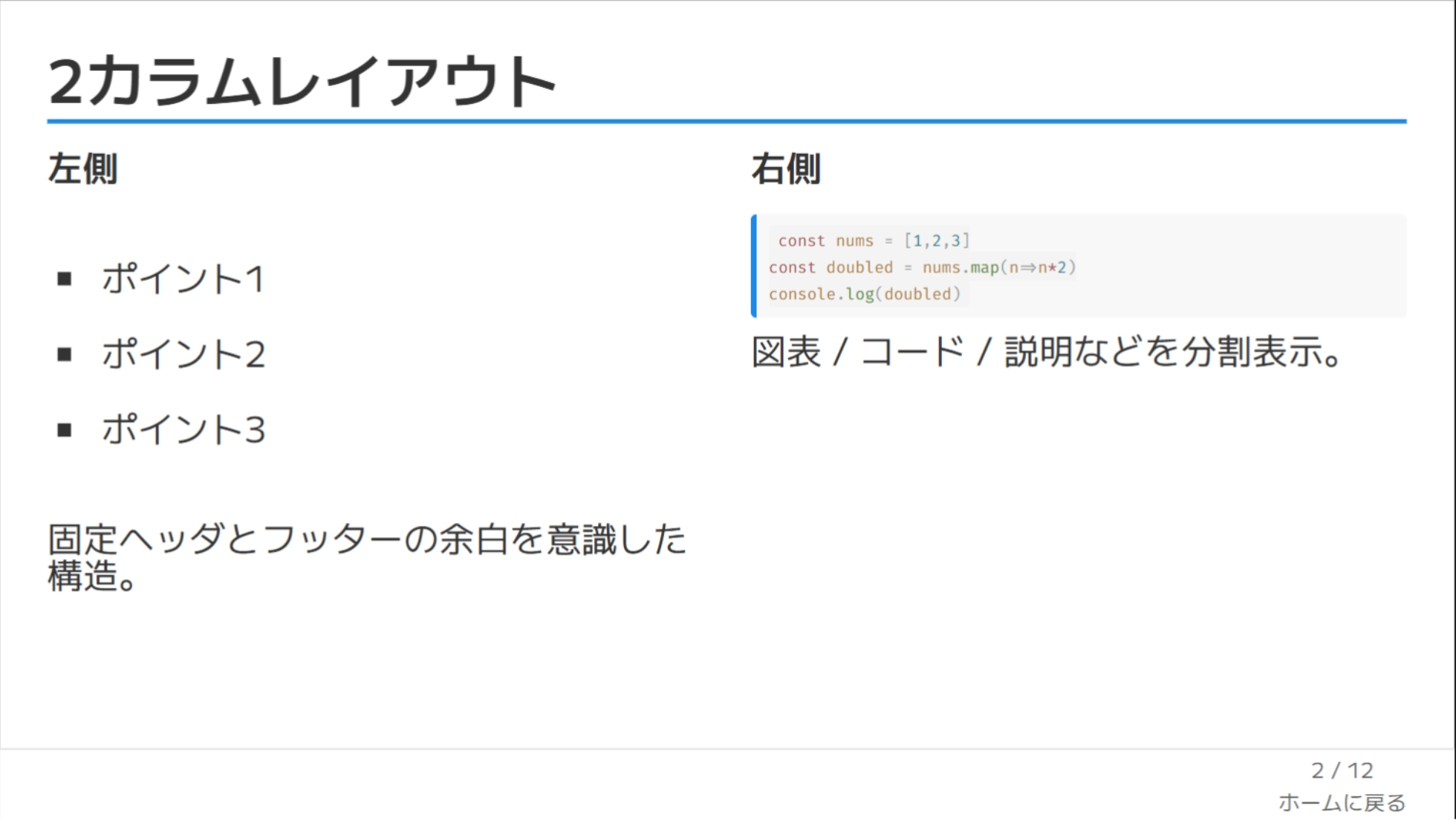
| two-cols | Two columns | Slots: `::left::` / `::right::` |
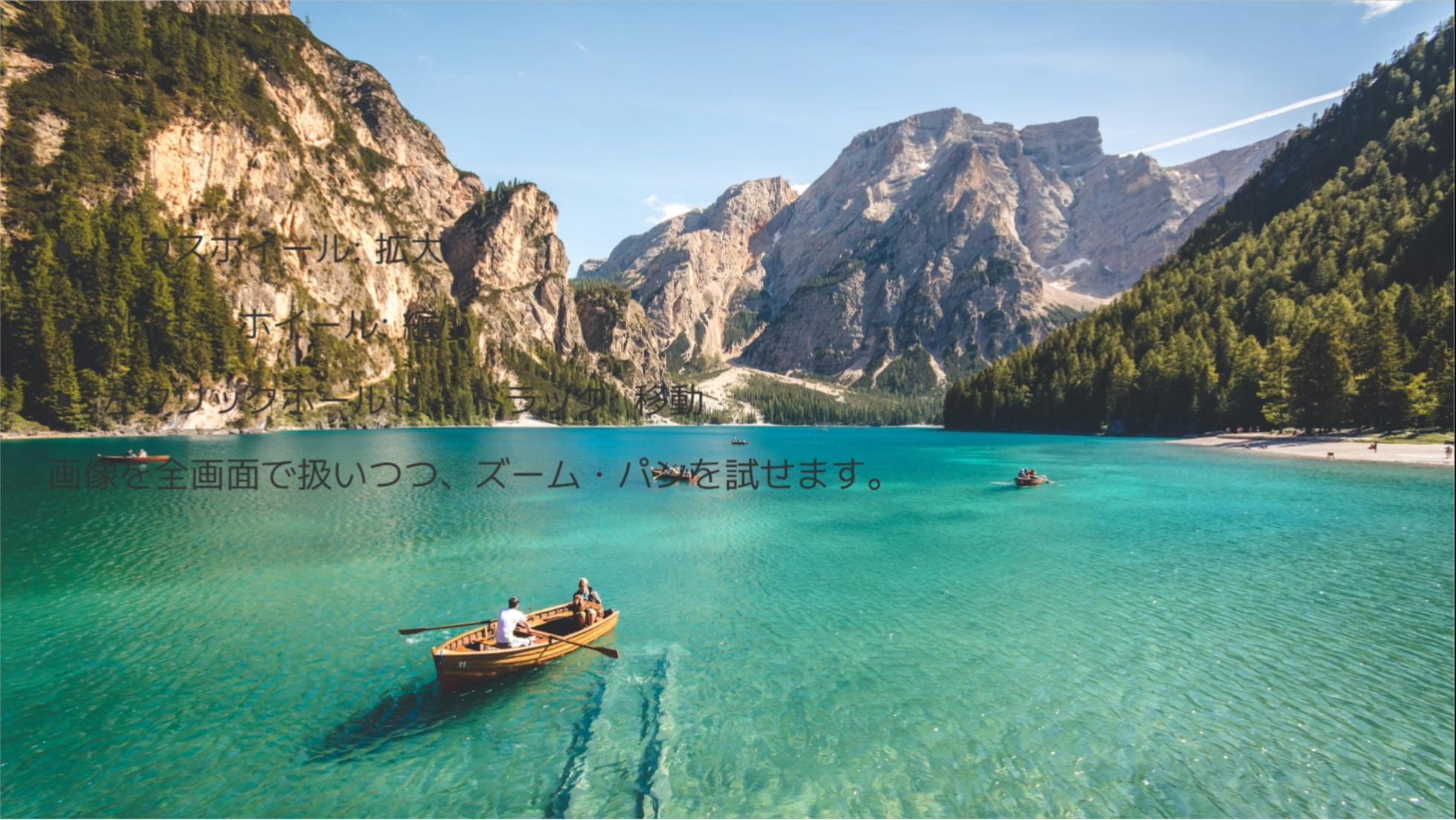
| image | Background image | Use `image:` + absolutely placed `TextBox` |
### two-cols Example
```markdown
layout: two-cols
::left::
Left
::right::
Right
```
### image Example
```markdown
layout: image
image: /path/to/bg.jpg
<TextBox :x="120" :y="160" :width="360">Note</TextBox>
```
## Components
### QuestionList
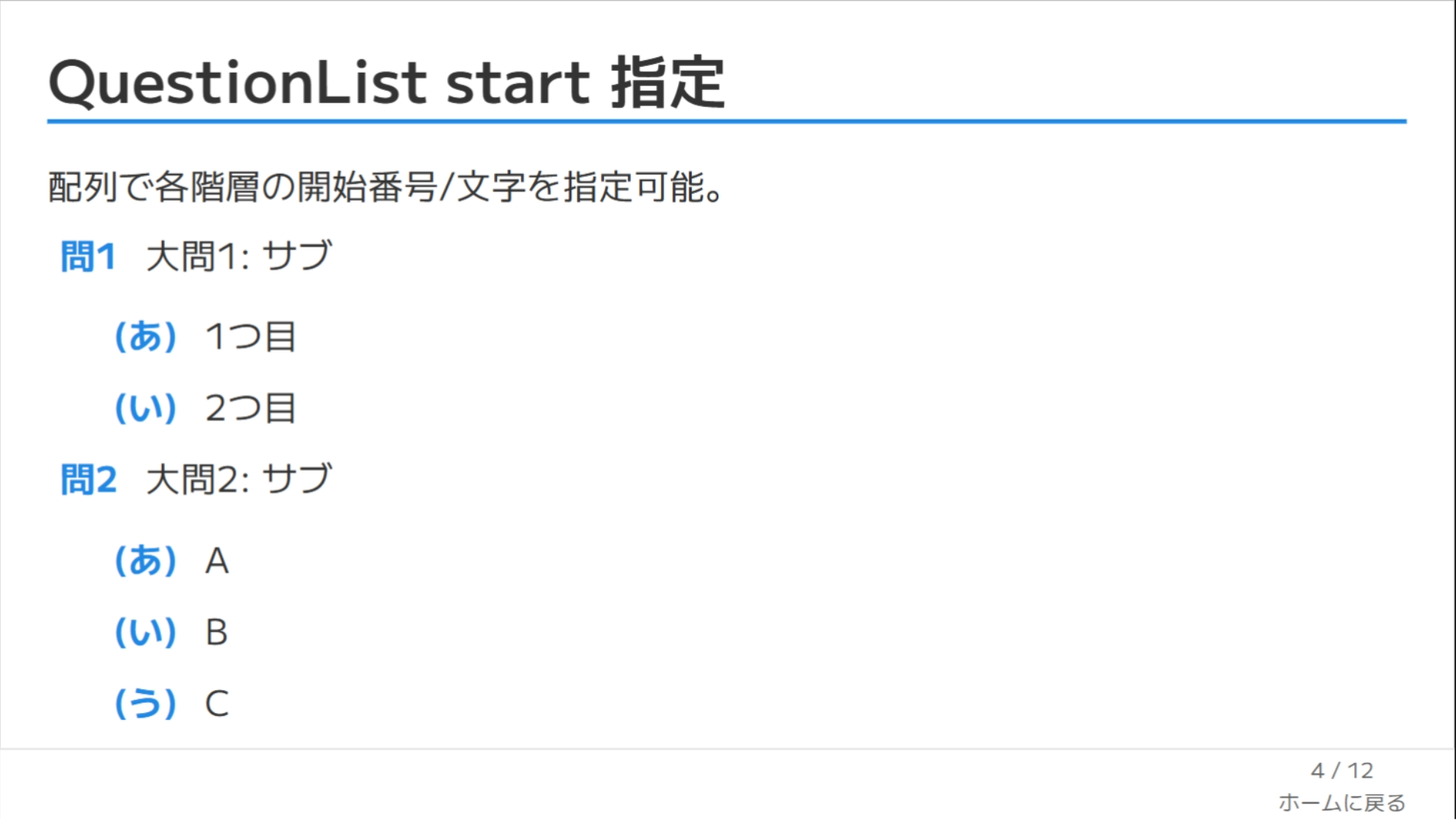
Recursive nested lists (questions / answers) with per-level styles and Markdown rendering.
```vue
<QuestionList
:items="['First **OK**', { text: 'Second', items: ['Child A','Child B'] }]"
:styles="['decimal-circle','katakana-paren','loweralpha-dot']"
:start="[1,1,'c']"
/>
```
Counter types: `decimal | hiragana | katakana | kanji | upperalpha | loweralpha | none`
Decorators: `circle | square | paren | dot | q | big-q | none`
If an item includes a `label`, it overrides the computed label.
### TextBox
Absolutely positioned overlay (useful on `image` layout or for callouts).
```vue
<TextBox :x="100" :y="220" :width="400" textBg="green" v-click="1">Memo</TextBox>
```
Props: `x`, `y`, `width`, `height`, `textBg`, `color`, `vClick`
### KaTexReveal
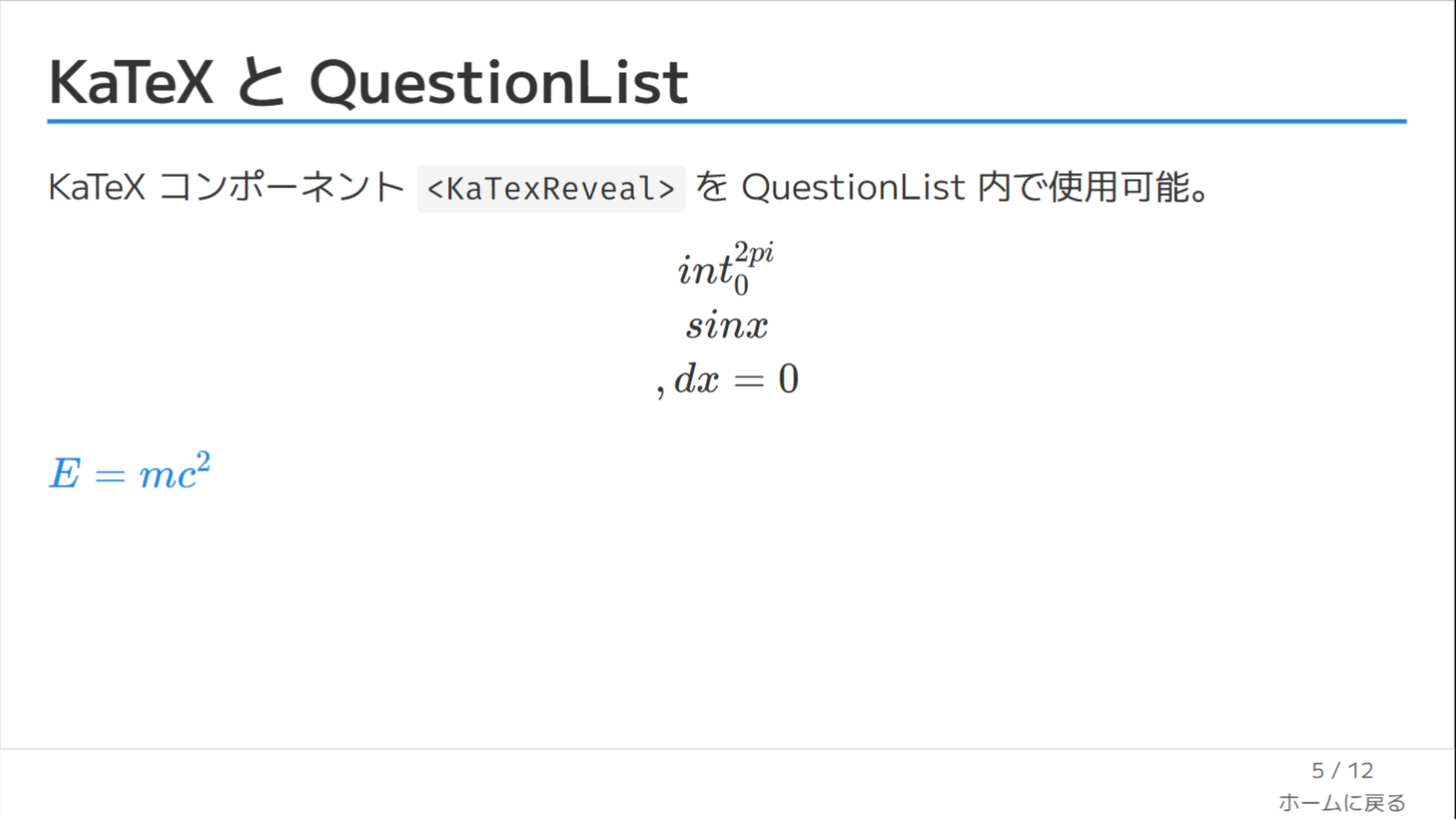
Inline/Block KaTeX renderer component. Slidev auto-registers `components/*.vue`, so you can drop it directly into Markdown.
```vue
<KaTexReveal formula="\\int_0^{2\\pi} \\sin x\\,dx = 0" block class="text-2xl" />
<KaTexReveal formula="E = mc^2" :block="false" v-click="1" />
```
Props: `formula` (required string), `block` (default `false`), `tag` (fallbacks to `div`/`span`), plus any other attrs (`class`, `v-click`, etc.) forwarded to the wrapper. Also consumed by `QuestionList` when an item contains TeX delimiters, `formula`, or `tex: true`.
## Footer & Shortcuts
- Footer (except on cover / image): displays `date` + current / total pages.
- Enter: next fragment or slide.
- Backspace: previous fragment or slide.
## Utility Classes
- `.text-highlight` inline / line-marker style highlight
- `.card` rounded bordered container with padding
## Development
```bash
pnpm install
pnpm dev
pnpm build
pnpm export
pnpm screenshot
```
## FAQ
**Q. Do I need to configure fonts manually?**
No. Google Fonts are loaded inside the theme.
**Q. How can I remove the footer?**
Override `global-bottom.vue` in your own custom theme.
**Q. How do I change the numbering start?**
Use `:start="[1,'c']"` (array per hierarchy level).
## See Also
Japanese documentation: `README.ja.md`
Happy teaching! 🎓