shipthis
Version:
ShipThis manages building and uploading your Godot games to the App Store and Google Play.
160 lines (103 loc) • 3.98 kB
Markdown
# Topic: `game ios profile`
Commands in the `game ios profile` topic are prefixed `shipthis game ios profile`. They relate to the App Store Mobile Provisioning Profiles for a specific game (generally in the currently directory).
:::info
A **Provisioning Profile** authorizes your app to run on devices and access Apple services. It is a digitally signed XML file issued by Apple that combines your App ID, developer certificate, entitlements, and device identifiers. It’s essential for development and distribution.
**You can view the registered Profiles in the [Apple Developer Portal](https://developer.apple.com/account/resources/profiles/list).**
:::
:::tip
You will need to be authenticated against ShipThis and Apple before you can use
these commands. To do that please run the following commands first:
- [`shipthis login`](/docs/reference/login)
- [`shipthis apple login`](/docs/reference/apple/login)
:::
## Example
[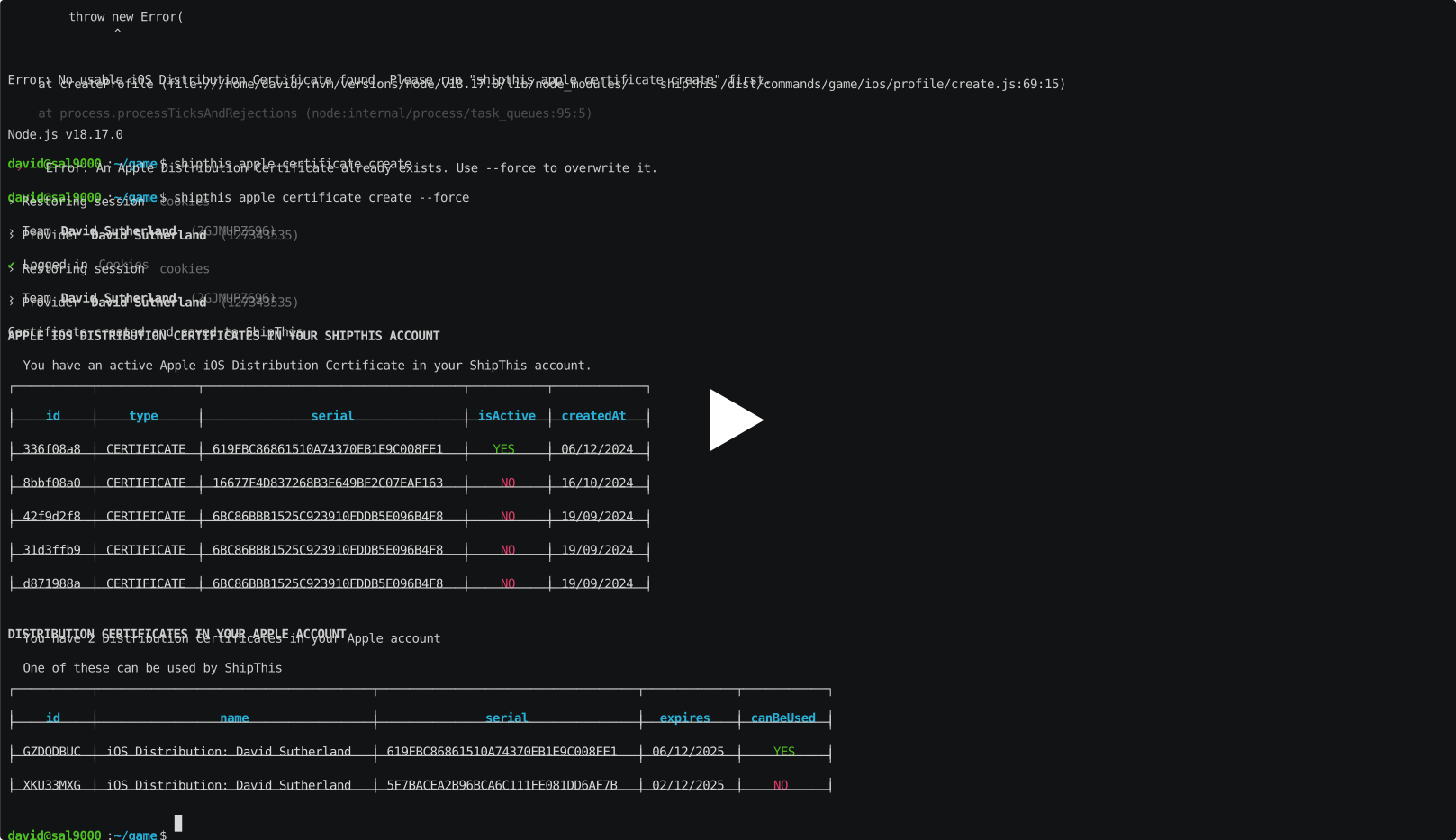](https://asciinema.org/a/1CNdfgPwSmxBVrgqxC9xXLnkm#shipthis-col120row32)
## Commands
### `game ios profile create`
#### Description
Creates a Mobile Provisioning Profile in the Apple Developer Portal.
:::tip
You will need a valid iOS Distribution Certificate before you can create a
Provisioning profile. To do that please run:
- [`shipthis apple certificate create`](/docs/reference/apple/certificate#apple-certificate-create)
:::
#### Help Output
```help
USAGE
$ shipthis game ios profile create [-q] [-g <value>] [-f]
FLAGS
-f, --force
-g, --gameId=<value> The ID of the game
-q, --quiet Avoid output except for interactions and errors
DESCRIPTION
Creates a Mobile Provisioning Profile in the Apple Developer Portal.
EXAMPLES
$ shipthis game ios profile create
```
### `game ios profile delete`
#### Description
Delete an iOS Mobile Provisioning Profile from ShipThis and optionally from Apple
#### Help Output
```help
USAGE
$ shipthis game ios profile delete [-g <value>] [-i] [-y] [-a]
FLAGS
-a, --revokeInApple Also revoke the Profile in Apple (cannot be undone)
-g, --gameId=<value> The ID of the game
-i, --immediate Remove from storage immediately (rather than waiting for automatic cleanup - cannot be undone)
-y, --iAmSure I am sure I want to do this - do not prompt me
DESCRIPTION
Delete an iOS Mobile Provisioning Profile from ShipThis and optionally from Apple
EXAMPLES
$ shipthis game ios profile delete
$ shipthis game ios profile delete --revokeInApple --immediate --iAmSure
```
### `game ios profile export`
#### Description
Saves the current Mobile Provisioning Profile to a ZIP file
#### Help Output
```help
USAGE
$ shipthis game ios profile export FILE [-g <value>] [-f]
ARGUMENTS
FILE Name of the ZIP file to create
FLAGS
-f, --force Overwrite the file if it already exists
-g, --gameId=<value> The ID of the game
DESCRIPTION
Saves the current Mobile Provisioning Profile to a ZIP file
EXAMPLES
$ shipthis game ios profile export userProfile.zip
```
### `game ios profile import`
#### Description
Imports an Mobile Provisioning Profile to your ShipThis account
#### Help Output
```help
USAGE
$ shipthis game ios profile import FILE [-g <value>] [-f]
ARGUMENTS
FILE Name of the ZIP file to import (must be in the same format as the export)
FLAGS
-f, --force
-g, --gameId=<value> The ID of the game
DESCRIPTION
Imports an Mobile Provisioning Profile to your ShipThis account
EXAMPLES
$ shipthis game ios profile import profile.zip
```
### `game ios profile status`
#### Description
Shows the Game iOS Mobile Provisioning Profile Status.
#### Help Output
```help
USAGE
$ shipthis game ios profile status [-g <value>] [-f]
FLAGS
-f, --noAppleAuth
-g, --gameId=<value> The ID of the game
DESCRIPTION
Shows the Game iOS Mobile Provisioning Profile Status.
EXAMPLES
$ shipthis game ios profile status
```