shipthis
Version:
ShipThis manages building and uploading your Godot games to the App Store and Google Play.
50 lines (37 loc) • 1.76 kB
Markdown
# Command: `game create`
## Description
:::tip
We recommend creating your game using the [`shipthis game wizard`](/docs/reference/game/wizard).
The `shipthis game create` command is the first step run by the wizard
:::
Creates a new game in your [ShipThis account](https://shipth.is/games).
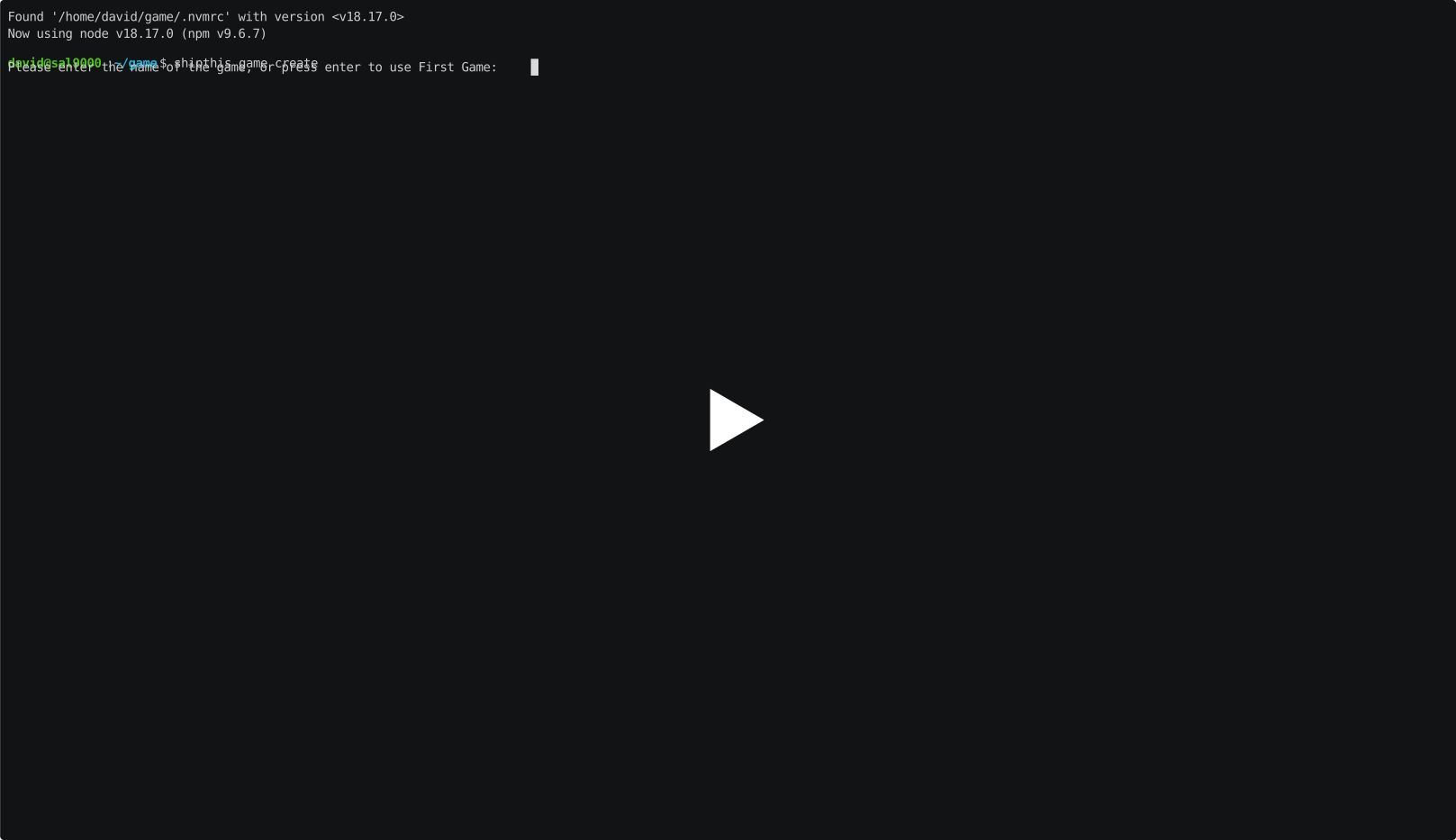
ShipThis will read the name of your game from your **project.godot** file. You will be
prompted to confirm this name, or you can specify one with the `--name` flag.
If there is already a ShipThis game config file (**shipthis.json**) in the current
directory then you will need to use the `--force` flag to create a new game and
overwrite this file with the config for the new game.
ShipThis will detect the version of Godot you are using from your **project.godot**
file. This can be changed with the [`shipthis game details`](/docs/reference/game/details)
command.
## Example
[](https://asciinema.org/a/Oxf8qnYoVViPNVA40EXKBWG36)
## Help Output
```help
USAGE
$ shipthis game create [-q] [-f] [-n <value>] [-b <value>] [-s <value>] [-e <value>] [-v <value>] [-i <value>]
[-a <value>]
FLAGS
-a, --androidPackageName=<value> Set the Android package name
-b, --buildNumber=<value> Set the build number
-e, --gameEngine=<value> Set the game engine
-f, --force
-i, --iosBundleId=<value> Set the iOS bundle ID
-n, --name=<value> The name of the game
-q, --quiet Avoid output except for interactions and errors
-s, --semanticVersion=<value> Set the semantic version
-v, --gameEngineVersion=<value> Set the game engine version
DESCRIPTION
Create a new game in ShipThis.
EXAMPLES
$ shipthis game create
```