shipthis
Version:
ShipThis manages building and uploading your Godot games to the App Store and Google Play.
81 lines (52 loc) • 2.29 kB
Markdown
# Topic: `game job`
Commands in the `game job` topic are prefixed `shipthis game job`. They relate to jobs for a specific game (generally in the currently directory).
:::info
A **job** is a set of work done to create a new build of your game. You can create a new job by running the command:
- [`shipthis game ship`](/docs/reference/game/ship)
Running the [ship command](/docs/reference/game/ship) will create a new job, and then automatically run the [`shipthis game job status`](/docs/reference/game/job#game-job-status) command with the `--follow` flag set so that you can watch the build in **real-time**.
**You can also watch and view jobs within the [ShipThis Dashboard](/dashboard).**
:::
## Example
[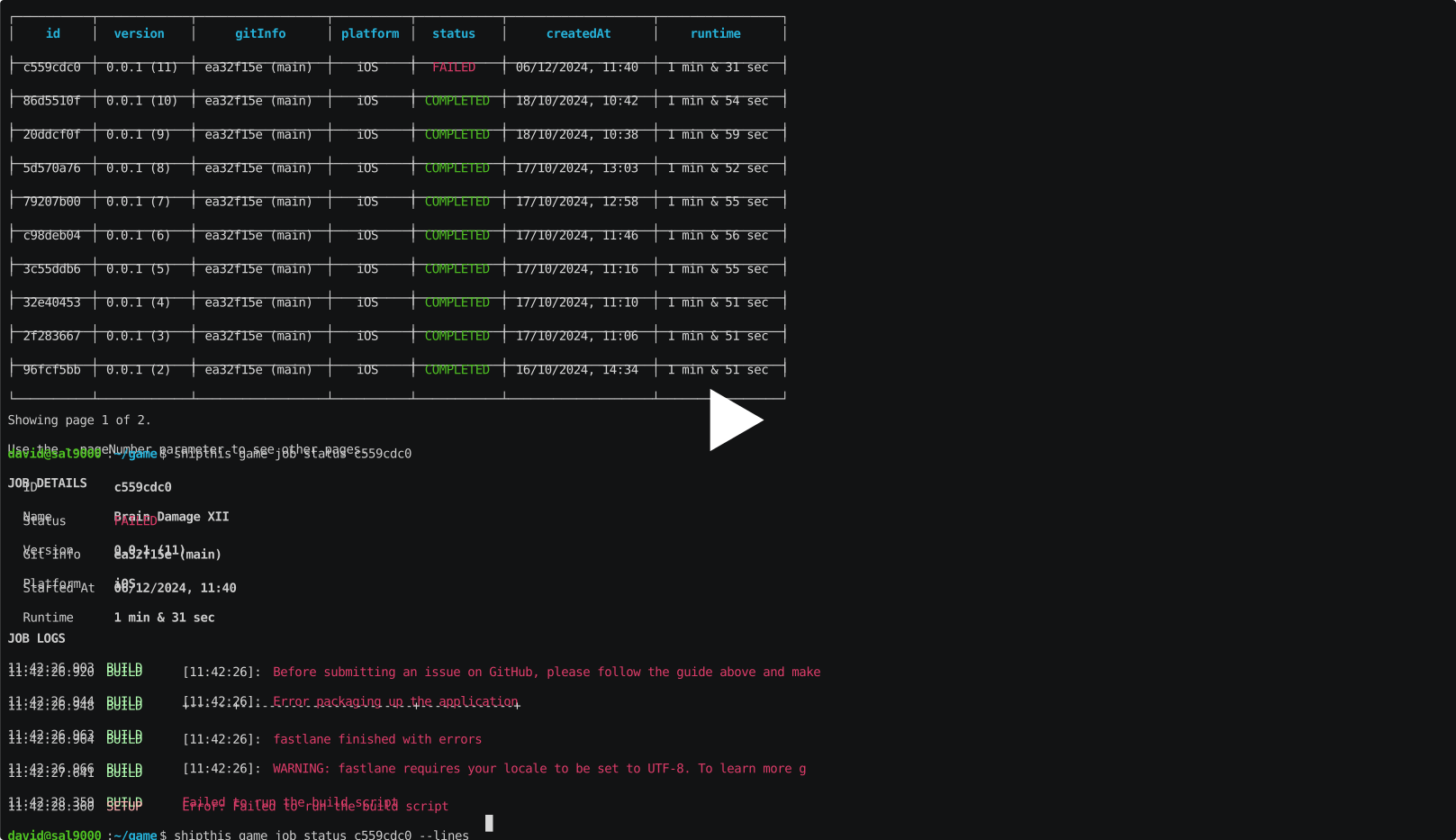](https://asciinema.org/a/25NfXdtyEYt1E3wm6caBxxoTK#shipthis-col120row32)
## Commands
### `game job list`
#### Description
Lists the jobs for a game.
#### Help Output
```help
USAGE
$ shipthis game job list [-g <value>] [-p <value>] [-s <value>] [-o createdAt|updatedAt] [-r asc|desc]
FLAGS
-g, --gameId=<value> The ID of the game
-o, --orderBy=<option> [default: createdAt] The field to order by
<options: createdAt|updatedAt>
-p, --pageNumber=<value> The page number to show (starts at 0)
-r, --order=<option> [default: desc] The order to sort by
<options: asc|desc>
-s, --pageSize=<value> [default: 10] The number of items to show per page
DESCRIPTION
Lists the jobs for a game.
EXAMPLES
$ shipthis game job list
$ shipthis game job list --gameId 0c179fc4
```
### `game job status`
#### Description
Shows the real-time status of a job.
#### Help Output
```help
USAGE
$ shipthis game job status JOB_ID [-g <value>] [-n <value>] [-f]
ARGUMENTS
JOB_ID The id of the job to get the status of
FLAGS
-f, --follow Follow the log in real-time
-g, --gameId=<value> The ID of the game
-n, --lines=<value> [default: 10] The number of lines to show
DESCRIPTION
Shows the real-time status of a job.
EXAMPLES
$ shipthis game job status 4d32239e
$ shipthis game job status --gameId 0c179fc4 4d32239e
$ shipthis game job status --gameId 0c179fc4 --lines 20 --follow 4d32239e
```