shipthis
Version:
ShipThis manages building and uploading your Godot games to the App Store and Google Play.
56 lines (39 loc) • 1.94 kB
Markdown
# Command: `game details`
## Description
Shows and sets the details of the current game. These details are used by when your game is built on our cloud servers.
If you run the command without any flags it will show the details of the current
game.
You can edit any of the values using the appropriate flag. After changing the
value, it will output all the values again.
The following fields can only be changed if you have the `--force` flag set:
- **gameEngine** - Change the Game Engine (currently only "godot" is supported)
- **gameEngineVersion** - Change the version of the Game Engine (currently only 3.6 and 4.3 are supported)
- **iosBundleId** - iOS Bundle ID
- **androidPackageName** Android Package Name (not currently used)
:::tip
After changing these values, you will need to trigger a new build of your game with [`shipthis game ship`](/docs/reference/game/ship)
:::
## Example
[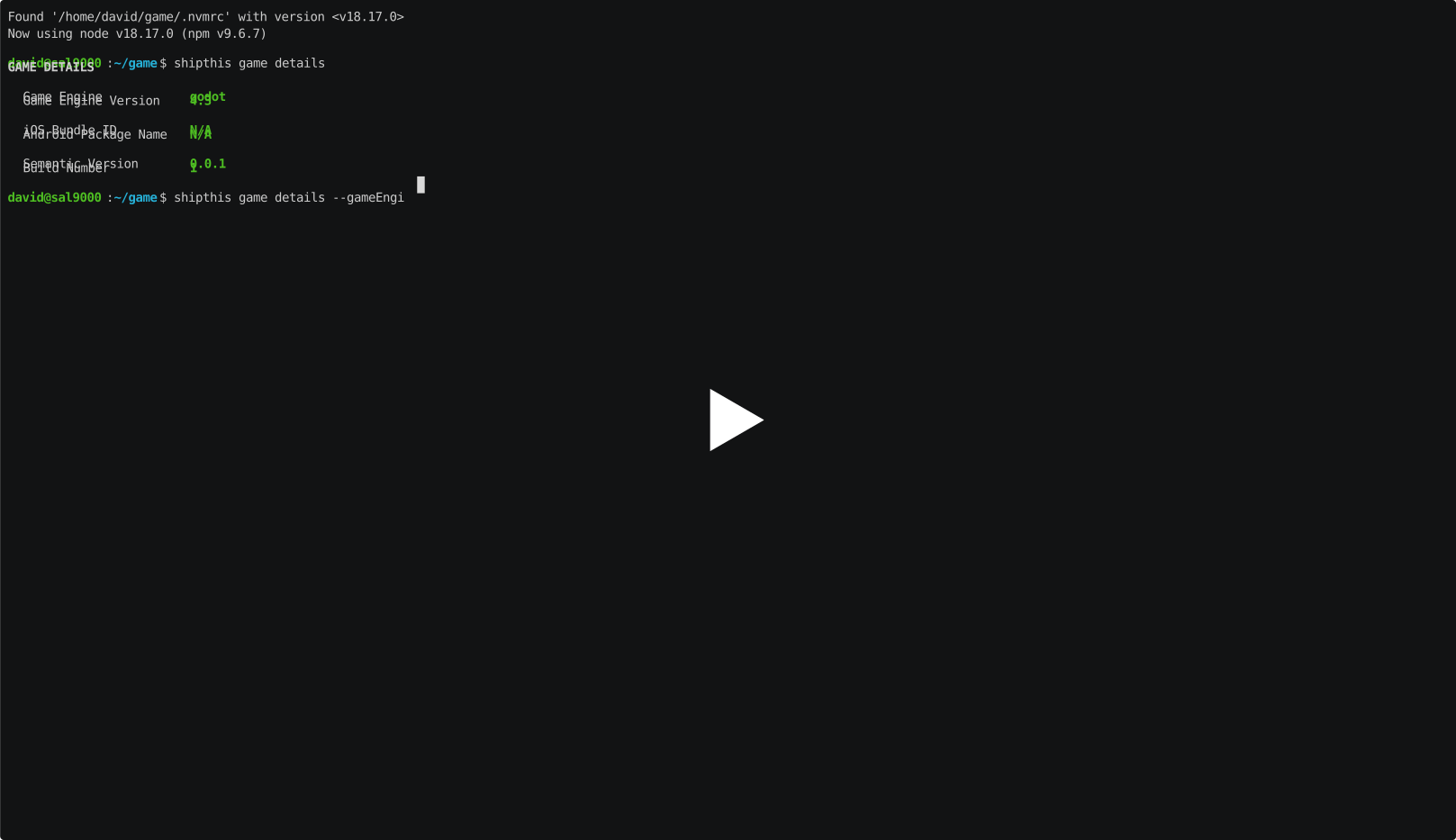](https://asciinema.org/a/5eIVmJYQ6MxDAlFVoVKXhGkYr)
## Help Output
```help
USAGE
$ shipthis game details [-g <value>] [-f] [-b <value>] [-s <value>] [-e <value>] [-v <value>] [-i <value>] [-a
<value>]
FLAGS
-a, --androidPackageName=<value> Set the Android package name
-b, --buildNumber=<value> Set the build number
-e, --gameEngine=<value> Set the game engine
-f, --force Force the command to run
-g, --gameId=<value> The ID of the game
-i, --iosBundleId=<value> Set the iOS bundle ID
-s, --semanticVersion=<value> Set the semantic version
-v, --gameEngineVersion=<value> Set the game engine version
DESCRIPTION
Shows and sets the details of a game.
EXAMPLES
$ shipthis game details
$ shipthis game details --gameId 0c179fc4
$ shipthis game details --buildNumber 5 --semanticVersion 1.2.3
$ shipthis game details --gameEngine godot --gameEngineVersion 4.2 --force
```