shins
Version:
Shins Is Not Slate
146 lines (106 loc) • 7.64 kB
Markdown
# shins
### Shins Is Not Slate
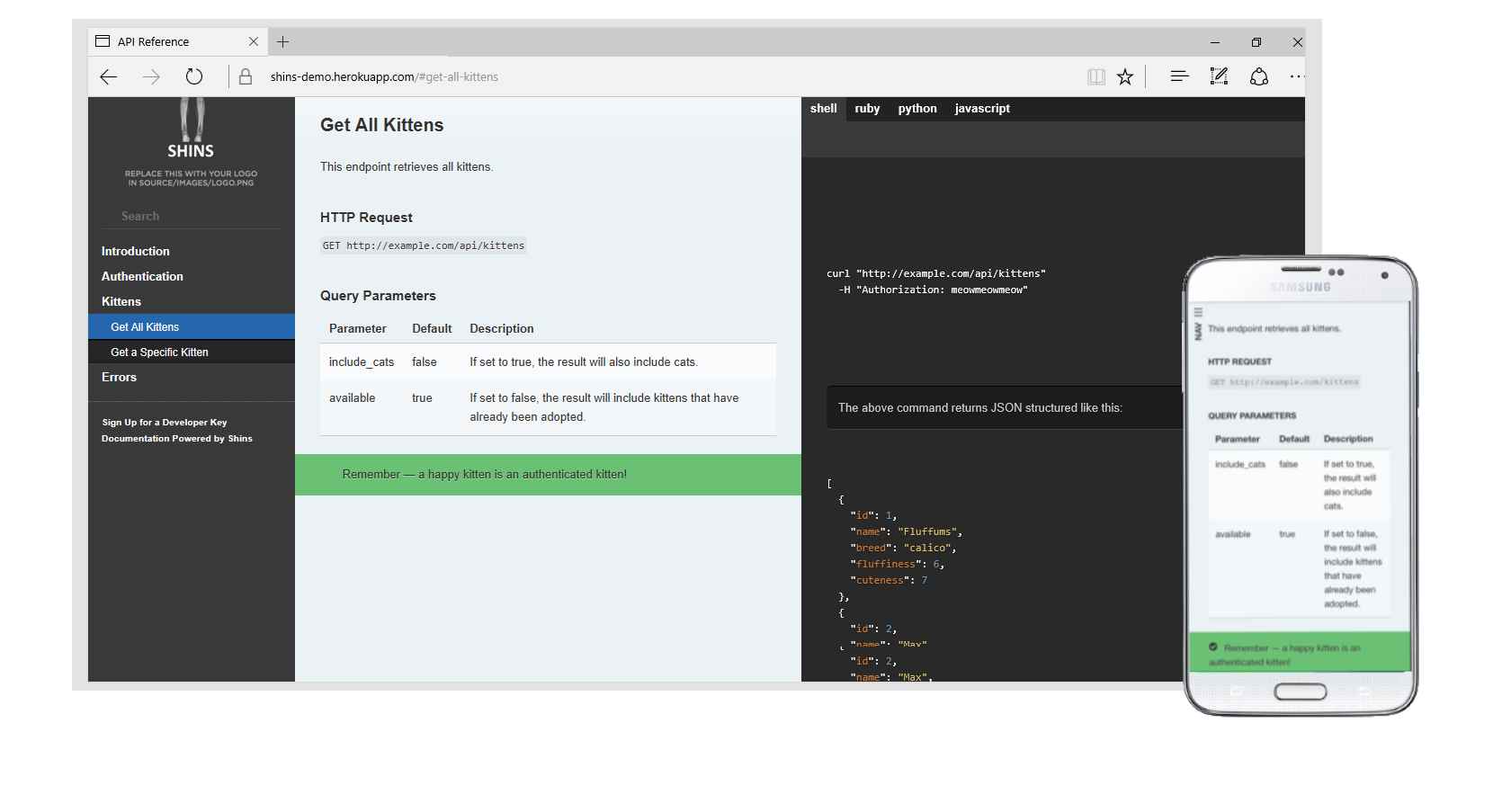
Beautiful static documentation for your API.
Shins is a port of [Slate](https://github.com/slatedocs/slate) to Javascript / Nodejs, and would
not be possible without all of that hard work.
Version numbers of Shins aim to track the version of Slate they are compatible with.
### Usage
* Fork the repository
* Clone the fork
* Edit source/index.html.md
* `npm install`
* `node shins.js` (alias `npm run build`) or
* `node shins.js --minify` or
* `node shins.js --customcss` or
* `node shins.js --inline` or
* `node shins.js --unsafe` or
* `node shins.js --no-links`
* To add custom logo add `--logo` option with path to your logo image.
* To use a different layout template (default `source/layouts/layout.ejs` use the `--layout` option.
* To make the logo image link to a webpage, add `--logo-url` option with URL to link to.
* To specify a different output filename from the default `./index.html`, use the `--output` or `-o` option.
* To allow css-style attributes in markdown, specify the `--attr` option.
* You can specify another location for the `source` and `pub` directories using the `--root` option.
* To check locally: `node arapaho` or `npm run serve` and browse to [localhost:4567](http://localhost:4567) - changes to your source `.html.md` files and the `source/includes` directory will automatically be picked up and re-rendered. If you use `--launch` or `-l` or `npm run start` your default browser will be opened automatically. You can also pass `shins` options on the `arapaho` command-line.
* Add, commit and push
* Then (in your fork) press this button
[](https://heroku.com/deploy)
Or, to deploy to GitHub Pages:
* Change the setting on your fork so Github Pages are served from the root directory
* Browse to `https://{yourname}.github.io/{repository-name}`
To deploy to your own web-server:
If you use the option `--minify` to shins, the only things you need to take to your web host is the generated `index.html` and the contents of the `pub` directory, which should be kept relative to it, so the structure is always:
```
{whatever}/index.html
{whatever}/pub/css/
{whatever}/pub/js/
```
If you use the `--inline` option to shins, then everything is bundled into the `index.html` file and no `pub` directory is required. Fonts are by default loaded from this github repository, but this can be overridden with the `--fonturl` option.
### Docker
A `Dockerfile` is included. To build:
* `docker build . -t shins:latest`
to run:
* `docker run -p 4567:4567 -v $(pwd)/source:/srv/shins/source shins:latest`
### Multiple Shins pages / portal
There is a simple example of using an [index markdown file](./source/portal.html.md) as an entry point to a collection of Shins pages [here](https://mermade.github.io/shins/portal.html).
### API
```javascript
const shins = require('shins');
let options = {};
options.cli = false; // if true, missing files will trigger an exit(1)
options.minify = false;
options.customCss = false;
options.inline = false;
options.unsafe = false; // setting to true turns off markdown sanitisation
options['no-links'] = false; // if true, do not automatically convert links in text to anchor tags
//options.source = filename; // used to resolve relative paths for included files
shins.render(markdownString, options, function(err, html) {
// ...
});
```
or, with Promises:
```javascript
const shins = require('shins');
let options = {};
options.cli = false; // if true, missing files will trigger an exit(1)
options.minify = false;
options.customCss = false;
options.inline = false;
options.unsafe = false; // setting to true turns off markdown sanitisation
options['no-links'] = false; // if true, do not automatically convert links in text to anchor tags
//options.source = filename; // used to resolve relative paths for included files
options.logo = './my-custom-logo.png';
options['logo-url'] = 'https://www.example.com';
shins.render(markdownString, options)
.then(html => {
// ...
});
```
The `err` parameter is the result of the `ejs` rendering step.
Setting `customCss` to `true` will include the `pub/css/screen_overrides.css`,`pub/css/print_overrides.css` and `pub/css/theme_override.css` files, in which you can override any of the default Slate theme, to save you from having to alter the main css files directly. This should make syncing up with future Shins / Slate releases easier.
Setting `inline` to `true` will inline all page resources (except resources referenced via CSS, such as fonts) to output html. This way HTML can be used stand-alone, without needing any other resources. It will also set `minify` to `true`.
Set `logo` path to add your custom logo as absolute path or path relative to process working directory. If `inline` option is on image will be inlined, else it will be copied to `source/images` directory and included via `src` image attribute.
Set `logo-url` if you want the logo image to link to a webpage.
### Updating from Slate
* Note: changes to Slate CSS, Javascript etc may break assumptions made in Shins. Use at your own risk.
* The script `updateFromSlate` assumes you have Ruby Slate checked-out by the side of shins (i.e. in a sibling directory) and will copy .scss files, fonts, Javascript files etc.
* The `buildstyle.js` program can be used to process the .scss files to their .css equivalents. It takes one optional **parameter**, the `outputStyle` used by `node-sass`. This can be either `nested`, `expanded`, `compact` or `compressed`. Default is `nested`. It also respects the `--root` option.
### Notes
* Windows is definitely supported
* Syntax highlighting in 189 [languages](https://highlightjs.org/static/demo/) and 91 [themes](https://highlightjs.org/static/demo/) (you can specify the highlighter theme to use by setting `highlight_theme` in your slate markdown header)
* Multiple language tabs per language are supported
* Static TOC as per Slate v2.0
* [GitHub emoji shortcuts](https://gist.github.com/rxaviers/7360908) are supported
* For converting [OpenAPI / Swagger](https://github.com/OAI/OpenAPI-Specification) or [AsyncAPI](https://github.com/asyncapi/asyncapi) definitions to Shins or Slate, see [widdershins](http://github.com/mermade/widdershins)
* `arapaho` has a `--preserve` or `-p` option which will not overwrite your `.html` output file, but still re-render when necessary
* Shins ships with an alternate theme by [TradeGecko](https://github.com/tradegecko) which is also under the Apache 2.0 license, `pub/css/tradegecko.min.css` can be included with the `--css` option
* Shins additionally supports [AsciiDoc](http://asciidoctor.org/docs/asciidoc-syntax-quick-reference/#include-files) `include::filename[]` syntax as well as `!INCLUDE filename` from [markdown-pp](https://github.com/MikeRalphson/markdown-pp-js) - this is not supported by Slate. See some [more information about including files](/docs/include.md).
### Shins in the wild
Please feel free to add a link to your API documentation here
* [APIs.guru OpenAPI specification extensions (Semoasa) documentation](https://mermade.github.io/shins/apisguru.html)
* [Signal Biometrics Ox documentation](https://signalbiometrics.github.io/ox-docs/)
* [LeApp daemon API](https://leapp-to.github.io/shins/index.html)
* [Shutterstock API](https://api-reference.shutterstock.com/)
* [Shotstack Video Editing API](https://shotstack.io/docs/api/index.html)