scrivito-salesforce-widget
Version:
A Scrivito widget to capture leads and submit to Salesforce
46 lines (31 loc) • 1.46 kB
Markdown
# scrivito-salesforce-widget
A Scrivito widget to capture leads and submit to Salesforce
[](https://scrivito.com) [](https://opensource.org/licenses/MIT) [](https://github.com/Agsiegert/scrivito-salesforce-widget) [](https://github.com/Agsiegert/scrivito-salesforce-widget)
## Screenshot
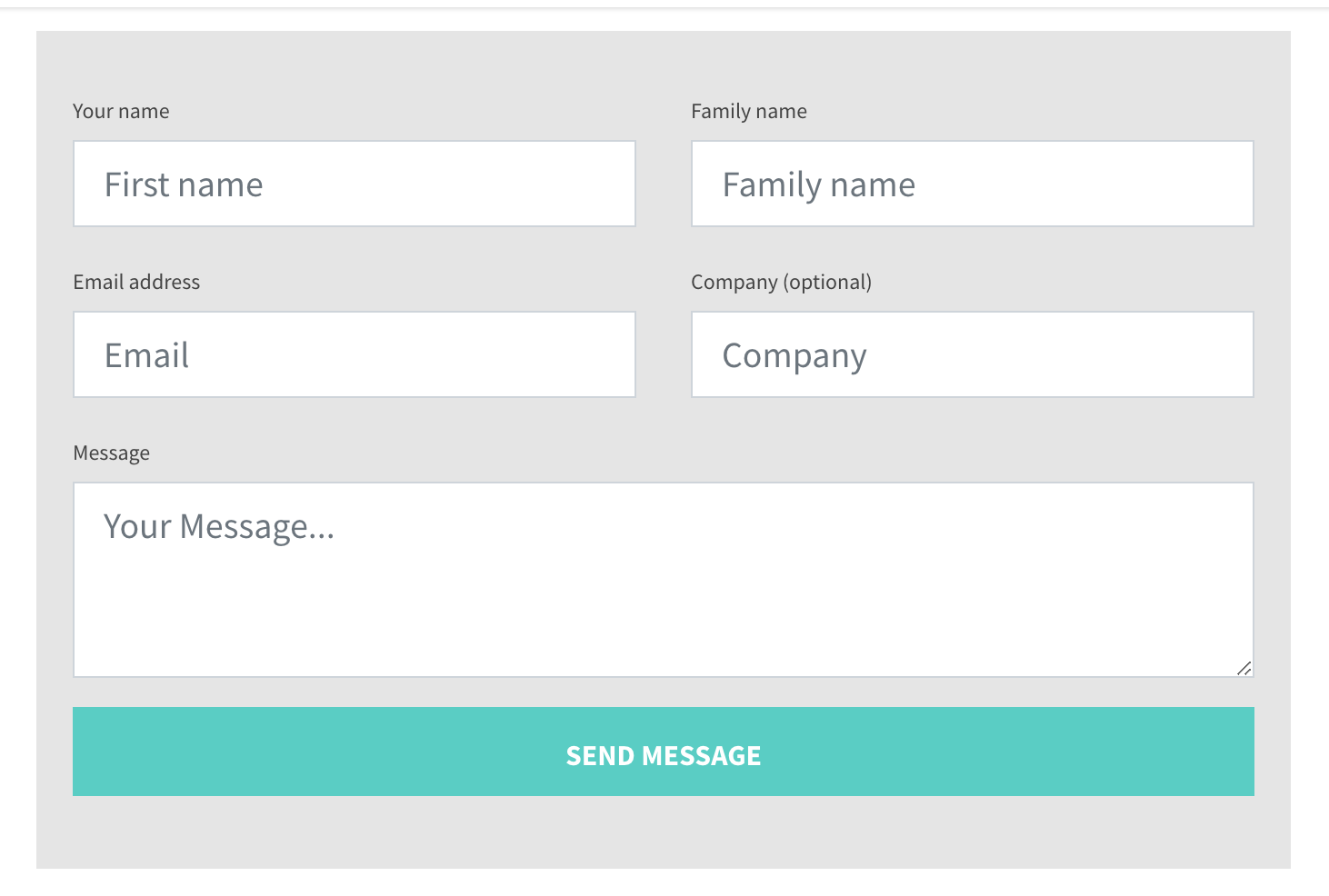
## Installation
Install the package in your scrivito app:
```shell
$ npm install scrivito-salesforce-widget
```
Import the widget in your javascript (e.g. in `src/Widgets/index.js`):
```js
import "scrivito-salesforce-widget";
```
## To use this widget
This widget is designed to be used with Salesforce web-to-lead. To use this widget [setup a web-to-lead form](https://help.salesforce.com/articleView?id=setting_up_web-to-lead.htm&type=5).
## Widget Configuration
In the widget properties you can set:
- Agreement text
- Button Text
- Background color
- Salesforce Organization ID
- Return URL
## Check code quality
```shell
$ npm run eslint
```
and
```shell
$ npm run es-check
```