scrape-it
Version:
A Node.js scraper for humans.
140 lines • 6.13 kB
JSON
{
"name": "scrape-it",
"description": "A Node.js scraper for humans.",
"keywords": [
"scrape",
"it",
"a",
"scraping",
"module",
"for",
"humans"
],
"license": "MIT",
"version": "6.1.11",
"main": "lib/index.js",
"types": "lib/index.d.ts",
"scripts": {
"test": "node test"
},
"author": "Ionică Bizău <bizauionica@gmail.com> (https://ionicabizau.net)",
"contributors": [
"ComFreek <comfreek@outlook.com> (https://github.com/ComFreek)",
"Jim Buck <jim@jimmyboh.com> (https://github.com/JimmyBoh)",
"Non <aomnonpn@gmail.com (https://github.com/fadingNA)"
],
"repository": {
"type": "git",
"url": "git+ssh://git@github.com/IonicaBizau/scrape-it.git"
},
"bugs": {
"url": "https://github.com/IonicaBizau/scrape-it/issues"
},
"homepage": "https://github.com/IonicaBizau/scrape-it#readme",
"blah": {
"h_img": "https://i.imgur.com/j3Z0rbN.png",
"cli": "scrape-it-cli",
"description": [
"----",
"",
"<p align=\"center\">",
"Sponsored with :heart: by:",
"<br/><br/>",
"<h3 align='center'><a href='https://serpapi.com/?utm_source=scrape-it'>SerpApi.com</a></h3>",
"<a href='https://serpapi.com/?utm_source=scrape-it'><img title='SerpApi' src='https://i.imgur.com/JXqpoEE.png'/></a>",
"<br/>",
"<br/>",
"",
"<h3 align='center'><a href='http://scrapeless.com/?utm_source=scrape-it'>Scrapeless.com</a></h3>",
"",
"[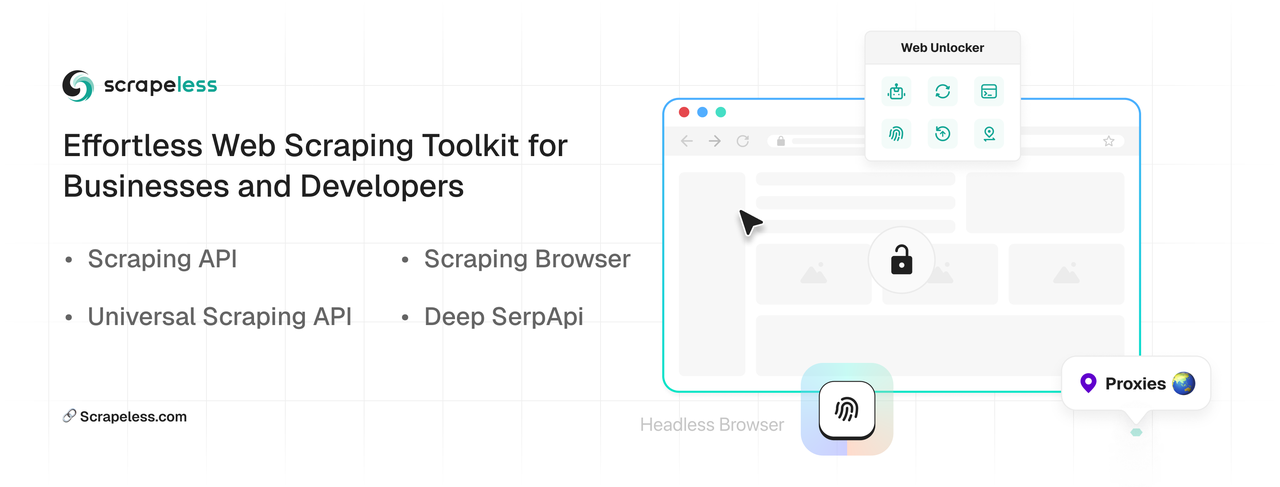](https://www.scrapeless.com/en?utm_source=scrape-it)",
"",
"[Scrapeless](http://scrapeless.com/?utm_source=scrape-it) – Easy web scraping toolkit for businesses and developers",
"",
"⚡ [Scraping Browser](https://www.scrapeless.com/en/product/scraping-browser?utm_source=scrape-it):",
"",
" 1. Web browsing capabilities for AI agents and applications",
" - Collect data at scale for agents without being blocked",
" - Simulate user behavior using advanced browser tools",
" - Build agent applications with real-time and historical web data",
" 2. Unlock any scale with unlimited parallel jobs",
" 3. High-performance web unlocking built directly into the browser",
" 4. Compatible with Puppeteer and Playwright",
"",
"⚡ [Deep SerpApi](https://www.scrapeless.com/en/product/deep-serp-api?utm_source=scrape-it): One-click Google search data monitoring, supporting 15+ SERP scenarios such as academic/Google Store/Maps, $0.1/thousand queries, 0.2s response. Recently, Scrapeless has officially launched [MCP Server](https://github.com/scrapeless-ai/scrapeless-mcp-server), which can help large prediction models easily capture the latest data and ensure the accuracy of the results.",
"",
"⚡ [Scraping API](https://www.scrapeless.com/en/product/scraping-api?utm_source=scrape-it): Easily obtain public content such as TikTok, Shopee, Amazon, Walmart, etc. Covering structured data of 8+ vertical industries such as e-commerce/social media, ready to use. Only billed by the number of successful calls.",
"",
"⚡ [Universal Scraping API](https://www.scrapeless.com/en/product/universal-scraping-api?utm_source=scrape-it): Intelligent IP rotation + real user fingerprint, success rate up to 99%. No more worrying about network blockades and crawling obstacles.",
"",
"⚠️ Exclusive for open source projects: Submit the Repo link to apply for 100,000 free Deep SerpApi queries!<br/>",
"📌 [Try it now](https://app.scrapeless.com/passport/login?utm_source=scrape-it) | [Documentation](https://docs.scrapeless.com/en/scraping-browser/quickstart/introduction/?utm_source=scrape-it)",
"----"
],
"installation": [
{
"h2": "FAQ"
},
{
"p": "Here are some frequent questions and their answers."
},
{
"h3": "1. How to parse scrape pages?"
},
{
"p": "`scrape-it` has only a simple request module for making requests. That means you cannot directly parse ajax pages with it, but in general you will have those scenarios:"
},
{
"ol": [
"**The ajax response is in JSON format.** In this case, you can make the request directly, without needing a scraping library.",
"**The ajax response gives you HTML back.** Instead of calling the main website (e.g. example.com), pass to `scrape-it` the ajax url (e.g. `example.com/api/that-endpoint`) and you will you will be able to parse the response",
"**The ajax request is so complicated that you don't want to reverse-engineer it.** In this case, use a headless browser (e.g. Google Chrome, Electron, PhantomJS) to load the content and then use the `.scrapeHTML` method from scrape it once you get the HTML loaded on the page."
]
},
{
"h3": "2. Crawling"
},
{
"p": "There is no fancy way to crawl pages with `scrape-it`. For simple scenarios, you can parse the list of urls from the initial page and then, using Promises, parse each page. Also, you can use a different crawler to download the website and then use the `.scrapeHTML` method to scrape the local files."
},
{
"h3": "3. Local files"
},
{
"p": "Use the `.scrapeHTML` to parse the HTML read from the local files using `fs.readFile`."
}
]
},
"dependencies": {
"assured": "^1.0.16",
"cheerio": "^1.1.0",
"cheerio-req": "^2.0.1",
"scrape-it-core": "^1.0.2",
"typpy": "^2.4.0"
},
"devDependencies": {
"@types/cheerio": "^1.0.0",
"@types/node": "^24.0.14",
"lien": "^4.0.0",
"tester": "^2.0.0",
"ts-node": "^10.9.2",
"typescript": "^5.8.3"
},
"files": [
"bin/",
"app/",
"lib/",
"dist/",
"src/",
"scripts/",
"resources/",
"menu/",
"cli.js",
"index.js",
"index.d.ts",
"package-lock.json",
"bloggify.js",
"bloggify.json",
"bloggify/"
]
}