rn-wordcloud
Version:
A React Native library for creating beautiful and neat word (tag) cloud from any text with custom weight and color.
102 lines (71 loc) • 2.77 kB
Markdown
A React Native library for creating beautiful and neat word (tag) cloud from any text with custom weight and color.
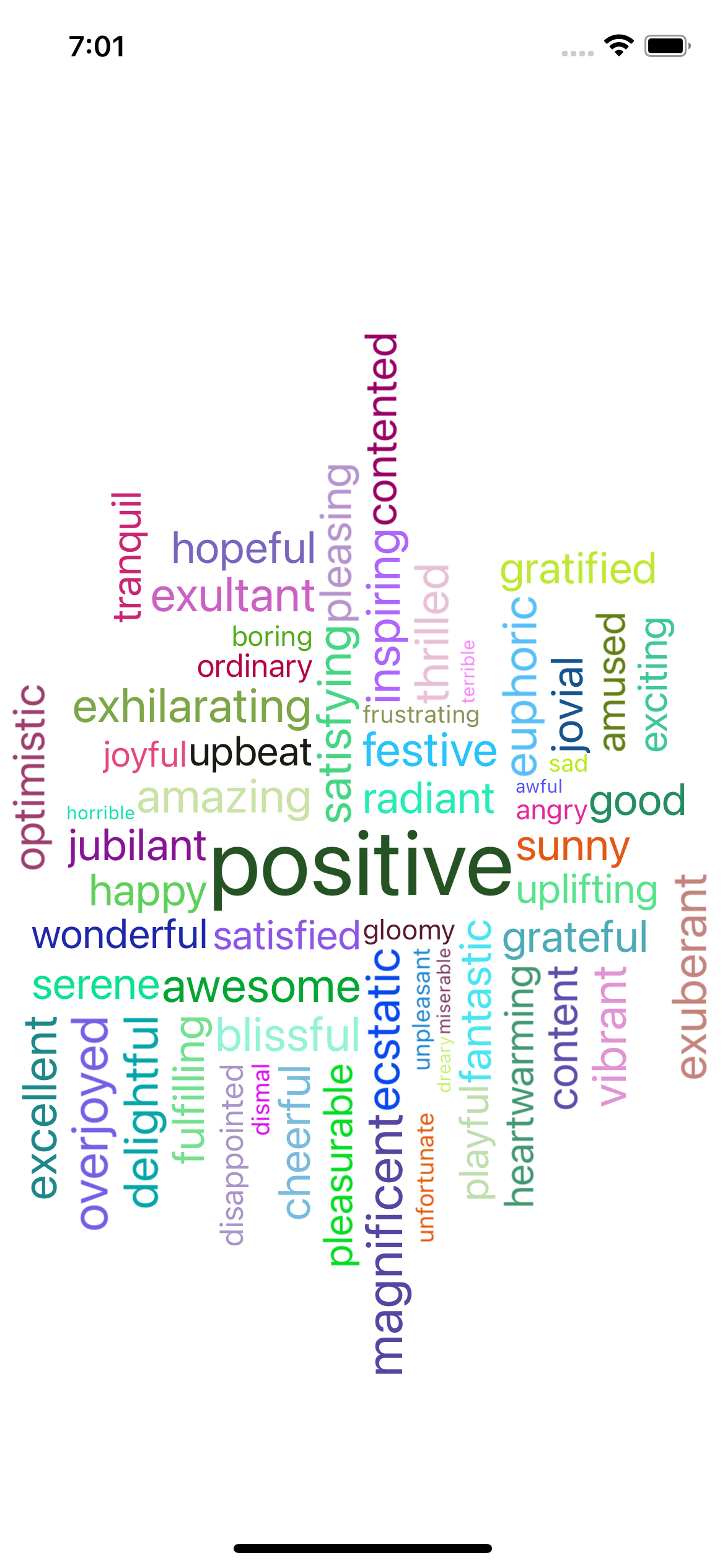
## Screenshot
## Installation
```bash
npm install rn-wordcloud
```
## Usage
```javascript
import React from "react"
import WordCloud from "rn-wordcloud"
const App = () => {
const data = [
{ text: "happy", value: 8 },
{ text: "joyful", value: 6 },
{ text: "sad", value: 3 },
{ text: "exciting", value: 7 },
{ text: "angry", value: 4 },
{ text: "hopeful", value: 8 },
{ text: "inspiring", value: 9, color: "green" },
{ text: "dismal", value: 3 },
{ text: "gloomy", value: 4 },
{ text: "boring", value: 4 },
{ text: "ordinary", value: 5 },
{ text: "satisfied", value: 7 },
{ text: "pleasing", value: 8 },
// Add more words as needed
]
const handleWordClick = (word) => {
console.log("Word details:", word);
};
return (
<WordCloud
options={{
words: data,
verticalEnabled: true,
minFont: 10,
maxFont: 50,
fontOffset: 1,
width: 390,
height: 250,
fontFamily: "Arial",
}}
onWordPress={handleWordClick}
/>
)
}
export default App
```
An object containing configuration options for the WordCloud component.
- `words` (array, required): An array of objects representing words in the word cloud. Each object should have `text` (word text), `value` (word weight), `fontFamily` (optional), and `sentiment` (optional) properties.
- `verticalEnabled` (boolean, default: `true`): Whether vertical alignment is enabled or not.
- `minFont` (number, default: `10`): Minimum font size for words.
- `maxFont` (number, default: `50`): Maximum font size for words.
- `fontOffset` (number, default: `1`): Font offset for additional customization.
- `width` (number, required): Width of the word cloud container.
- `height` (number, required): Height of the word cloud container.
- `fontFamily` (string, optional): Default font family for words.
- A callback function that is triggered when a word in the word cloud is pressed. The function receives an object containing details about the word that was pressed.
- `text` (string): The word text.
- `value` (number): The weight/importance of the word.
This project is licensed under the MIT License - see the [LICENSE](LICENSE) file for details.
```
You can copy and paste this content into a file named `README.md` in the root of your project.
```