rn-app-icon-generator
Version:
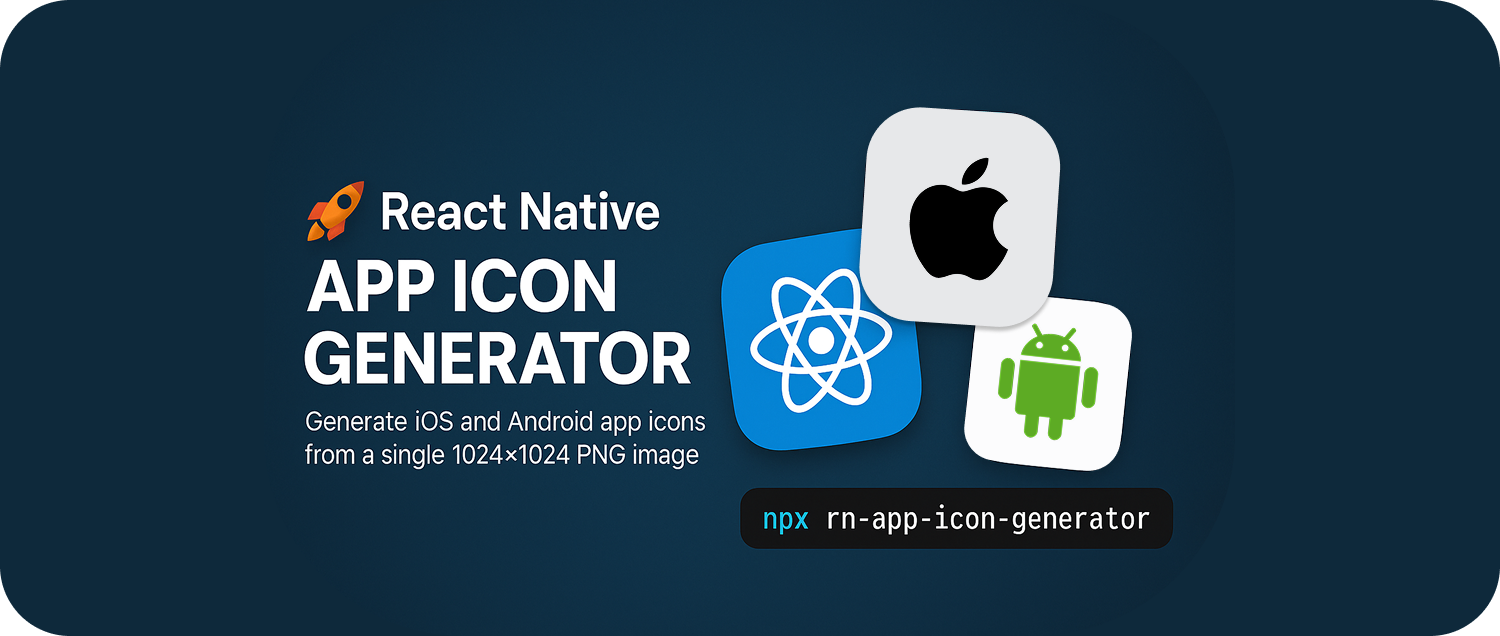
A CLI tool to generate iOS and Android app icons for React Native from a single 1024x1024 PNG image.
223 lines (154 loc) • 6.62 kB
Markdown
<p>
<!-- left -->
<!-- Project-specific badges -->
<a href="https://www.npmjs.com/package/rn-app-icon-generator">
<img src="https://img.shields.io/npm/v/rn-app-icon-generator.svg?style=flat&color=cb3837&logo=npm" alt="npm version">
</a>
<a href="https://bundlephobia.com/package/rn-app-icon-generator">
<img src="https://img.shields.io/bundlephobia/minzip/rn-app-icon-generator?style=flat&label=size&logo=webpack" alt="Bundle Size">
</a>
<img src="https://img.shields.io/github/last-commit/ara-apps-dev/rn-app-icon-generator?style=flat&logo=github" alt="Last Commit">
<img src="https://img.shields.io/npm/l/rn-app-icon-generator?style=flat&color=blue" alt="License">
<a href="https://github.com/ara-apps-dev/rn-app-icon-generator">
<img src="https://img.shields.io/github/stars/ara-apps-dev/rn-app-icon-generator?style=flat&logo=github" alt="GitHub stars">
</a>
<a href="https://github.com/ara-apps-dev/rn-app-icon-generator/issues">
<img src="https://img.shields.io/github/issues/ara-apps-dev/rn-app-icon-generator?style=flat" alt="GitHub issues" >
</a>
<!-- right -->
<span>
<a href="https://www.npmjs.com/package/rn-app-icon-generator">
<img src="https://img.shields.io/npm/dm/rn-app-icon-generator?style=flat&color=orange&logo=npm" alt="Monthly Downloads" align="right">
</a>
<img src="https://raw.githubusercontent.com/ara-apps-dev/rn-app-icon-generator/main/assets/circle.svg" alt="Circle Icon" align="right" width="5" height="1" />
<a href="https://www.npmjs.com/package/rn-app-icon-generator">
<img src="https://img.shields.io/npm/dt/rn-app-icon-generator?style=flat&color=orange&logo=npm" alt="Total Downloads" align="right">
</a>
</span>
</p>
# 🚀 React Native App Icon Generator
A lightweight and hassle-free CLI tool to **generate iOS and Android app icons** in your React Native project from a **single 1024x1024 PNG image** — no config required, just run and go!
## ✨ Features
✅ One command to generate all required icons
✅ No manual image resizing needed
✅ Automatically finds your `app_icon.png`
✅ Replaces icons in the correct native folders
✅ CLI options for background, platform, output dir
✅ Supports adaptive Android icons
✅ Works with any React Native structure
✅ Interactive mode if no arguments are provided
## 🔧 How to Use
### 1️⃣ Option 1: Let It Find `app_icon.png` Automatically
Place a high-resolution **`1024x1024`** PNG named **`app_icon.png`** anywhere in your project.
📁 Example:
```
your-project/
├── src/
│ └── assets/
│ └── app_icon.png
```
Then run:
```bash
npx rn-app-icon-generator
```
### 2️⃣ Option 2: Provide Icon Path Manually
You can specify your own icon path:
```bash
npx rn-app-icon-generator ./assets/your_icon.png \
--background "#ffffff" \
--platform all \
```
### 3️⃣ Use Additional CLI Options
```bash
npx rn-app-icon-generator ./assets/your_icon.png \
--background "#ffffff" \
--platform all \
--output ./custom-icons \
--mask ./assets/masks/circle-mask.png (png or svg)
```
## ⚙️ CLI Options
| Option | Description |
| -------------- | ------------------------------------------------------------------ |
| `--background` | Background color (hex format). Default: `#ffffff` |
| `--platform` | Platform to generate: `android`, `ios`, or `all`. Default: `all` |
| `--output` | Optional output directory (useful for preview/testing) |
| `--mask` | Optional mask file (PNG/SVG) for Android adaptive icons foreground |
> 💡 If no arguments are provided, the tool enters interactive mode.
## 🧱 Mask Support (Adaptive Android Icons)
The `--mask` option allows shaping the foreground icon for Android adaptive icons.
✅ Supported Mask Formats:
- `.png` — black & transparent areas (alpha mask)
- `.svg` — vector path (e.g., circle, rounded square)
## 🖼️ How It Works:
- The mask is applied to the foreground icon (`ic_launcher_foreground.png`)
- Using alpha masking or SVG shape with `sharp.composite(..., blend: "dest-in")`
- This creates a custom-shaped icon for modern Android launchers
## 📐 Example Usage:
```
npx rn-app-icon-generator ./assets/your_icon.png \
--background "#ffffff" \
--platform all \
--mask ./assets/masks/circle-mask.svg
```
## 🎨 PNG Mask Example
A 1024x1024 PNG with:
- **White or opaque** = visible area
- **Black or transparent** = cropped area
## 📁 Example:
```
./assets/masks/circle-mask.svg
```
## 🧭 SVG Mask Example
Example `circle-mask.svg`:
<img src="https://raw.githubusercontent.com/ara-apps-dev/rn-app-icon-generator/main/assets/circle.svg" alt="Circle Icon" align="right" width="100" height="100" background-color="#dfdfdf" />
[Download SVG](https://raw.githubusercontent.com/ara-apps-dev/rn-app-icon-generator/main/assets/circle.svg)
You can also use:
- Rounded rectangles
- Circle
- Any SVG path
## 📂 Output Paths
| Platform | Path Example |
| -------------------- | ------------------------------------------------------------------------------- |
| **Android** | `android/app/src/main/res/mipmap-*/ic_launcher.png` and `ic_launcher_round.png` |
| **Android Adaptive** | `mipmap-*/ic_launcher_foreground.png`, plus `ic_launcher.xml` & `colors.xml` |
| **iOS** | `ios/YourApp/Images.xcassets/AppIcon.appiconset/` with `Contents.json` |
## 📦 Optional: Local Installation
Install as a dev dependency:
```bash
npm install rn-app-icon-generator --save-dev
```
Run with:
```bash
npx rn-app-icon-generator
```
## 🧠 Pro Tips
- ✅ PNG **must be 1024x1024** for best results (no SVG support).
- 🧼 Use solid backgrounds unless transparency is intentional.
- 📱 Make sure iOS folder has a valid \`.xcodeproj\` file.
- 🧪 Works on both macOS, Linux, and Windows.
## 💻 Example Script (CI/CD)
```bash
npx rn-app-icon-generator ./branding/your_icon.png --background "#000000" --platform all
```
Add to your `package.json` scripts:
```json
"scripts": {
"generate:icons": "rn-app-icon-generator ./branding/your_icon.png --background '#ffffff' --platform all"
}
```
## 📄 License
Licensed under the **MIT License**.
> Created by [Ara Apps Dev](https://github.com/ara-apps-dev)