react-use-clock
Version:
React clock hook.
90 lines (72 loc) • 2.34 kB
Markdown
Simplified access to current hours, minutes, seconds.
[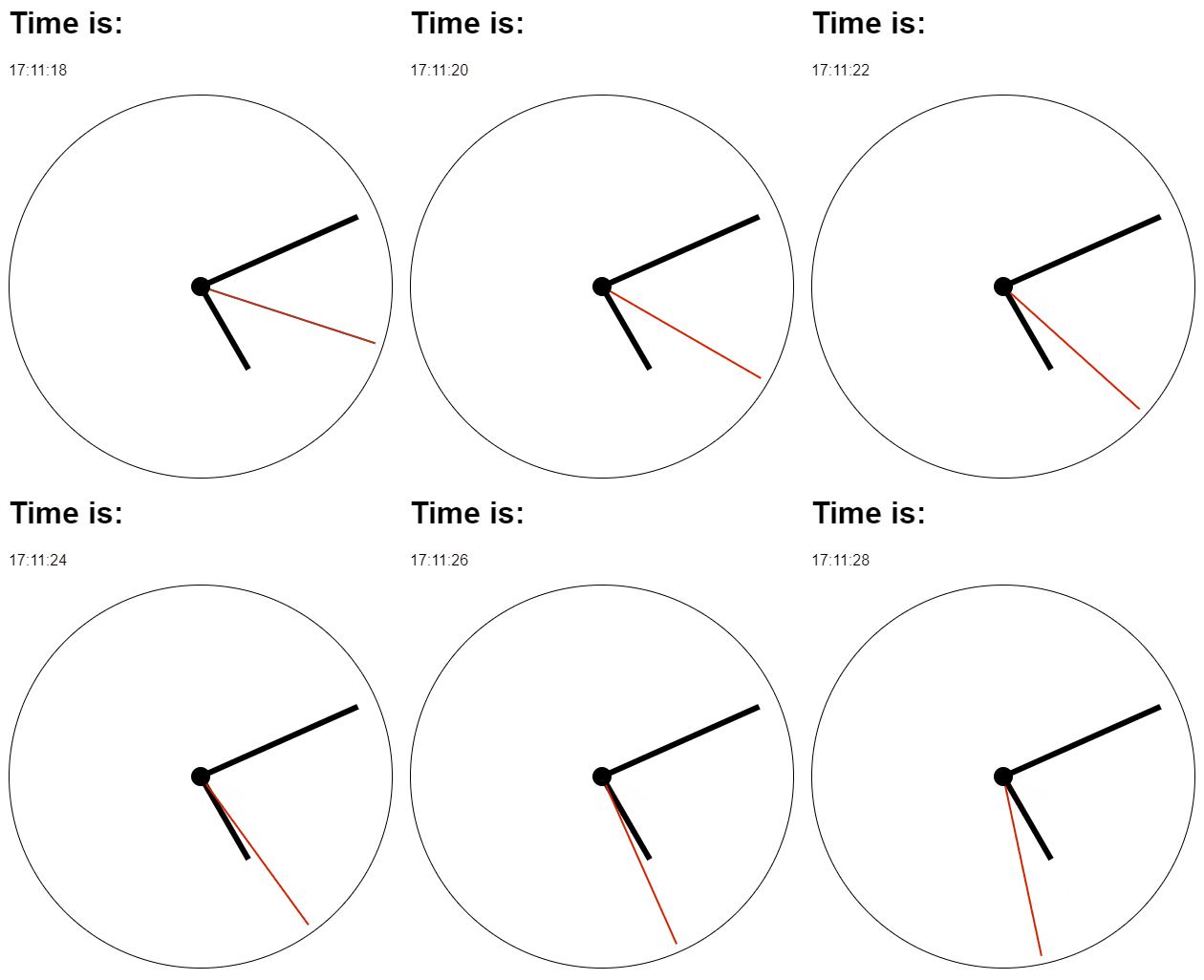](https://react-use-clock.netlify.app)
```bash
npm install react-use-clock
```
```jsx
import { useClock } from 'react-use-clock'
const MyClockComponent = () => {
const clock = useClock()
return (
<div>
<p>
Time is:{' '}
<strong>
{clock.hours.toString().padStart(2, '0')}:
{clock.minutes.toString().padStart(2, '0')}:
{clock.seconds.toString().padStart(2, '0')}
</strong>
</p>
<p>
Date is:{' '}
<strong>
{clock.day}. {clock.month}. {clock.year}
</strong>
</p>
<p>
Using formatter:{' '}
<strong>
{clock.date.toLocaleTimeString('en', {
day: 'numeric',
month: 'long',
year: 'numeric',
})}
</strong>
</p>
<div
style={{
'--hours': `${clock.hours}`,
'--minutes': `${clock.minutes}`,
'--seconds': `${clock.seconds}`,
}}
/>
</div>
)
}
```
Create your own wrapper component. You can get inspired by [Example here](src/stories/Example.tsx) and [Storybook here](https://react-use-clock.netlify.app).
By default the clock ticks every second. If you only display minutes, hours or
the date, pass a coarser `granularity` to avoid unnecessary re-renders – the
component then re-renders only once per chosen unit and the lower fields are
zeroed.
```jsx
// Re-renders once per minute, seconds are always 0.
const clock = useClock({ granularity: 'minute' })
```
Supported values: `'second'` (default), `'minute'`, `'hour'`, `'day'`.
```ts
useClock(options?: {
granularity?: 'second' | 'minute' | 'hour' | 'day'
initialValue?: ClockSnapshot // server snapshot / first render
getDate?: () => Date // custom time source, e.g. for testing
})
```
> **Migrating from 1.x:** the hook now takes a single options object instead of
> positional arguments. Replace `useClock(initialValue, getDate)` with
> `useClock({ initialValue, getDate })`.
Run `npm start` and `npm run storybook` parallelly.