react-theatre
Version:
A React component which accepts one or more React elements and allows you to navigate them in a lightbox.
73 lines (54 loc) • 1.88 kB
Markdown
# react-theatre
**Unstable: Do not use in production**
A React component which accepts one or more React elements and allows you to navigate them in a lightbox.
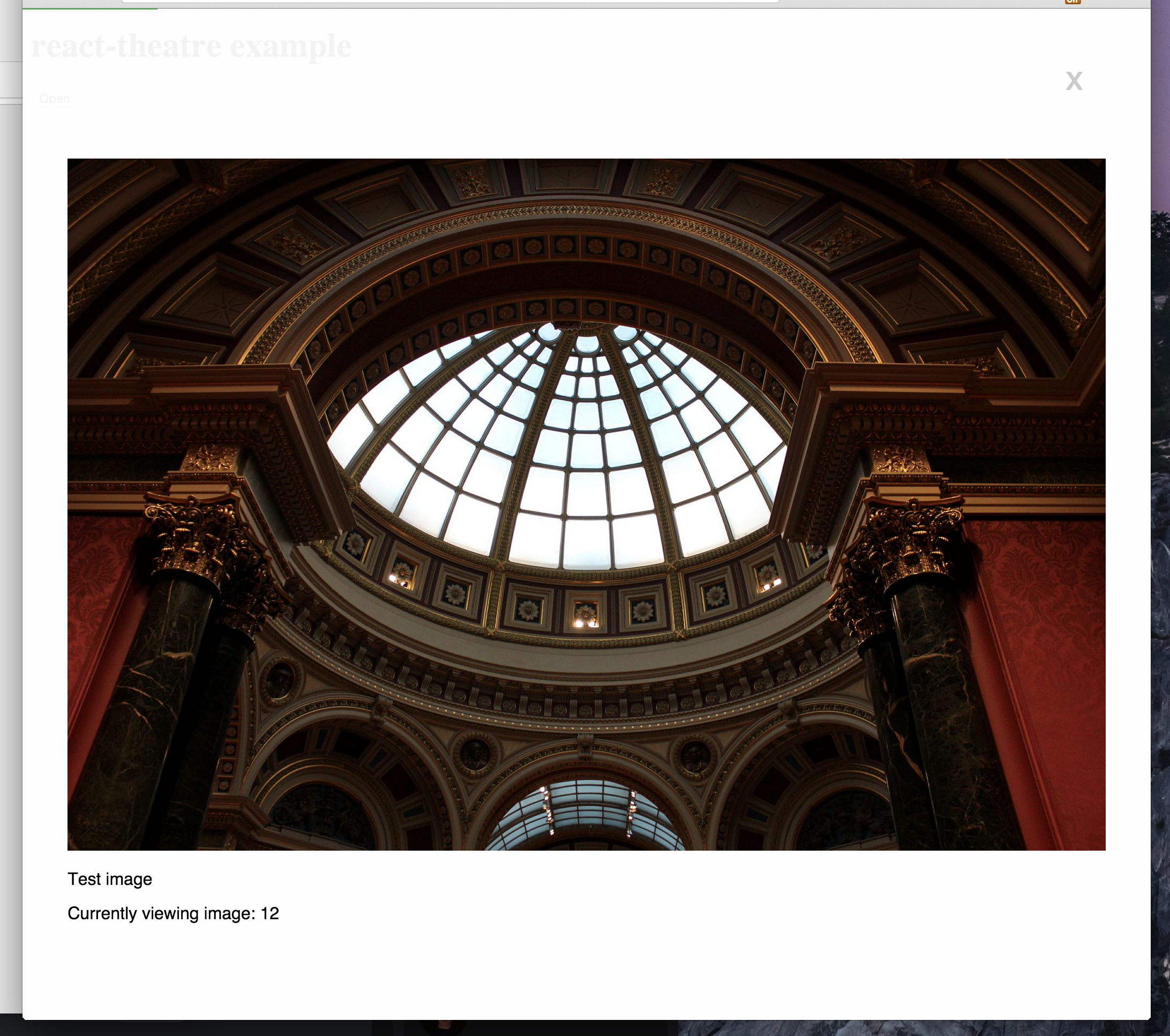
# Example
```jsx
var React = require('react');
var Theatre = require('react-theatre');
var Example = React.createClass({
render: function() {
return(
<div>
<p> Currently viewing item: {this.props.index} </p>
</div>
);
},
});
var App = React.createClass({
getInitialState: function() {
return {
theatre: true,
};
},
_toggleTheatre: function() {
this.setState({
theatre: !this.state.theatre,
});
},
_renderTheatre: function() {
if (this.state.theatre) {
return <Theatre entries={this.props.entries} openItemIndex={50} closeHandler={this._toggleTheatre} />;
}
},
render: function() {
return(
<div>
{this._renderTheatre()}
<button onClick={this._toggleTheatre}>Open</button>
</div>
);
},
});
var items = [];
for (var i = 0; i < 100; i++) {
items.push(<Example key={i} index={i} />);
}
React.render(<App entries={items} />, document.getElementById('app'));
```
## Required props
- entries `React.PropTypes.arrayOf(React.PropTypes.element)` - The only required property is an array of React elements that you want to render.
- closeHandler `React.PropTypes.func` - The method to call when the user clicks on the close button.
## Optional props
- **showProgress** `React.PropTypes.bool` - Whether or not to show the top progress bar.
- **openItemIndex** `React.PropTypes.number` - The index of the entry that you wish to open initially.