react-social-icons
Version:
beautiful, easy svg social icons in react
364 lines (267 loc) • 11.4 kB
Markdown
# react-social-icons





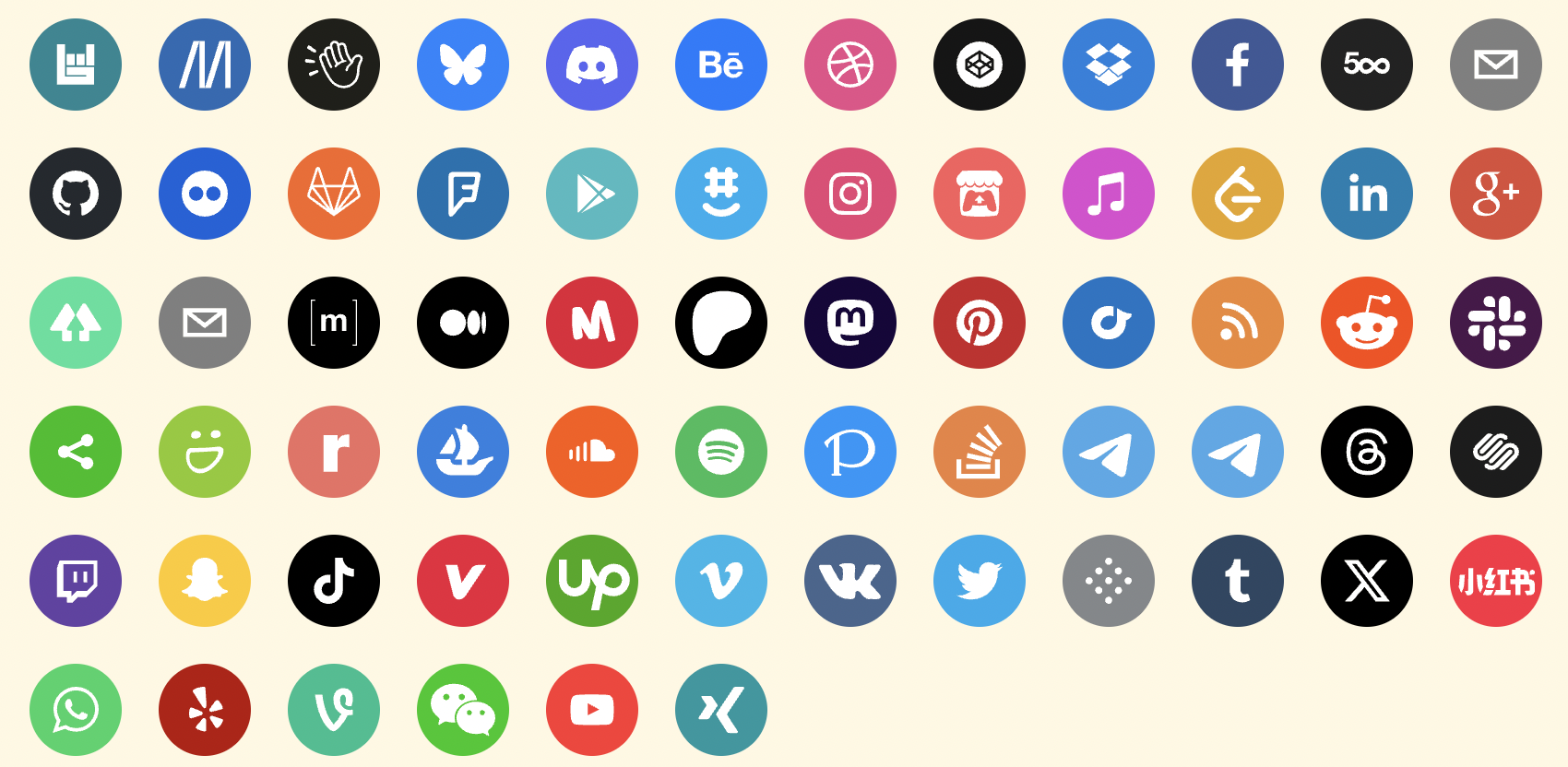
A set of beautiful svg social icons. Easily used in React. No images or
external css dependencies. [Example](https://react-social-icons.com)
## Install
```
npm install react-social-icons
yarn add react-social-icons
pnpm add react-social-icons
```
## Usage
Pass in the `url` prop of your social network, and the icon will be rendered.
```js
import React from 'react'
import ReactDOM from 'react-dom'
import { SocialIcon } from 'react-social-icons'
const Component = <SocialIcon url="https://twitter.com" />
// React v16
ReactDOM.render(Component, document.body)
// React v17+
ReactDOM.createRoot(document.body).render(Component)
```
See more [usage options on the example site](https://react-social-icons.com).
This library supports [TypeScript](https://www.typescriptlang.org/) since v5.2.0.
([type declarations](https://github.com/couetilc/react-social-icons/blob/main/src/react-social-icons.d.ts))
### Code Splitting and Tree Shaking
Reduce the size of bundled code from this library by importing the `SocialIcon`
component directly and only importing the icons you need. Bundled code using
only one icon will be many times smaller. Most icons are only a few hundred
bytes in size without compression, which shrinks them another ~30%. The size of
the bundled library will scale linearly with each icon you import. Many
bundlers will tree shake the unused icons from the final code-split bundle.
```js
import { SocialIcon } from 'react-social-icons/component'
import 'react-social-icons/vimeo'
import 'react-social-icons/meetup'
// renders: vimeo icon
<SocialIcon url="www.vimeo.com" />
// renders: meetup icon
<SocialIcon url="www.meetup.com" />
// renders: default icon
<SocialIcon url="www.pinterest.com" />
```
## Props
| Property | Type | Required | Description |
| :--------- | :----- | :------: | :---------- |
| url | String | No | The rendered component will link to this url and show the social network's icon.
| network | String | No | Override which network icon to render
| bgColor | String | No | Override the background fill color (defaults to social network's color)
| fgColor | String | No | Override the icon's fill color (defaults to transparent)
| label | String | No | Set the `aria-label` attribute on the rendered anchor tag (defaults to the social network's name)
| className | String | No | Specify a class to attach to the rendered anchor tag
| style | Object | No | Override style properties passed to the rendered anchor tag
| href | String | No | Override the link while keeping the icon matching prop `url`
| as | String | No | Override the root element of the component (defaults to 'a')
| fallback | String | No | Specify the icon shown when no network matches the `url` prop
### `url`
Sets the link the anchor element points to and renders the icon associated
with the network matching the `url`.
```js
// renders: vimeo.com
<SocialIcon url="www.vimeo.com" />
```
### `network`
Overrides the icon rendered by the component.
```js
// renders: github icon
<SocialIcon network="github" />
// renders: github icon
// on click: navigate to vimeo.com
<SocialIcon network="github" url="www.vimeo.com" />
```
### `bgColor` and `fgColor`
Overrides the background or foreground fill colors. Defaults to the network's
brand color (bg) and transparent (fg).
```js
// renders: default icon
<SocialIcon bgColor="green" fgColor="blue" />
```
### `label`
Overrides the ARIA attribute on the anchor element. Defaults to network name.
```js
// renders: vimeo icon
<SocialIcon label="my video channel" url="www.vimeo.com" />
// or
<SocialIcon aria-label="my video channel" url="www.vimeo.com" />
```
### `className` and `style`
Specify a CSS class and styles for the anchor element. [Read more about these
special React props.](https://legacy.reactjs.org/docs/faq-styling.html)
```js
<SocialIcon className="colorscheme" style={{ color: 'green' }} />
```
### `href`
Overrides the anchor link. Ignored when the component decides what icon to
render.
```js
// renders: default icon
// on click: navigate to github.com
<SocialIcon href="www.github.com" />
```
`href` specifies the anchor link while `url` specifies the rendered icon
```js
// renders: vimeo icon
// on click: navigate to github.com
<SocialIcon href="www.github.com" url="www.vimeo.com" />
```
### `as`
Set `<SocialIcon>` to be any html element you want. Defaults to 'a'.
```js
<SocialIcon as="div" />
```
### `fallback`
Overrides the default icon shown when a network does not match the given URL.
Accepts a network:
```js
<SocialIcon fallback="pinterest" /> // renders pinterest icon
```
Or an icon definition:
```js
<SocialIcon fallback={{ color, path }} /> // renders custom icon
```
## The other exports
There are other useful functions and objects exported from the
SocialIcon library.
### `networkFor`
A function that accepts a url string and returns the matching social network
domain name.
```js
import { networkFor } from 'react-social-icons';
import { assert } from 'assert'
assert.equal(networkFor('https://www.pinterest.com'), 'pinterest')
```
### `register`
A function that accepts the domain name of a social network with an object
definition of the icon's paths and color. It will register the social network
icon with the `<SocialIcon>` component, which will have gained the ability to
render the icon for your social network, and update `uri_regex` to match the
domain name.
```js
import { register } from 'react-social-icons';
register('mynetwork', {
color: 'red',
path: 'path commands' // see https://developer.mozilla.org/en-US/docs/Web/SVG/Attribute/d#path_commands
})
```
### `social_icons`
A map that associates social network names to the icon objects with the
network's color and icon paths.
```js
import { social_icons } from 'react-social-icons'
import assert from 'assert'
assert.ok(social_icons instanceof Map)
```
### `network_names` and `getKeys`
`network_names` is a set that stores all the registered social network domain
names. `getKeys` returns an array of the same information.
```js
import { network_names, getKeys } from 'react-social-icons'
import assert from 'assert'
assert.deepEqual(getKeys(), [...network_names])
assert.ok(network_names instanceof Set)
```
### `uri_regex`
A regex for urls that will match any social network domain names that are
registered. (this will not match `mailto:` links or return the default network,
use `networkFor` instead)
```js
import { uri_regex } from 'react-social-icons'
import assert from 'assert'
assert.equal(uri_regex.exec('https://www.pinterest.com')?.[1], 'pinterest')
```
## Contributing
Contributors are welcome. See [CONTRIBUTING.md](CONTRIBUTING.md).
## FAQ
### How do I open the link in a new tab when the icon is clicked?
Pass the prop `target` like so: `<SocialIcon target="_blank"
url="www.vimeo.com" />`. All props are forwarded to the underlying element, [an
anchor](https://developer.mozilla.org/en-US/docs/Web/HTML/Element/a).
### How do I use code-splitting?
This package packages exposes the component code and icon definitions in
separate files with a simple import interface. There are several useful tools
that implement features like tree-shaking to reduce the size of bundled code.
Certain browsers contain features that let you important un-bundled code
directly. An effort has been made to keep distribution code files simple,
separate, and small.
#### with ES6 browser imports
[Refer to a list of compatible
browsers](https://developer.mozilla.org/en-US/docs/Web/JavaScript/Guide/Modules)
and import files directly from your own servers or [a
CDN](https://www.jsdelivr.com/).
#### with a bundler
[Webpack](https://webpack.js.org/guides/tree-shaking/) and
[Rollup](https://rollupjs.org/introduction/#tree-shaking) will tree shake any
unused code from this package when you are bundling your code.
### How do I add a new icon?
Follow the instructions in [CONTRIBUTING.md](CONTRIBUTING.md).
### How do I change the color on hover?
There are a couple approaches to changing the color of the icon on hover. These
can be modified to fit your particular use case by examining what attributes
are on the underlying HTML element.
#### `currentColor` and `className`
In a stylesheet, apply two fills to the social icon. One by default, and one
on hover.
```css
/* file: app.css */
.custom-class .social-svg-icon {
fill: green;
}
.custom-class:hover .social-svg-icon {
fill: red;
}
```
In your component, set the `fgColor` prop to `currentColor` to inherit colors
from the stylesheet rather than the inline style rule from the component.
```js
// file: app.js
<SocialIcon className="custom-class" fgColor="currentColor" />
```
#### `!important` override
You can override the fill color by using the [ CSS declaration](https://developer.mozilla.org/en-US/docs/Web/CSS/important)
```css
/* file: app.css */
.social-svg-icon {
fill: green !important;
}
```
And simply use the icon like normal.
```js
// file: app.js
<SocialIcon />
```
### How do I render the mastodon icon?
Mastodon is a federated social network, each instance may have a different
domain name associated with it. Specify the network attribute as "mastodon" to
render the Mastodon icon.
```js
<SocialIcon network="mastodon" url="https://techhub.social/" />
```
### Tree-shaking with Typescript causes a build error where the type declarations cannot be found
When importing `react-social-icons/component` in a Typescript project, if your
`tsconfig.json` is misconfigured you may run into the error message `TS2307:
Cannot find module 'react-social-icons/component' or its corresponding type
declarations`.
To fix the issue, set `"moduleResolution"` in your `tsconfig.json` to
`"bundler"`.
The error occurs when the [`"moduleResolution"`
property](https://www.typescriptlang.org/docs/handbook/modules/theory.html#module-resolution)
in your Typescript configuration is set to some variant of `classic`, or
`node`. Tree-shaking is a strategy of Node.js builds targeting a browser
environment. They take advantage of a bundler feature provided by tools like
[`webpack`](https://webpack.js.org/guides/tree-shaking/) or
[`rollup`](https://rollupjs.org/introduction/#tree-shaking). If you are using
`react-social-icons` in a project targeting a non-browser environment, you
should use the `.cjs` build of this package, which will be resolved
automatically if you import from `react-social-icons` in your project.
```js
// in server projects ("moduleResolution": "node" or "classic")
import { SocialIcon } from 'react-social-icons'
// in browser projects ("moduleResolution": "bundler")
import { SocialIcon } from 'react-social-icons/component'
```