react-simple-scroller
Version:
A very simple infinite scroller for React
63 lines (46 loc) • 3.33 kB
Markdown
# React Simple Scroller
A very lightweight but extremely flexible container for scrollable list. All you
have to do is to supply `hasMore` and `loadMore` and you are ready to go.
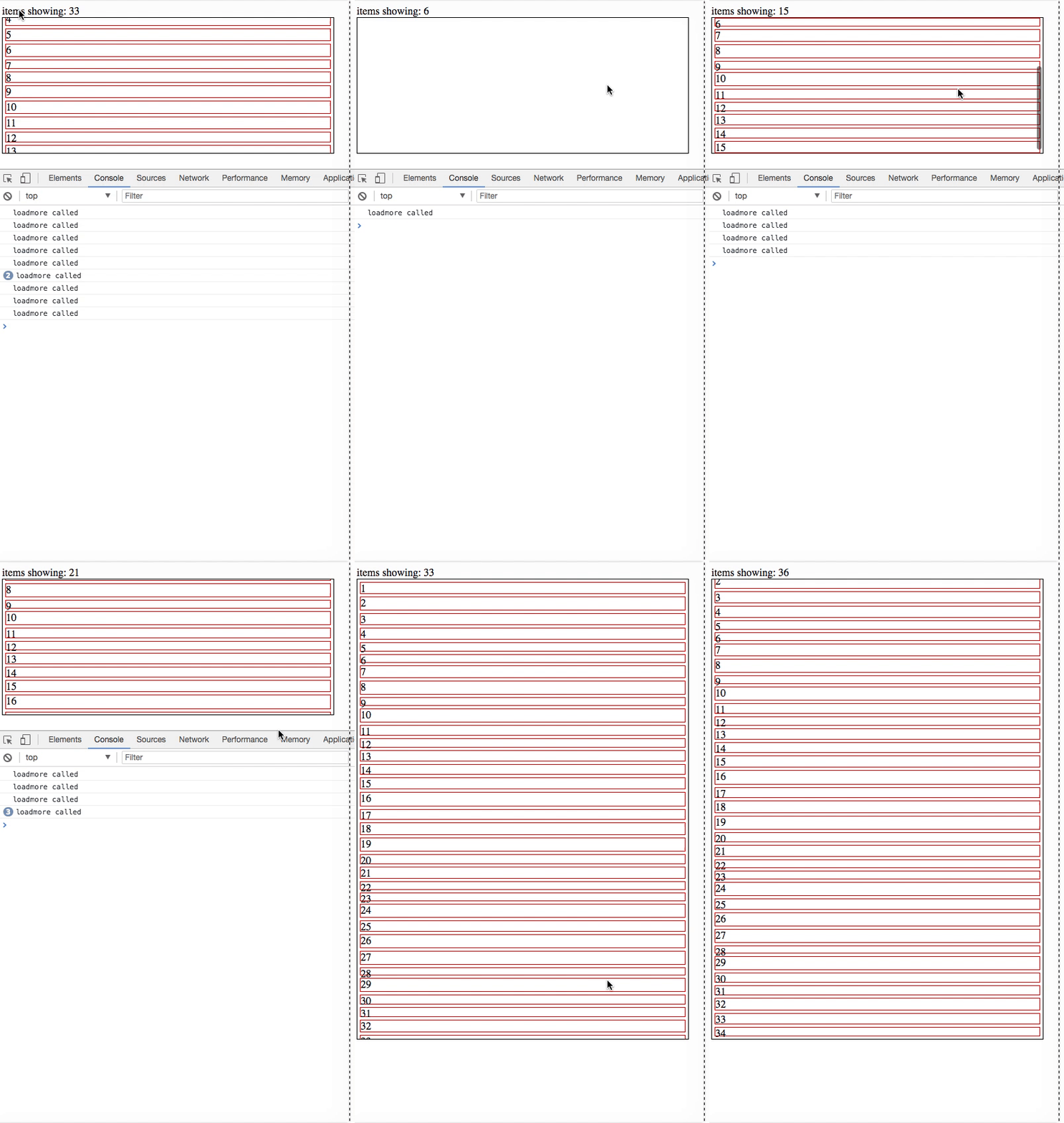
[Demo Source](https://github.com/yongwangd/react-simple-scroller/blob/master/test/index.js)
## Run the example locally
```
git clone https://github.com/yongwangd/react-simple-scroller
cd react-simple-scroller
npm install
npm start
```
Then open your browser and navigate to `localhost:5000`
## Installation
```
npm install react-simple-scroller --save
```
```
yarn add react-simple-scroller
```
## How to use
```js
import SimpleScroller from 'react-simple-scroller';
```
Parent node of `SimpleScroller` should have a `height`. It could be values like
`300px` or `50vh` `SimpleScroller` should be the only child of its parent node
```js
<div style={{height: 300}}>
<SimpleScroller
loadMore={loadMoreFunc}
hasMore={true || false}
>
{content} <-- whatever you want to put here
</SimpleScroller>
</div>
```
## Props
| Name | Type | Default | Description |
| :------------------- | :--------- | :------ | :----------------------------------------------------------------------------------------------------------------------------------------------------------------------------------------------------------------------------------------------------- |
| `loadMore` | `Function` | | `Required`. A callback when more items are requested by the user. No parameter is supplied. The return type of this function should be a `Promise` if it's loading data asynchronously. `loadMore` will not be fired until this `Promise` is resolved` |
| `hasMore` | `Boolean` | `false` | Whether there are more items to be loaded. `loadMore` will not be called when `hasMore` equals false. |
| `distanceToBottom` | `Number` | `0` | The distance in pixels before the end of the items that will trigger a call to `loadMore`. |
| `checkOnValueChange` | `Any` | | Trigger a `Checking Process` when this prop changes |
| `checkOnResize` | `Boolean` | `true` | Trigger a `Checking Process` when window is resized. |
A `Checking Process` is some dimension calculations to determine if `loadMore`
needs to be fired.