react-native-snackbar-component
Version:
A snackbar component for Android and iOS
50 lines (39 loc) • 2.83 kB
Markdown
A snackbar component for Android and iOS, customizable and simple.
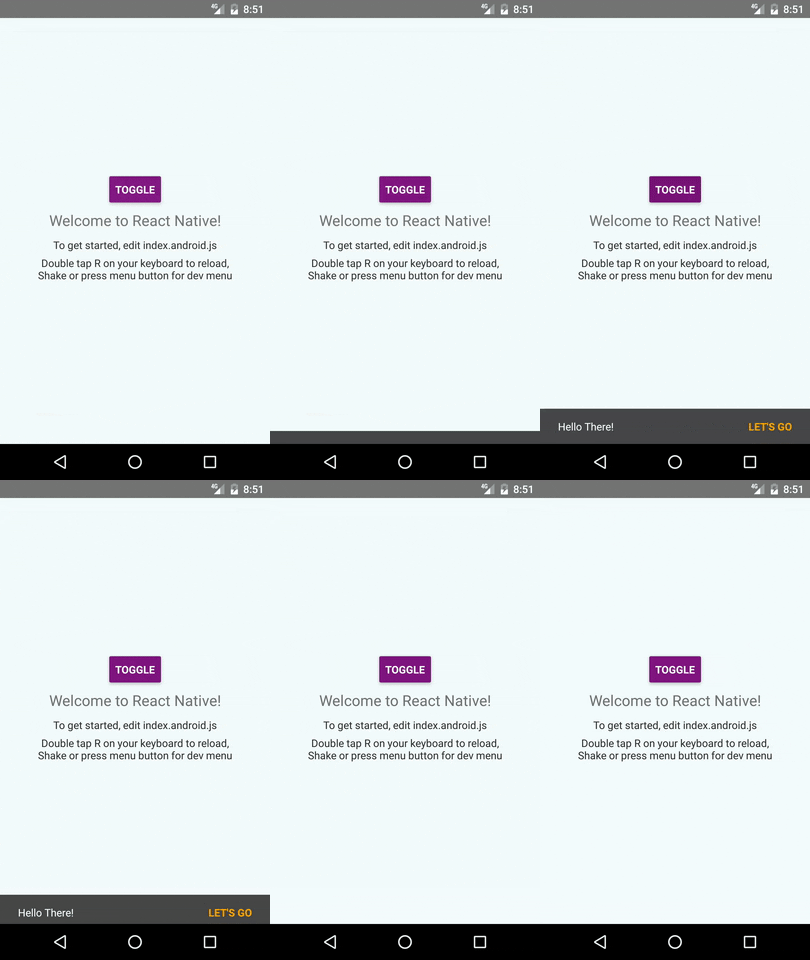
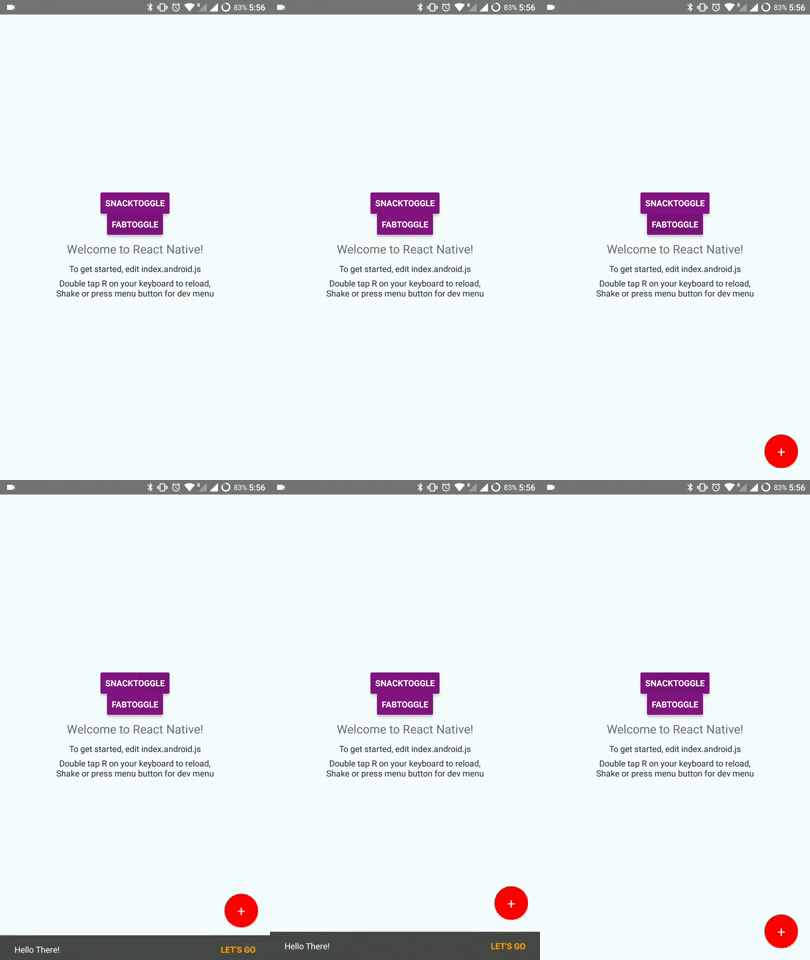
See [Google Material Design](https://material.io/guidelines/components/snackbars-toasts.html) for more info on Snackbars.
```sh
npm install --save react-native-snackbar-component
```
```javascript
import SnackBar from 'react-native-snackbar-component'
```
```js
<SnackBar visible={true} textMessage="Hello There!" actionHandler={()=>{console.log("snackbar button clicked!")}} actionText="let's go"/>
```
| Prop | Type | Effect | Default Value |
| ------------- |-------------| -----| -----|
| visible | boolean | Show or hide the snackbar | none |
| textMessage | string / function | The main message text, can also supply a function returning JSX to render custom message UI | none |
| actionHandler | function | Function to be called when button is pressed, if absent no action button is shown | none |
| actionText | message | The text of action button, will be uppercased automatically | none |
| backgroundColor | color | The background color of snackbar |
| accentColor | color | The color of action button text | orange |
| messageColor | color | The color of main message text |
| distanceCallback | function | Function to be caled whenever snackbar moves in and out or changes layout, the function will be supplied a number indicating distance taken up by snackbar on bottom or top, based on position. | (distance) => {} |
| position | string | The position of the snackbar: top, bottom | bottom |
| top / bottom / left / right | number | Use these to position the snackbar | 0 |
| autoHidingTime | number | How many milliseconds the snackbar will be hidden | 0 (Do not hide automatically) |
| containerStyle | object | Override or add style to the root container View | {} |
| messageStyle | object | Override or add style to the message Text | {} |
| actionStyle | object | Override or add style to the action button Text | {} |
* When visible prop is changed, the snackbar will be animated in/out of screen
* The snackbar will not auto-dismiss by itself, for auto-dismiss use setTimeout() and change value passed to prop to false,
**OR** you can set `autoHidingTime` to any particular value to hide the snackbar itself, although you will need to reset `visible` to false manually after the `autoHidingTime` period is over, since `visible` is controlled from outside.
* This works great together with [react-native-fab](https://github.com/sidevesh/react-native-fab). See [demo](https://github.com/sidevesh/snackbar-and-fab-demo) for example and instructions how to.