react-native-segmented-round-display
Version:
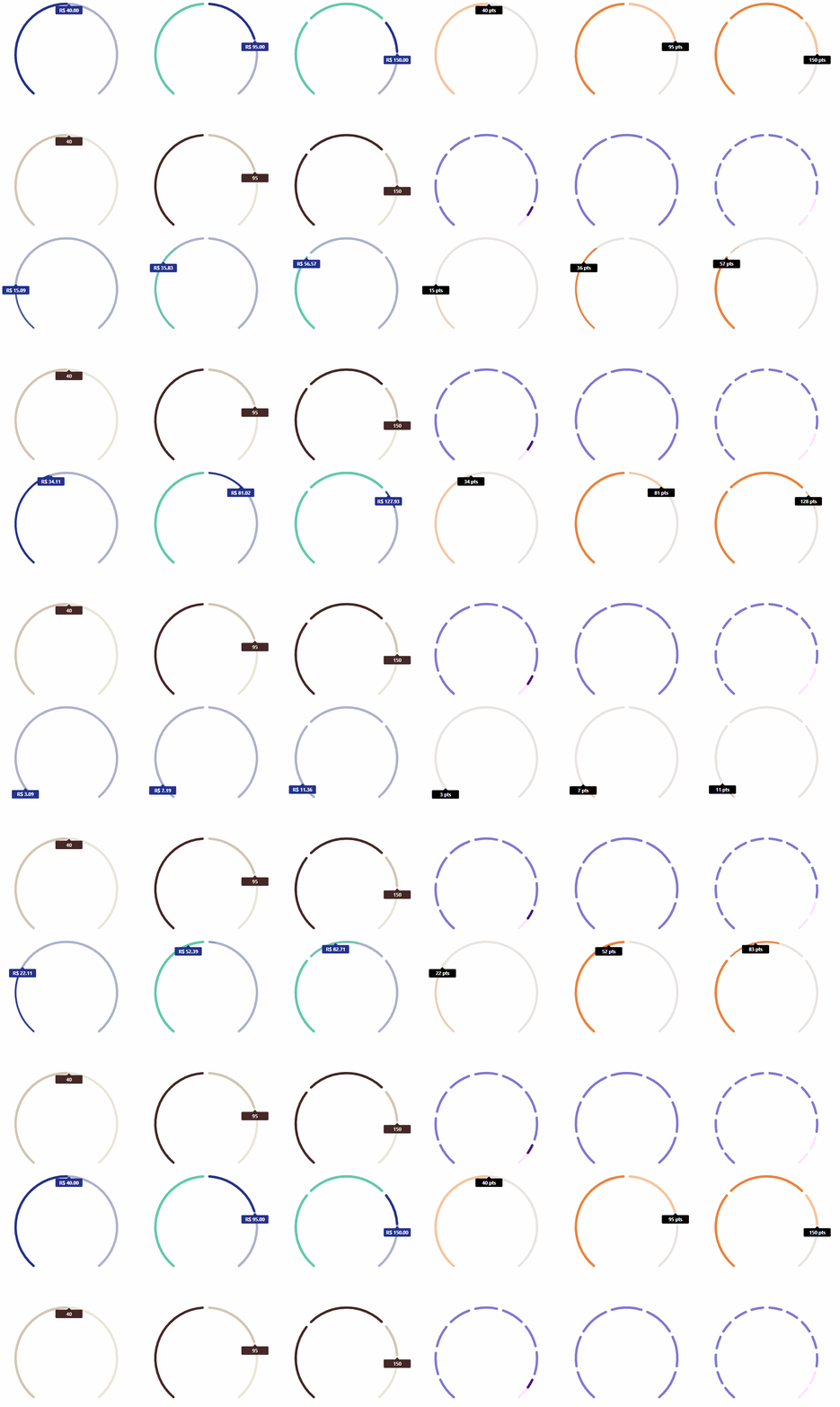
react-native-segmented-round-display provides a simple ARC component, drawn with react-native-svg, it can have one or more segments and its easy configurable.
151 lines (124 loc) • 4.88 kB
Markdown
## react-native-segmented-round-display
[](https://www.npmjs.com/package/react-native-segmented-round-display) [](https://www.npmjs.com/package/react-native-segmented-round-display) 
`react-native-segmented-round-display` provides a simple ARC component, drawn with `react-native-svg`, it can have one or more segments and its easy configurable.
## Features
- One segment
- Multiple segments
- Fill animation
- Control of fill animation duration
- Animated tag with value
- Custom value formater
- Configurable colors
- Configurable ARC radius and total size in degrees
- Configurable space between arc segments
- [React Web version](https://github.com/ricardovcorrea/react-segmented-round-display "React Web version")
## Installation
**first**
This package uses `react-native-svg` to draw SVG`s, so please install it following this [installation manual](https://github.com/react-native-community/react-native-svg#installation "installation manual").
**then**
`yarn add react-native-segmented-round-display`
**or**
`npm install react-native-segmented-round-display --save`
## Usage
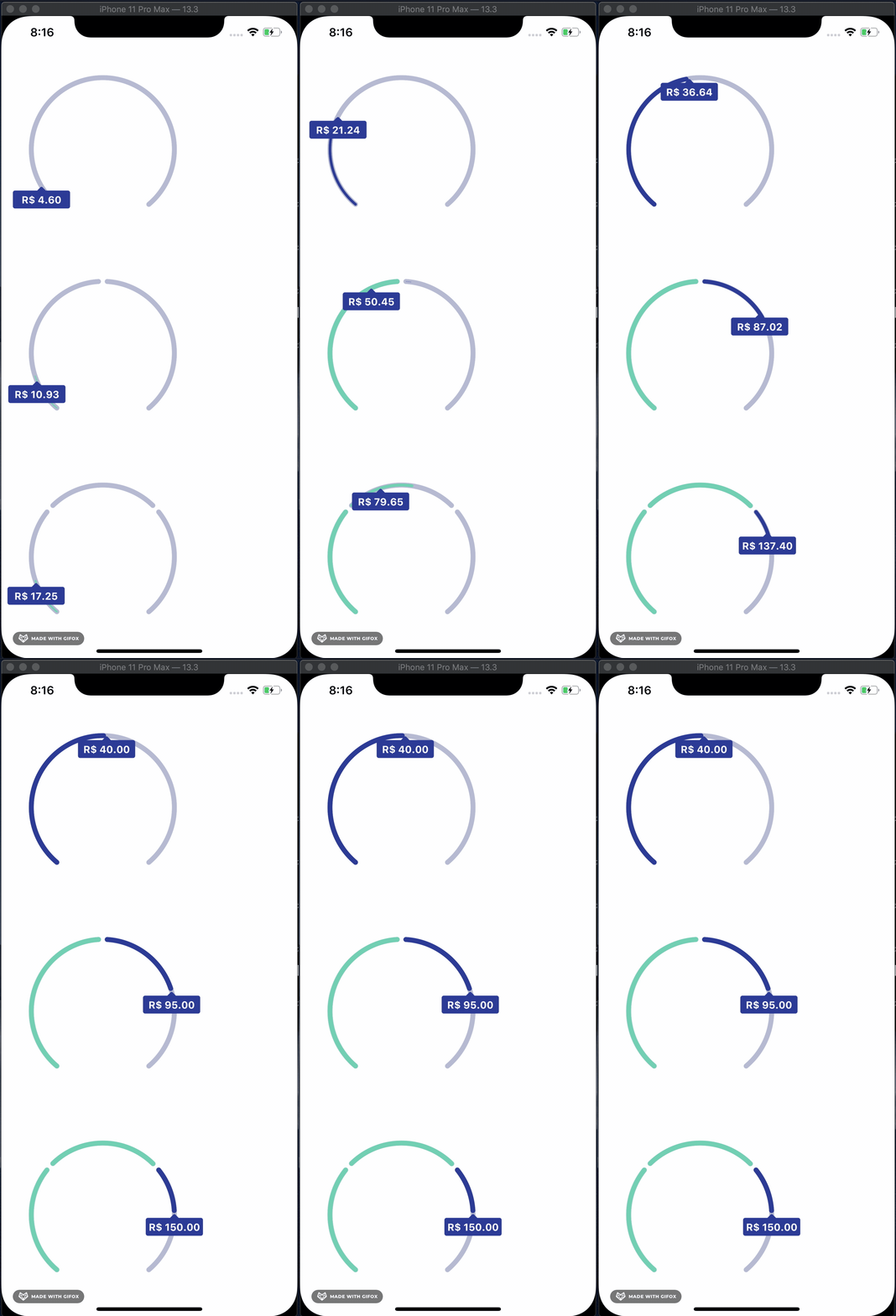
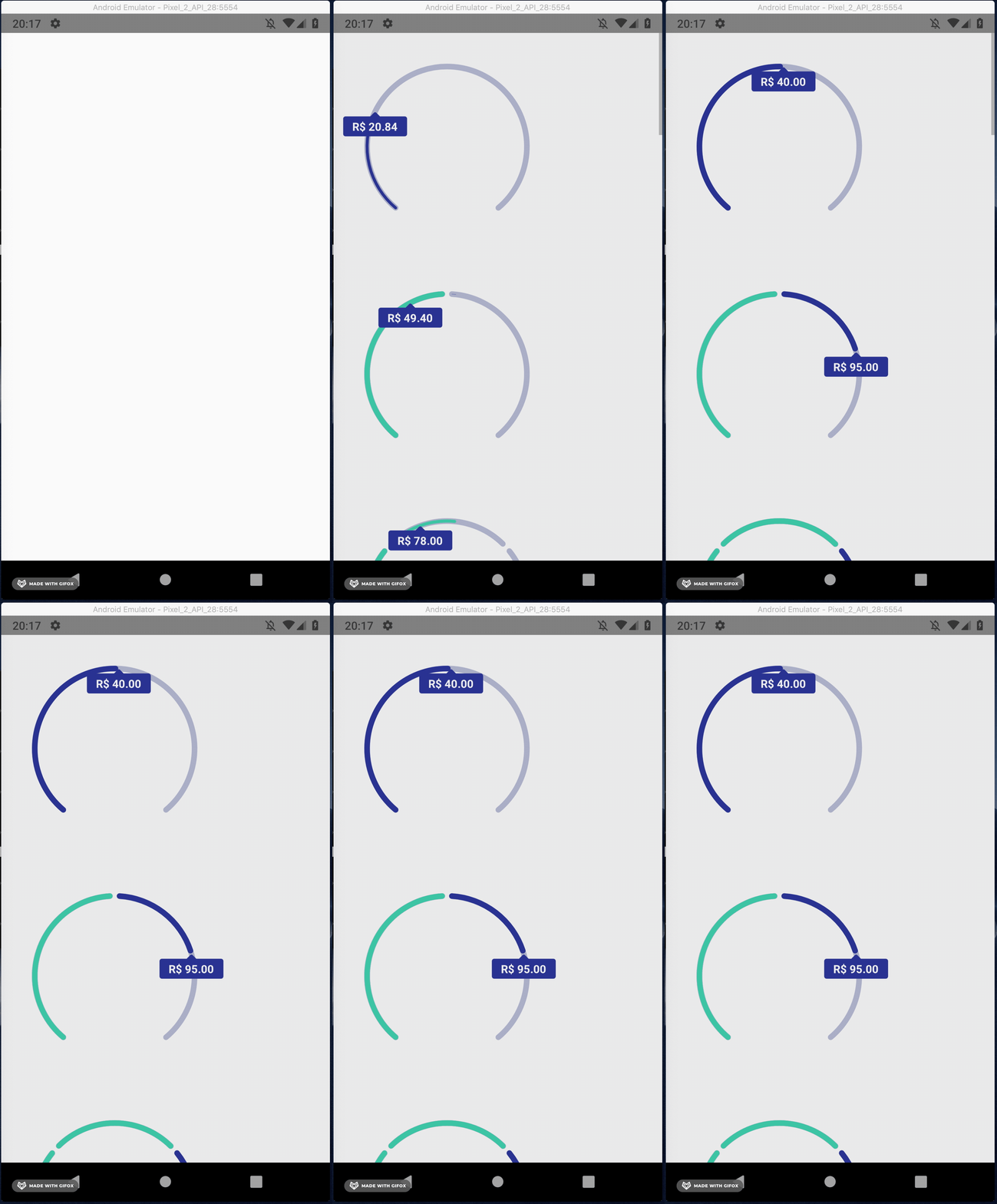
Here's a simple example. To render output like this:
```jsx
import React from 'react';
import {SafeAreaView, ScrollView, StatusBar} from 'react-native';
import SegmentedRoundDisplay from 'react-native-segmented-round-display';
const App = () => {
const examples = [
{
displayValue: true,
formatValue: (value) => `R$ ${value.toFixed(2)}`,
segments: [
{
total: 80,
filled: 40,
},
],
},
{
displayValue: true,
formatValue: (value) => `R$ ${value.toFixed(2)}`,
segments: [
{
total: 80,
filled: 80,
},
{
total: 30,
filled: 15,
},
],
},
{
displayValue: true,
formatValue: (value) => `R$ ${value.toFixed(2)}`,
segments: [
{
total: 80,
filled: 80,
},
{
total: 30,
filled: 30,
},
{
total: 100,
filled: 40,
},
],
}
];
return (
<>
<StatusBar barStyle="dark-content" />
<SafeAreaView>
<ScrollView contentInsetAdjustmentBehavior="automatic">
{examples.map((example, i) => (
<SegmentedRoundDisplay key={i} {...example} />
))}
</ScrollView>
</SafeAreaView>
</>
);
};
export default App;
```
## Common props
| Name | Type | Default | Description |
| ------------ | ------------ | ------------ | ------------ |
| segments | Array **of** { total: int, filled: int } | [] | segments to be rendered |
| filledArcWidth | int | 7 | thickness of filled arc |
| emptyArcWidth | int | 7 | thickness of empty arc |
| arcSpacing | int | 7 | space between segments |
| totalArcSize | int | 280 | total arc size in degrees |
| radius | int | 150 | radius of the arc |
| emptyArcColor | string | #ADB1CC | color of empty arc |
| filledArcColor | string | #5ECCAA | color of filled arc |
| incompleteArcColor | string | #23318C | color of incomplete arc |
| animated | bool | true | enable/disable segments fill animation |
| animationDuration | int | 1000 | duration of fill animation in MS |
| displayValue | bool | false | enable/disable the value display |
| formatValue | function | {} | function to formar the value |
| valueBoxColor | string | #23318C | color of box that holds the value if displayValue = true |
| valueFontColor | string | #FFFFFF | color of text of value if displayValue = true |
| styles | Styles object | {} | styles to be applied to container |
## Run example
```bash
git clone https://github.com/ricardovcorrea/react-native-segmented-round-display.git
cd react-native-segmented-round-display/example
yarn
cd ios && pod install
cd ..
yarn start
react-native run-ios
```
## Contributors
### Ricardo Vaz Corrêa
- [ricardovazcorrea@gmail.com](mailto:ricardovazcorrea@gmail.com "Email - ricardovazcorrea@gmail.com")
- [Github](https://github.com/ricardovcorrea "Github")
- [Linkedin](https://www.linkedin.com/in/ricardo-vaz-correa/ "Linkedin")