react-native-pin-code
Version:
A simple pin code component for react-native
122 lines (91 loc) • 9.66 kB
Markdown
  
A simple pin code component
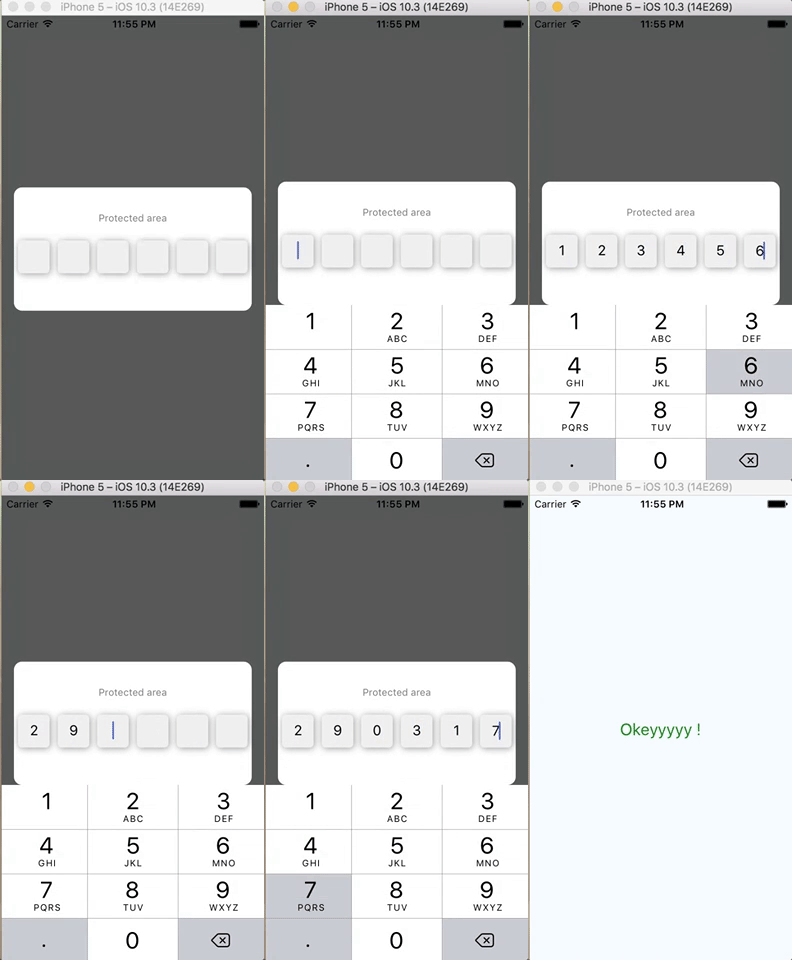
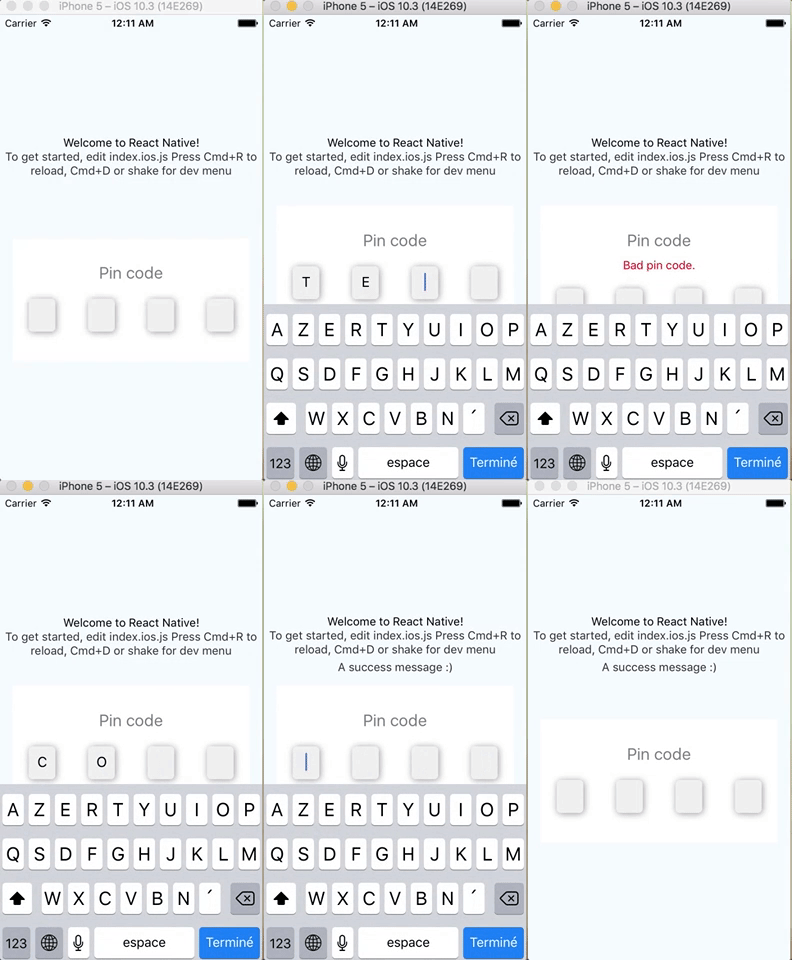
npm install react-native-pin-code --save
```js
<CodePin
code="2018" // code.length is used if you not pass number prop
success={() => console.log('hurray!')} // If user fill '2018', success is called
text="A simple Pin code component" // My title
error="You fail" // If user fail (fill '2017' for instance)
autoFocusFirst={false} // disabling auto-focus
/>
```
or
```js
<CodePin
number={4} // You must pass number prop, it will be used to display 4 (here) inputs
checkPinCode={(code, callback) => callback(code === '1234')}
// Check manually code (ask server for instance)
// and call callback function with
// true (code pin is correct)
// or false (code pin is false)
success={() => console.log('hurray!')} // If user fill '2018', success is called
text="A simple Pin code component" // My title
error="You fail" // If user fail (fill '2017' for instance)
autoFocusFirst={false} // disabling auto-focus
/>
```
> Code prop is not needed if checkPinCode is used
| prop | type | description | isRequired | default value |
| ----------------- | ------------------------- | ---------------------------------------------------------------------------------------------------------------------------------------------------------------------------------------------------------------- | ------------ | ------------------------------------------------------------------------------------------------------------------------------------------------------------------------------------------------------------------ |
| code | number | pin code | not required | '' |
| success | function | call on success | required | |
| checkPinCode | function | this function is called to check pin code. The parameters are : `code` (the code filled by user) and a `callback` function. callback must be called with true (code pin is correct) or false (code pin is wrong) | not required | null |
| obfuscation | boolean | If true, obfuscate code with '\*' | | false |
| text | string | text to display as title | | 'Pin code.' |
| error | string | text to display on error | | 'Bad pin code.' |
| number | number | number of input to display | | 4 |
| autoFocusFirst | boolean | auto focus first input | | true |
| containerStyle | object, StyleSheet object | container style | | { height: 150, width: width - 30, backgroundColor : '#FFF' } |
| containerPinStyle | object, StyleSheet object | inputs container style | | { width: width - 30, height: 40, flexDirection: 'row', justifyContent: 'space-around', alignItems: 'center', marginTop: 20 } |
| pinStyle | object, StyleSheet object | input style | | { backgroundColor : '#F0F0F0', textAlign: 'center', flex: 1, marginLeft: 20, marginRight: 20, borderRadius: 5, shadowColor: '#000000', shadowOffset: {width: 1,height : 1}, shadowRadius: 5, shadowOpacity : 0.4 } |
| textStyle | object, StyleSheet object | text style | | { textAlign: 'center', color: 'gray', fontSize: 20, marginTop: 30 } |
| errorStyle | object, StyleSheet object | error text style | | { textAlign: 'center', color: 'red', paddingTop: 10 } |
All other `props` are pass down to `TextInput` component.
For instance you can customize keyboardtype :
```js
<CodePin
//...
keyboardType="numeric"
/>
```
To use pin code component function, use ref :
```js
<CodePin
ref={ref => this.ref = ref}
...
/>
```
clean inputs and focus first input.
```js
this.ref.clean();
```
focus input at specified index
```js
this.ref.focus(1);
```
> [react-native-pin-code-examples](https://github.com/gkueny/react-native-pin-code-examples)
To test examples (use [expo](https://expo.io)) :
```
git clone https://github.com/gkueny/react-native-pin-code-examples
cd blurExample
npm install
npm run ios
```
or
```
git clone https://github.com/gkueny/react-native-pin-code-examples
cd simpleExample
npm install
npm run ios
```