react-native-orzhtml-list
Version:
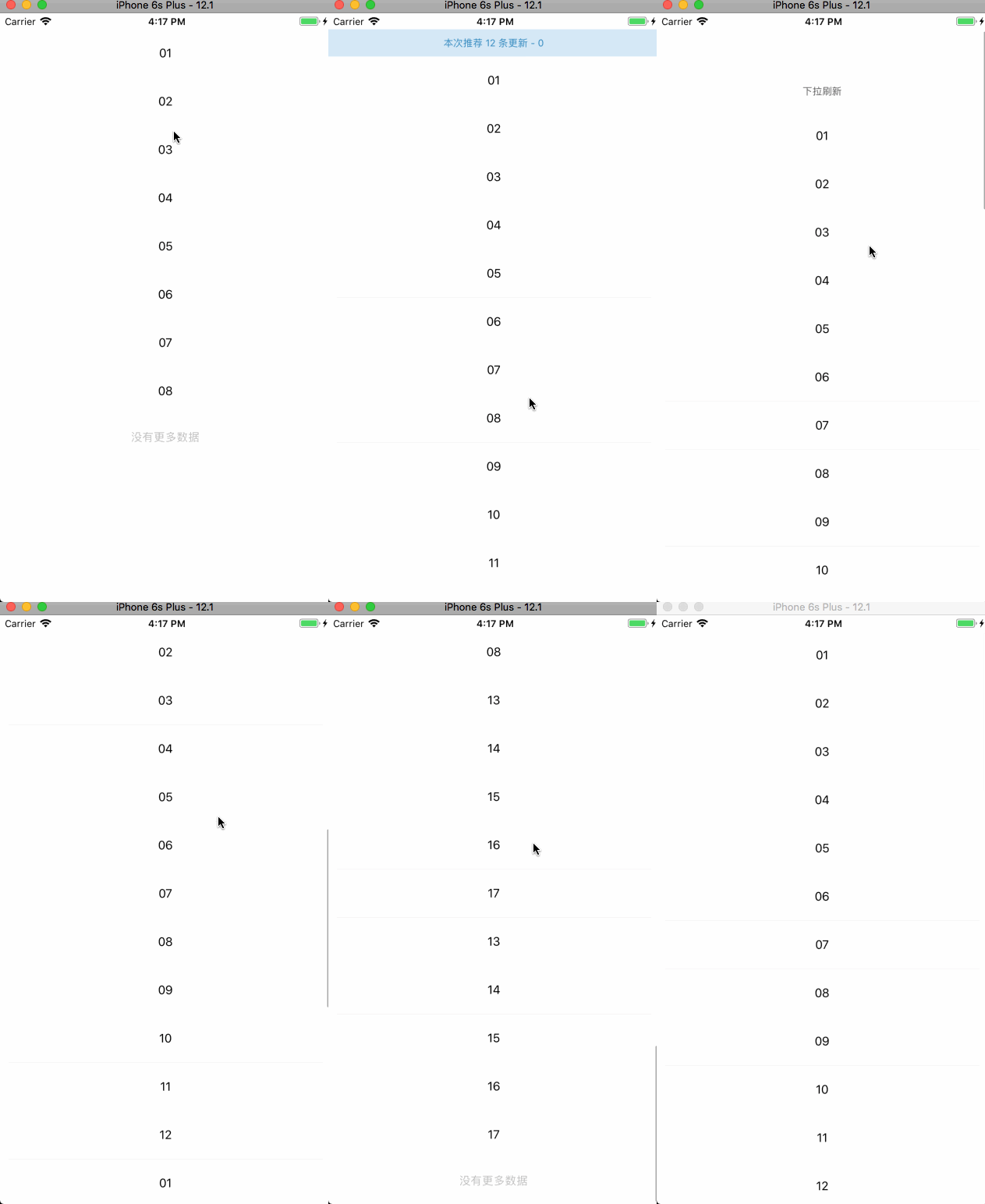
FlatList with pull-to-refresh and infinite scrolling for Android and iOS React-Native apps
56 lines (42 loc) • 2.26 kB
Markdown
# react-native-orzhtml-list
FlatList with pull-to-refresh and infinite scrolling for Android and iOS React-Native apps.
基于FlatList的上拉、下拉刷新组件。
## Install
`npm install react-native-orzhtml-list --save`
or
`yarn add react-native-orzhtml-list`
## Props
Prop | Description | Type | Required/Default
------ | ------ | ------ | ------
`initialNumToRender`|首屏加载数量|`number`|`10`
`refreshable`|是否可刷新|`bool`|`true`
`setRefreshing`|刷新状态回调方法|`func`|`null`
`setRefresh`|刷新方法|`func`|`null`
`setEndReached`|加载更多方法|`func`|`null`
`isRefresh`|下拉是否是刷新|`bool`|`false`
`renderItem`|渲染项目|`func`|`null`
`refreshableTitle`|可刷新的标题|`string`|`null`
`refreshableColors`|可刷新的颜色|`array`| `['dimgray', 'tomato', 'limegreen']`
`refreshableProgressBackgroundColor`|可刷新的进展背景颜色|`string`|`#fff`
`refreshableSize`|可刷新的大小|`string`|`null`
`refreshableTintColor`|可刷新的色调的颜色|`string`|`lightgray`
`customRefreshControl`|自定义刷新控制|`func`| `null`
`pagination`|是否显示分页|`bool`|`true`
`allLoadedText`|加载完成文字|`string`|`End of List`
`spinnerColor`|等待加载动画的颜色|`string`|`undefined`
`waitingSpinnerSize`|等待加载动画的大小|`string`|`small`
`waitingSpinnerText`|等待加载的文案|`string`|`Loading...`
`paginationBtnText`|分页按钮文案|`string`|`Load more...`
`emptyViewText`|空视图的文案|`string`|`Sorry no data`
## handle ref
method | description
------ | ----------
`firstAddData` | 第一次数据加载
`updateDataSource` | 手动更新数据
`refresh` | 手动刷新
`getRows` | 获取已存的所有数据
`scrollToEnd` | 滚动到底部: 参考 FlatList scrollToEnd
`scrollToIndex` | 将位于指定位置的元素滚动到可视区的指定位置: 参考 FlatList scrollToIndex
`scrollToItem` | 这个方法会顺序遍历元素。尽可能使用 scrollToIndex 代替: 参考 FlatList scrollToItem
`scrollToOffset` | 滚动列表到指定的偏移(以像素为单位),等同于 ScrollView 的 scrollTo 方法: 参考 FlatList scrollToOffset