react-native-hq-photo
Version:
React native module to slide photo.
73 lines (59 loc) • 2.02 kB
Markdown
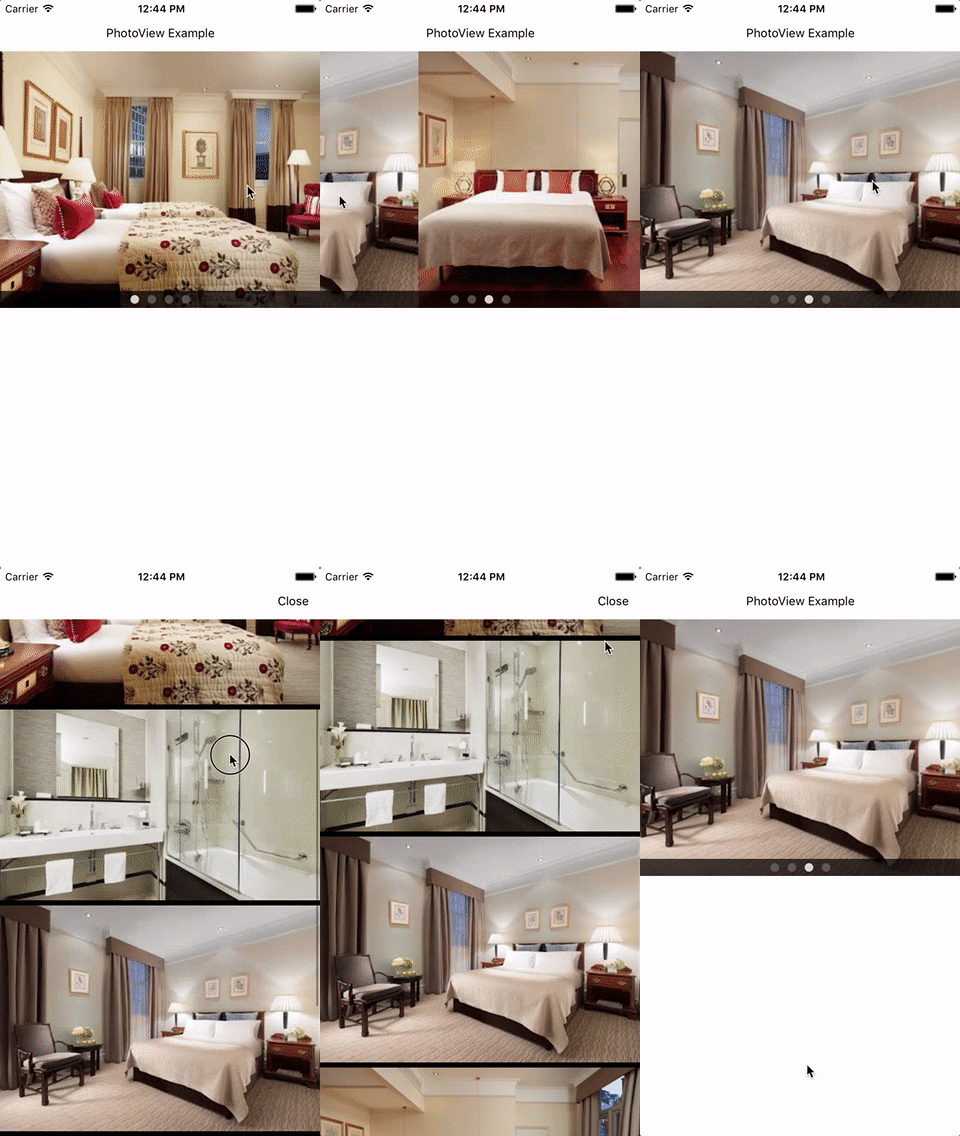
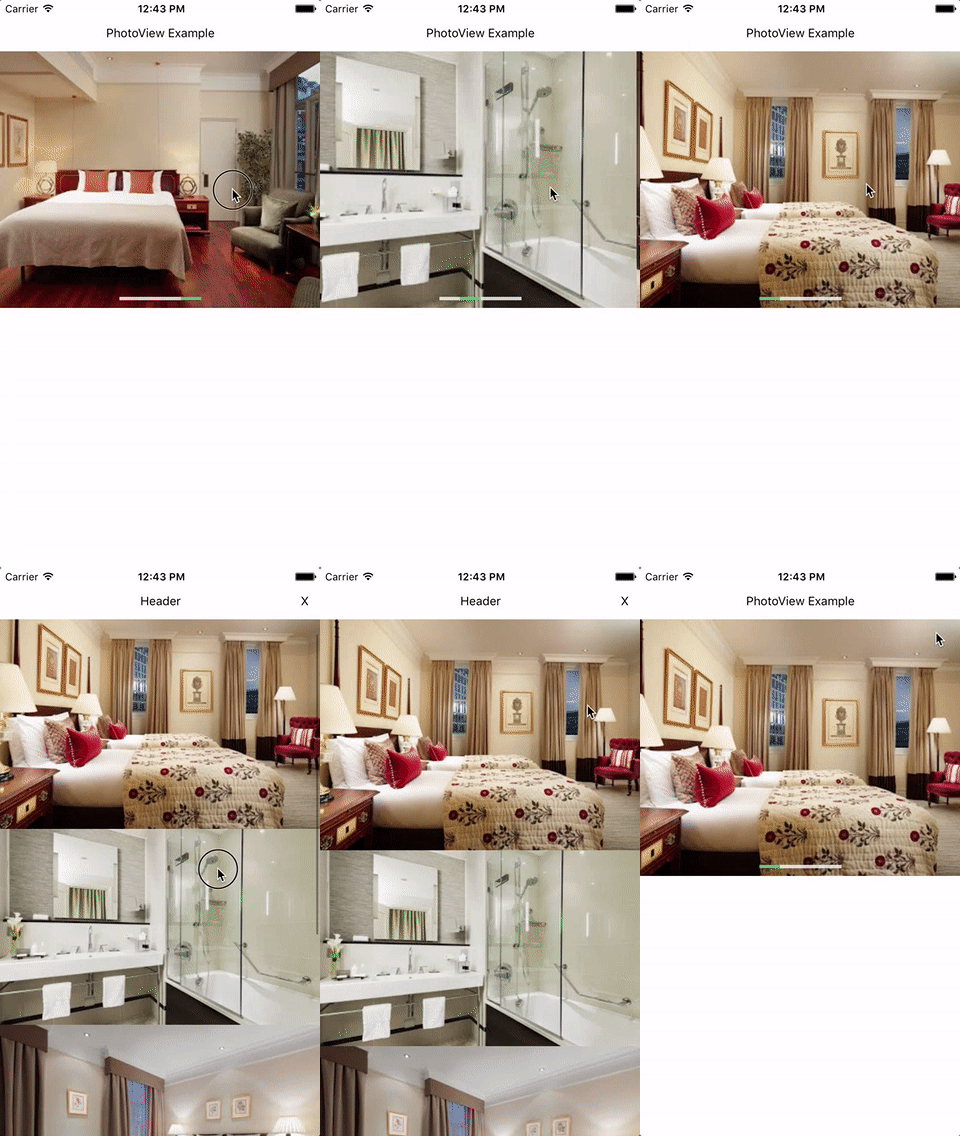
A react native module to slide photo view regardless of platform.
- Show horizontal photo view.
- Show vertical modal photo view on tap photo.
- Support page indicator and style override.
- Support override style of header/close text in modal photo view.
- Support to receive callback at close modal photo view.
- Solve issue recognizing hold-and-drag to tap at fist/last photo in iOS.
`npm install --save react-native-hq-photo`
OR
`yarn add react-native-hq-photo`
Import module.
```javascript
import PhotoView from 'react-native-hq-photo';
```
Prepare sources.
```javascript
this.sources = [
'https://...',
'https://...',
'https://...',
'https://...'
];
```
```javascript
/* "height" and "sources" are required props. */
<PhotoView height={300}
sources={this.sources} />
```
```javascript
<PhotoView onCloseModalPhotoView={this._onCloseModalPhotoView}
defaultSource={this.defaultSource}
height={300}
sources={this.sources}
modalHeader="Header"
modalHeaderClose="X"
modalImageGap={0}
styleModalHeader={{}}
styleModalHeaderClose={{}}
styleBackgroundColor="white"
styleIndicatorBoardHeight={22}
styleIndicatorBoardBackgroundColor="rgba(0, 0, 0, .0)"
styleIndicatorWidth={24}
styleIndicatorHeight={4}
styleIndicatorGap={0}
styleIndicatorColor="rgba(250, 250, 250, .8)"
styleIndicatorColorSelected="rgba(70, 180, 100, 1)"
styleIndicatorBorderWidth={1}
styleIndicatorBorderColor="rgba(250, 250, 250, .1)"
styleIndicatorBorderRadius={0} />
```