react-native-funnel-graph
Version:
A flexible, SVG-based funnel chart component for React Native to visualize sequential data and conversion rates.
147 lines (114 loc) • 5.62 kB
Markdown
# react-native-funnel-graph 📊
[](https://www.npmjs.com/package/react-native-funnel-graph)
[](https://opensource.org/licenses/ISC)
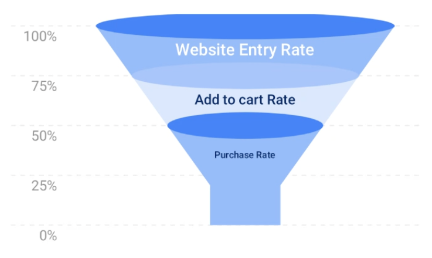
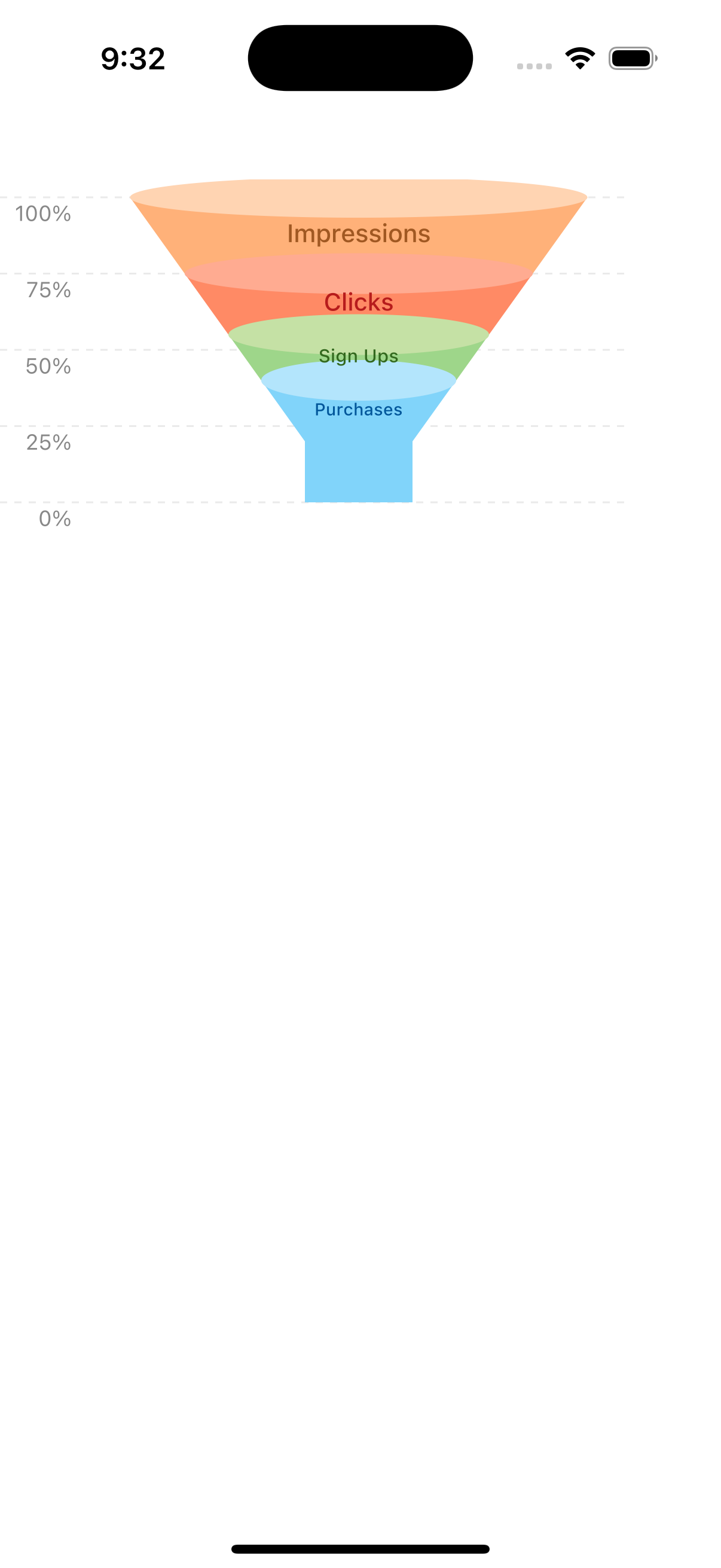
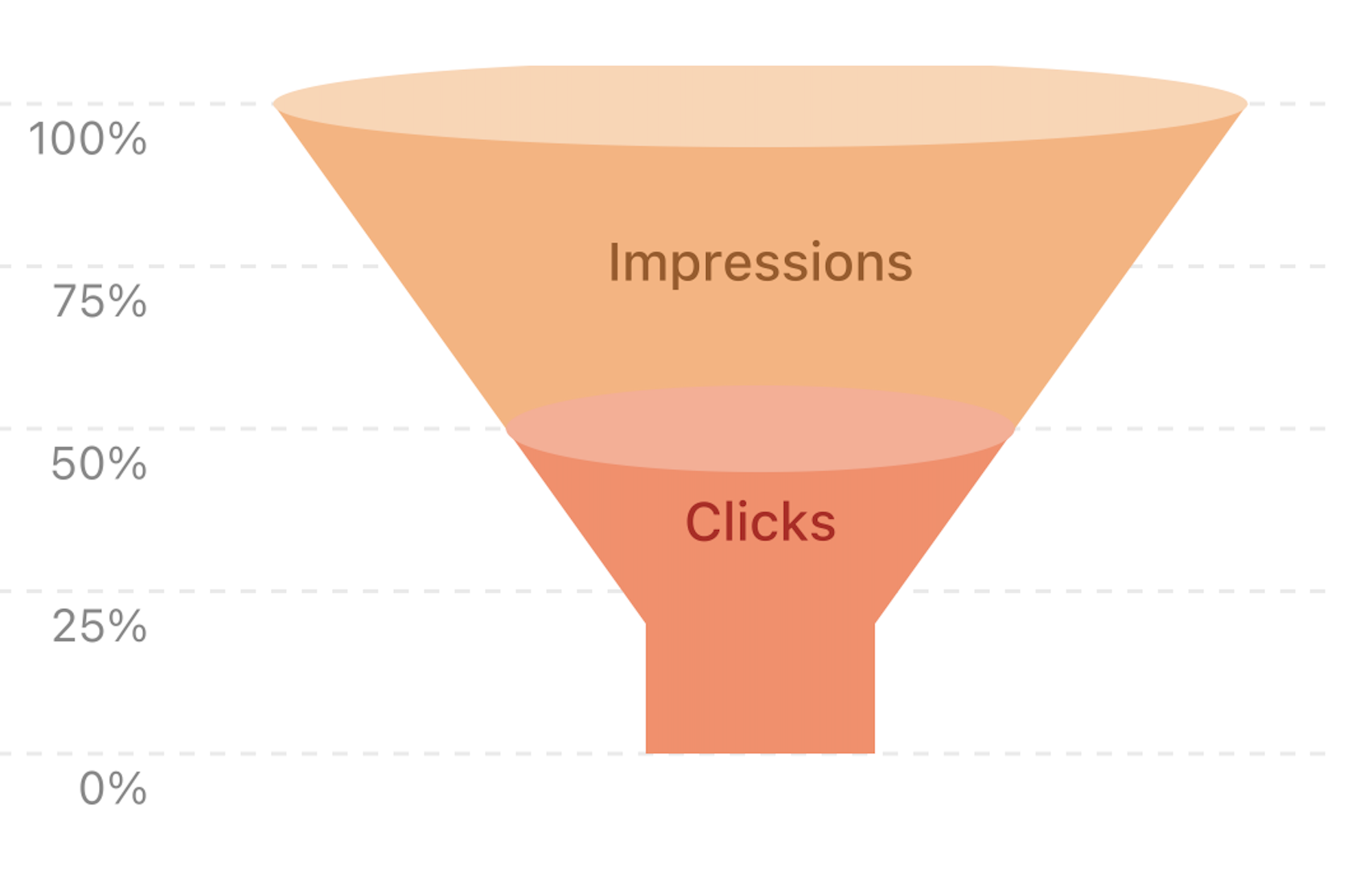
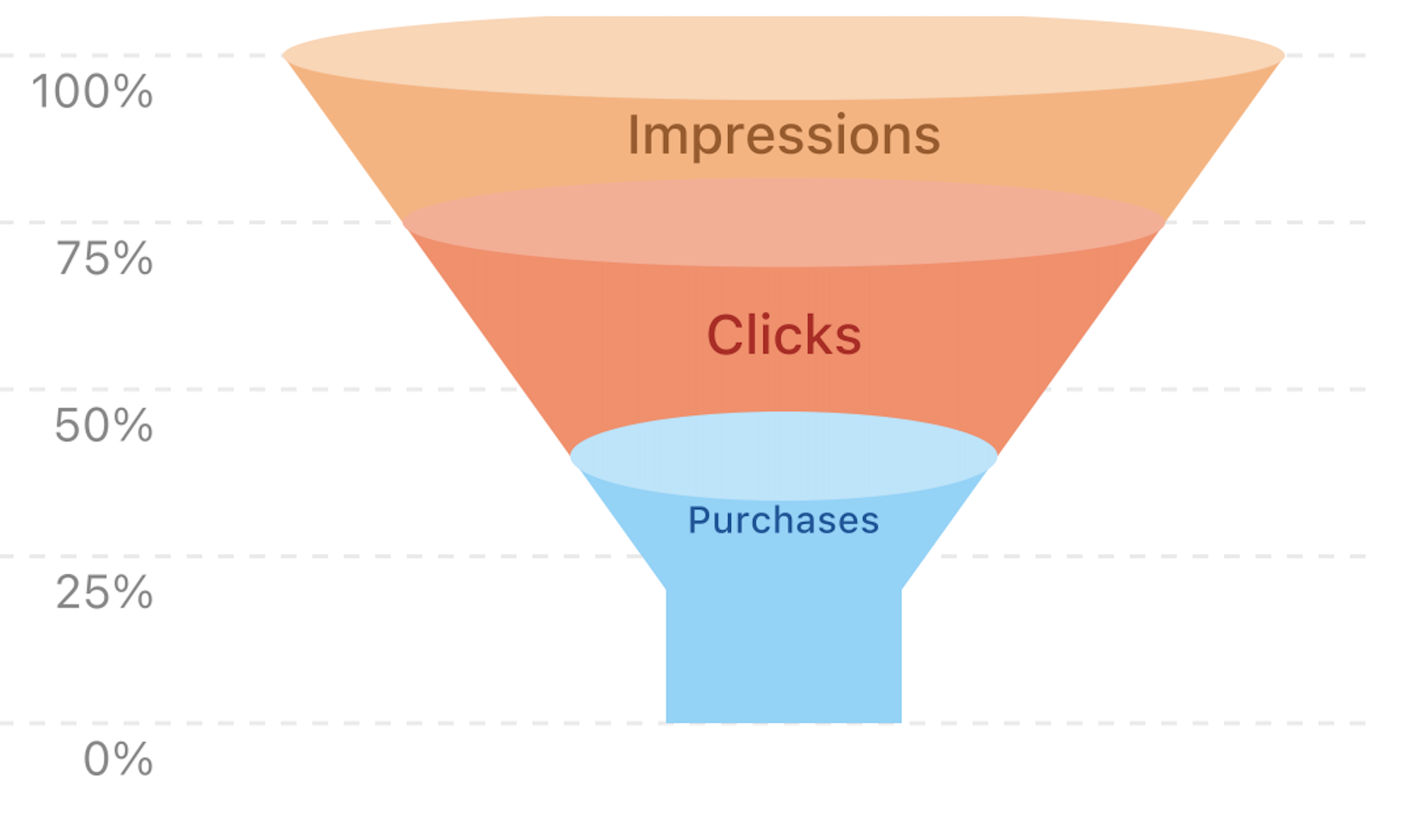
A high-performance SVG funnel chart component for React Native with beautiful gradients and automatic percentage labels.
## Example
## Features ✨
* **Beautiful Defaults:** Comes with a sleek, blue gradient theme out of the box.
* **Automatic Labels:** Automatically generates and places Y-axis percentage labels for clarity.
* **Fully Responsive:** Scales perfectly to look crisp and clear on any screen size.
* **Customizable:** Easily customize colors and styles to match your app's theme.
* **Optimized Performance:** Built for smooth rendering and a native feel.
* **Cross-Platform:** Works on both iOS and Android.
## Installation 💻
1. **Install the package:**
```
npm install react-native-funnel-graph
```
or
```
yarn add react-native-funnel-graph
```
2. **For iOS, link the pods:**
```
cd ios && pod install && cd ..
```
## Basic Usage 🚀
```jsx
import React from 'react';
import { View } from 'react-native';
import FunnelChart from 'react-native-funnel-graph';
const App = () => {
const funnelData = [
{
value: 100,
label: 'Impressions',
colors: { side: '#FFB179', top: '#FFD4B2' },
textColor: '#A05822',
},
{
value: 50,
label: 'Clicks',
colors: { side: '#FF8A65', top: '#FFAB91' },
textColor: '#B71C1C',
}
];
return (
<View style={{ flex: 1, padding: 20 }}>
<FunnelChart
data={funnelData}
yAxisInterval={20} // Shows 0%, 20%, 40%, 60%, 80%, 100%
width={350}
height={400}
/>
</View>
);
};
```
## Props 🔧
| Prop | Type | Default | Description |
| --------------------- | ------- | ------- | ---------------------------------------------------------------------------------------------------------- |
| **`data`** | `Array` | `[]` | **(Required)** The dataset for the funnel. See the data object structure below. |
| `width` | `number`| `350` | The total width of the SVG container in pixels. |
| `height` | `number`| `200` | The total height of the SVG container in pixels. |
| `yAxisInterval` | `number`| `25` | The interval for Y-axis percentage labels. |
| `maxFunnelWidthRatio` | `number`| `0.85` | A value from 0 to 1 representing the width of the funnel's top relative to the chart area. |
| `minFunnelWidthRatio` | `number`| `0.2` | A value from 0 to 1 representing the width of the funnel's narrowest point relative to the chart area. |
### Data Object Structure
Each object in the `data` array can have the following properties:
| Key | Type | Required | Description |
| ----------- | -------- | -------- | ------------------------------------------------------------------------------ |
| `value` | `number` | Yes | The numerical value for this segment. Must be in descending order. |
| `label` | `string` | Yes | The text label to display inside the segment. |
| `colors` | `object` | No | An object with `side` and `top` color strings. Defaults to a green theme. |
| `textColor` | `string` | No | The color for the segment's label text. Defaults to `#FFFFFF`. |
## Examples 🎨
### Custom Colors
```jsx
<FunnelChart
data={[
{
value: 100,
label: 'Visitors',
colors: { side: '#FF7043', top: '#FF8A65' }
}
]}
/>
```
### Different Interval
```jsx
<FunnelChart
yAxisInterval={20} // Shows 0%, 20%, 40%, etc.
data={data}
/>
```
## Troubleshooting 🔍
**Chart not showing?**
- Run `pod install` for iOS.
- Ensure the Metro server is running without errors.
- Verify that your `data` array follows the correct structure.
**Text is cut off?**
- Increase the `width` of the chart.
- Use shorter `label` text.
- Adjust the `minFunnelWidthRatio` to give text more space.
## Contributing
Contributions are welcome! Please feel free to submit a pull request or open an issue at the [GitHub repository](https://github.com/Abhishek-Appstn/react-native-funnel-graph) if you find a bug or have a feature request.
## License 📄
This project is licensed under the ISC License.
[1] https://img.shields.io/npm/v/react-native-funnel-graph.svg?style=flat
[2] https://www.npmjs.com/package/react-native-funnel-graph
[3] https://img.shields.io/badge/License-ISC-blue.svg