react-joyride
Version:
Create guided tours for your apps
85 lines (61 loc) • 2.43 kB
Markdown
# React Joyride
[](https://www.npmjs.com/package/react-joyride) [](https://travis-ci.org/gilbarbara/react-joyride) [](https://codeclimate.com/github/gilbarbara/react-joyride/maintainability) [](https://codeclimate.com/github/gilbarbara/react-joyride/test_coverage)
[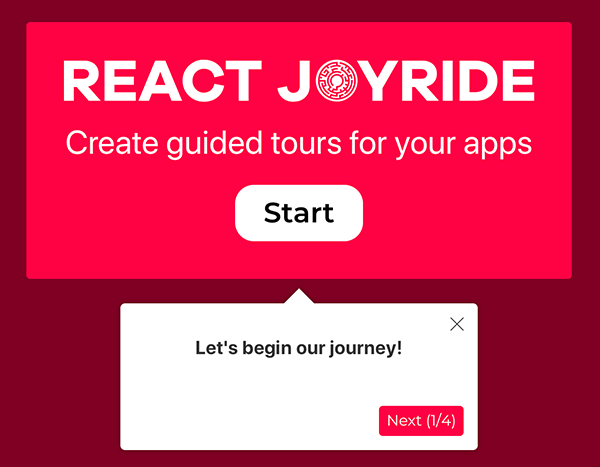](https://react-joyride.com/)
#### Create awesome tours for your app!
Showcase your app to new users or explain functionality of new features.
It uses [react-floater](https://github.com/gilbarbara/react-floater) for positioning and styling.
And you can use your own components too!
**View the demo [here](https://react-joyride.com/)** (or the codesandbox [examples](https://codesandbox.io/s/github/gilbarbara/react-joyride-demo))
**Read the [docs](https://docs.react-joyride.com/)**
Chat about it in our [Spectrum community](https://spectrum.chat/react-joyride)
## Setup
```bash
npm i react-joyride
```
## Getting Started
```jsx
import Joyride from 'react-joyride';
export class App extends React.Component {
state = {
steps: [
{
target: '.my-first-step',
content: 'This is my awesome feature!',
},
{
target: '.my-other-step',
content: 'This another awesome feature!',
},
...
]
};
render () {
const { steps } = this.state;
return (
<div className="app">
<Joyride
steps={steps}
...
/>
...
</div>
);
}
}
```
> If you need to support legacy browsers you need to include the [scrollingelement](https://github.com/mathiasbynens/document.scrollingElement) polyfill.
## Development
Setting up a local development environment is easy!
Clone (or fork) this repo on your machine, navigate to its location in the terminal and run:
```bash
npm install
npm link # link your local repo to your global packages
npm run watch # build the files and watch for changes
```
Now clone https://github.com/gilbarbara/react-joyride-demo and run:
```bash
npm install
npm link react-joyride # just link your local copy into this project's node_modules
npm start
```
**Start coding!** 🎉