react-infinite-canvas
Version:
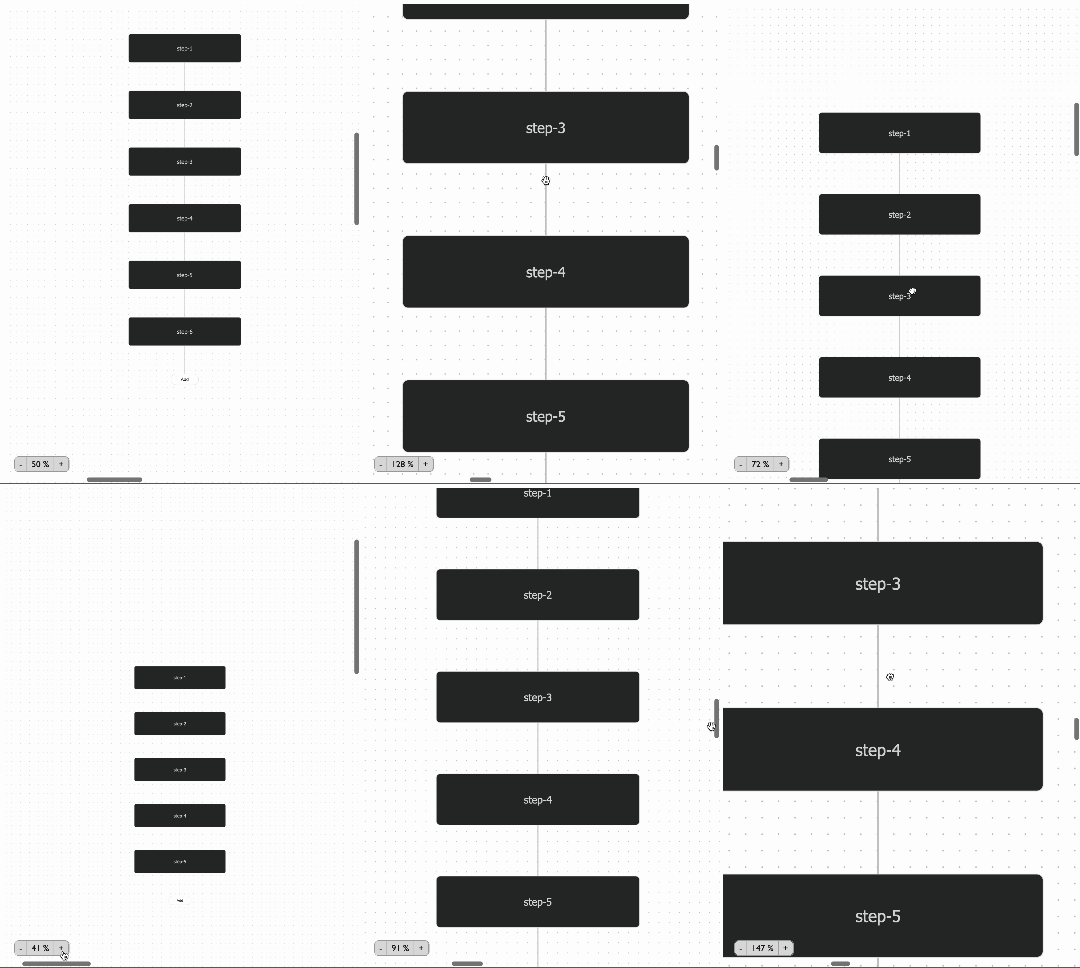
An Infinite Canvas Component for React where you can place your component anywhere on the canvas with zoom in, zoom out and panning functionality. It also supports custom components to control the canvas.
79 lines (64 loc) • 4.11 kB
Markdown
# React-Infinite-Canvas
An Infinite Canvas Component for React where you can place your component anywhere on the canvas with zoom in, zoom out and panning functionality. It also supports custom components to control the canvas.
### Contents
- [Installation](#installation)
- [Usage](#usage)
- [API](#api)
## Installation
```sh
npm install react-infinite-canvas
```
## Usage
StackBlitz Example: https://stackblitz.com/edit/react-infinite-canvas-workflow?file=src/App.tsx&terminal=dev
```jsx
import { useRef } from "react";
import { ReactInfiniteCanvas, ReactInfiniteCanvasHandle } from "react-infinite-canvas";
import { COMPONENT_POSITIONS } from "./helpers/constants";
import ReactDOM from "react-dom";
const InfiniteCanvas = () => {
const canvasRef = useRef<ReactInfiniteCanvasHandle>();
return (
<>
<div style={{ width: "700px", height: "400px", border: "1px solid red" }}>
<ReactInfiniteCanvas
ref={canvasRef}
onCanvasMount={(mountFunc: ReactInfiniteCanvasHandle) => {
mountFunc.fitContentToView({ scale: 1 });
}}
customComponents={[
{
component: (
<button
onClick={() => {
canvasRef.current?.fitContentToView({ scale: 1 });
}}
>
fitToView
</button>
),
position: COMPONENT_POSITIONS.TOP_LEFT,
offset: { x: 120, y: 10 },
},
]}
>
<div style={{ width: "200px", height: "200px", background: "red" }}>
asdasdsdas
</div>
</ReactInfiniteCanvas>
</div>
</>
);
};
ReactDOM.render(<InfiniteCanvas />, document.getElementById("root"));
```
## API
| Property | Type | Default | Description |
| ---------------- | --------- | ---------------------------------------------------------------------------------------------------------------------------------- | ----------------------------------------------------------------------- |
| children | ReactNode | - | Element to be placed inside the canvas |
| minZoom | number | 0.1 | minimum limit for zooming |
| maxZoom | number | 4 | maximum limit for zooming |
| panOnScroll | boolean | true | when user scrolls in canvas, instead of zooming, the content scrolls |
| scrollBarConfig | object | { renderScrollBar: true, startingPosition: { x: 0, y: 0}, offset: { x: 0, y: 0}, color: "grey", thickness: "8px", minSize: "15px } | To style the scrollbar to your preference |
| customComponents | object | - | An array of components you can pass to render on canvas at any position |
| onCanvasMount | function | - | A function that is triggered once the canvas is mounted |