react-id-swiper
Version:
ReactJs component for iDangerous Swiper
299 lines (240 loc) • 7.85 kB
Markdown
[](https://npmjs.org/package/react-id-swiper)
[](https://codecov.io/gh/kidjp85/react-id-swiper)
[](https://npmjs.org/package/react-id-swiper)
[](http://packagequality.com/#?package=react-id-swiper)
react-id-swiper ( Newest version 1.6.7 )
========================================
> A library to use [Swiper](http://www.idangero.us/swiper/get-started/) as a ReactJs component
> (Providing lightweight version of Swiper which reduces ~40kb of minified size)
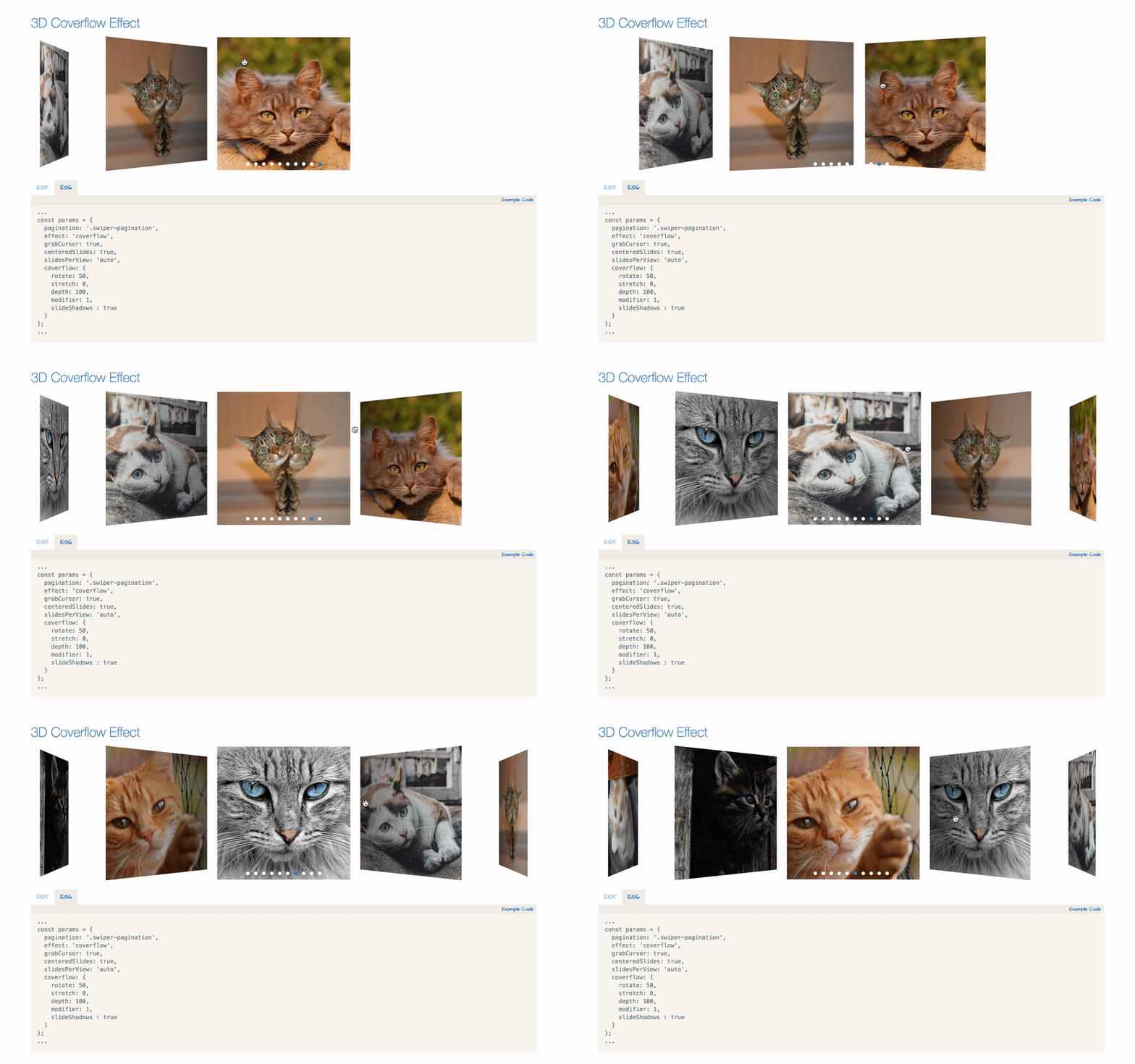
What is Swiper?
===============
Swiper - is the free and most modern mobile touch slider with hardware accelerated transitions and amazing native behavior. It is intended to be used in mobile websites, mobile web apps, and mobile native/hybrid apps. Designed mostly for iOS, but also works great on latest Android, Windows Phone 8 and modern Desktop browsers
Swiper is not compatible with all platforms, it is a modern touch slider which is focused only on modern apps/platforms to bring the best experience and simplicity.
React-id-swiper's original props
================================
| Name | Type | Default value | Description |
| --- | --- | --- | --- |
| ContainerEl | String | 'div' | Element type for container |
| containerClass | String | swiper-container | Swiper container class name |
| WrapperEl | String | 'div' | Element type for wrapper |
| wrapperClass | String | swiper-wrapper | Swiper wrapper class name |
| slideClass | String | swiper-slide | Swiper slide class name |
| shouldSwiperUpdate | Boolean | false | Update swiper when component is updated |
| rebuildOnUpdate | Boolean | false | Rebuild swiper when component is updated |
| noSwiping | Boolean | false | Disable swiping by condition |
| activeSlideKey | String | null | Initial slide index |
| renderPrevButton | function | | Render props function for prev button |
| renderNextButton | function | | Render props function for next button |
| renderScrollbar | function | | Render props function for scrollbar |
| renderPagination | function | | Render props function for pagination |
| renderParallax | function | | Render props function for parallax |
>React-id-swiper's deprecated props (from v1.6.3)
- renderCustomPrevButton
- renderCustomNextButton
- renderCustomScrollbar
- renderCustomPagination
- renderCustomParallax
- prevButtonCustomizedClass,
- nextButtonCustomizedClass,
- paginationCustomizedClass,
- scrollbarCustomizedClass
NOTE: You can also use Swiper's original params too.Swiper API documentation [HERE](http://idangero.us/swiper/api/)
DEMO
====
You can see the demo with example code [HERE](http://kidjp85.github.io/react-id-swiper/)
## Installation
By npm
```bash
npm install --save react-id-swiper
```
By Yarn
```bash
yarn add react-id-swiper
```
## You can also use the standalone UMD build
```html
<script src="https://unpkg.com/react-id-swiper@1.6.7/lib/react-id-swiper.js"></script>
<script src="https://unpkg.com/react-id-swiper@1.6.7/lib/react-id-swiper.min.js"></script>
```
## Recommendation
>Swiper stylesheet file is required
### Use Swiper stylesheet file from CDN
```html
<link rel="stylesheet" href="https://cdnjs.cloudflare.com/ajax/libs/Swiper/4.3.5/css/swiper.css">
```
```html
<link rel="stylesheet" href="https://cdnjs.cloudflare.com/ajax/libs/Swiper/4.3.5/css/swiper.min.css">
```
## Usage
### Example with default
>Example with default params
```javascript
import React from 'react';
import Swiper from 'react-id-swiper';
class Example extends React.Component {
render() {
return (
<Swiper>
<div>Slide 1</div>
<div>Slide 2</div>
<div>Slide 3</div>
<div>Slide 4</div>
<div>Slide 5</div>
</Swiper>
)
}
}
export default Example;
```
### Example with params
>Example with navigation buttons
```javascript
import React from 'react';
import Swiper from 'react-id-swiper';
class Example extends React.Component {
render() {
const params = {
pagination: {
el: '.swiper-pagination',
type: 'bullets',
clickable: true
},
navigation: {
nextEl: '.swiper-button-next',
prevEl: '.swiper-button-prev'
},
spaceBetween: 30
}
return(
<Swiper {...params}>
<div>Slide 1</div>
<div>Slide 2</div>
<div>Slide 3</div>
<div>Slide 4</div>
<div>Slide 5</div>
</Swiper>
)
}
}
export default Example;
```
### Example with manipulating swiper from outside swiper component
>Example with navigation button
```javascript
import React from 'react';
import Swiper from 'react-id-swiper';
export default class Example extends React.Component {
constructor(props) {
super(props)
this.goNext = this.goNext.bind(this)
this.goPrev = this.goPrev.bind(this)
this.swiper = null
}
goNext() {
if (this.swiper) this.swiper.slideNext()
}
goPrev() {
if (this.swiper) this.swiper.slidePrev()
}
render() {
const params = {
pagination: {
el: '.swiper-pagination',
type: 'bullets',
clickable: true
},
navigation: {
nextEl: '.swiper-button-next',
prevEl: '.swiper-button-prev'
}
}
return(
<div>
<Swiper {...params} ref={node => if(node) this.swiper = node.swiper }>
<div>Slide 1</div>
<div>Slide 2</div>
<div>Slide 3</div>
<div>Slide 4</div>
<div>Slide 5</div>
</Swiper>
<button onClick={this.goNext}>Next</button>
<button onClick={this.goPrev}>Prev</button>
</div>
)
}
}
```
### How to add customized class for swiper?
>Example with navigation button
```javascript
const params = {
pagination: {
el: '.swiper-pagination.customized-swiper-pagination',
}, // Add your class name for pagination container
navigation: {
nextEl: '.swiper-button-next.customized-swiper-button-next', // Add your class name for next button
prevEl: '.swiper-button-prev.customized-swiper-button-prev' // Add your class name for prev button
},
containerClass: 'customized-swiper-container' // Replace swiper-container with customized-swiper-container
}
```
### How to add customized components ?
>Example with customized navigation button
For customized rendering to work, you have to use same classname with params el.
```javascript
const params = {
navigation: {
nextEl: '.swiper-button-next',
prevEl: '.swiper-button-prev'
},
renderPrevButton: () => <button className="swiper-button-prev">Prev</button>,
renderNextButton: () => <button className="swiper-button-next">Next</button>,
}
```
## React-Id-Swiper also provides lightweight version for Swiper (reduce ~40kb of minified size)
> Those features below are not included in lightweight version
- Virtual
- Keyboard
- Mouse wheel
- Zoom
- Lazy load image
- A11y
- Parallax
- History
- Hash-navigation
- Effect-cube
- Effect-flip
- Effect-coverflow
Instead of
```javascript
import Swiper from 'react-id-swiper';
```
Use
```javascript
import Swiper from 'react-id-swiper/lib/custom';
```
### Build demo in local
First, clone this repo to your local
```bash
https://github.com/kidjp85/react-id-swiper-demo.git
```
Install node packages
```bash
npm install
```
or
```bash
yarn
```
Run webpack server
```bash
yarn start
```
Run tests
```bash
yarn test
yarn test --watch
```
## License
MIT