react-geo-charts
Version:
A simple react worldmap and countrymaps component svg base
102 lines (82 loc) • 4.25 kB
Markdown
# react-geo-charts
[](https://github.com/jeelchheta/react-simple-checkboxlist/blob/main/LICENSE)
You're looking for an SVG-based React map that supports:
- World-level view with countries
- Drill-down to states/provinces (geo-regions)
- Interactive selection and custom metadata
- Custom styling (color, CSS, tooltip, etc.) etc...
## Install
```sh
npm i react-geo-charts
```
## Usage
```javascript
import React from 'react';
import WorldSVGMap, { dataSet } from "react-geo-charts"
import "./App.css"
const type = {
"Continent": "Continent",
"1": "1"
}
function App() {
const [regioncode, setregioncode] = React.useState("US")
const [code, setcode] = React.useState([])
const customizeFuncation = () => {
let customizeData = {}, data = dataSet.US; // find in dataset as regioncode
for (let key in data) {
customizeData[key] = {
fill: code.includes(key) ? "blue" : "#fff",
stroke: code.includes(key) ? "red" : "#222",
identifierdata: data[key] + "100%",
regiontooltipdisable: key == "AK", // Alaska
disable: key == "AK", // Alaska
onClick: (ISOIdentifier) => {
setcode(code.includes(ISOIdentifier) ? code.filter(e => e != ISOIdentifier) : [...code, ISOIdentifier])
}
}
}
return customizeData
}
return (
<div className="App">
<WorldSVGMap
regioncode={regioncode}
containerClass=""
width="100%"
height="100%"
filldefault="#ccc"
strokedefault="#222"
customize={customizeFuncation()}
figure={type[1]} // for continent use like type.Continent
tooltipdisable={true}
/>
</div>
);
}
export default App;
ReactDOM.render(<App/>, document.body)
```
# list of props
| Prop | Description | Type | Default |
| ----------------- | -------------------------------------------------------------- | ------------------ | ----------------- |
| `regioncode` | options for regioncode: countries:[US, IN, AU, CA] with variant US1, IN1 'worldmap',continent:[AF,AS,EU,NA,OC,SA] | `String` | "" |
| `width` | width option for svg tag | `String` | 100% |
| `height` | height option for svg tag | `String` | 100% |
| `filldefault` | region fill default color | `String` | #fff |
| `strokedefault` | region stroke(border) default color | `String` | #222 |
| `viewBox` | set to svg tag viewBox attribute | `String` | `according to map` |
| `figure` | use for variant and continent type map as `you can see in example` | `String` | "" |
| `tooltipdisable` | use for all regions with tooltips disabled. | `Bool` | false |
| `customize` | customize option | `Object` | '{}' |
| `identifierdata` | customize the option in the set ‘identifierdata’ as a tooltip. | `String` | 'worldmap' and 'continentmap' in country or 'countrymap' in state,provinces |
| `regiontooltipdisable` | customize the option in the set ‘regiontooltipdisable’ as tooltip disable for a specific region. `you can see in the example`. | `Bool` | false |
| `disable` | Customize the option in the set 'disable' to a specific region. `you can see in example` | `Bool` | false |
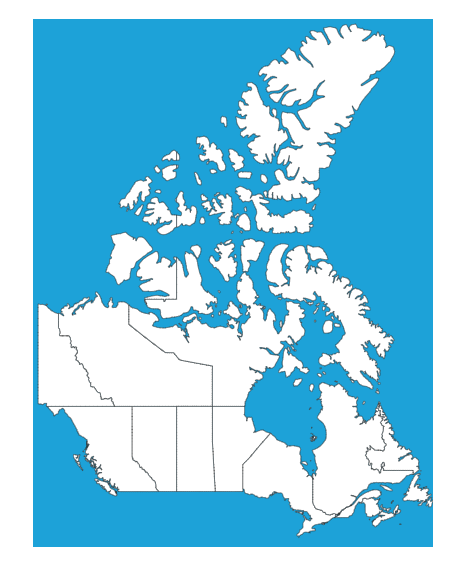
### Maps
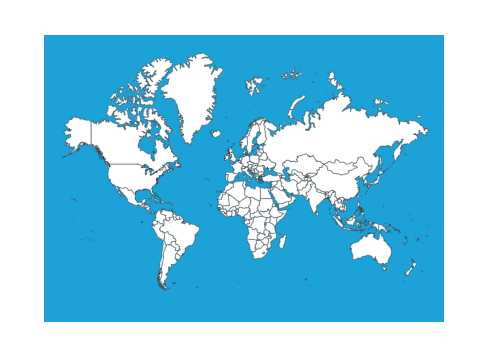
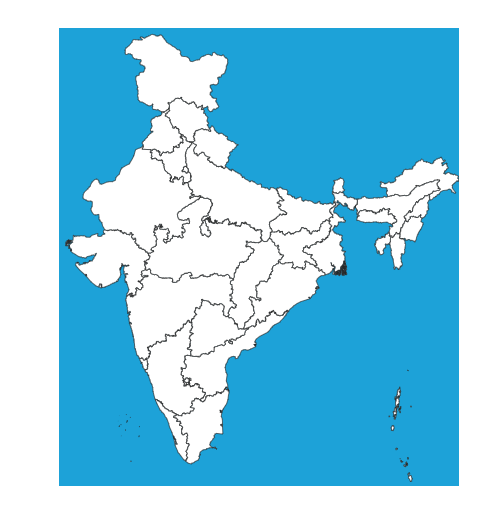
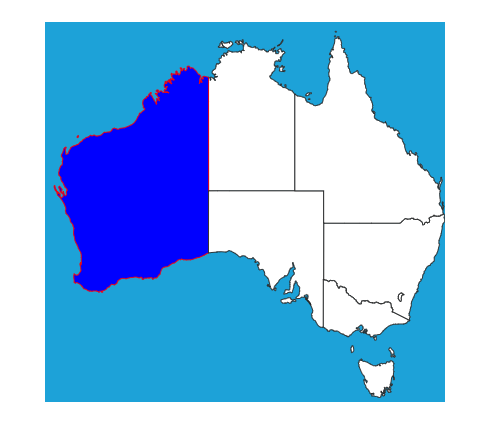
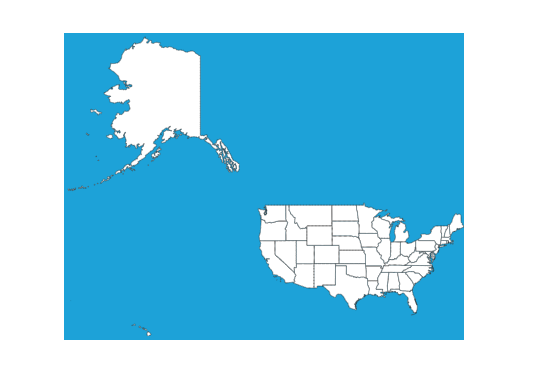
## License
MIT.
Copyright (c) 2025 Jeel Chheta