qieryash_me
Version:
A multifunctional player
88 lines (60 loc) • 3.97 kB
Markdown
<h1 align="center">
<img src="https://i0.hdslb.com/bfs/album/d72f47cd98c9fb6287d7eaf002695de4f53de6f2.png" height="200" width="200"/>
<p align="center" style="font-size: 0.5em">A lightweight and sophisticated React-based H5 video player</p>
</h1>
[](https://github.com/vortesnail/qier-player/blob/master/LICENSE) []() [](https://www.npmjs.com/package/qier-player) [](https://www.npmjs.com/package/qier-player) [](https://github.com/vortesnail/qier-player/stargazers)
[简体中文](https://github.com/vortesnail/qier-player/blob/master/README-zh-Hans.md) | English
## Introduction
Qier-player is a web video player component for React, It has a simple interface and smooth operation which supports the most functions of other video players. In addition, Qier-player can switch between video resolutions (4K, 2K, 1080P, 720P and 480P) if desired.
## Keyboard Shortcuts
For these to work, the player must be in focus.
- `Up` arrow key: Volume up
- `Down` arrow key: Volume down
- `Left` arrow key: Rewind 3 seconds
- `Right` arrow key: Skip forward 3 seconds
- `Space` key: Toggle play/pause
Here is an [official demo site](https://vortesnail.github.io/qier-player-demo/) showing the player in use.
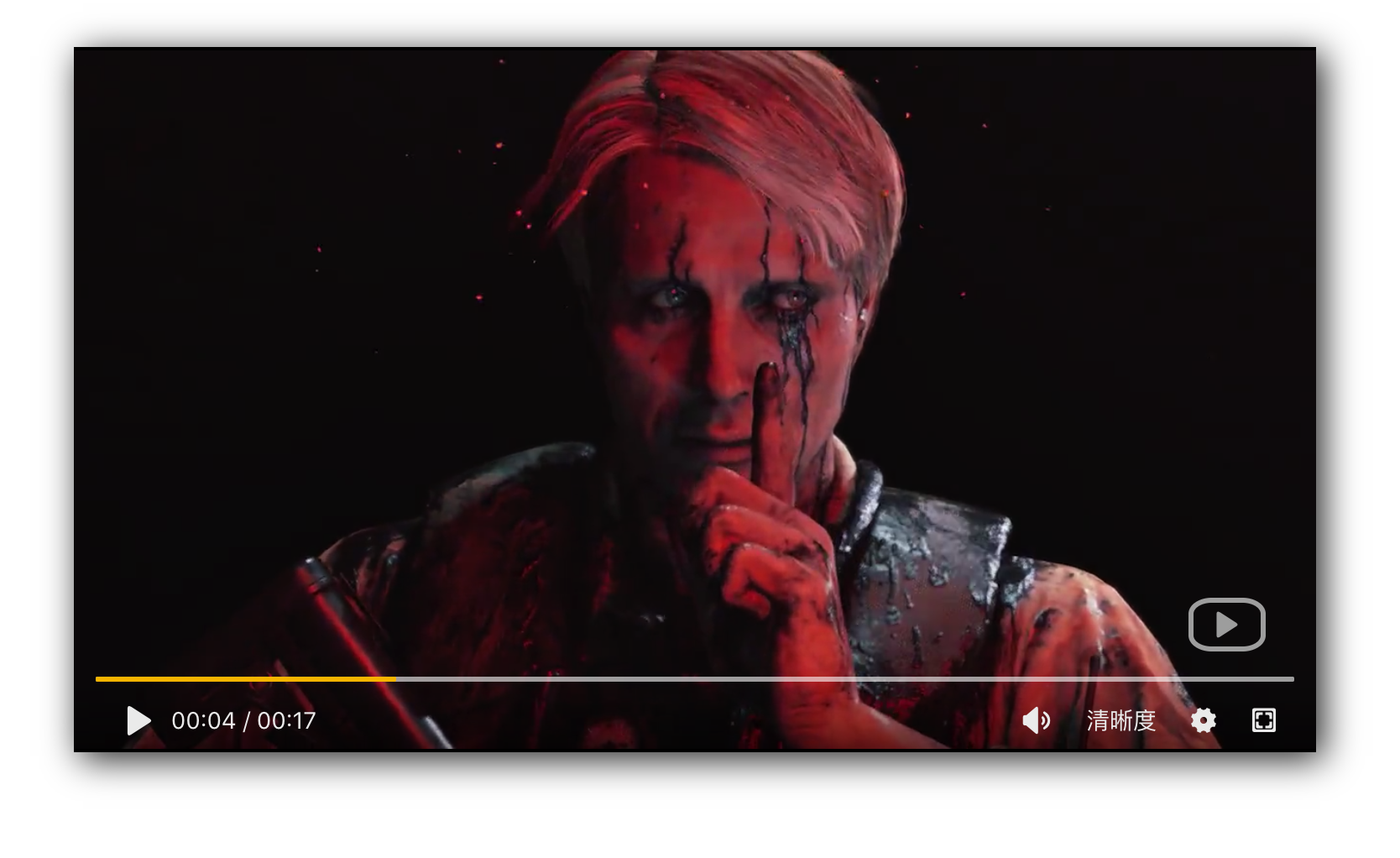
## Screenshot
## Quick Start
### Install
```bash
npm install --save qier-player
```
### Use
```js
import React from 'react';
import ReactDOM from 'react-dom';
import QierPlayer from 'qier-player';
ReactDOM.render(<QierPlayer srcOrigin="Your video addedress" />, document.getElementById('root'));
```
## API
| Parameter | Description | Types | Defaults |
| ------------ | ------------ | ------------ | ------------ |
| `width` | setting the video width (e.g. `740` or `"100%"`) | number | string | 740 |
| `height` | setting the video height (e.g. `420` or `"100%"`) | number | string | 420 |
| `language` | language: 'en' is English and 'zh' is Chinese | "en" | "zh" | 'en' |
| `themeColor` | theme color (only supports hexadecimal color) | string | '#f23300' |
| `src480p` | 480p source URL | boolean | string | false |
| `src1080p` | 1080p source URL | boolean | string | false |
| `src720p` | 720p source URL | boolean | string | false |
| `src2k` | 2K source URL | boolean | string | false |
| `src4k` | 4K source URL | boolean | string | false |
| `srcOrigin` | origin source URL (set this if not using specific resolution sources) | boolean | string | false |
## Recent update history
### 1.2.3 (2019-11-06)
- Added `width` and `height` api for setting your own video width and height
### 1.2.2 (2019-11-04)
- Added theme colour modification interface
- Added language change API, 'en' is English, 'zh' is Chinese
### 1.1.2 (2019-11-01)
- Added auto hide function:When the mouse is hovering over the video page, the controller and mouse are hidden after 1.8s.
### 1.1.1 (2019-10-29)
- Added the prompt "Sorry! The video could not be found (. ́< ̀.)" when the video source URL is not found
- Added a hint animation "Buffering..." while the video is loading
- Fixed a bug where custom shortcuts conflicted with browser shortcuts
## Acknowledgements
- Thanks to [kaiseixd](https://github.com/kaiseixd) for his inspiration when I was in trouble.
- Thanks to the [screenfull](https://github.com/sindresorhus/screenfull.js/) plugin and the its author.
- Thanks to fanzy for tranlsating README
- Thanks to [iconfont](https://www.iconfont.cn/) as an unselfish icon creator.