postcss-momentum-scrolling
Version:
PostCSS plugin for adding 'momentum' style scrolling behavior (-webkit-overflow-scrolling: touch) for elements with overflow (scroll, auto) on iOS
138 lines (101 loc) • 3.62 kB
Markdown
# PostCSS Momentum Scrolling
[PostCSS]: https://github.com/postcss/postcss
[ci-img]: https://travis-ci.org/solversgroup/postcss-momentum-scrolling.svg
[ci]: https://travis-ci.org/solversgroup/postcss-momentum-scrolling
[MIT]: https://github.com/solversgroup/postcss-momentum-scrolling/blob/master/LICENSE
[official docs]: https://github.com/postcss/postcss#usage
[Releases history]: https://github.com/solversgroup/postcss-momentum-scrolling/blob/master/CHANGELOG.md
[](https://www.npmjs.com/package/postcss-momentum-scrolling) [![Build Status][ci-img]][ci]
[](https://www.npmjs.com/package/postcss-momentum-scrolling)
[PostCSS] plugin for adding **momentum** style scrolling behavior (`-webkit-overflow-scrolling:touch`) for elements with overflow (scroll, auto) on iOS.
## Example
```css
/* Input example */
.minicart {
overflow: scroll;
}
```
```css
/* Output example */
.minicart {
overflow: scroll;
-webkit-overflow-scrolling: touch;
}
```
## Live Example
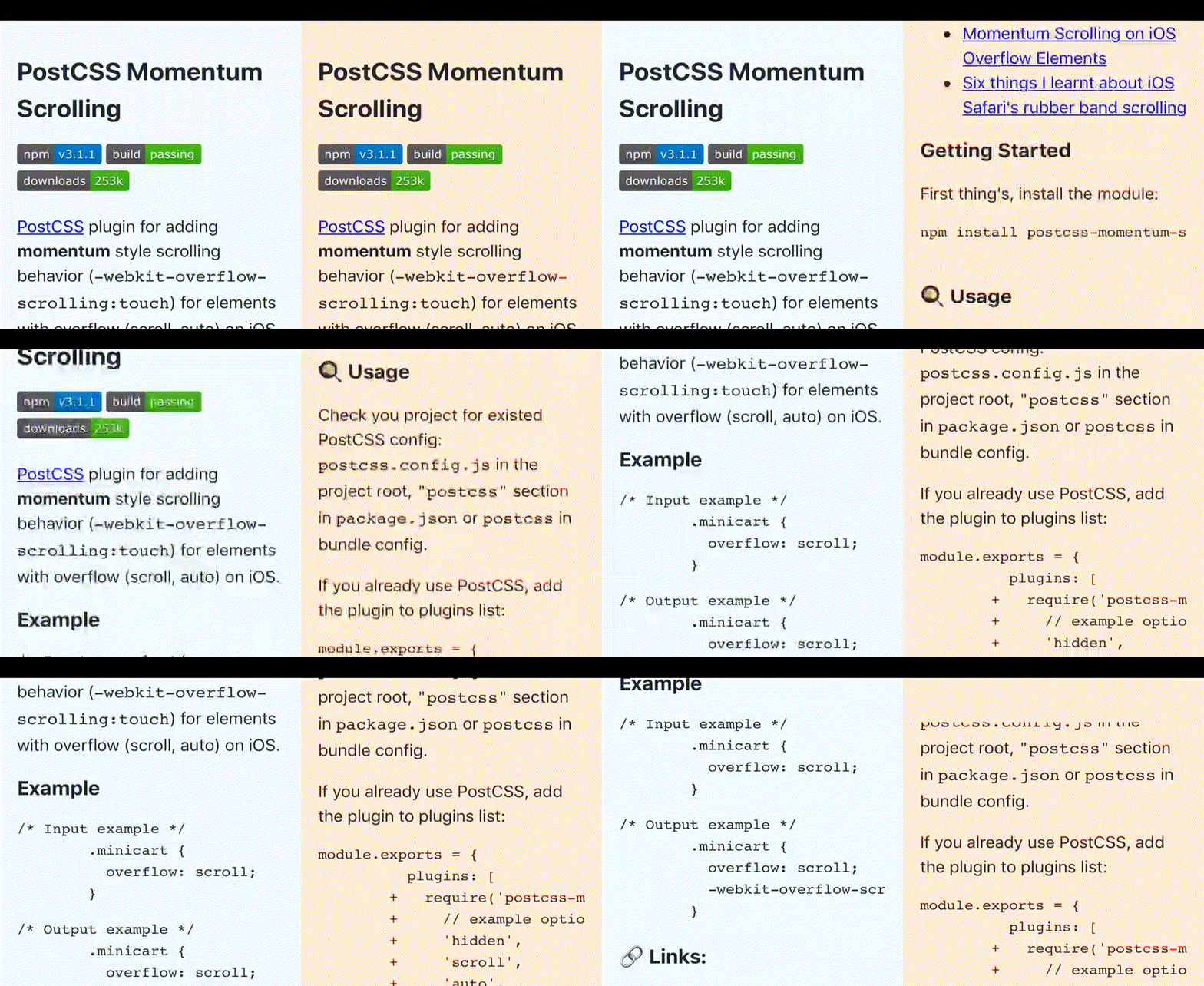
[Live demo](https://dev.solvers.group/momentum/), [YouTube demo](https://www.youtube.com/watch?v=mYLSv7Il-D0)
### 🔗 Links:
- [MDN](https://developer.mozilla.org/en-US/docs/Web/CSS/-webkit-overflow-scrolling)
- [Momentum Scrolling on iOS Overflow Elements](https://css-tricks.com/snippets/css/momentum-scrolling-on-ios-overflow-elements/)
- [Six things I learnt about iOS Safari's rubber band scrolling](https://www.specialagentsqueaky.com/blog-post/ssy5i7qw/2015-06-10-six-things-i-learnt-about-ios-rubberband-overflow-scrolling/)
## Getting Started
First thing's, install the module:
```
npm install postcss-momentum-scrolling --save-dev
```
## 🍳 Usage
Check you project for existed PostCSS config: `postcss.config.js`
in the project root, `"postcss"` section in `package.json`
or `postcss` in bundle config.
If you already use PostCSS, add the plugin to plugins list:
```diff
module.exports = {
plugins: [
+ require('postcss-momentum-scrolling')([
+ // example options
+ 'hidden',
+ 'scroll',
+ 'auto',
+ 'inherit'
+ ]),
require('autoprefixer')
]
}
```
If you do not use PostCSS, add it according to [official docs]
and set this plugin in settings.
## 🍰 Options
> If the passed options are not an `Array`, then the default options will be set.
`Array` of `overflow` property values at which you want to add momentum style scrolling behavior. Default `['hidden', 'scroll', 'auto', 'inherit']` (use only `['scroll']` for minimize css size).
### Custom options example
```js
postcss([
require('postcss-momentum-scrolling')([
'hidden',
'inherit'
])
])
```
```css
/* Before */
header {
overflow: hidden;
}
main {
overflow: scroll;
}
footer {
overflow: inherit;
}
```
```css
/* After */
header {
overflow: hidden;
-webkit-overflow-scrolling: touch;
}
main {
overflow: scroll;
}
footer {
overflow: inherit;
-webkit-overflow-scrolling: touch;
}
```
## Changelog
See [Releases history]
## License
[MIT]
## Other PostCSS plugins
- [`postcss-sort-media-queries`](https://github.com/yunusga/postcss-sort-media-queries) - plugin for combine and sort CSS media queries with **mobile first** or **desktop first** methods