picgo-plugin-testnpm-telegraph
Version:
108 lines (66 loc) • 2.74 kB
Markdown
# picgo-plugin-cloudflare-telegraph
## plugin for [PicGo](https://github.com/Molunerfinn/PicGo)
- 适配 Cloudflare Pages托管 [Telegraph-Image](https://github.com/cf-pages/Telegraph-Image) 项目的 [PicGo](https://github.com/Molunerfinn/PicGo) 插件。
- [Telegraph-Image](https://github.com/cf-pages/Telegraph-Image) 是免费图片托管解决方案,Flickr/imgur替代品。使用Cloudflare Pages部署和图片保存在Telegraph。
### 提前准备
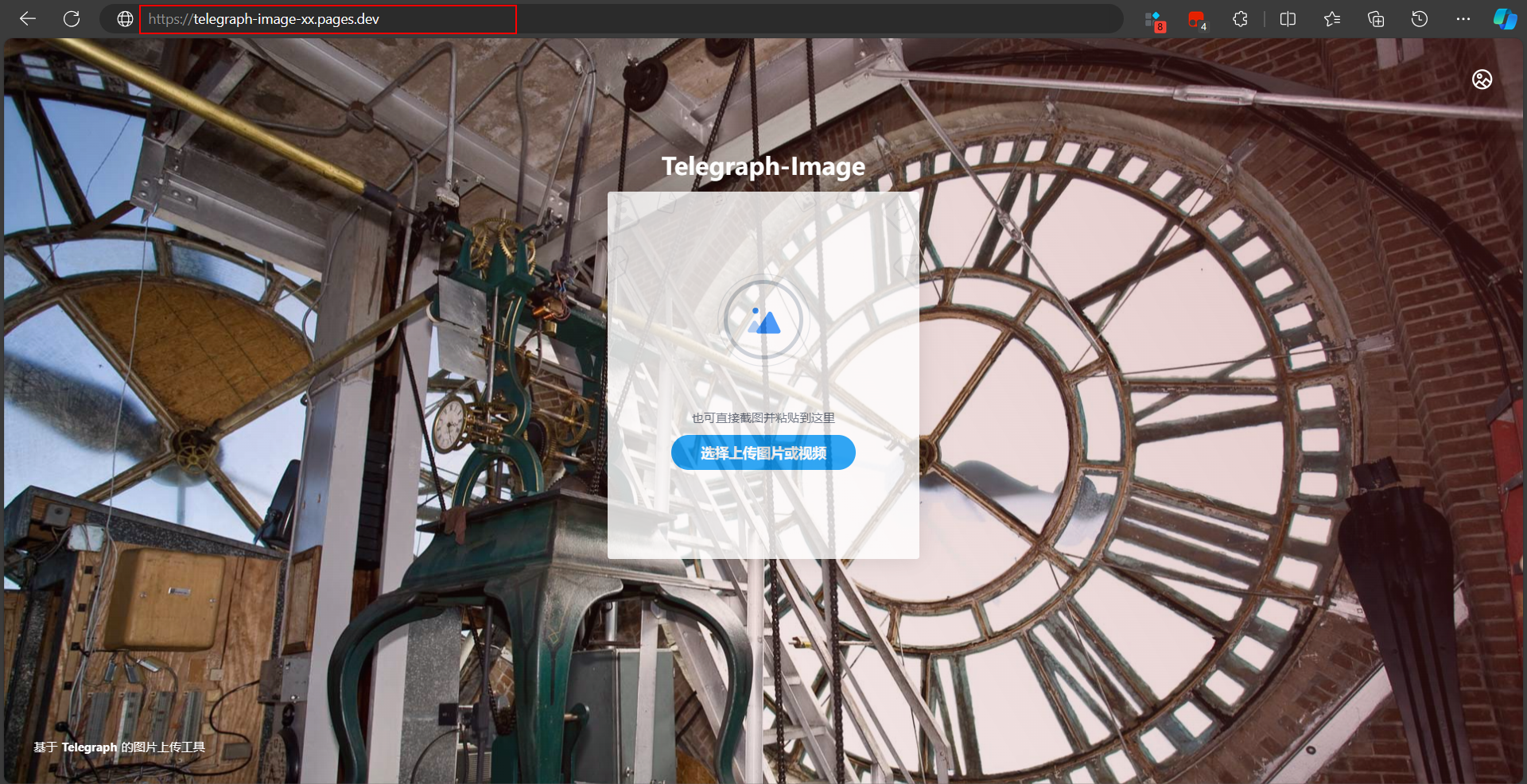
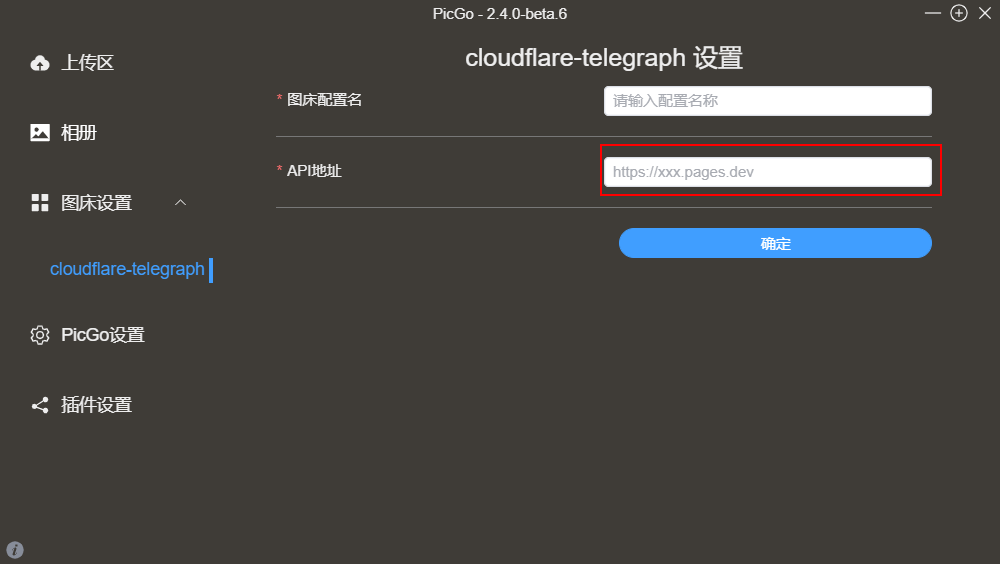
- 部署 [Telegraph-Image](https://github.com/cf-pages/Telegraph-Image) 项目,得到 `https://telegraph-image-xx.pages.dev` 图床链接。
## 使用
### [PicGo](https://github.com/Molunerfinn/PicGo) 配置
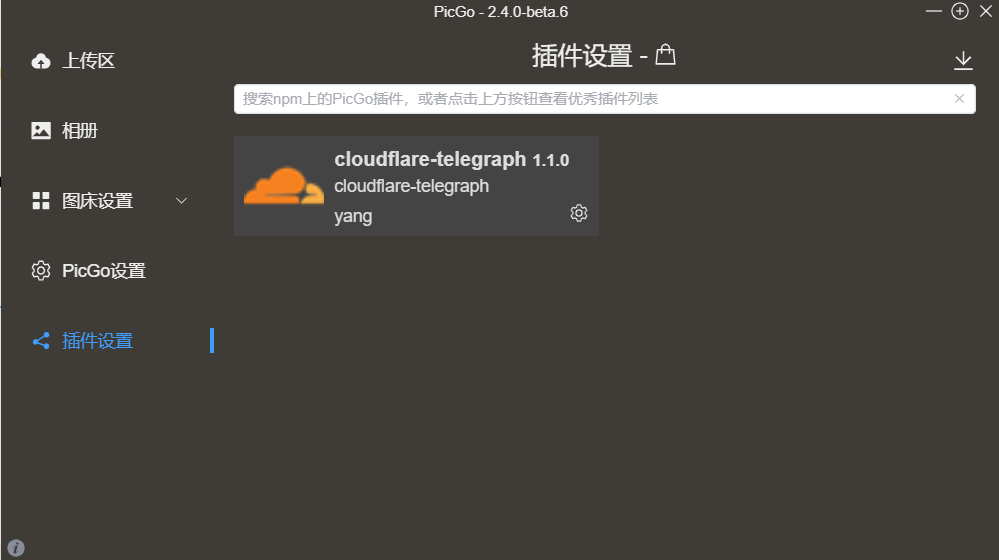
- #### 安装插件
- #### 图床链接添加到API地址
### [PicGo-Core](https://picgo.github.io/PicGo-Core-Doc/) 配置
- #### 安装PicGo-Core
1、下载 [picgo.exe](https://github.com/typora/PicGo-cli/releases) 把程序放到要安装的目录
2、配置环境变量(可选)
- #### 安装插件
输入执行
```
D:\xxx\picgo.exe install cloudflare-telegraph
```
or
```
picgo install cloudflare-telegraph
```
- #### 配置文件 `~\.picgo\config.json` 参数设置
```json
{
"picBed": {
"uploader": "cloudflare-telegraph",
"cloudflare-telegraph": {
"url": "https://telegraph-image-xxx.pages.dev"
}
},
"picgoPlugins": {
"picgo-plugin-cloudflare-telegraph": true
}
}
```
- #### 测试
准备一张图片
```
D:\xxx\picgo.exe upload D:\xxx\xx\xx.jpg
```
or
```
picgo upload D:\xxx\xx\xx.jpg
```
### Typora 配置
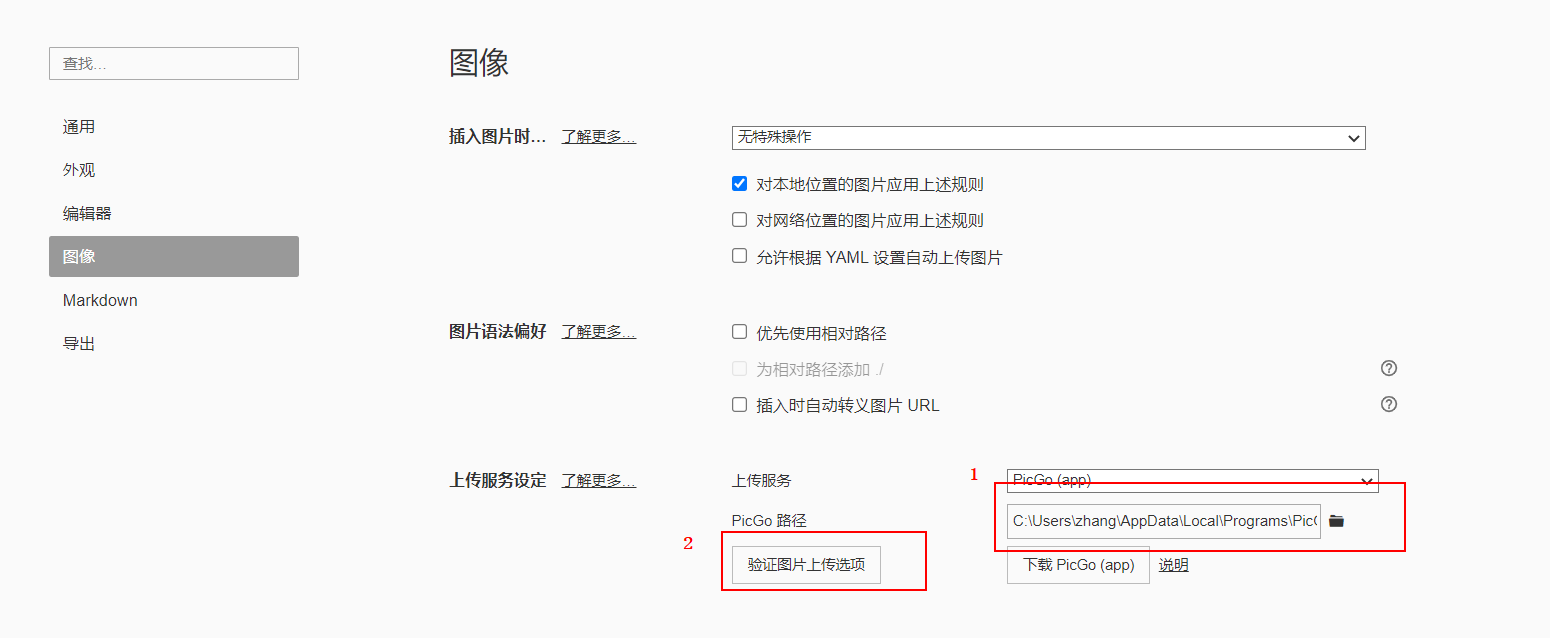
#### 1、[PicGo (app)](https://github.com/Molunerfinn/PicGo) 配置
找到`PicGo.exe`的位置,后验证
#### 2、[PicGo-Core](https://picgo.github.io/PicGo-Core-Doc/) 配置
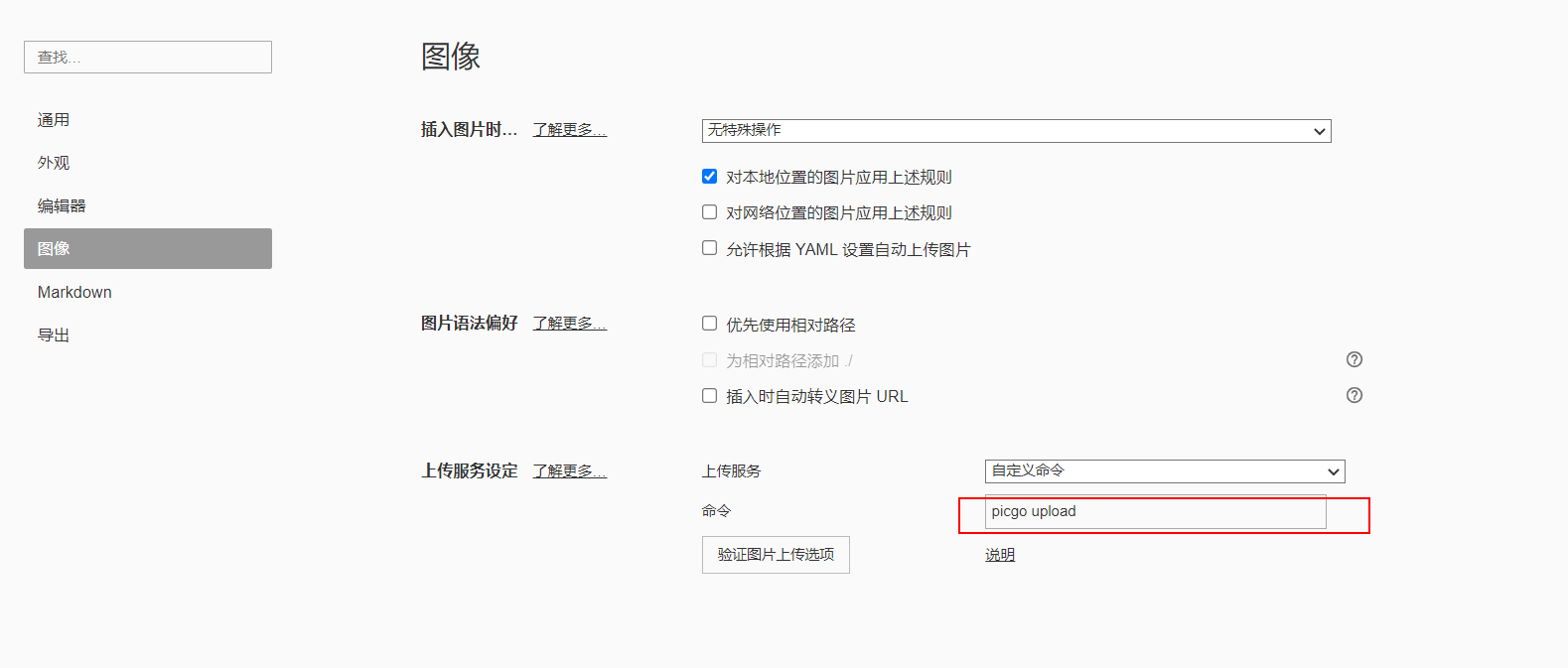
- 使用Typora自带 [picgo.exe](https://github.com/typora/PicGo-cli/releases) 在目录`C:\\Users\\Usersname\\AppData\\Roaming\\Typora\\picgo\\win64\\picgo.exe`,
配置文件在目录 `~\.picgo\config.json`
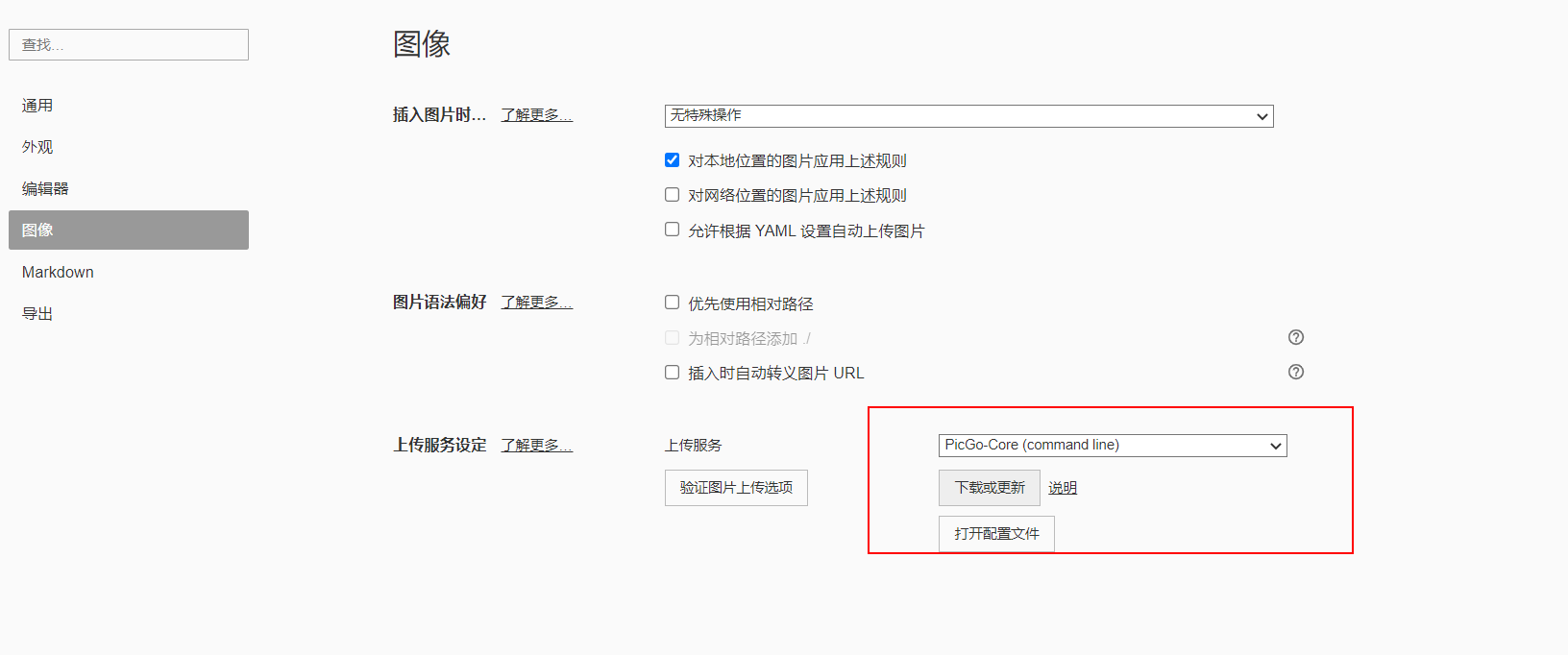
- 使用自己安装的 [picgo.exe](https://github.com/typora/PicGo-cli/releases)
```
D:\xxx\picgo.exe upload
```
or
```
picgo upload
```