nuxtjs-bootstrap-sidebar2
Version:
Sidebar component for Vue apps created using the project's bootstrap-vue fork vue-bootstrap-sidebar by Juraj Kavka
167 lines (138 loc) • 5.79 kB
Markdown
# nuxtjs-bootstrap-sidebar
Sidebar component for Vue apps created using the project's bootstrap-vue fork vue-bootstrap-sidebar by Juraj Kavka
# :bookmark_tabs: vue-bootstrap-sidebar :bookmark_tabs:
`vue-bootstrap-sidebar` is a Vue sidebar menu component, build using [`bootstrap-vue`](https://bootstrap-vue.js.org/).
> Be sure to check out the [Sidebar component in BootstrapVue](https://bootstrap-vue.org/docs/components/sidebar) firtst. My implementation is older, much simpler, but still in active development.
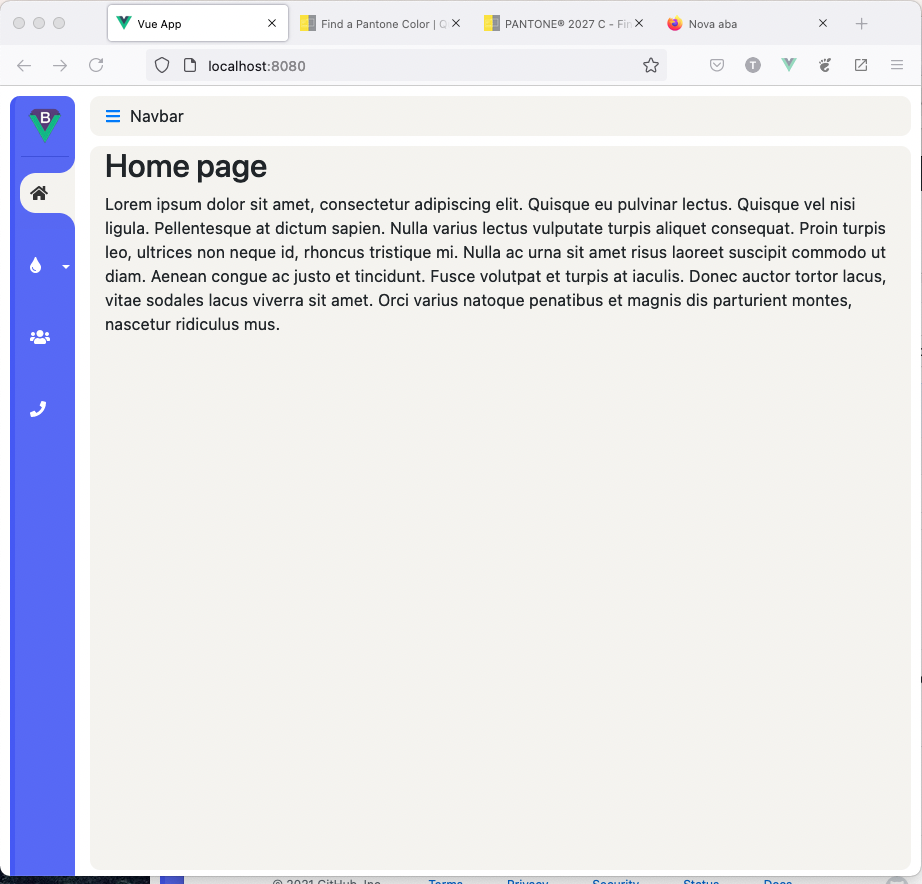
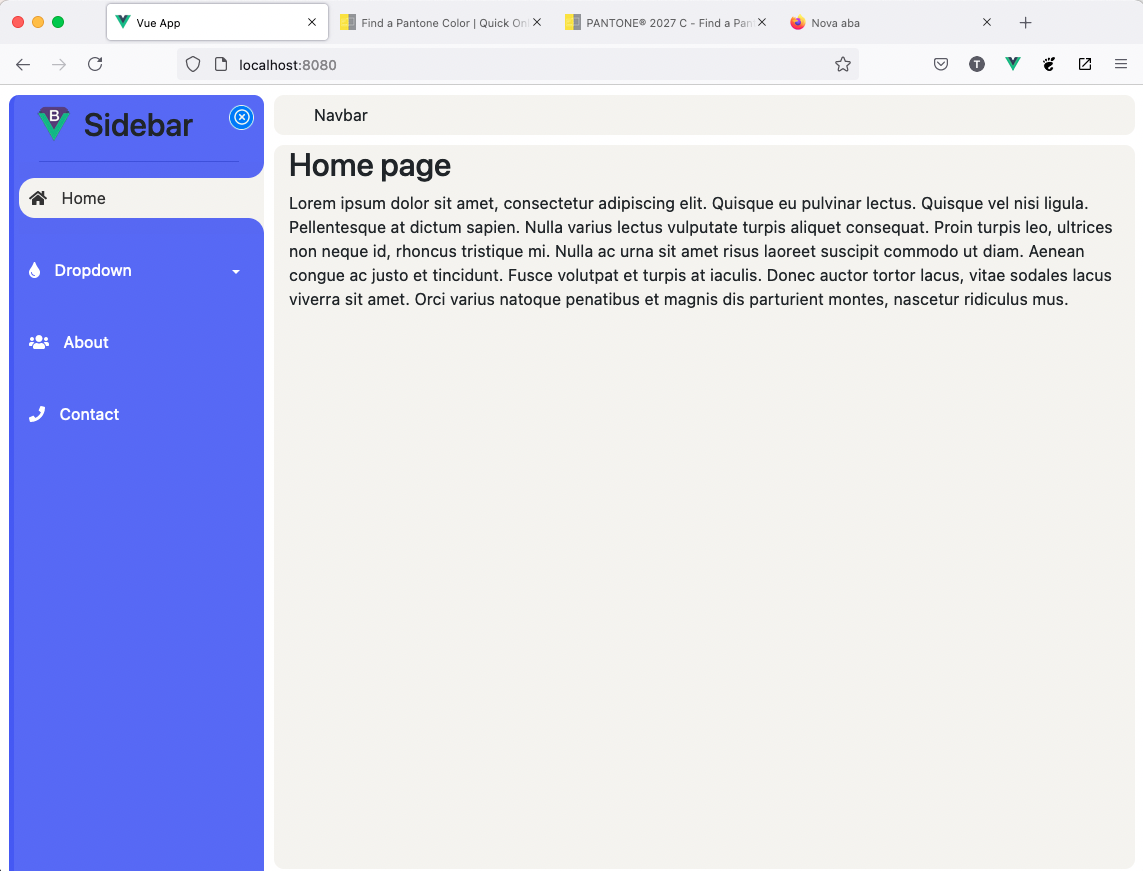
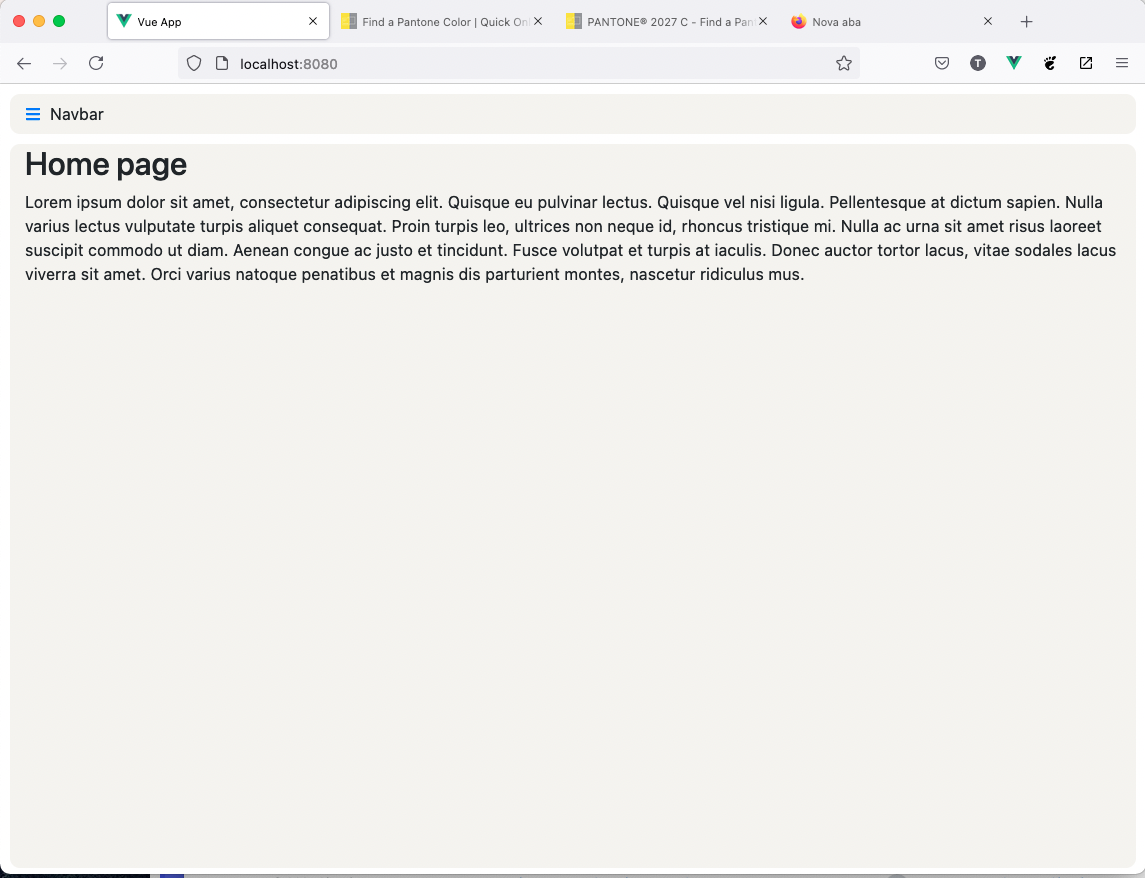
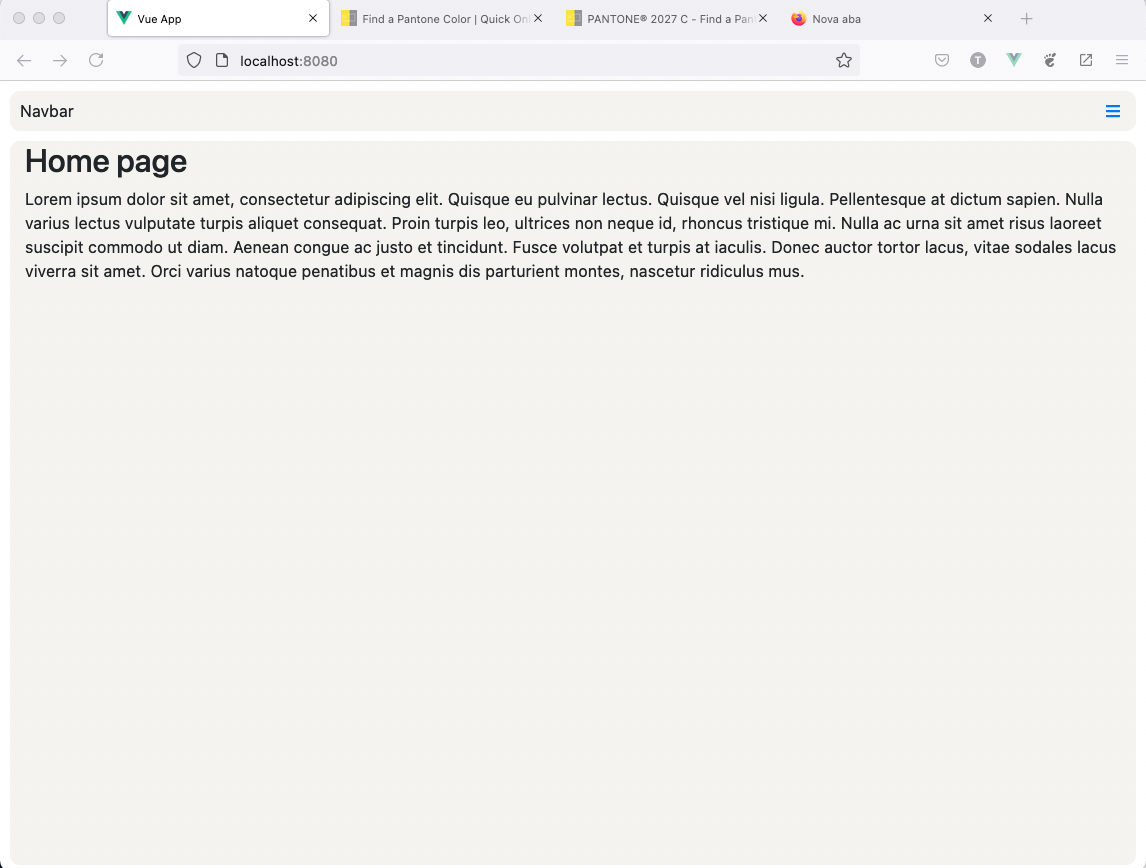
## Preview
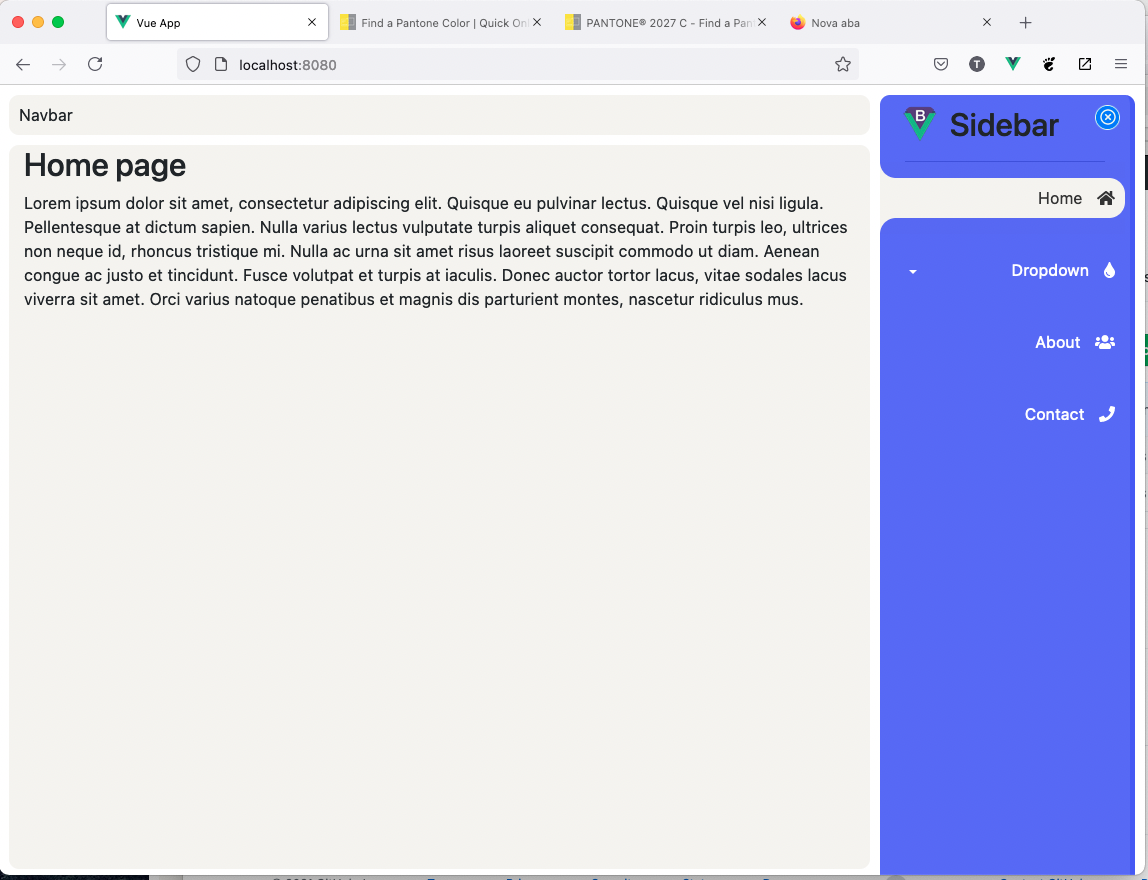
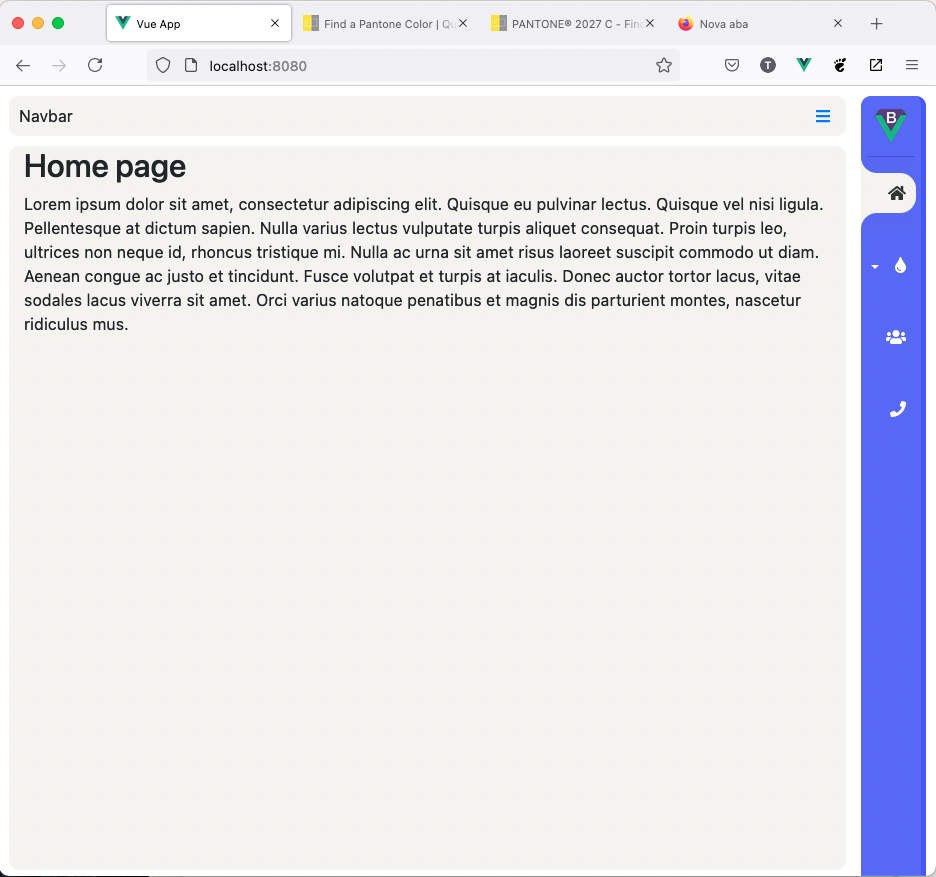
For the preview just clone this repository and run *dev* server.
```
git clone https://github.com/thiagopinto/nuxtjs-bootstrap-sidebar.git
```
```
cd nuxtjs-bootstrap-sidebar
```
```
npm install
```
```
npm run serve
```
## Installation & integration to Vue app
> **NOTE**: *I assume, that You are already building Vue application with bootstrap. If not, You will need to install and configure [bootstrap-vue](https://bootstrap-vue.js.org/docs).*
> **NOTE:** If You want to use Font Awesome icons, be sure that you have installed and configured [`vue-fontawesome`](https://github.com/FortAwesome/vue-fontawesome).
### Installation from npm registry
You can use `npm`
```
nuxtjs-bootstrap-sidebar
```
### Integration to the project
`BootstrapSidebar` component is a wrapper for a whole page with two named *slots*:
- `logo` - slot for your top sidebar *logo* component
- `footer`- slot for footer sidebar *footer* component
- `navbar` - slot for your top *navbar* component
- `content` - slot for the entire *content* of your page
It is up to You, how Your top *navbar* component and *content* looks like. As we are using *bootstrap*, it is good if a whole webpage follows *bootstrap* patterns.
Except that, styles needs to be imported.
```
<style lang="scss">
@import 'node_modules/vue-bootstrap-sidebar/src/scss/default-theme.scss';
</style>
```
So, Your main `app` component should look like on this example:
```html
<template>
<div id="app">
<nuxtjs-bootstrap-sidebar
:initial-show="initialShow"
:links="links"
:fa="true"
align="left"
@sidebarChanged="onSidebarChanged"
>
<template v-slot:logo>
<div class="logo-mini">
<b-img :src="logoMini" rounded="circle" alt="Circle image"></b-img>
<div class="logo-title">
<h2>Sidebar</h2>
</div>
</div>
</template>
<template v-slot:navbar>
<b-navbar
id="mainNavbar"
toggleable="lg"
type="light"
variant="light"
fixed="top"
>
<b-navbar-nav>
<b-nav-item>
Navbar
</b-nav-item>
</b-navbar-nav>
</b-navbar>
</template>
<template v-slot:content>
<b-container style="margin-top: 56px">
<router-view />
</b-container>
</template>
</nuxtjs-bootstrap-sidebar>
</div>
</template>
<script>
import NuxtjsBootstrapSidebar from '@/components/NuxtjsBootstrapSidebar.vue'
export default {
name: 'ServeDev',
components: {
NuxtjsBootstrapSidebar
},
data () {
return {
logoMini: require("@/assets/img/logo_bootstrap_vue.png"),
initialShow: true,
links: [
{ name: 'Home', href: { name: 'home' }, faIcon: ['fas', 'home'] },
{ name: 'Dropdown',
faIcon: ['fas', 'tint'],
children: [
{ name: 'Child Item 1', href: { name: 'child-item-1' },
faIcon: ['fas', 'child'] },
{ name: 'Child Item 2', href: { name: 'child-item-2' },
faIcon: ['fas', 'child'] }
]
},
{ name: 'About', href: { name: 'about' }, faIcon: 'users' },
{ name: 'Contact', href: { name: 'contact' }, faIcon: 'phone' },
]
}
},
methods: {
onSidebarChanged () {
}
}
}
</script>
<style lang="scss">
@import 'node_modules/bootstrap/scss/bootstrap';
@import 'node_modules/bootstrap-vue/src/index.scss';
</style>
```
## Configuration (props)
Configuration options (*props*) of the `BootstrapSidebar` are:
- `initialShow` - `true`/`false` if the sidebar is initially visible or not (default: `true`)
- `links` - array of menu items.
- `href` propery is rendered with `router-link`.
- `children` property is rendered as dropdown with defined child.
- `faIcon` renders Font Awesome icon, lef to the menu item. For this feature, You need to install [`vue-fontawesome`](https://github.com/FortAwesome/vue-fontawesome). You can provide icon as array e.g. `['fas', 'user']` or as string e.g.`'user'`.
- `theme` - custom `scss` theme (default: `default-theme`).
## TODOs
- write tests
## Notes
- npm package is created with [`vue-sfc-rollup`](https://www.npmjs.com/package/vue-sfc-rollup)