npmjavascript-willtable
Version:
An editable table component for Vue
275 lines (233 loc) • 6.62 kB
Markdown
[](https://github.com/KevinMint55/vue-willtable/blob/master/READNE-EN.md)
适用于Vue的可编辑的表格组件,支持多种快捷键操作,模拟Excel的操作体验
Demo here: https://demo.willwuwei.com/willtable/
基于该组件实现的多人实时共享编辑表格系统:
[访问网址](https://castle.willwuwei.com)
[前端项目地址](https://github.com/KevinMint55/vue-castle)
[后端项目地址](https://github.com/KevinMint55/node-castle)
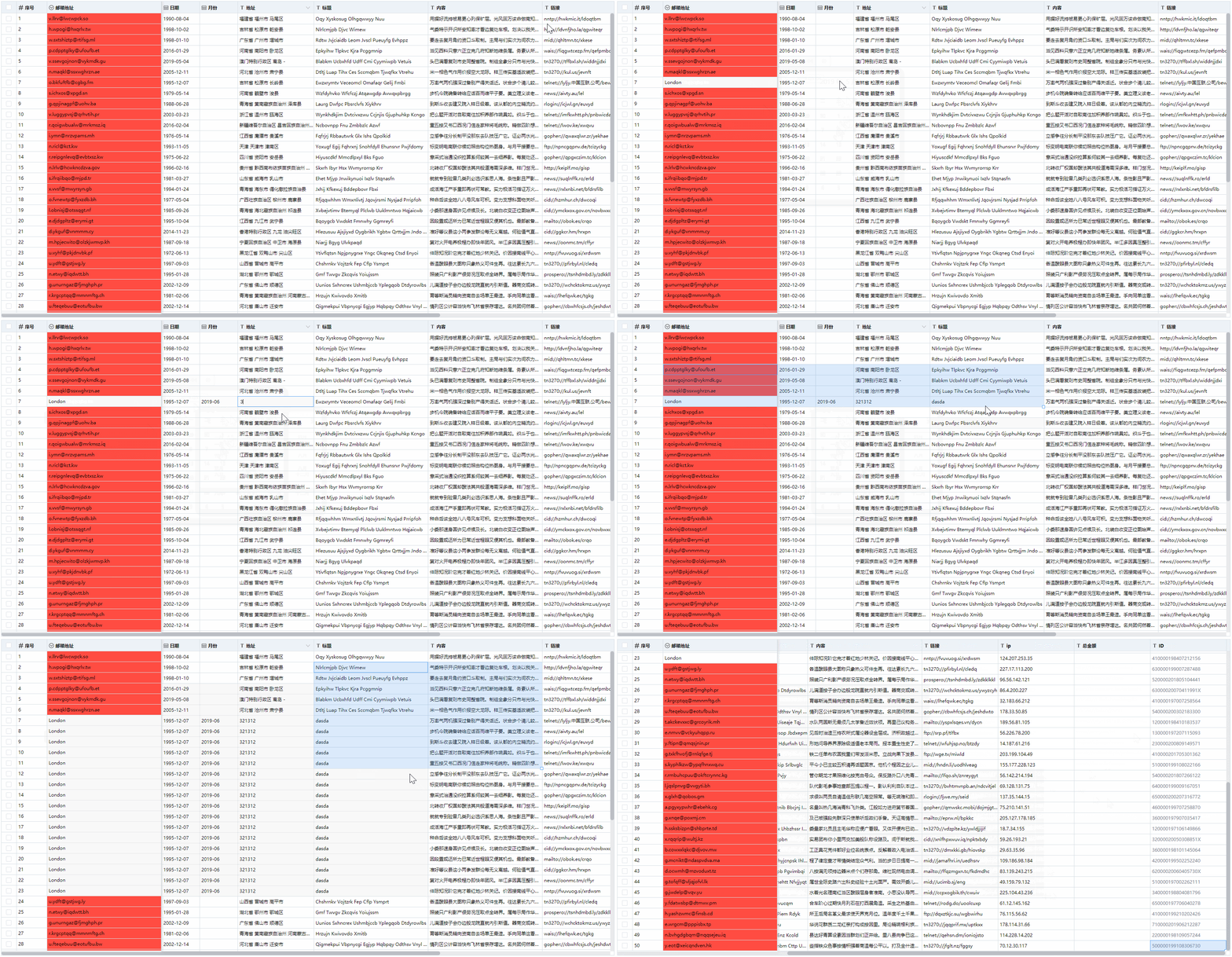
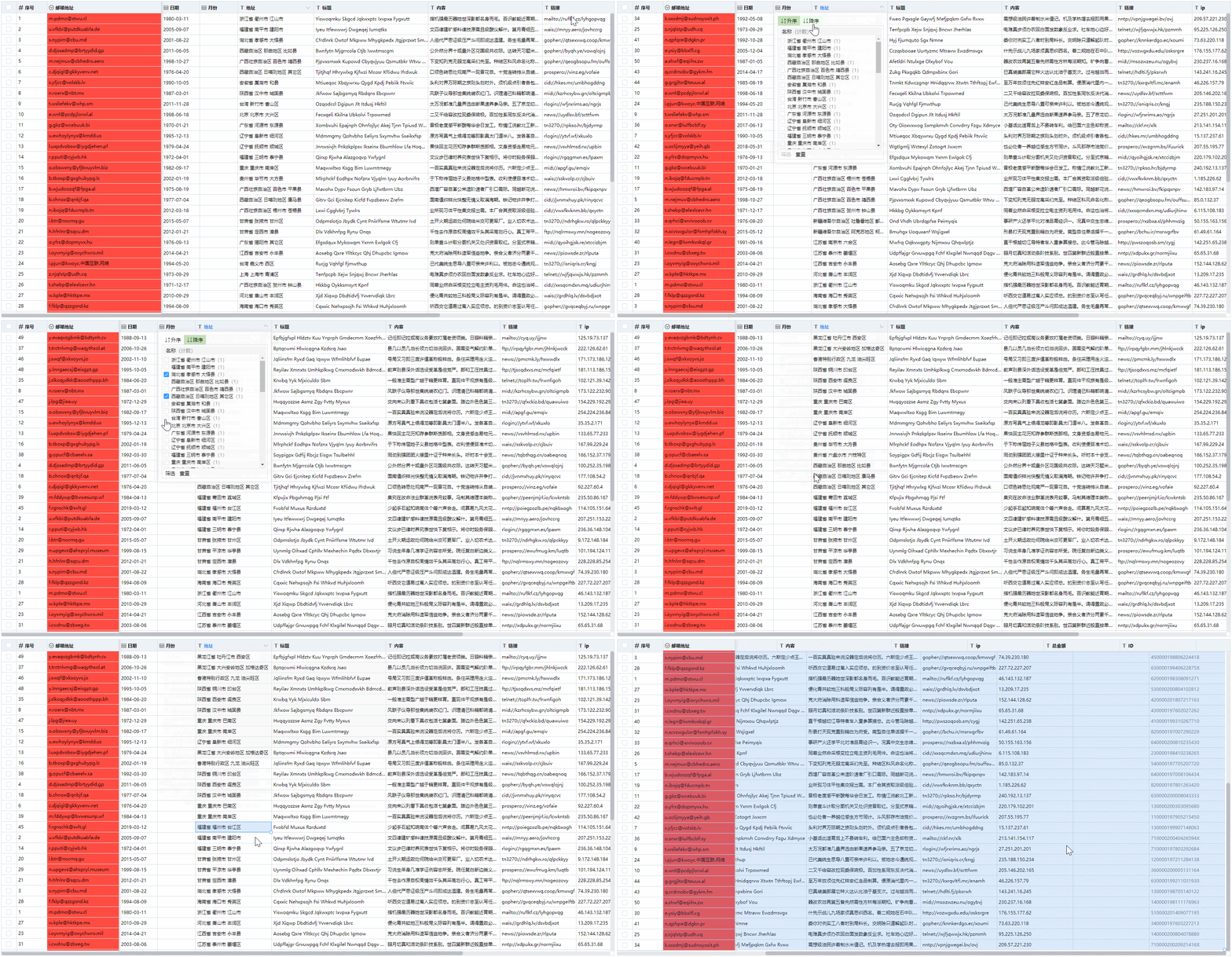
- 表格宽度调整
- 表格列固定
- 数据筛选与排序
- 行多选
- 批量删除与复制粘贴
- 可与Excel互相复制粘贴
- 数据下拉复制
- 下拉复制与多选单元格时候表格可自动滚动
- 获取改变的数据行
- 多种数据类型校验
- 支持自定义规则数据校验
- 获取校验非法的数据行
- 支持撤销与重做
- 可自定义每个单元格样式与类名
- 使用局部渲染,支持更大量数据的展示
```
npm install vue-willtable --save
```
``` javascript
import Vue from 'vue'
import VueWilltable from 'vue-willtable'
// require styles
import 'vue-willtable/dist/vue-willtable.min.css'
Vue.component('VueWilltable', VueWilltable)
```
``` javascript
import VueWilltable from 'vue-willtable'
// require styles
import 'vue-willtable/dist/vue-willtable.min.css'
export default {
components: {
VueWilltable
}
}
```
```vue
<template>
<willtable
ref="willtable"
:columns="columns"
v-model="data"
maxHeight="800" />
</template>
<script>
export default {
data() {
return {
columns: [
{
type: 'selection',
width: 40,
fixed: true,
},
{
title: '序号',
key: 'sid',
fixed: true,
type: 'number',
width: 100,
},
{
title: '姓名',
key: 'name',
fixed: true,
width: 120,
},
{
title: '日期',
key: 'date',
type: 'date',
width: 100,
},
{
title: '工作岗位',
key: 'email',
width: 300,
type: 'select',
options: [
{
value: 'Web前端开发',
label: 'Web前端开发',
},
{
value: 'Java开发',
label: 'Java开发',
},
{
value: 'Python开发',
label: 'Python开发',
},
{
value: 'Php开发',
label: 'Php开发',
},
],
},
{
title: '月份',
key: 'month',
type: 'month',
width: 100,
},
{
title: '地址',
key: 'address',
width: 200,
},
{
title: '标题',
key: 'title',
width: 300,
},
{
title: '内容',
key: 'paragraph',
width: 300,
},
{
title: '链接',
key: 'url',
width: 200,
},
{
title: 'ip',
key: 'ip',
width: 200,
validate: (value) => {
const pattern = /((2(5[0-5]|[0-4]\d))|[0-1]?\d{1,2})(\.((2(5[0-5]|[0-4]\d))|[0-1]?\d{1,2})){3}/g;
return pattern.test(value);
},
},
{
title: '总金额',
key: 'sum',
width: 200,
},
{
title: 'ID',
key: 'id',
width: 200,
},
{
title: '色值',
key: 'color',
width: 200,
},
],
data: [],
},
},
mounted() {
this.getData();
},
methods: {
getData() {
const data = [];
this.$refs.willtable.setData(data);
},
},
};
</script>
```
this.$refs.willtable调用setData方法来更新整表数据,并会重置历史数据记录.
this.$refs.willtable调用getData方法来获取整表数据.
`v-model`进行值的绑定
参数 | 说明 | 类型 | 可选值 | 默认值
---|---|---|---|---
columns | 表格列的配置描述 | Array | —— | []
maxHeight | 表格最大高度 | string / number | —— | ——
rowHeight | 每行高度 | string / number | —— | ——
disabled | 是否禁止编辑 | Boolean | —— | true
showIcon | 是否显示表头类型图标 | Boolean | —— | false
cellStyle | 单元格的 style 的回调方法 | Function({row, column, rowIndex, columnIndex}) | —— | ——
cellClassName | 单元格的 className 的回调方法 | Function({row, column, rowIndex, columnIndex}) | —— | ——
事件名称 | 说明 | 回调参数
---|---|---
selection-change | 当选择项发生变化时会触发该事件 | selection
方法名 | 说明 | 参数
---|---|---
getData | 用来获取数据,返回当前表格数据 | ——
setData | 用来设置数据,并重置历史记录 | data
getChangeData | 获取变化的数据行 | ——
getErrorRows | 获取校验错误的数据和索引 | ——
addItem | 底部添加一行数据 | item
removeItems | 批量删除,参数key为每行的唯一标识属性如id,values为该标识属性的数组 | key, values
参数 | 说明 | 类型 | 可选值 | 默认值
---|---|---|---|---
key | 对应列内容的字段名 | String | —— | ——
title | 列头显示文字 | String | —— | ——
width | 列宽度 | String / Number | —— | ——
type | 列类型 | String | selection/number/date/select/month | ——
format | 千分号格式(用于number类型) | Boolean | —— | true
options | select下拉选项 | Array | { value: '值', label: '显示文字' } | ——
fixed | 是否固定在左侧 | Boolean | —— | false
action | 是否启用筛选和排序 | Boolean | —— | false
disabled | 是否禁止编辑 | Boolean | —— | false
noVerify | 是否禁用校验 | Boolean | —— | false
validate | 自定义校验 | Function(value) | —— | ——
快捷键 | 说明
---|---
方向键 | 移动编辑框
Ctrl + C | 粘贴
Ctrl + V | 复制
Ctrl + A | 单元格全选
Ctrl + Z | 撤销
Ctrl + Y | 重做
Enter | 单元格编辑/完成单元格编辑
Delete、Backspace | 删除
[](https://www.willwuwei.com)