notacursor
Version:
A library for giving cursor cool looks in web pages.
160 lines (131 loc) • 5.86 kB
Markdown
# notAcursor Project
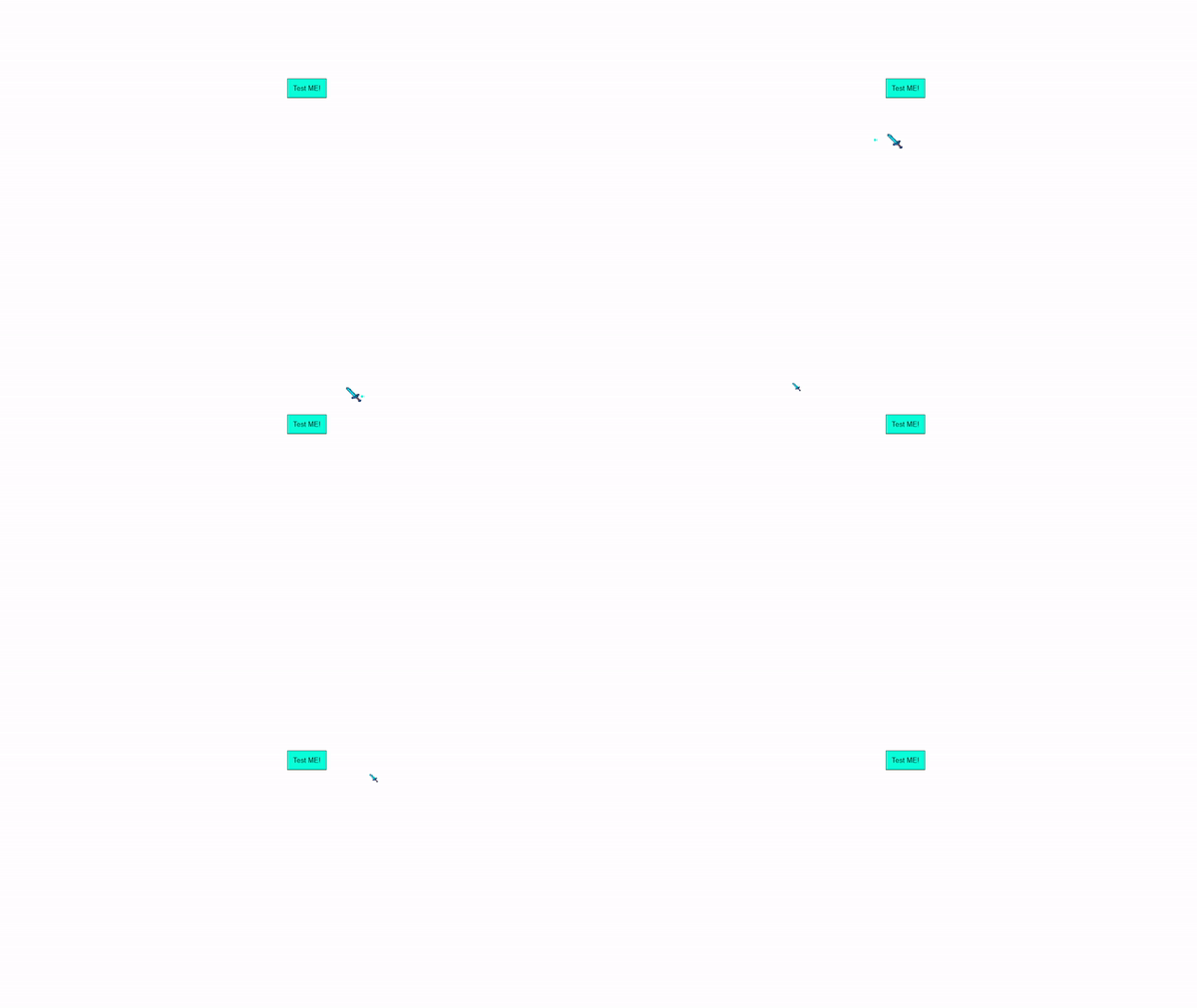
notAcursor library allows you to easily transform your ordinary cursor into something extraordinary in web pages.
# Installation
### CDN
To use notAcursor >
```bash
<link rel="stylesheet" href="https://cdn.jsdelivr.net/npm/notacursor@0.0.8/notacursor.css">
```
- Copy and paste this link on your html head tag.
And >
```bash
<script src="https://cdn.jsdelivr.net/npm/notacursor@0.0.8/notacursor.js"></script>
```
- Copy and paste this to your body tag at the end.
---
### Installation Done! Now to implement Cursor effect >
#### notAcursor-type1
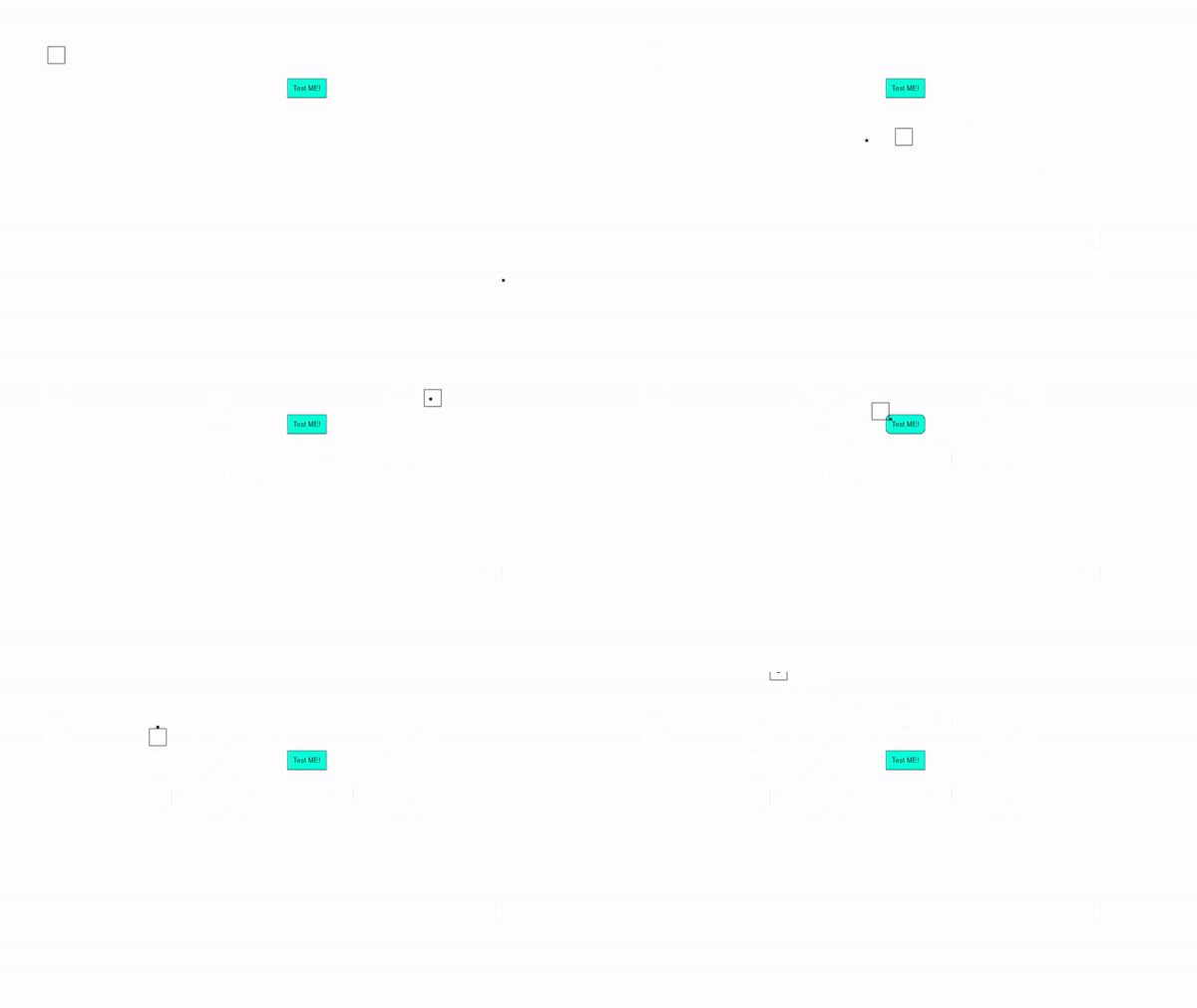
```bash
<!-- notAcursor-type1 -->
<div class="notAcursor-dot-type1" data-notacursor-dot></div>
<div class="notAcursor-outline-type1" data-notacursor-outline></div>
```
- Just copy and paste it to anywhere in your .html body tag.
- This one is type1, To use type2 simply Change type1 to type2 >
### notAcursor-type2
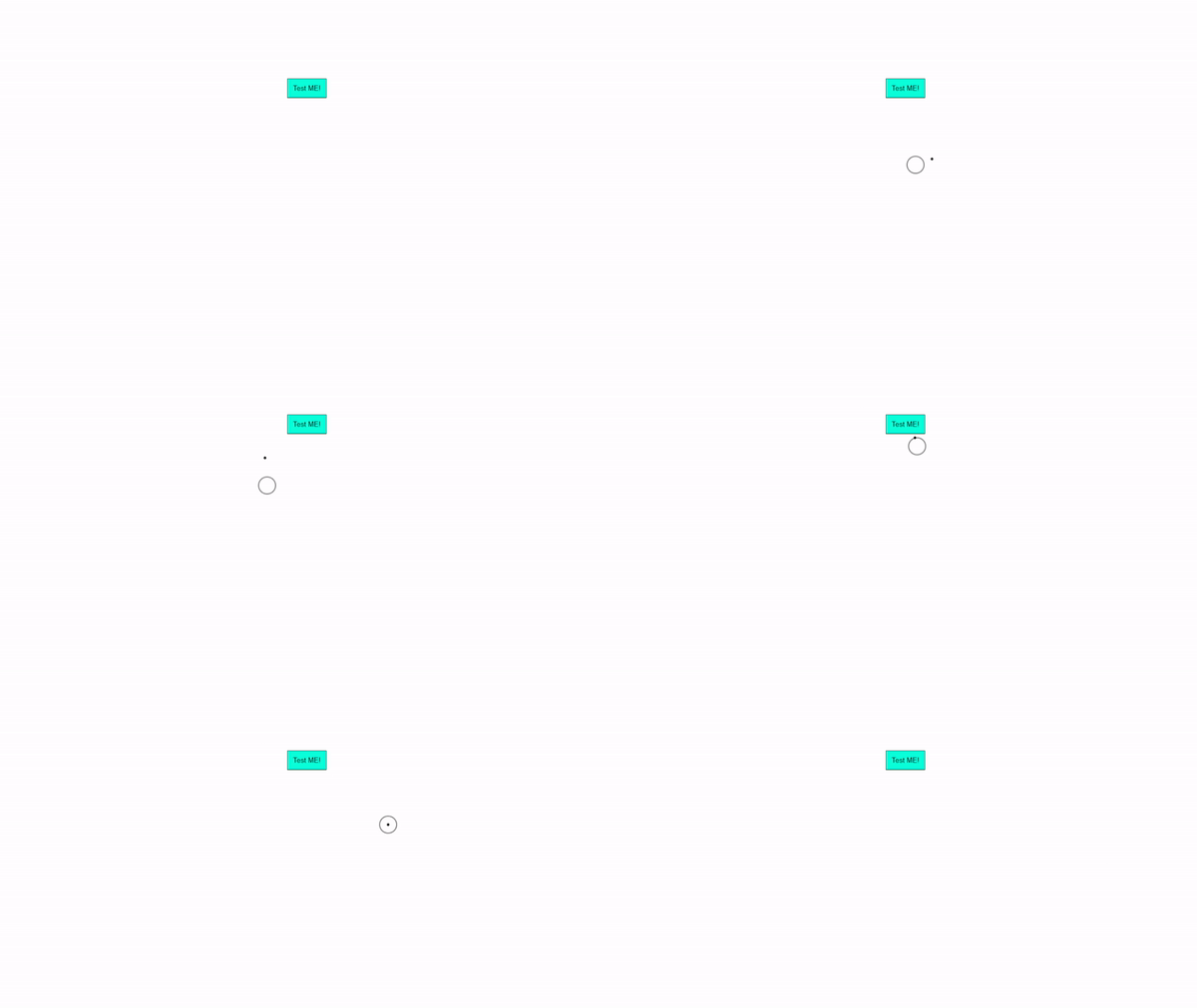
```bash
<!-- notAcursor-type2 -->
<div class="notAcursor-dot-type2" data-notacursor-dot></div>
<div class="notAcursor-outline-type2" data-notacursor-outline></div>
```
### More notAcursor Types are given below >
#### notAcursor-type3

```bash
<!-- notAcursor-type3 -->
<div class="notAcursor-dot-type3" data-notacursor-dot></div>
<div class="notAcursor-outline-type3" data-notacursor-outline></div>
```
#### notAcursor-pic
- Use your random pic or gif as cursor.
- Just replace your_pic.png to your actual photo, Like abcd.png or abcd.jpg or abcd.gif
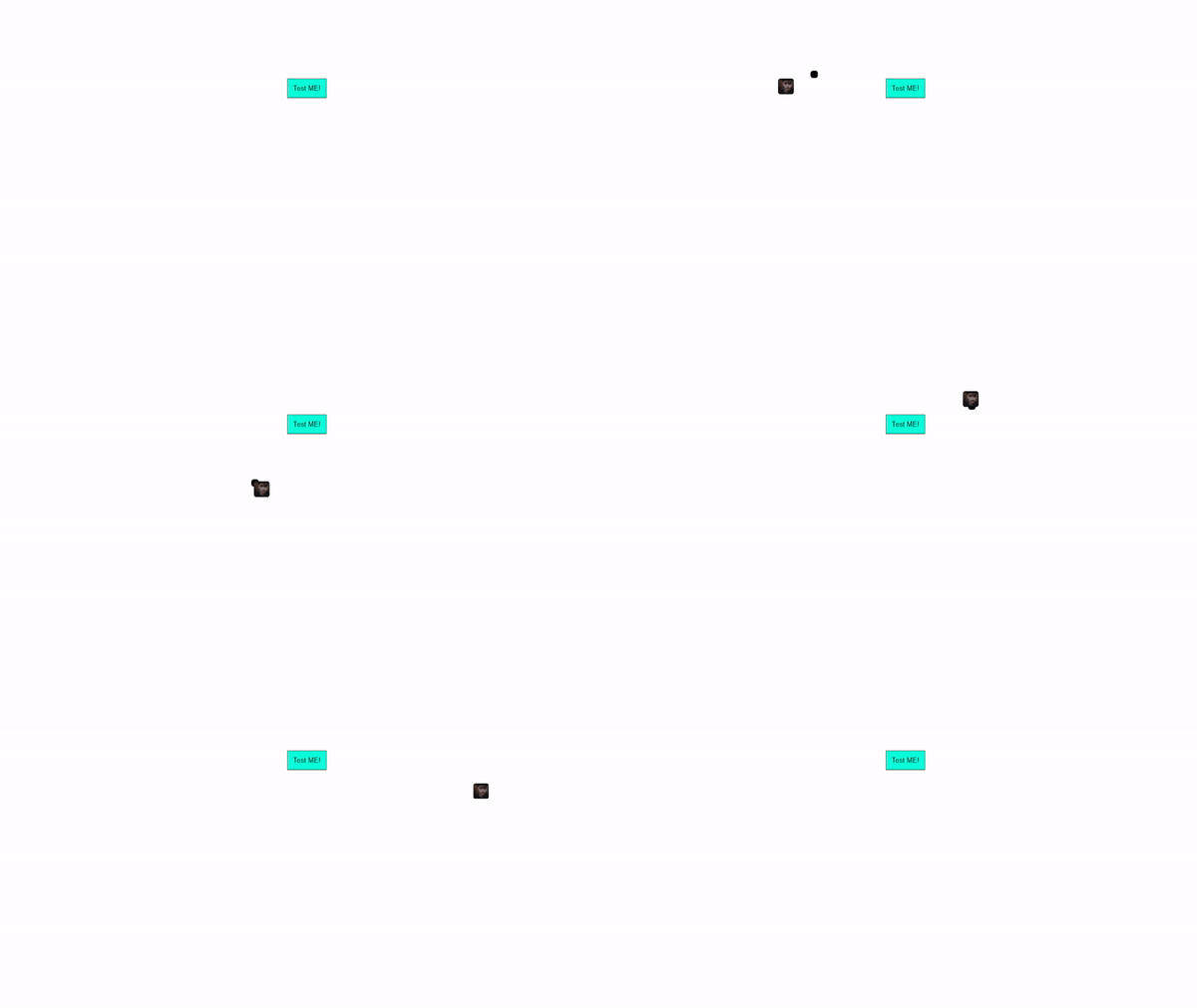
```bash
<!-- notAcursor-pic -->
<div class="notAcursor-dot-pic" data-notacursor-dot></div>
<img src="your_pic.png" alt="Cursor Image"
class="notAcursor-outline-pic" data-notacursor-outline>
```
#### notAcursor-minecraftSword

```bash
<!-- notAcursor-minecraftSword -->
<div class="notAcursor-dot-minecraftSword" data-notacursor-dot></div>
<img src="https://ik.imagekit.io/iamovi/notAcursor/minecraft-sword.png?updatedAt=1701079351519" alt="Cursor Image"
class="notAcursor-outline-minecraftSword" data-notacursor-outline>
```
#### notAcursor-apple
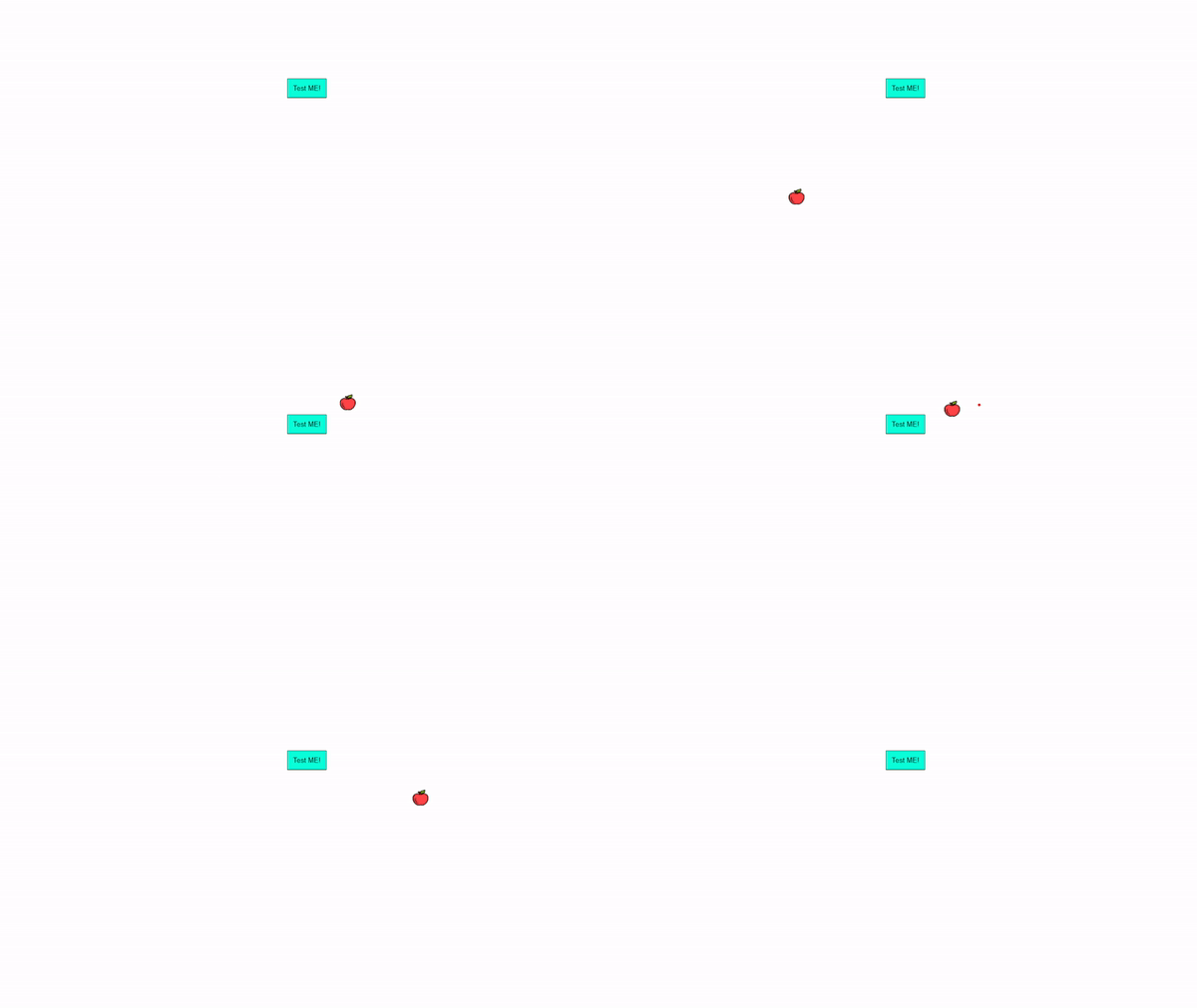
```bash
<!-- notAcursor-apple -->
<div class="notAcursor-dot-apple" data-notacursor-dot></div>
<img src="https://ik.imagekit.io/iamovi/notAcursor/apple.png?updatedAt=1701079346488" alt="Cursor Image"
class="notAcursor-outline-apple" data-notacursor-outline>
```
- Check [notAcursor-types.txt](./notAcursor-types.txt) file.
## Important Note
#### To show default Cursor >
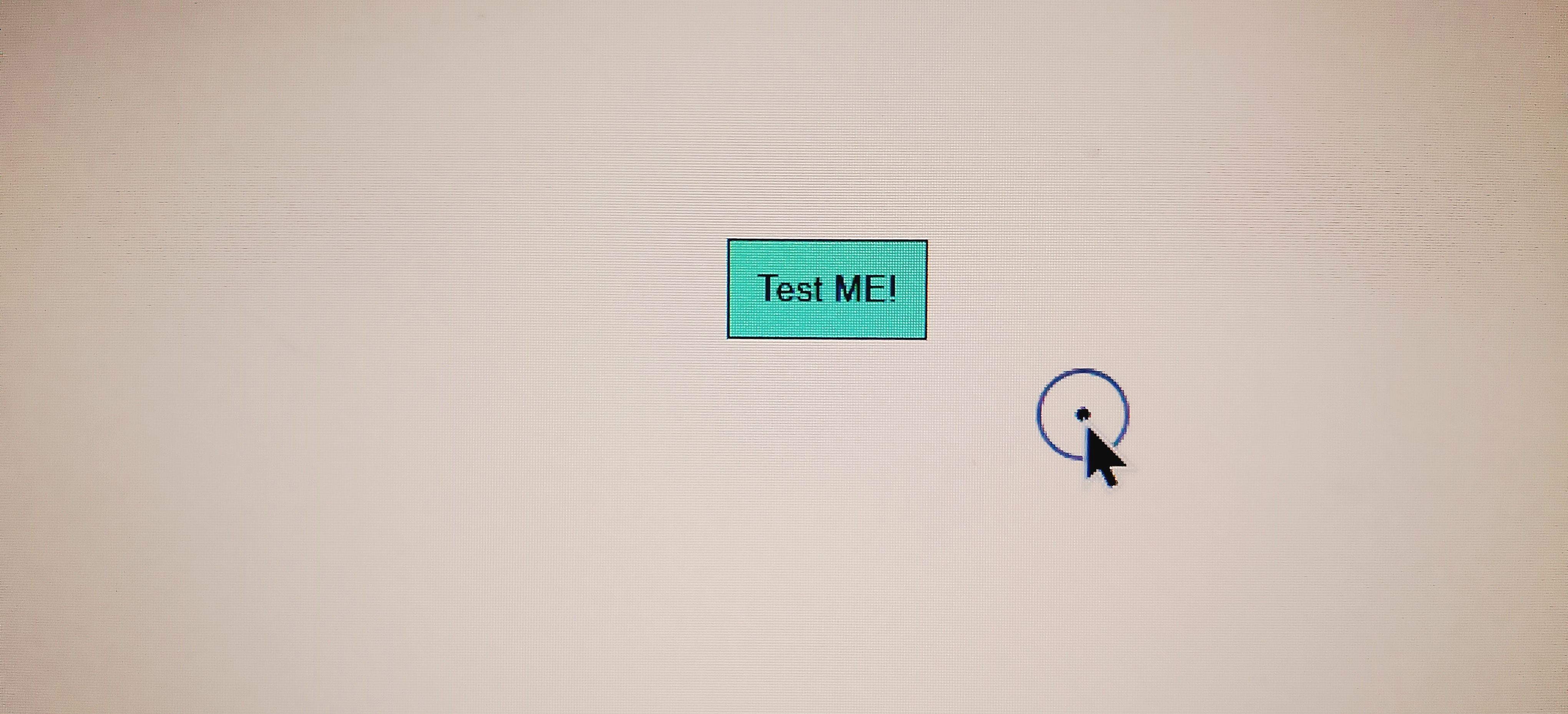
```bash
html, button, a {
cursor: auto !important;
}
```
- Add this on your .css file.
#### If

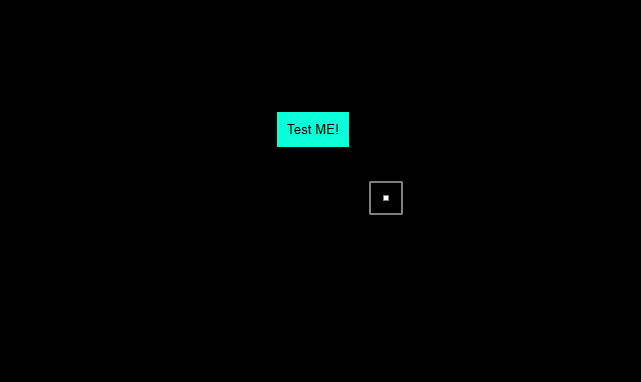
You change `background / background-color to darkish color in body`, then notAcursor-type1 and notAcursor-type2 may not be visible Cuz it's also dark. To fix this >
```bash
/* to show notAcursor in dark background */
.notAcursor-dot-type1,.notAcursor-dot-type2{background-color:#fff !important}.notAcursor-outline-type1{border:2px solid hsla(0,0%,100%,.5)}.notAcursor-outline-type2{border:3px solid hsla(0,0%,100%,.5) !important}
```
- Copy and paste this code to your .css file And done >
---
## Quick Start
```bash
<html lang="en">
<head>
<meta charset="UTF-8"/>
<meta name="viewport" content="width=device-width, initial-scale=1.0"/>
<title>notAcursor</title>
<link rel="stylesheet" href="https://cdn.jsdelivr.net/npm/notacursor@0.0.8/notacursor.css">
<style>
button {
background-color: aquamarine;
cursor: pointer;
display: block;
border: 1px solid black;
margin: auto;
margin-top: 150px;
padding: 10px;
}
button:hover {
border-radius: 10px;
}
</style>
</head>
<body>
<!-- notAcursor-type1 -->
<div class="notAcursor-dot-type1" data-notacursor-dot></div>
<div class="notAcursor-outline-type1" data-notacursor-outline></div>
<button>Test ME!</button>
<script src="https://cdn.jsdelivr.net/npm/notacursor@0.0.8/notacursor.js"></script>
</body>
</html>
```
---
#### Visit [notAcursor Website](https://iamovi.github.io/notAcursor/) for more information.
## License
This project is licensed under the [MIT License](LICENSE).
## Author
Maruf OVi
fornet.ovi@gmail.com
---
I tried to made this readme as easy as possible for reading and understanding.
If you come across a bug, have a question, want to propose a new feature, or just want to chat, feel free to contact me or report an issue.
Tysm for reading 🌸.