noise-to-scroll
Version:
A JavaScript library for browsers that allows users to scroll by making noise with their microphones.
122 lines (94 loc) • 5.86 kB
Markdown
# noise-to-scroll
A JavaScript library for browsers that allows users to scroll by making noise with their microphones.
This library uses the Web Audio API (see <https://developer.mozilla.org/fr/docs/Web/API/Web_Audio_API>).
[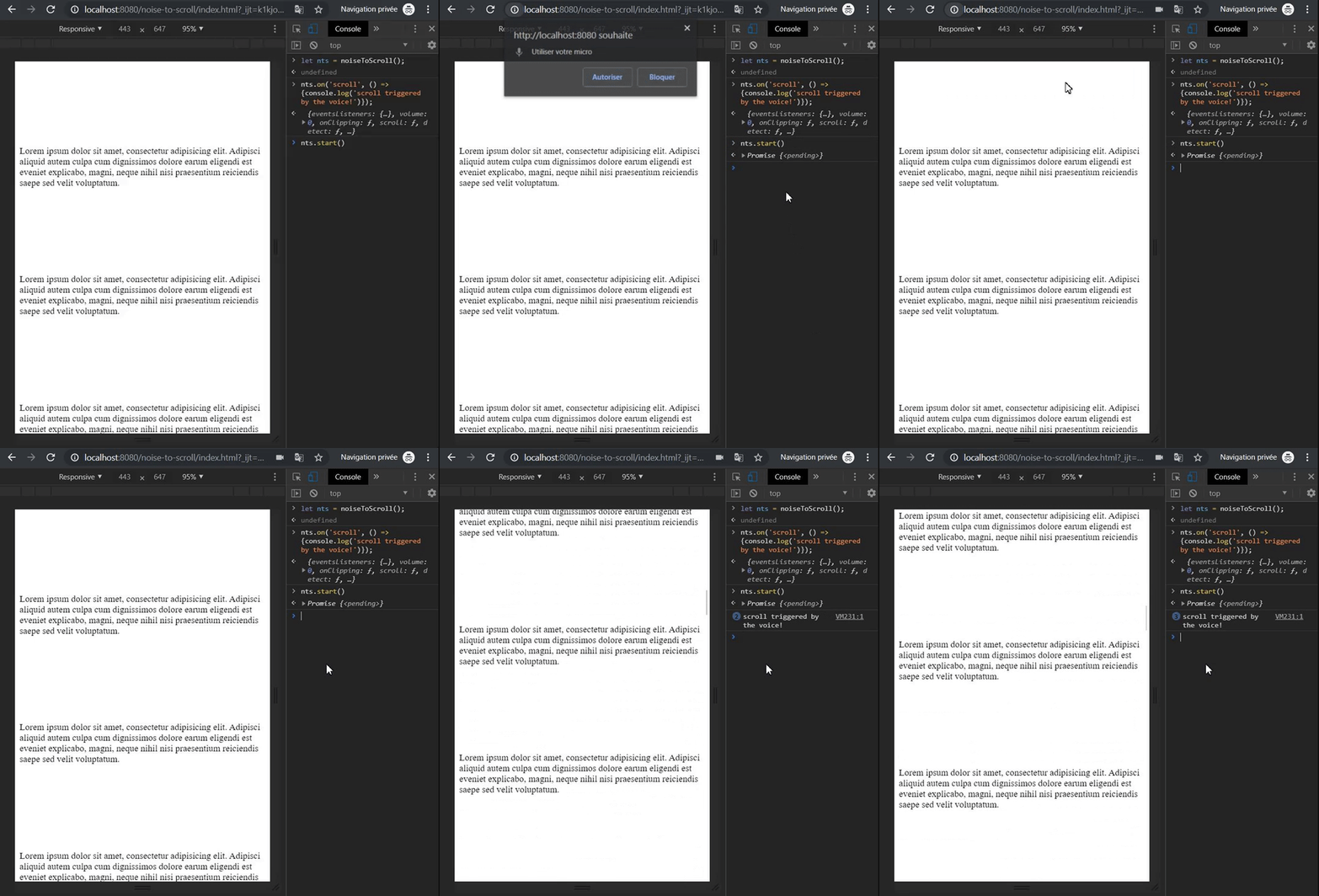](https://gyazo.com/afe5a1feab8c65d00c6186505aff21ae)
## Installation
```bash
npm install noise-to-scroll
```
## Usage
### CDN
```html
<html>
<head>
...
</head>
<body>
...
<script src="https://unpkg.com/noise-to-scroll/dist/noise-to-scroll.min.js"></script>
<script>
noiseToScroll({scrollableContainer: document.querySelector('#myScrollableElement')})
.start()
.then(() => {
console.log('make some noise to scroll!');
});
</script>
</body>
</html>
```
### With a module bundler
```javascript
import { nts } from 'noise-to-scroll'; // es6 import style or basic require
nts({scrollableContainer: document.querySelector('#myScrollableElement')})
.start()
.then(() => {
console.log('make some noise to scroll!');
});
```
This library is also compatible with AMD loading.
The minified javascript file in the `/dist` folder is built with webpack with `libraryTarget` set to `umd` (see <https://webpack.js.org/configuration/output/#outputlibrarytarget>).
## API
### Constructor `noiseToScroll({options})`
The `options` parameter is not required and has default values.
| param | type | default | detail |
|---------------------|-------------------------|-------------------------------------------|-----------------------------------------------------------------------------------------------------------------------|
| scrollableContainer | HTMLElement|Object | `window` | The HTML element (or object) that is scrollable, the method `.scrollBy({options})` will be used on it for the scroll. |
| scrollMethod | String | `scrollBy` | Method called on the `scrollableContainer`. |
| scrollTop | Number|Function | `window.innerHeight * 0.65` | Value of the top scroll. |
| scrollLeft | Number|Function | `0` | Value of the left scroll. |
| scrollBehavior | String|Function | `smooth` | Behavior of the scroll. |
| scrollOptions | Object|Function | `{scrollTop, scrollLeft, scrollBehavior}` | Option object passed to the `scrollMethod` method. |
| scrollDebounce | Number | `100` | Number of milliseconds passed on the debounce for the scroll function. |
| debug | Boolean|String | `false` | Enable debug logs, can also pass the method to call on the `console` object (`console[debug]`). |
| clipLag | Number | `150` | Number of milliseconds of timeout after the end of a detected noticeable noise. |
| clipLevel | Number | `0.8` | Level of 'volume' on which the scroll event will trigger. `0 < clipLevel < 1` |
|
### `start()`
Returns a Promise that is resolved if the browser supports the `mediaDevices`, `AudioContext` and if the user accepts to allow microphone on the web page.
Rejected if unsupported or user denied to allow microphone.
The Promise might not be resolved or rejected if the user doesn't answer the permission popup.
```javascript
noiseToScroll()
.start()
.then(() => {
console.log('browser support OK and user allowed microphone access'); // noiseToScroll is up and running
})
.catch((error) => {
console.log(`unable to start noiseToScroll: ${error}`); // error contain the reason
)};
```
### `detect()`
Returns a Promise that is resolved if the browser supports `mediaDevices` and `AudioContext`.
Rejected if unsupported.
```javascript
noiseToScroll()
.detect()
.then(() => {
console.log('browser support OK'); // ready to start
})
.catch((error) => {
console.log(`browser doesn't support: ${error}`);
)};
```
### `on('event', listener)`
Listen to the following events :
- clipping : fired when a noise becomes noticeable according to `clipLevel`, no debounce, event is fired 100 times each seconds, listen carefully!
- scroll : fired every time the `scrollBy` method is called on the `scrollableContainer`.
- noise : similar to `scroll` event but the first param passed to the listener is the 'volume' that triggered the scroll.
`.on()` methods can be chained.
```javascript
noiseToScroll()
.on('noise', (volume) => {
console.log(`volume ${volume} triggered the scroll!`);
});
```