ngx-parallax-stars
Version:
Angular library to create beautiful stars with parallax effect.
141 lines (103 loc) • 4.99 kB
Markdown
# ngx-parallax-stars
[](https://www.npmjs.org/package/ngx-parallax-stars/)
[](https://www.npmjs.org/package/ngx-parallax-stars/)
[](https://github.com/DerStimmler/ngx-parallax-stars/blob/master/LICENSE.md)
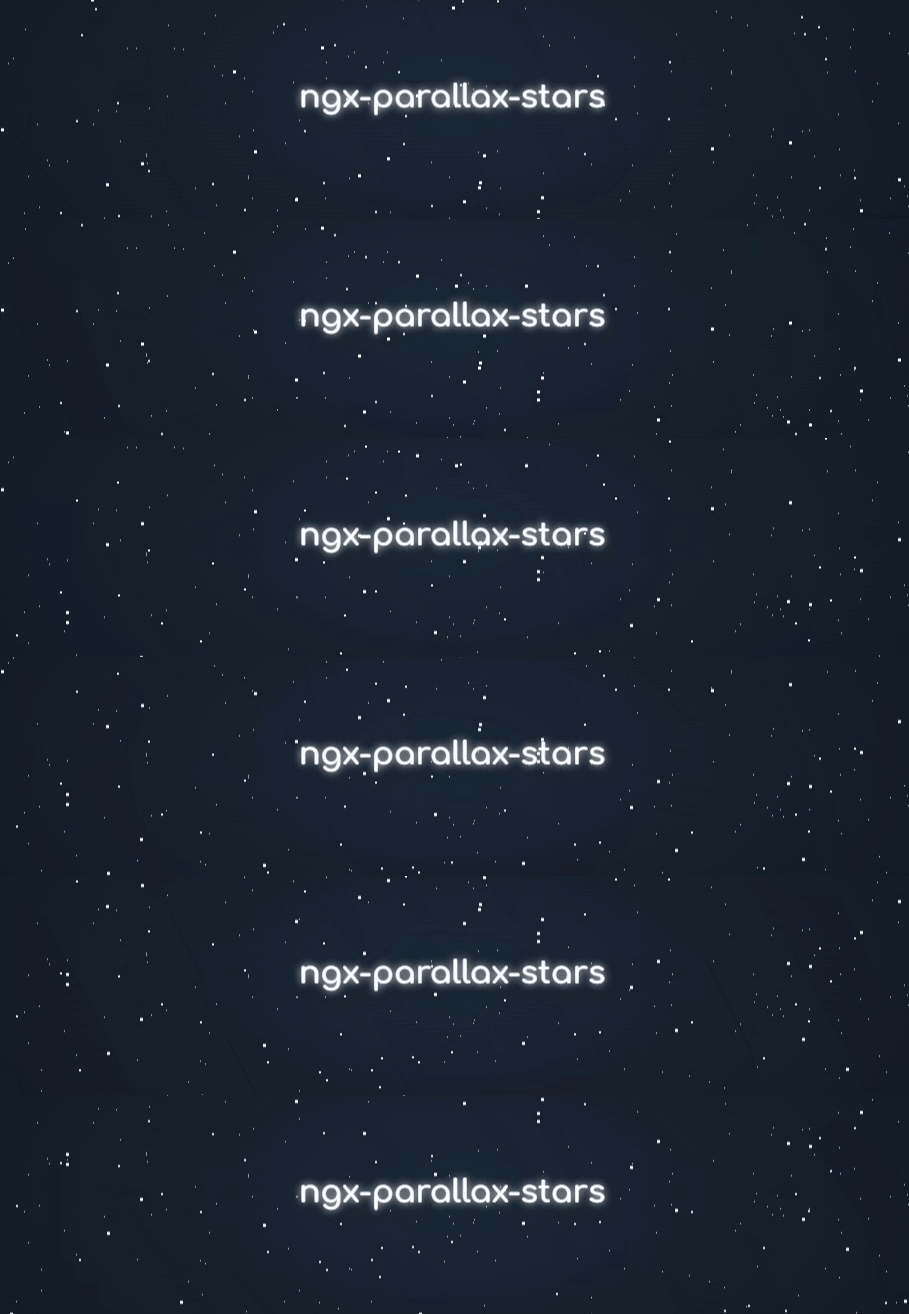
Angular library to create beautiful stars with parallax effect
## Demo
https://derstimmler.github.io/ngx-parallax-stars/
## Installation
Available on [npm](https://www.npmjs.org/package/ngx-parallax-stars/).
```bash
npm install ngx-parallax-stars
```
| Package version | Angular version |
|-----------------|-----------------|
| `4.x.x` | `>=19.0.0` |
| `3.x.x` | `>=18.0.1` |
| `2.x.x` | `>=15.2.0` |
## Usage
Just import the standalone `NgxParallaxStarsComponent` into the component you want to use it in.
```typescript
import { NgxParallaxStarsComponent } from 'ngx-parallax-stars';
@Component({
selector: 'app-main',
imports: [NgxParallaxStarsComponent],
templateUrl: './main.component.html',
styleUrls: ['./main.component.scss'],
})
export class MainComponent {}
```
Then add the following to the template:
```angular2html
<ngx-parallax-stars></ngx-parallax-stars>
```
The component behaves like any other block element, so you can easily change its dimensions and styles with CSS.
## Configuration
### Star layers
The parallax effect is created by multiple layers of stars moving at different speeds.
By default, the component renders some predefined layers. You can override these with your own custom layers as follows:
```typescript
layers: StarLayer[] = [
{
color: '#ffffff',
speed: 10,
density: 7,
size: 1,
direction: 'up',
blur: 5,
glow: 1,
isRound: false,
},
{
color: '#ffffff',
speed: 15,
density: 2,
size: 2,
direction: 'up',
blur: 1,
glow: 2,
isRound: false,
},
{
color: '#ffffff',
speed: 20,
density: 1,
size: 3,
direction: 'up',
blur: 0,
glow: 5,
isRound: false,
}
];
```
```angular2html
<ngx-parallax-stars [layers]="layers"></ngx-parallax-stars>
```
| Property | Description |
| ------------------- | -------------------------------------------------------------------------------------------------------------------------------------- |
| `color: string` | Sets the color of the stars. All colors you can use in CSS should work e.g. `white`, `#ffffff`, `rgb(255,255,255)`, `hsl(0, 0%, 100%)` |
| `speed: number` | Sets the moving speed of the stars |
| `density: number` | Specifies how many stars should be rendered per 100 by 100px area |
| `size: number` | Specifies the size of every star in px |
| `direction: string` | Determines the moving direction. Possible values are: `up`, `down`, `left`, `right` |
| `blur: number` | Sets the amount of blur for every star |
| `glow: number` | Sets the glow radius in px |
| `isRound: boolean` | Set to true to make the stars round instead of square |
When you update the layers input binding, the component will automatically be re-rendered.
### Responsive mode
If responsive mode is enabled, the component will automatically be re-rendered when its size changes. This is important if the component grows after the initial render. Otherwise, the extra space will be empty.
Responsive mode is enabled by default, but can be disabled as follows:
```angular2html
<ngx-parallax-stars [responsive]="false"></ngx-parallax-stars>
```
## Development
Install dependencies with: `pnpm install`
Run `pnpm demo` to run the demo app on a local development server.
You can access it on http://localhost:4200.
Run `pnpm test` to test all projects.
Run `pnpm lint` to lint all projects.
Run `pnpm build` to build all projects. You can find the output under `/dist`.
Since it's a nx workspace you can use the common nx commands for everything else.
## Shout-Out
This library is inspired by [this codepen](https://codepen.io/sarazond/pen/LYGbwj).