ngx-excel-viewer
Version:
Ngx-excel-viewer is an angular library to view/edit excel data in the angular application where data is in the form of matrix of string.
63 lines (49 loc) • 2.26 kB
Markdown
# Ngx Excel Viewer


Ngx-excel-viewer is an angular library to view/edit excel data in the angular application where data is in the form of matrix of string.
Angular version >= 15.2.0
## Usage
```typescript
<ngx-excel-viewer
*ngIf="isFetched"
[data]="data"
[editable]="isEditable"
id="source"
saveDataOutput="edited-only"
(onDataSave)="onSave($event)"
[sheetNames]="['Invoice Info']"
[events]="eventEmitter"
(onScrollEnd)="onScroll($event)">
</ngx-excel-viewer>
```
```typescript
let data = [
["Year", "Car Name", "Car Type", "Horse power", "Engine"],
["2017", "Telsa", 11, 12, 13],
["2018", "Audi", 11, 14, 13],
["2019", "BMW", 15, 12, 13]
];
```
## Example
[See example](../../src/app/)
## Screenshots
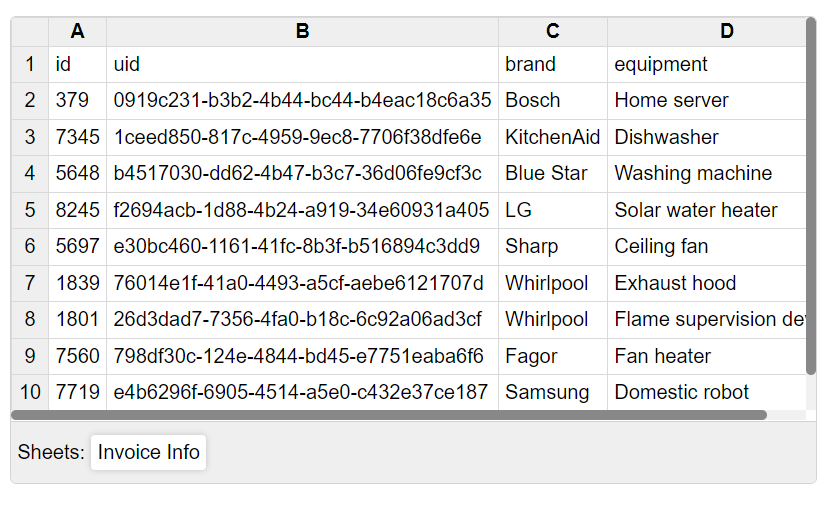
Excel Viewer
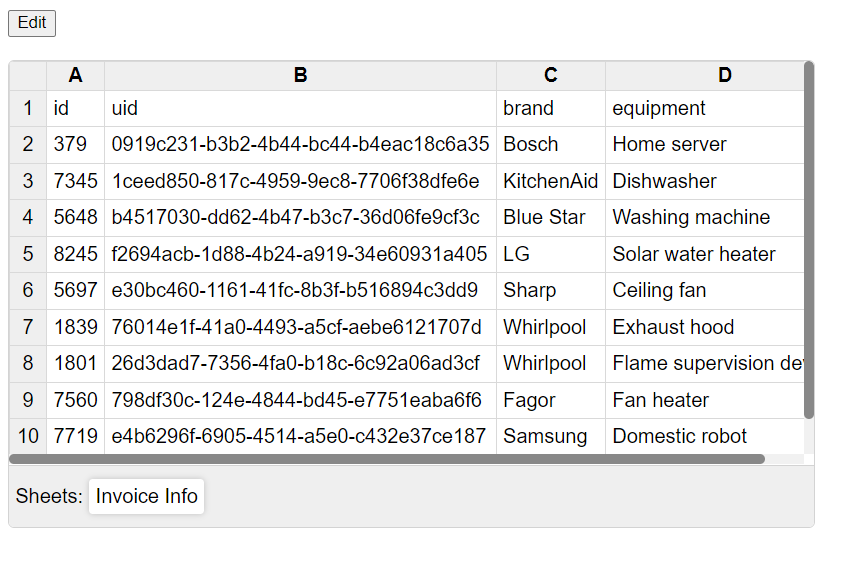
Edit Button (Put button in parent component)
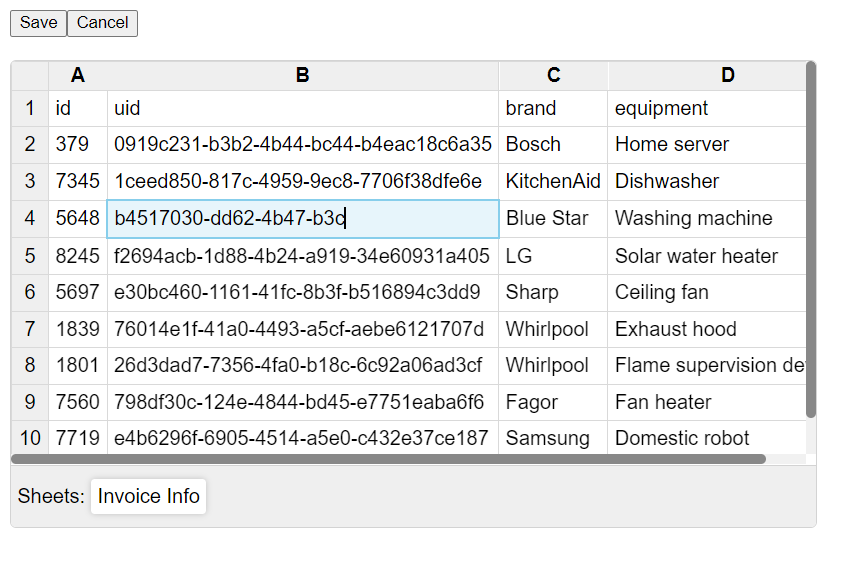
Editing View

Multiple Sheet Names View
## Properties
| Property | Value Type | Description |
| -------- | -------- | -------- |
| id | string | id to identify multiple viewers |
| data | {'sheetName': string[ ][ ]} | Excel data in the form of multi-dimensional array |
| editable | boolean | Enables/disables edit functionality |
| sheetNames | string[ ] | Sheet names in the excel data |
| events | Behavior Subject <{id: string, type: string}> | Triggers events |
| onDataSave | void function({ id: string, pageNo: number, sheet: string }) | Returns data to save |
| onScrollEnd | void function({ id: string, pageNo: number, sheet: string }) | Triggered when scrolled to end of viewer (vertically) |
| saveDataOutput | "complete" / "edited-only" | "complete" returns whole data with modified data included, whereas "edited-only" returns from modified rows |