nextjs-animated-counter
Version:
Nextjs Animated Counter Component
80 lines (55 loc) • 4.14 kB
Markdown
# Next.js Animated Counter
A lightweight Next.js component for beautifully animated incrementation & decrementation of a state integer value, fork of react-animated-counter.

## Installation
To install the animated counter for your Next.js project:
```bash
npm install nextjs-animated-counter
```
## Usage
### Props:
| Name | Type | Description | Default |
|------------------|----------------|------------------------------------------------------------------------------------------------------------------|----------------|
| `value` | `integer` | The state integer value | `0` |
| `fontSize` | `string` | Applied CSS `font-size` | `18px` |
| `color` | `string` | Applied CSS `color` | `black` |
| `incrementColor` | `string` | Animation color when `value` increases | `#32cd32` |
| `decrementColor` | `string` | Animation color when `value` decreases | `#fe6862` |
| `includeDecimals`| `boolean` | Includes or removes decimal point values in provided `value` (rounds to nearest hundredth by default) | `true` |
| `decimalPrecision`| `boolean` | The nth decimal place of precision (e.g., `5` will calculate number to the nearest hundred thousandth) | `2` |
| `includeCommas` | `boolean` | Adds comma separators to every third digit for numbers with four or more digits | `false` |
| `containerStyles`| `CSSProperties`| Styles to apply to the parent element of the main component. Used in the same fashion as Next.js `styles` | `{}` |
| `digitStyles` | `CSSProperties`| Styles to apply to individual digit elements. Used in the same fashion as Next.js `styles` | `{}` |
### Basic Demo:
Codesandbox Link: [Demo](https://codesandbox.io/p/sandbox/clever-water-v5nwwx)
## First in the _app.js import the css
```jsx
import 'nextjs-animated-counter/dist/esm/styles.css';
```
```jsx
import React, { useState } from 'react';
import { AnimatedCounter } from 'nextjs-animated-counter';
const App = () => {
const [counterValue, setCounterValue] = useState(500);
const handleCounterUpdate = (increment) => {
const delta = (Math.floor(Math.random() * 100) + 1) * 0.99;
setCounterValue(increment ? counterValue + delta : counterValue - delta);
};
return (
<div>
<AnimatedCounter value={counterValue} color="white" fontSize="40px" />
<div>
<button onClick={() => handleCounterUpdate(false)}>Decrement</button>
<button onClick={() => handleCounterUpdate(true)}>Increment</button>
</div>
</div>
);
};
export default App;
```
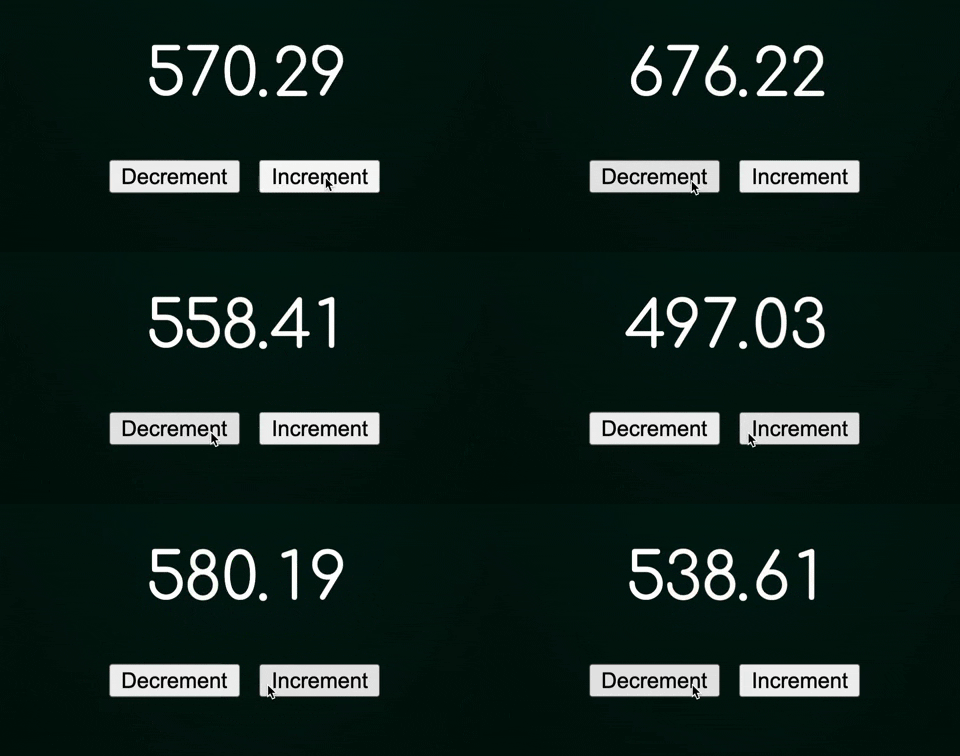
**Output:**
### With `recharts` Demo:
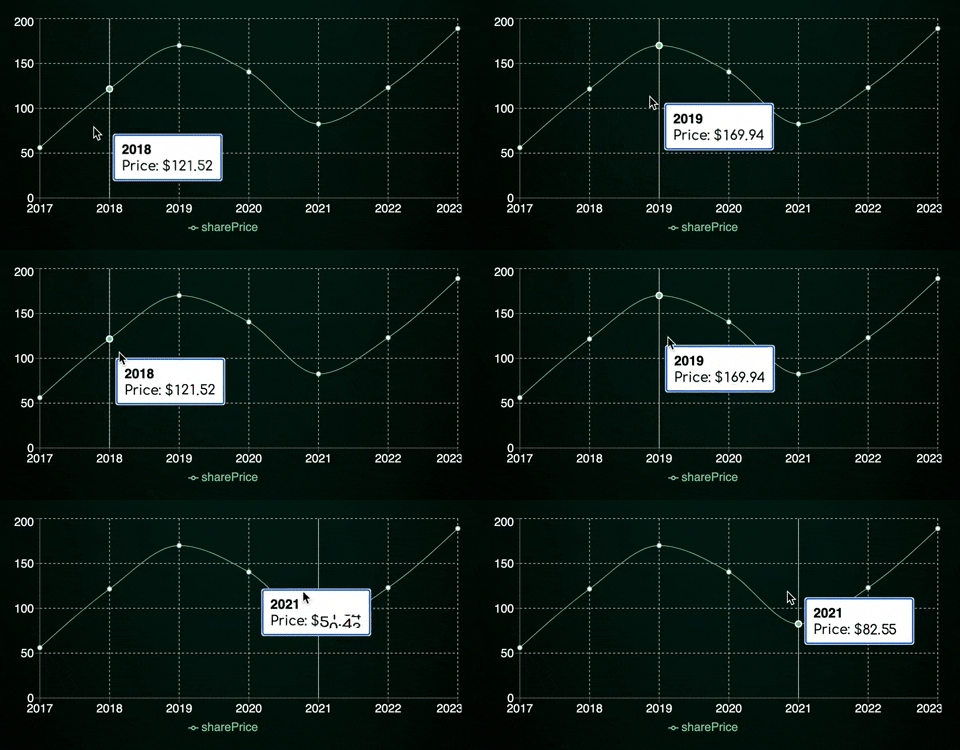
Codesandbox Link: [Recharts Demo](https://codesandbox.io/s/suspicious-morning-rx60sm?file=/src/App.js)
**Output:**