multithreading
Version:
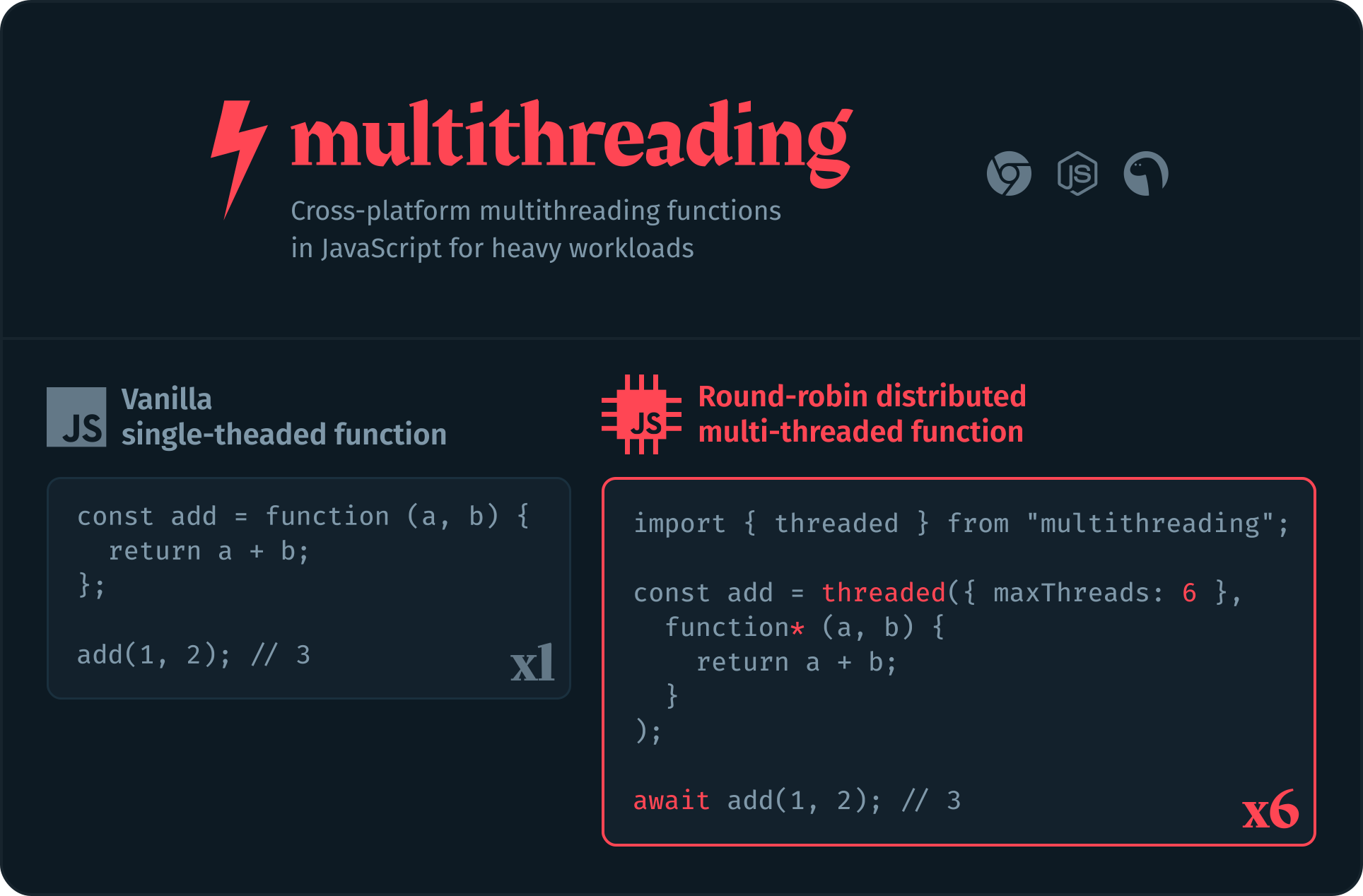
⚡ Multithreading functions in JavaScript to speedup heavy workloads, designed to feel like writing vanilla functions.
149 lines (98 loc) • 6.21 kB
Markdown
<div align="center">
[](https://multithreading.io)
[](https://github.com/W4G1/multithreading/blob/main/LICENSE.md)
[](https://www.npmjs.com/package/multithreading)
[](https://www.npmjs.com/package/multithreading?activeTab=versions)
[&color=rgb(13%2C%2017%2C%2023))](https://github.com/W4G1/multithreading)
[](https://github.com/W4G1/multithreading/actions/workflows/node.js.yml)
</div>
# multithreading
Multithreading is a tiny runtime that allows you to execute JavaScript functions on separate threads. It is designed to be as simple and fast as possible, and to be used in a similar way to regular functions.
With a minified size of only 4.5kb, it has first class support for [Node.js](https://nodejs.org/), [Deno](https://deno.com/) and the [browser](https://caniuse.com/?search=webworkers). It can also be used with any framework or library such as [React](https://react.dev/), [Vue](https://vuejs.org/) or [Svelte](https://svelte.dev/).
Depending on the environment, it uses [Worker Threads](https://nodejs.org/api/worker_threads.html) or [Web Workers](https://developer.mozilla.org/en-US/docs/Web/API/Worker). In addition to [ES6 generators](https://developer.mozilla.org/en-US/docs/Web/JavaScript/Reference/Statements/function*) to make multithreading as simple as possible.
### The State of Multithreading in JavaScript
JavaScript's single-threaded nature means that tasks are executed one after the other, leading to potential performance bottlenecks and underutilized CPU resources. While [Web Workers](https://developer.mozilla.org/en-US/docs/Web/API/Worker) and [Worker Threads](https://nodejs.org/api/worker_threads.html) offer a way to offload tasks to separate threads, managing the state and communication between these threads is often complex and error-prone.
This project aims to solve these challenges by providing an intuitive Web Worker abstraction that mirrors the behavior of regular JavaScript functions.
This way it feels like you're executing a regular function, but in reality, it's running in parallel on a separate threads.
## Installation
```bash
npm install multithreading
```
## Usage
#### Basic example
```js
import { threaded } from "multithreading";
const add = threaded(function* (a, b) {
return a + b;
});
console.log(await add(5, 10)); // 15
```
The `add` function is executed on a separate thread, and the result is returned to the main thread when the function is done executing. Consecutive invocations will be automatically executed in parallel on separate threads.
#### Example with shared state
```js
import { threaded, $claim, $unclaim } from "multithreading";
const user = {
name: "john",
balance: 0,
};
const add = threaded(async function* (amount) {
yield user; // Add user to dependencies
await $claim(user); // Wait for write lock
user.balance += amount;
$unclaim(user); // Release write lock
});
await Promise.all([
add(5),
add(10),
]);
console.log(user.balance); // 15
```
This example shows how to use a shared state across multiple threads. It introduces the concepts of claiming and unclaiming write access using `$claim` and `$unclaim`. This is to ensure that only one thread can write to a shared state at a time.
> Always `$unclaim()` a shared state after use, otherwise the write lock will never be released and other threads that want to write to this state will be blocked indefinitely.
The `yield` statement is used to specify external dependencies, and must be defined at the top of the function.
#### Example with external functions
```js
import { threaded, $claim, $unclaim } from "multithreading";
// Some external function
function add (a, b) {
return a + b;
}
const user = {
name: "john",
balance: 0,
};
const addBalance = threaded(async function* (amount) {
yield user;
yield add; // Add external function to dependencies
await $claim(user);
user.balance = add(user.balance, amount);
$unclaim(user);
});
await Promise.all([
addBalance(5),
addBalance(10),
]);
console.log(user.balance); // 15
```
In this example, the `add` function is used within the multithreaded `addBalance` function. The `yield` statement is used to declare external dependencies. You can think of it as a way to import external data, functions or even packages.
As with previous examples, the shared state is managed using `$claim` and `$unclaim` to guarantee proper synchronization and prevent data conflicts.
> External functions like `add` cannot have external dependencies themselves. All variables and functions used by an external function must be declared within the function itself.
### Using imports from external packages
When using external modules, you can dynamically import them by using `yield "some-package"`. This is useful when you want to use other packages within a threaded function.
```js
import { threaded } from "multithreading";
const getId = threaded(async function* () {
const { v4 } = yield "uuid"; // Import other package
return v4();
}
console.log(await getId()); // 1a107623-3052-4f61-aca9-9d9388fb2d81
```
You can also import external modules in a variety of other ways:
```js
const { v4 } = yield "npm:uuid"; // Using npm specifier (available in Deno)
const { v4 } = yield "https://esm.sh/uuid"; // From CDN url (available in browser and Deno)
```
## Enhanced Error Handling
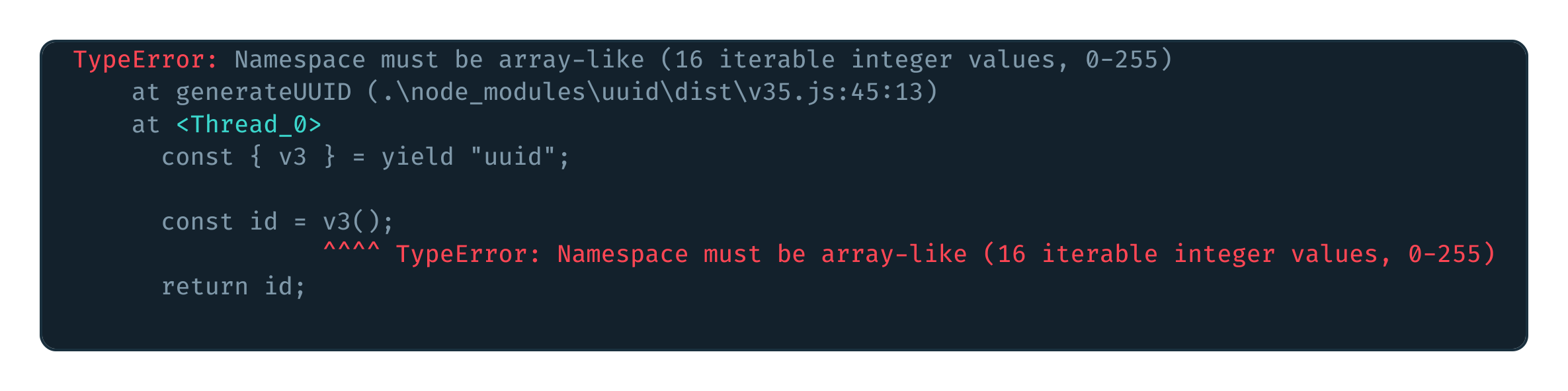
Errors inside threads are automatically injected with a pretty stack trace.
This makes it easier to identify which line of your function caused the error, and in which thread the error occured.