mobx-vue
Version:
Vue bindings for MobX
122 lines (90 loc) • 4.38 kB
Markdown
# mobx-vue
[](https://github.com/stylus/stylus/actions?query=branch%3Amaster)
[](https://www.npmjs.com/package/mobx-vue)
[](https://codecov.io/gh/mobxjs/mobx-vue)
[](https://www.npmjs.com/package/mobx-vue)
Vue2 bindings for MobX, inspired by [mobx-react](https://github.com/mobxjs/mobx-react). Looking for Vue3 support? Please look here [mobx-vue-lite](https://github.com/mobxjs/mobx-vue-lite)
## Support Table
| package | mobx v6 | mobx v2/v3/v4/v5 | vue2 | vue3 |
| ------ | ------- | ---------------- | ---- | ---- |
| [mobx-vue](https://github.com/mobxjs/mobx-vue) | >= v2.1.0 | * (exclude v2.1.0) | * | - |
| [mobx-vue-lite](https://github.com/mobxjs/mobx-vue-lite) | * | - | - | * |
> `*` means `all` and `-` means `none`
## Installation
```bash
npm i mobx-vue -S
```
or
```bash
yarn add mobx-vue
```
## Why mobx-vue
MobX is an unopinionated, scalable state management, which can make our programming more intuitive.
Unlike the other vue-rx-inspired libraries which based on the plugin mechanism of vue, mobx-vue will be the simplest you ever meet. What you all need is to bind your state in component definition and observe it just like [mobx-react](https://github.com/mobxjs/mobx-react) does, then your component will react to your state changes automatically which managed by mobx.
And, the most important is that you can build a view-library-free application, if you wanna migrate to another view library(React/Angular) someday, rewrite the template and switch to the relevant mobx bindings([mobx-react](https://github.com/mobxjs/mobx-react),[mobx-angular](https://github.com/mobxjs/mobx-angular),[mobx-angularjs](https://github.com/mobxjs/mobx-angularjs)) is all you have to do.
### Articles:
* [Build A View-Framework-Free Data Layer Based on MobX — Integration With Vue](https://medium.com/@kuitos/build-a-view-framework-free-data-layer-based-on-mobx-integration-with-vue-1-8b524b86c7b8)
* [Why MobX + movue, instead of Vuex?](https://github.com/nighca/movue/issues/8)
* [基于 MobX 构建视图框架无关的数据层-与 Vue 的结合(1)](https://zhuanlan.zhihu.com/p/37736470)
## Usage
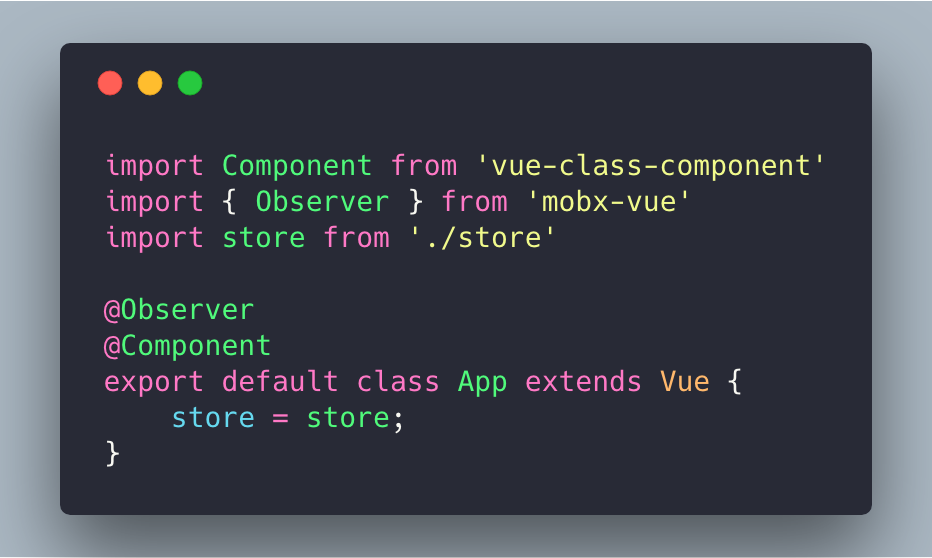
We highly recommend using the bindings with [vue-class-component](https://github.com/vuejs/vue-class-component) decorator, and define the Store/ViewModel independently.
```ts
import { action, computed, observable } from "mobx";
export default class ViewModel {
@observable age = 10;
@observable users = [];
@computed get computedAge() {
return this.age + 1;
}
@action.bound setAge() {
this.age++;
}
@action.bound async fetchUsers() {
this.users = await http.get('/users')
}
}
```
```vue
<template>
<section>
<p v-text="state.age"></p>
<p v-text="state.computedAge"></p>
<p v-for="user in state.users" :key="user.name">{{user.name}}</p>
<button @click="state.setAge"></button>
</section>
</template>
<script lang="ts">
import Vue from "vue";
import Component from "vue-class-component";
import { Observer } from "mobx-vue";
import ViewModel from "./ViewModel";
@Observer
@Component
export default class App extends Vue {
state = new ViewModel()
mounted() {
this.state.fetchUsers();
}
}
</script>
```
Or used with the traditional way:
```vue
<script lang="ts">
import { observer } from "mobx-vue";
import ViewModel from "./ViewModel";
export default observer({
data() {
return { state: new ViewModel() }
},
mounted() {
this.state.fetchUsers()
}
})
</script>
```
All you need is to bind your state to component and observe it. No more reactive data definitions in component.
*Tips: If you're tired of instantiating instance manually every time, you might wanna try the [mmlpx](https://github.com/mmlpxjs/mmlpx) library which leveraged a dependency injection system.*
## API
* observer((VueComponent | options): ExtendedVueComponent