miniprogram-setup
Version:
74 lines (54 loc) • 2.52 kB
Markdown
在小程序中实现「组合式 API」的库已经有不少,比如 [vue-mini](https://github.com/vue-mini/vue-mini) 和 [wx-setup](https://github.com/Maizify/wx-setup),它们都是使用 Vue3 的[响应式库](https://github.com/vuejs/core/tree/main/packages/reactivity)实现的。但是,Vue3 的响应式 API 特别复杂,我数了一下,暴露出来的竟然有 50 多个 API,当然我不是说它不好用,只是要下很大的功夫才能用好。
于是我就想,有没有更简单的方式实现「组合式 API」的效果,甚至不需要增加任何 API 就能实现?于是就创建了 [miniprogram-setup](https://github.com/zhangzhonghe/miniprogram-setup) 这么个项目,**现在还是试验阶段。**
直接在项目目录下运行以下命令。
```
npm install miniprogram-setup
```
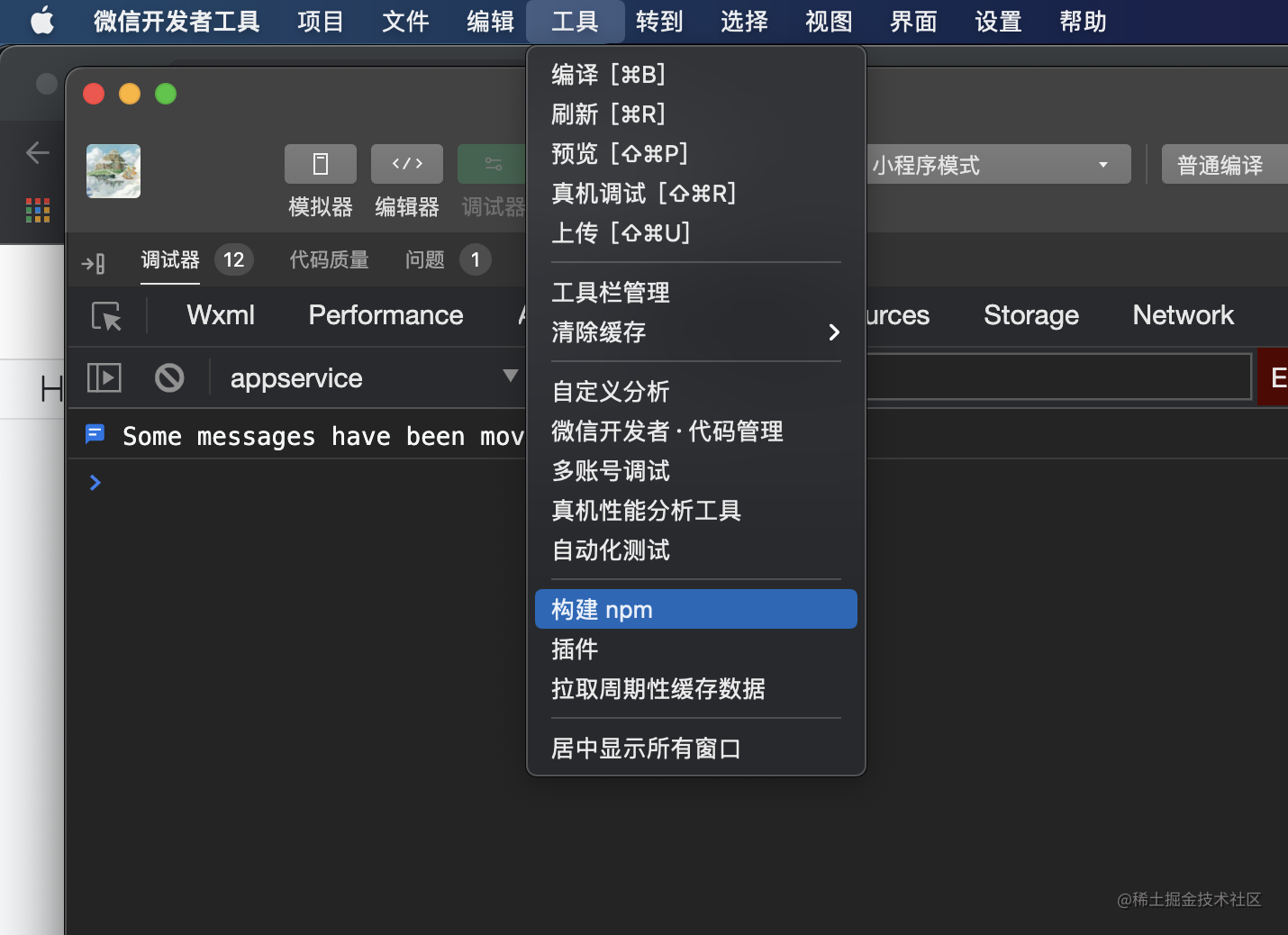
然后在小程序开发者工具中点击「构建 npm」。
```js
import { ComponentWithSetup, onDetached, onReady } from 'miniprogram-setup'
ComponentWithSetup({
// 完全兼容原生写法
properties: {
default: Number
},
// 可以访问 properties 的值和绑定到组件实例上的 API,
// 注意:在 setup 中不能访问 data 和 method 中的值,
// 这是有意做的一层隔离。
setup(props, { triggerEvent }) {
let count = props.default
// 状态更改会自动更新视图
const handleClick = () => {
count++
// 触发一个事件
triggerEvent('update', count)
}
// 组件挂载时运行
onReady(() => {
console.log('ready')
})
// 组件销毁时运行
onDetached(() => {
console.log('detached')
})
return () => ({
count,
handleClick
})
},
})
```
对应的 wxml 文件:
```html
<button class="btn" bindtap="handleClick">{{count}}</button>
```
实际的效果可以点击查看这个[代码片段](https://developers.weixin.qq.com/s/Fd7UB1mh7XBj)。
目前,只需使用原生的 Javascript 且不需要 Vue 那样复杂的**响应式 API** ,就在小程序中实现了**响应性**,相比于 Vue,上手的门槛要小很多。
**简单**就是我的理念。😂
如果你对这个项目感兴趣欢迎提 [Issue](https://github.com/zhangzhonghe/miniprogram-setup/issues) ~
> 注意:现在还是试验阶段,请不要在生产环境中使用。