miniframe-router
Version:
Simple router for Express.js, making routes and controllers easy to manage.
200 lines (140 loc) • 5.59 kB
Markdown
**[miniframe-router](https://www.npmjs.com/package/miniframe-router)** — a minimalist router for Express.JS applications, inspired by Ruby on Rails. Here’s how I made it.
---
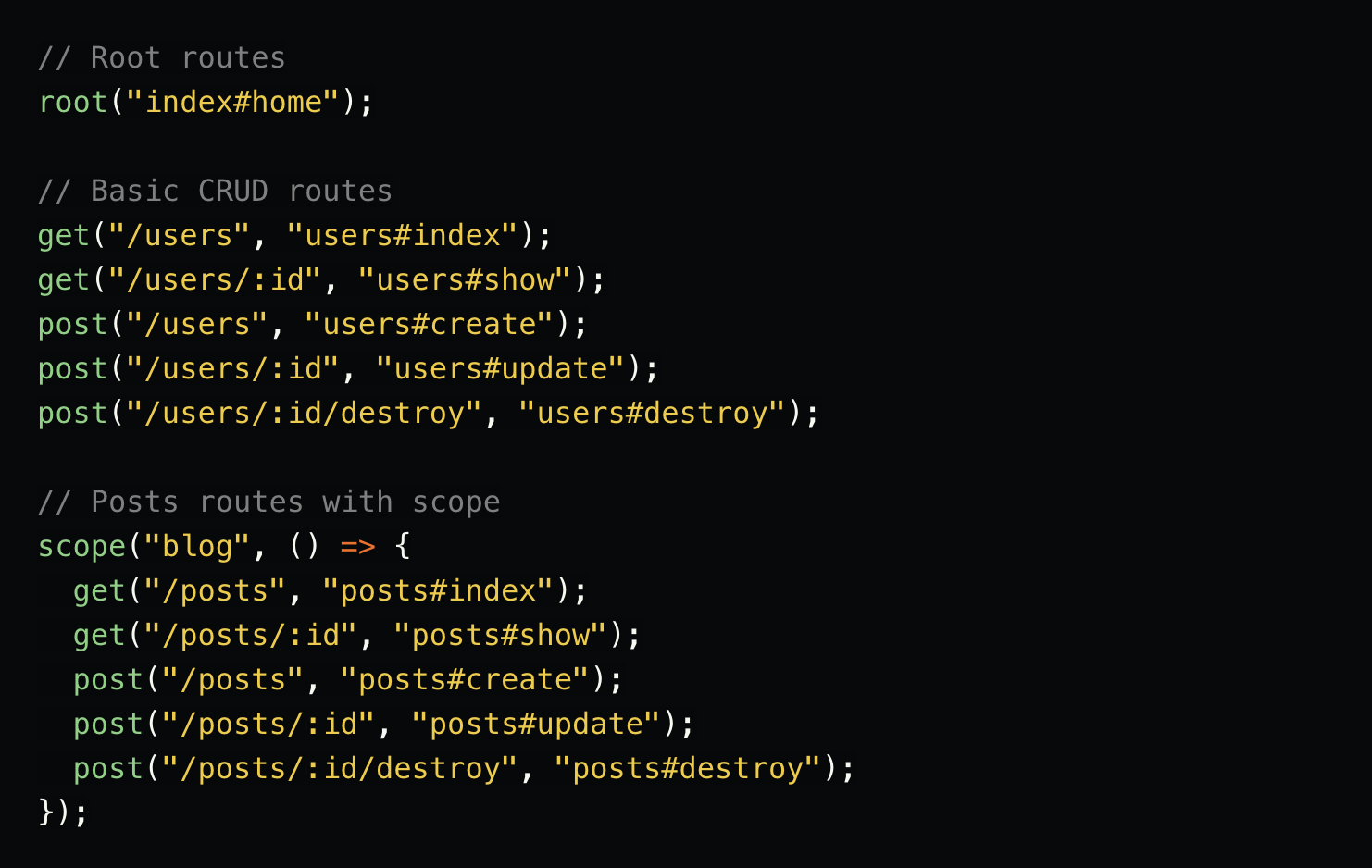
Example of how routing might look in a simple application.
```js
// Root routes
root("index#home");
// Basic CRUD routes
get("/users", "users#index");
get("/users/:id", "users#show");
post("/users", "users#create");
post("/users/:id", "users#update");
post("/users/:id/destroy", "users#destroy");
// Posts routes with scope
scope("blog", () => {
get("/posts", "posts#index");
get("/posts/:id", "posts#show");
post("/posts", "posts#create");
post("/posts/:id", "posts#update");
post("/posts/:id/destroy", "posts#destroy");
});
```
I hadn’t written NodeJS applications for about 10 years. Curious about Telegram Mini Apps, I decided to build a few simple projects to explore this new field.
For this, I needed routing for the backend of my applications. Existing solutions didn’t quite impress me, so I decided to create my own router — simple, effective, and inspired by Ruby on Rails. It was also a great opportunity to refresh my knowledge of creating NPM packages, something I hadn’t done in 9 years.
---
1. **Routing is defined in a separate file**
This simplifies the application structure and avoids cluttering the main application file.
```js
import {
root,
get,
post,
routeScope as scope,
getRouter,
} from "miniframe-router";
// Root routes
root("index#home");
// Basic CRUD routes
get("/users", "users#index");
get("/users/:id", "users#show");
post("/users", "users#create");
post("/users/:id", "users#update");
post("/users/:id/destroy", "users#destroy");
// Posts routes with scope
scope("blog", () => {
get("/posts", "posts#index");
get("/posts/:id", "posts#show");
post("/posts", "posts#create");
post("/posts/:id", "posts#update");
post("/posts/:id/destroy", "posts#destroy");
});
export default getRouter;
```
2. **The router integrates into the main ExpressJS file**
A simple and effective entry point for the application: `src/index.js` or `src/main.js`.
```js
import express from "express";
import getRouter from "./routes"; // <<< DEFINE ROUTES
const app = express();
app.use(express.json());
app.use(getRouter()); // <<< USER ROUTES
app.listen(3000, () => {
console.log("Demo app is running on http://localhost:3000");
});
```
3. **Following conventions for connecting controllers**
Controllers are located in the `src/controllers` directory.
```bash
MyApp
└── src
├── controllers
│ ├── blog
│ │ └── postsController.ts
│ ├── indexController.ts
│ └── usersController.ts
├── index.ts
└── routes
└── index.ts
```
- Routes are defined in `src/routes/index.js`.
- Controllers contain the logic for handling requests:
Example: `src/controllers/usersController.ts` (or `.js`).
```ts
import { Request, Response } from "express";
export const index = (req: Request, res: Response) => {
res.send("List of all users");
};
export const show = (req: Request, res: Response) => {
const { id } = req.params;
res.send(`Showing details for user ${id}`);
};
export const create = (req: Request, res: Response) => {
const userData = req.body;
res.send(`Creating new user with data: ${JSON.stringify(userData)}`);
};
export const update = (req: Request, res: Response) => {
const { id } = req.params;
const userData = req.body;
res.send(`Updating user ${id} with data: ${JSON.stringify(userData)}`);
};
export const destroy = (req: Request, res: Response) => {
const { id } = req.params;
res.send(`Deleting user ${id}`);
};
```
---
1. Create a development container using **Docker**.
2. Set up **ESBuild** for compiling TypeScript to JavaScript.
3. Install **Jest** for testing.
4. Write tests to validate the first version of the router.
5. Implement the router until all tests pass.
6. Recover my long-unused NPM credentials (after 9 years).
7. Publish the NPM package as version `1.0.0`.
8. Fix critical installation bugs and remove versions `1.0.0` and `1.1.0`.
9. Apply the router to a production project with a dozen routes.
---
### Q&A
#### Why even do this? There are so many existing solutions!
- It’s **interesting**, **useful**, and contributes to diversity in solutions.
#### Why so simple? Shouldn’t it be more complex?
- Following the **KISS** principle. Complexity can be added later as needed.
#### Why controllers? Aren’t they unnecessary?
- Controllers are convenient for small projects. Higher abstractions like Action/Operation-like solutions are better suited for larger systems.
#### Is this solution even functional?
- Absolutely! The router was used in a small production app and performed perfectly with dozens of routes.
#### What size projects can it handle?
- **`miniframe-router`** is suitable for applications with dozens of routes. There are no strict size limitations.
---
## Conclusion
Project code and documentation: [GitHub - miniframe-router](https://github.com/the-teacher)
NPM package: [miniframe-router](https://www.npmjs.com/package/miniframe-router)
Like, share, and subscribe! Constructive feedback is always welcome.
Author's page: [GitHub - the-teacher](https://github.com/the-teacher)