md-editor-v3
Version:
Markdown editor for vue3, developed in jsx and typescript, dark theme、beautify content by prettier、render articles directly、paste or clip the picture and upload it...
130 lines (91 loc) • 4.49 kB
Markdown
# 🎄 md-editor-v3
    
English \| [中文](https://github.com/imzbf/md-editor-v3/blob/develop/README-CN.md)
Markdown editor for vue3, developed in `jsx` and `typescript`.
- Documentation and example: [Go](https://imzbf.github.io/md-editor-v3)
- The same series editor for react: [md-editor-rt](https://github.com/imzbf/md-editor-rt)
## ⭐️ Features
- Toolbar, screenfull or screenfull in web pages and so on.
- Themes, Built-in default and dark themes.
- Shortcut key for editor.
- Beautify your content by `prettier`(only for markdown content, not the code and other text).
- Multi-language, build-in Chinese and English(default: Chinese).
- Upload picture, paste or clip the picture and upload it.
- Render article directly(no editor, no event listener, only preview of content).
- Theme of preview, `default`, `vuepress`, `github`, `cyanosis`, `mk-cute`, `smart-blue` styles(not identical). It can be customized also(Refer to example page).
- `mermaid`(>=1.8.0), `katex` mathematical formula(>=1.9.0).
- Customize the toolbar as you like.
- On-demand Import(>=4.0.0).
## 🗺 Preview
| Default theme | Dark theme | Preview only |
| --- | --- | --- |
| 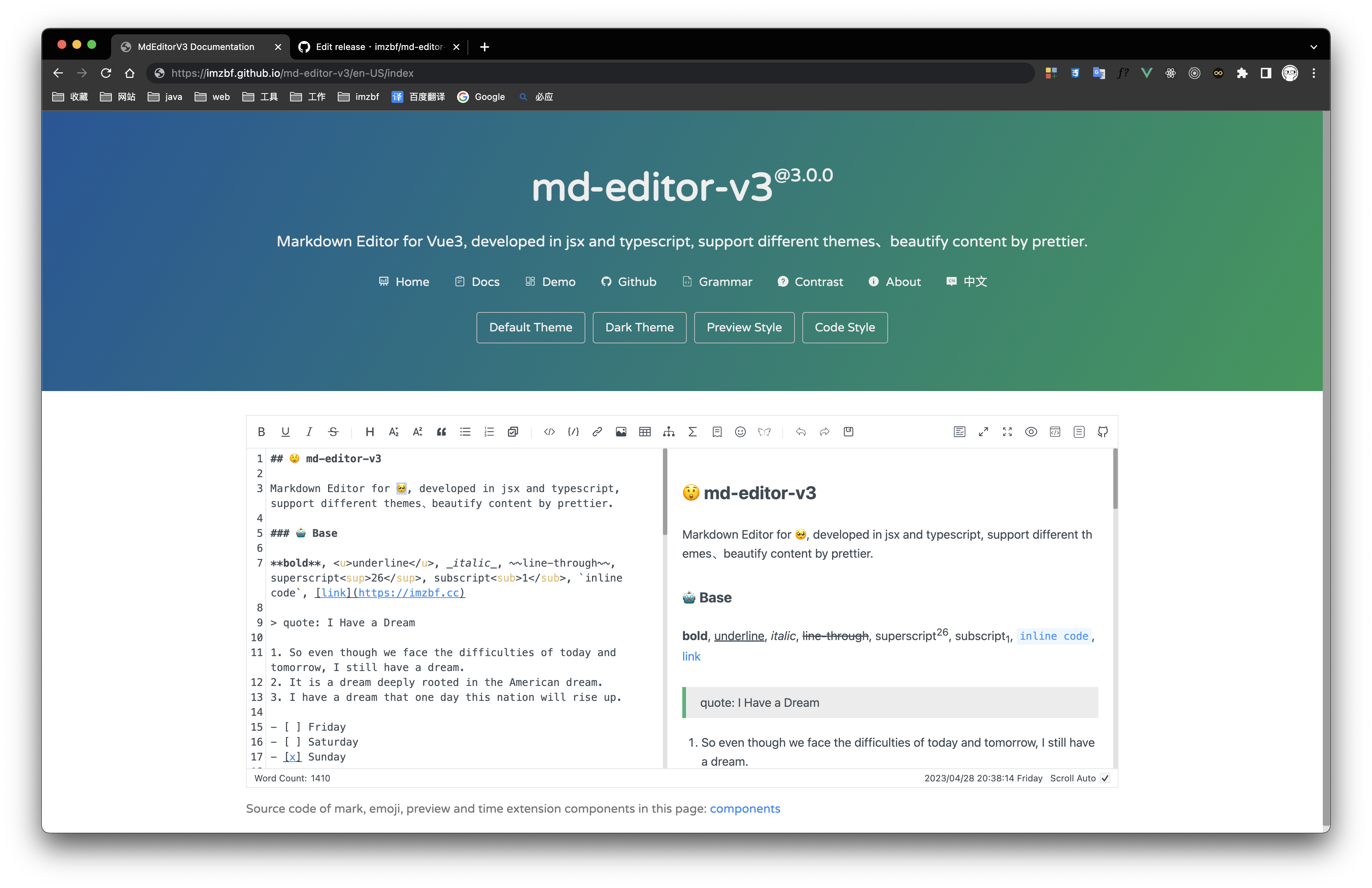 | 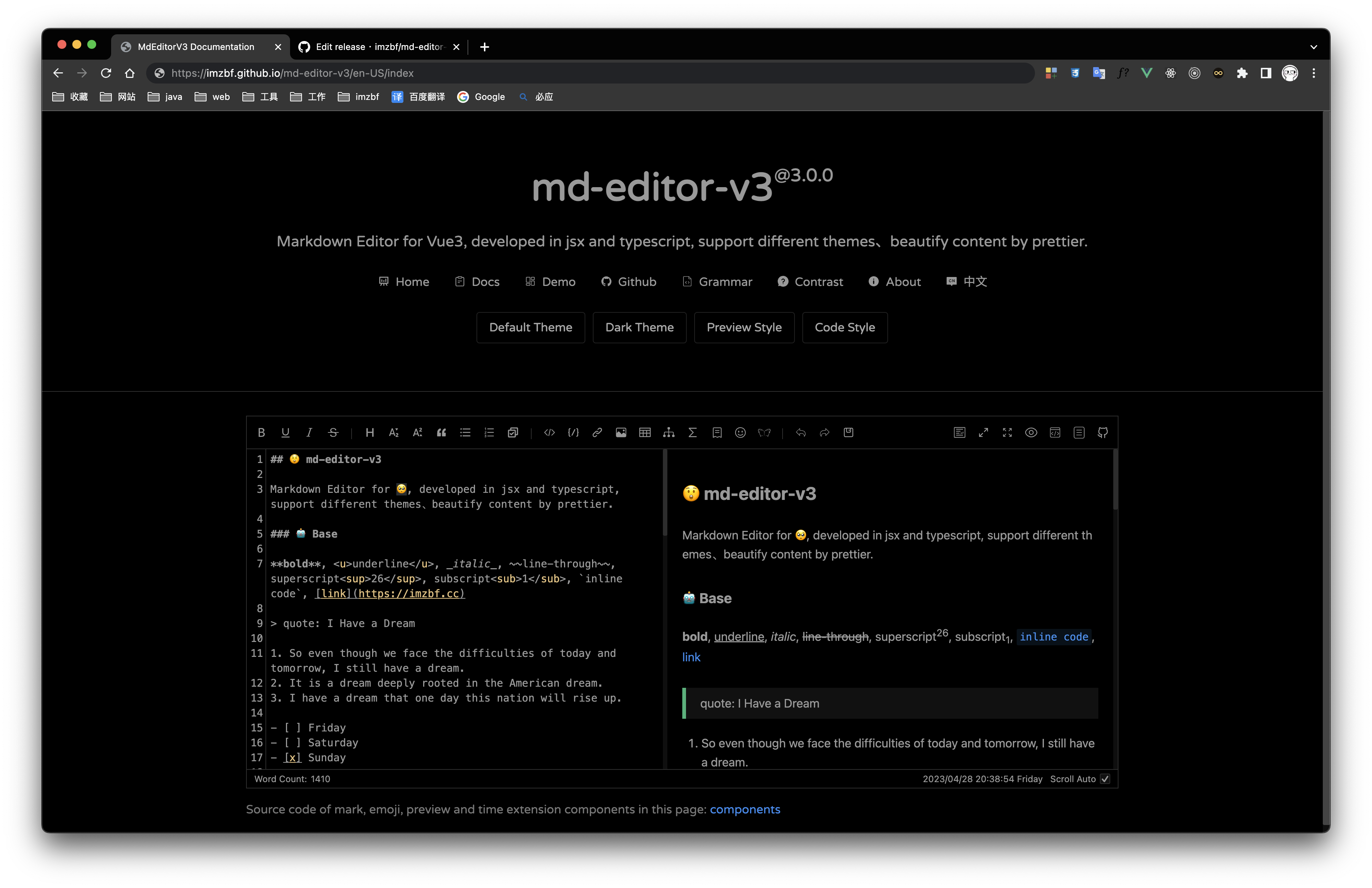 | 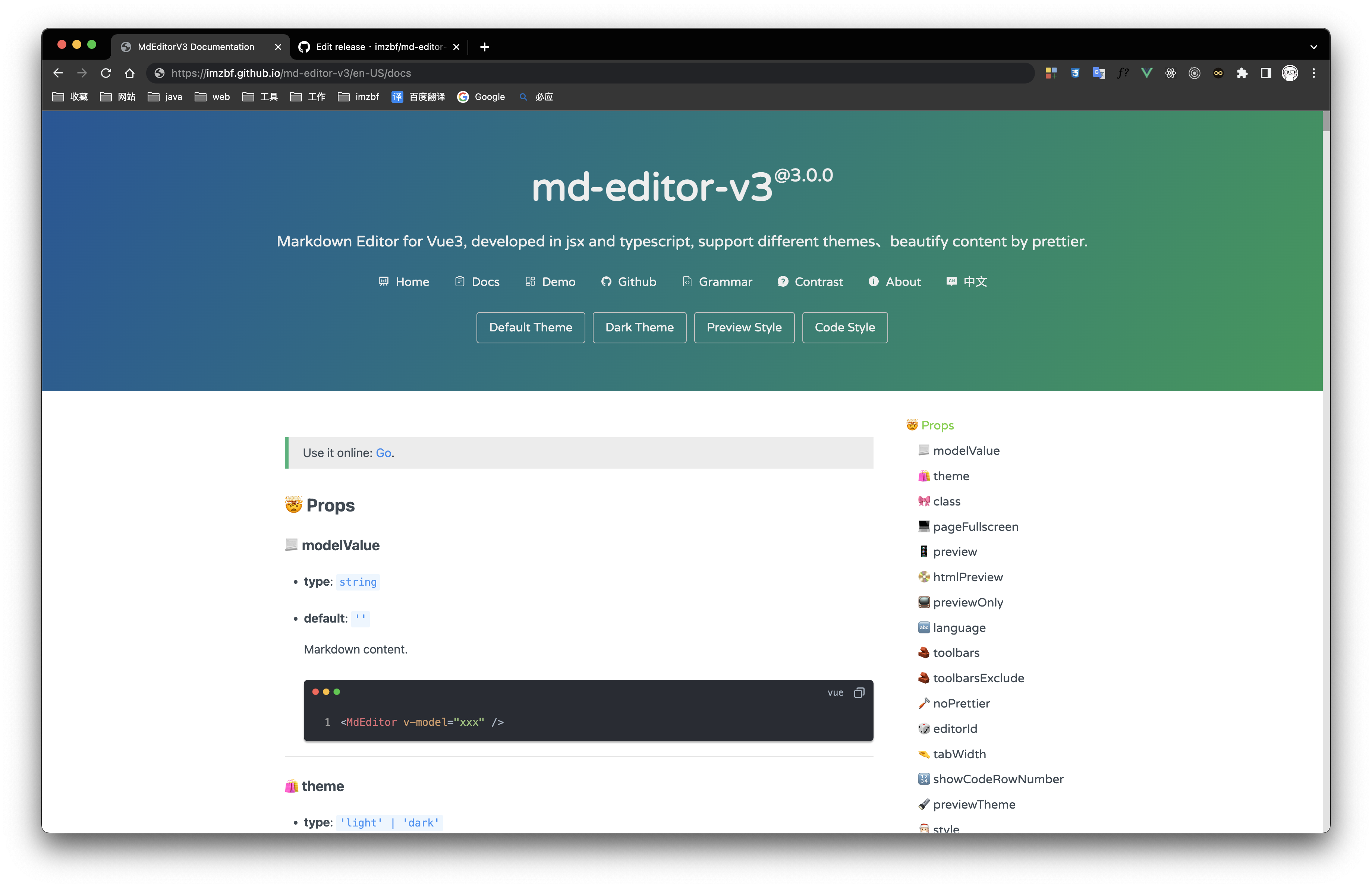 |
Inputing prompt and mark, emoji extensions
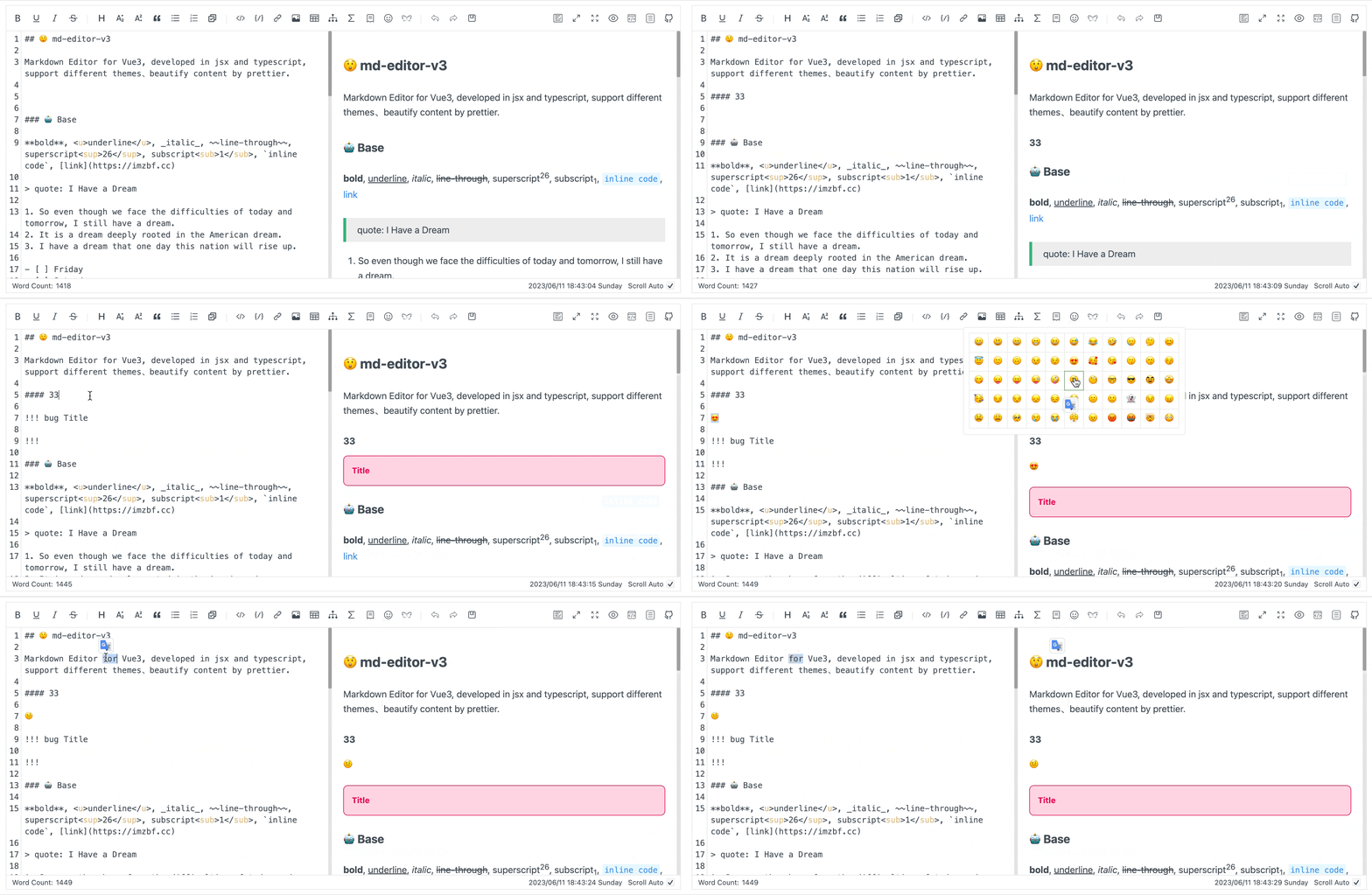
## 📦 Install
```shell
npm i md-editor-v3
```
Use existing extension of language and theme, such as Japanese
```shell
npm i @vavt/cm-extension
```
Use existing components of toolbar, such as exporting content as PDF
```shell
npm i @vavt/v3-extension
```
For more ways to use or contribute, please refer to: [md-editor-extension](https://github.com/imzbf/md-editor-extension)
## 💡 Usage
When using server-side rendering, make sure to set `id` to a constant value.
Starting from `4.0.0`, internal components can be imported on-demand.
### ✍🏻 Display Editor
```vue
<template>
<MdEditor v-model="text" />
</template>
<script setup>
import { ref } from 'vue';
import { MdEditor } from 'md-editor-v3';
import 'md-editor-v3/lib/style.css';
const text = ref('# Hello Editor');
</script>
```
### 📖 Preview Only
```vue
<template>
<MdPreview :id="id" :modelValue="text" />
<MdCatalog :editorId="id" :scrollElement="scrollElement" />
</template>
<script setup>
import { ref } from 'vue';
import { MdPreview, MdCatalog } from 'md-editor-v3';
import 'md-editor-v3/lib/preview.css';
const id = 'preview-only';
const text = ref('# Hello Editor');
const scrollElement = document.documentElement;
</script>
```
When using server-side rendering, `scrollElement` should be of string type, eg: `html`, `body`, `#id`, `.class`.
---
For more usage, please visit the [document](https://imzbf.github.io/md-editor-v3).
## 🏁 Contribute
### 🤝 Commit Convention (Release Aligned)
The release workflow in `.github/workflows/latest.yml` reads commit messages to build `CHANGELOG.md`.
- Format: `<type>(<scope>)!: <summary>`
- Recommended types:
- `feat`: goes to **Features**
- `refactor`: goes to **Refactors**
- `fix`: goes to **Fixed Bugs**
- other types: goes to **Others**
- Subject should describe the user-visible change/problem being solved, not only the mechanical action (e.g. avoid only writing `bump xxx`).
- Prefer adding commit body (`git cz` long description) to explain motivation and impact, especially for dependency upgrades.
- Do not use pure version subjects like `6.3.2` or `v6.3.2-beta.1` (ignored by release parser).
- `docs(changelog): ...` is reserved for the bot-generated changelog commit.
- If you add `#123` in subject/body, release automation will notify and close that issue after publishing. Only reference issue numbers that are truly resolved.
Examples:
```bash
git commit -m "feat(editor): support drag-sort toolbar items"
git commit -m "fix(preview): sync anchor when heading id contains emoji #1234"
git commit -m "fix(deps): bump @vavt/markdown-theme to fix mermaid overflow"
git commit -m "refactor(build): simplify dts rollup pipeline"
```