mapbox-gl-animated-popup
Version:
An animated popup component for Mapbox GL JS
112 lines (76 loc) • 4.34 kB
Markdown
# Mapbox GL JS Animated Popup
*An animated popup component for [Mapbox GL JS](https://github.com/mapbox/mapbox-gl-js)*
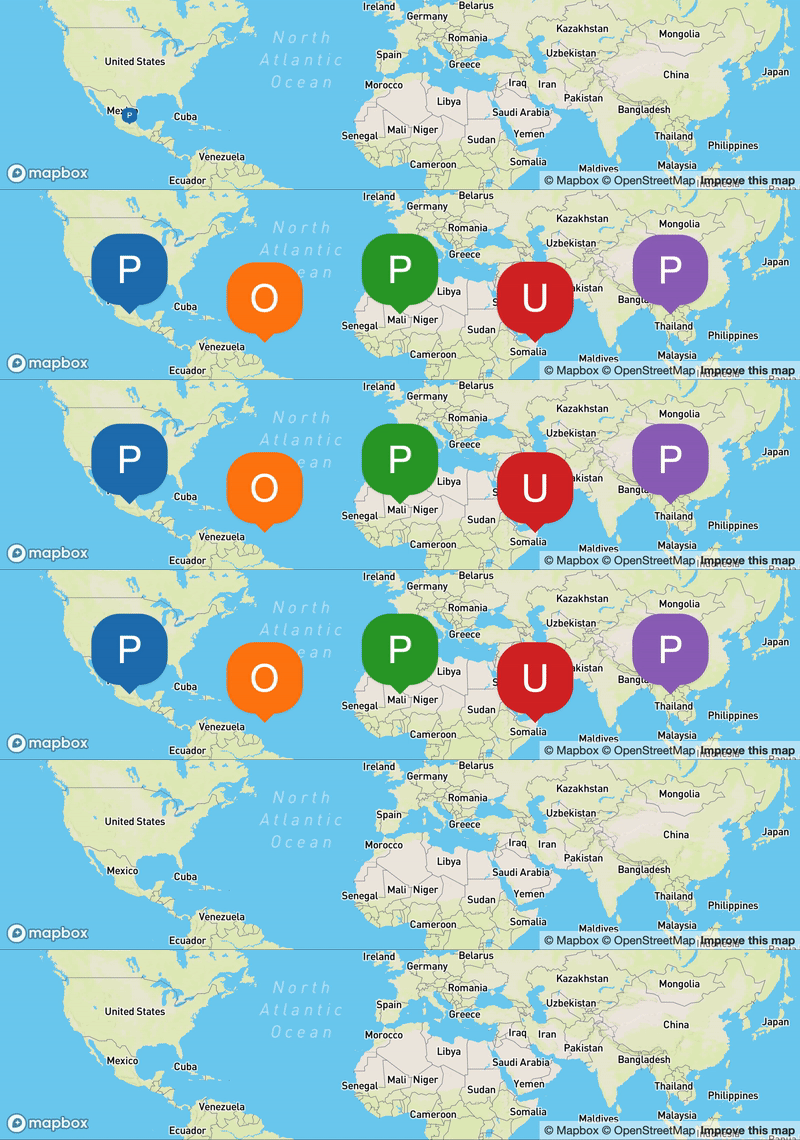
Version 0.4 requires Mapbox GL JS 0.48.0 or later. This component works on [browsers that support ES6](https://caniuse.com/es6).
## Installation
You can download the latest version of Mapbox GL JS Animated Popup from the [GitHub releases](https://github.com/nagix/mapbox-gl-animated-popup/releases/latest).
To install via npm:
```bash
npm install mapbox-gl-animated-popup --save
```
To use CDN:
```html
<script src="https://cdn.jsdelivr.net/npm/mapbox-gl-animated-popup@latest/dist/mapbox-gl-animated-popup.min.js"></script>
```
## Usage
Mapbox GL JS Animated Popup can be used with ES6 modules, plain JavaScript and module loaders.
Mapbox GL JS Animated Popup requires [Mapbox GL JS](https://github.com/mapbox/mapbox-gl-js). Include Mapbox GL JS and Mapbox GL JS Animated Popup to your page, then you can use the `AnimatedPopup` class, which extends Mapbox's [`Popup`](https://docs.mapbox.com/mapbox-gl-js/api/markers/#popup) class and supports a few options controlling popup animations.
```js
var popup = new AnimatedPopup({
openingAnimation: {
duration: 1000,
easing: 'easeOutElastic',
transform: 'scale'
},
closingAnimation: {
duration: 300,
easing: 'easeInBack',
transform: 'scale'
}
}).setLngLat([-96, 37.8]).setHTML('Hello World!').addTo(map);
```
### Usage in ES6 as module
Import the module as `AnimatedPopup`, and use it in the same way as described above.
```js
import AnimatedPopup from 'mapbox-gl-animated-popup';
```
## Samples
You can find interactive samples at [nagix.github.io/mapbox-gl-animated-popup](https://nagix.github.io/mapbox-gl-animated-popup).
## Configuration
In addition to the constructor options supported by [`Popup`](https://docs.mapbox.com/mapbox-gl-js/api/markers/#popup), `AnimatedPopup` supports the following options.
| Name | Type | Default | Description
| ---- | ---- | ------- | -----------
| **`options.openingAnimation`** | `object` | | Options controlling the opening animation.
| **`options.openingAnimation.duration`** | `number` | `1000` | The animation's duration, measured in milliseconds.
| **`options.openingAnimation.easing`** | `string` | `'easeOutElastic'` | The easing function name of the animation. See [https://easings.net](https://easings.net)
| **`options.openingAnimation.transform`** | <code>string | function</code> | `'scale'` | The transformation function to apply to the style. [more...](#transformation-function)
| **`options.closingAnimation`** | `object` | | Options controlling the closing animation.
| **`options.closingAnimation.duration`** | `number` | `300` | The animation's duration, measured in milliseconds.
| **`options.closingAnimation.easing`** | `string` | `'easeInBack'` | The easing function name of the animation. See [https://easings.net](https://easings.net)
| **`options.openingAnimation.transform`** | <code>string | function</code> | `'scale'` | The transformation function to apply to the style. [more...](#transformation-function)
### Transformation Function
This function is used to customize how the style properties are transitioned. The function receives 3 arguments:
- `style`: the [HTMLElement.style](https://developer.mozilla.org/en-US/docs/Web/API/HTMLElement/style) object of the popup container
- `value`: the value after the easing function is applied (between 0 and 1)
- `reverse`: If true, time is reversed (the popup is closing)
The following strings for the pre-defined functions can also be specified:
- `'scale'` (default)
- `'opacity'`
For example, the `'scale'` function is implemented as follows:
```js
function(style, value, reverse) {
style.transform = `scale(${reverse ? 1 - value : value})`;
}
```
## Building
You first need to install node dependencies (requires [Node.js](https://nodejs.org/)):
```bash
npm install
```
The following commands will then be available from the repository root:
```bash
npm run build # build dist files
npm run lint # perform code linting
```
## License
Mapbox GL JS Animated Popup is available under the [MIT license](https://opensource.org/licenses/MIT).